Clide
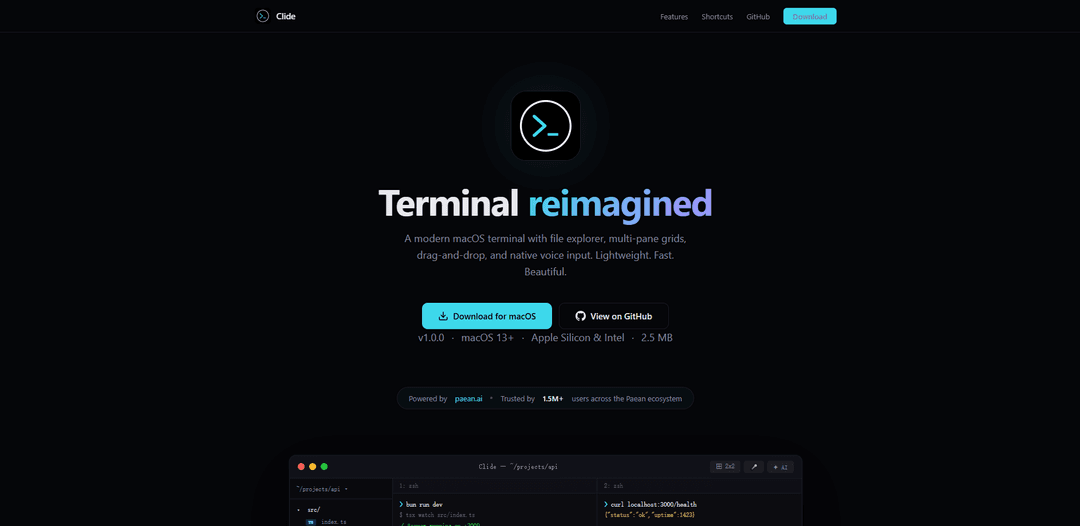
Clide is a modern macOS terminal application that reimagines the command-line experience with an integrated file explorer, multi-pane grid layouts, drag-and-drop functionality, native voice input, and AI-powered session summaries.
https://clide.app/?ref=producthunt
Product Information
Updated:Apr 16, 2026
What is Clide
Clide is a native macOS terminal application built with AppKit that offers a contemporary approach to command-line interfaces. Developed by A8E Group Ltd. as an internal productivity tool for shipping the PaeanAI product line, Clide combines traditional terminal functionality with modern features like a source-list file explorer sidebar, flexible split-pane layouts (from 1x1 to 6x6 grids), and intelligent AI summaries of terminal sessions. The application is lightweight at just 2.5 MB, supports both Apple Silicon and Intel processors, and requires macOS 13 or later. Unlike Electron-based alternatives, Clide is built as a true native macOS application, providing standard keyboard shortcuts, context menus, and system integration that feels natural to Mac users. It's trusted by over 1.5 million users across the Paean ecosystem and is available as an open-source project on GitHub under the OpenClide specification.
Key Features of Clide
Clide is a modern macOS terminal application that reimagines the command-line interface with enhanced productivity features. Built natively with AppKit (not Electron), it offers an integrated file explorer sidebar, flexible multi-pane grid layouts (up to 6x6), drag-and-drop functionality, and AI-powered session summaries that track terminal activity. The application includes native voice input using Apple's speech-to-text, multiple built-in themes with adaptive light/dark mode, and standard macOS keyboard shortcuts. Lightweight at just 2.5 MB, Clide is designed for developers who need a fast, beautiful terminal that combines traditional command-line power with modern interface conveniences.
AI Session Summaries: Automatically generates intelligent summaries of terminal activity, helping users review commands, catch errors, and quickly resume context after breaks. All processing is done locally for privacy and speed.
Multi-Pane Grid Layouts: Flexible split-pane system supporting grids from 1x1 to 6x6, allowing developers to run dev servers, tests, and git commands simultaneously with an interactive grid picker for easy rearrangement.
Integrated File Explorer: Full project tree displayed in a source-list sidebar with drag-and-drop support to insert file paths into commands, workspace switching, and toggleable left/right positioning.
Native Voice Input: Built-in speech-to-text using Apple's native recognition engine with hold-to-talk or toggle modes, configurable hotkeys, on-device processing, and support for multiple language presets.
Native macOS Integration: Built with AppKit for genuine macOS experience with standard keyboard shortcuts, context menus, Reveal in Finder, toolbar customization, and lightweight 2.5 MB footprint without Electron overhead.
Multiple Theme Presets: Ships with built-in themes including Midnight, Solarized, Nord, Dracula, Catppuccin, and Light mode, with adaptive light/dark mode switching and instant theme changes from Preferences.
Use Cases of Clide
Full-Stack Development Workflow: Developers can run frontend dev server in one pane, backend API in another, run tests in a third pane, and monitor git status in a fourth, all while using the file explorer to quickly navigate project structure and drag files into commands.
DevOps and System Administration: System administrators can monitor multiple servers simultaneously using split panes, use voice input for hands-free command execution during troubleshooting, and leverage AI summaries to document session activities for incident reports.
Code Review and Debugging Sessions: Engineers can use the file explorer to navigate codebases, run debugging commands in one pane while viewing logs in another, and use AI summaries to track the debugging process and share findings with team members.
Learning and Tutorial Creation: Educators and content creators can use voice input to narrate commands, demonstrate workflows across multiple panes, and use AI summaries to generate documentation or tutorial steps from their terminal sessions.
Remote Team Collaboration: Developers working on shared projects can use the workspace switching feature to manage multiple client projects, leverage AI summaries to create handoff notes, and use the native macOS integration for screen sharing during pair programming.
Pros
Extremely lightweight at 2.5 MB with native AppKit implementation, providing better performance and battery efficiency compared to Electron-based terminals
AI-powered session summaries provide intelligent context tracking and error detection without requiring manual note-taking
Comprehensive feature set combining file explorer, multi-pane layouts, voice input, and theming in a single integrated application
Built and used internally by the team shipping PaeanAI, ensuring real-world testing and continuous refinement by actual developers
Cons
macOS-only application (requires macOS 13+), limiting availability to Apple users and excluding Windows and Linux developers
Relatively new product (v1.0.0) which may have undiscovered bugs or missing features compared to mature alternatives like iTerm2 or Warp
AI summary feature processes locally which, while privacy-friendly, may have limitations compared to cloud-based AI analysis
Limited customization options compared to highly configurable terminals like Kitty or Alacritty that offer extensive configuration files
How to Use Clide
1: Download Clide for macOS from the official website (https://r.paean.ai/clide/Clide-macos.dmg). The application is compatible with macOS 13+ and supports both Apple Silicon and Intel processors.
2: Install Clide by opening the downloaded DMG file and dragging the application to your Applications folder.
3: Launch Clide from your Applications folder. The terminal will open with a clean, modern interface.
4: Open a project folder by pressing ⌘O or using the File menu. This will populate the file explorer sidebar with your project structure.
5: Toggle the file explorer sidebar on/off using ⌘B. You can drag files from the sidebar directly into the terminal to insert their paths.
6: Create split panes by clicking the grid icon (⊞) in the toolbar. Choose from flexible layouts ranging from 1x1 to 6x6 to run multiple terminal sessions side by side (e.g., dev server, tests, and git commands).
7: Use voice input by pressing ⌘⇧M to activate speech-to-text. You can use hold-to-talk or toggle mode. Press Esc to cancel voice input.
8: Paste images as file paths using ⌘⇧V instead of the standard paste command.
9: Access AI-generated session summaries by clicking the ✦ AI button. Clide automatically watches your terminal activity and generates concise summaries to help you review commands, catch errors, and resume context.
10: Customize your theme by going to Preferences. Choose from built-in themes like Midnight, Solarized, Nord, Dracula, Catppuccin, and Light mode.
11: Adjust font size using ⌘+ to increase or ⌘- to decrease.
12: Open a new window using ⌘N to work with multiple terminal instances simultaneously.
Clide FAQs
Clide is a modern macOS terminal application that reimagines the terminal experience with features like a built-in file explorer, multi-pane grid layouts, drag-and-drop functionality, native voice input, and AI-powered session summaries. It's built with AppKit (not Electron) and is designed to be lightweight, fast, and native to macOS.
Popular Articles

Vosko AI: Localize and Dub Videos for Global Audiences
Oct 14, 2026

Atoms: A Multi-Agent AI Platform That Transforms Ideas into Launch-Ready Products
Oct 13, 2026

Nano Banana SBTI: What It Is, How It Works, and How to Use It in 2026
Apr 15, 2026

Atoms Review — The AI Product Builder Redefining Digital Creation in 2026
Apr 10, 2026
Latest AI Tools Similar to Clide

Noiz
Noiz is an AI-powered video summarizer tool that transforms YouTube videos into concise summaries, transcripts, and key insights in 41 languages with just one click.
RollSummary
RollSummary is an AI-powered RPG session transcriber and summarizer that helps players and GMs capture, track and prepare their tabletop gaming sessions through automated transcription and smart summaries.
Long Summary
Long Summary is an AI-powered text summarization tool that enables users to generate summaries of any length without input or output limitations, offering custom-length summaries for various content types while maintaining information accuracy.
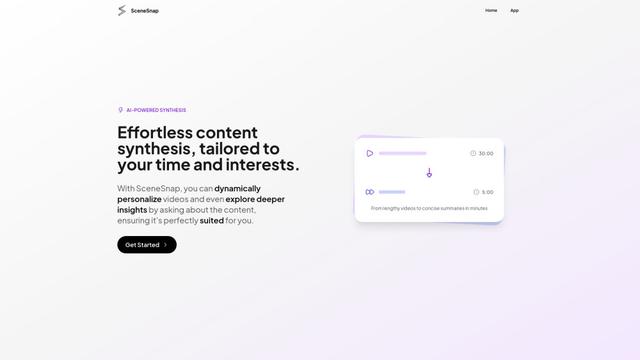
SceneSnap
SceneSnap is an AI-powered content synthesis platform that transforms lengthy videos into personalized, interactive summaries tailored to users' specific interests and time constraints.
Popular AI Tools Like Clide
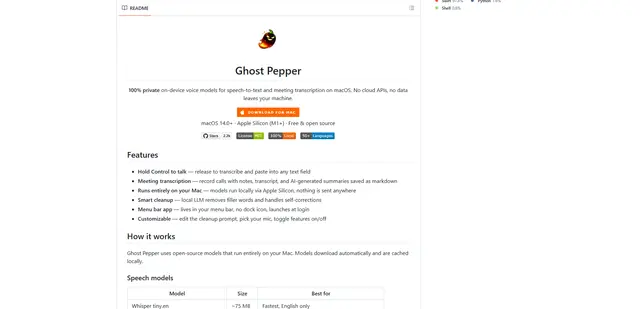
Ghost Pepper 🌶️
Ghost Pepper is a 100% local, privacy-focused speech-to-text and meeting transcription app for macOS that runs entirely on your Mac using open-source AI models, featuring hold-to-talk recording, intelligent text cleanup, and multi-language support without sending any data to the cloud.
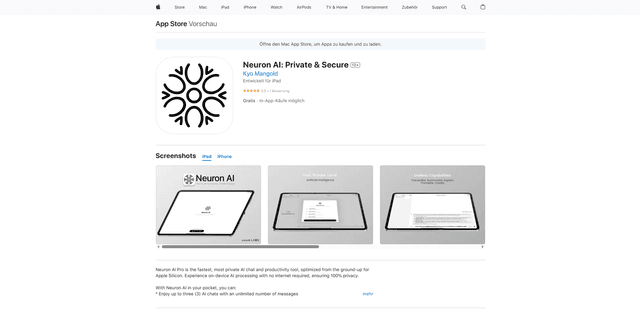
Neuron AI
Neuron AI is a private and secure AI chat and productivity tool optimized for Apple Silicon that runs completely on-device without requiring internet connection, ensuring 100% data privacy.
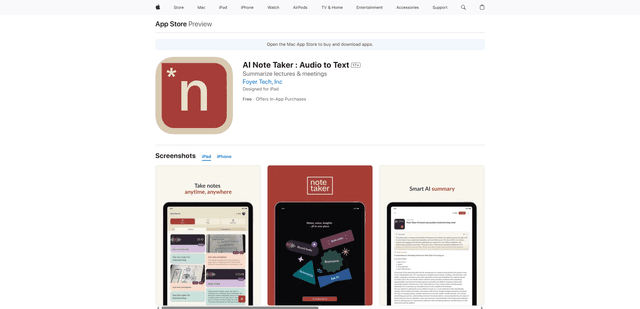
AI Note Taker : Audio to Text
AI Note Taker is an intelligent note-taking assistant that automatically converts audio/voice recordings into text transcriptions while providing AI-powered summaries and organization features for lectures, meetings, and conversations.
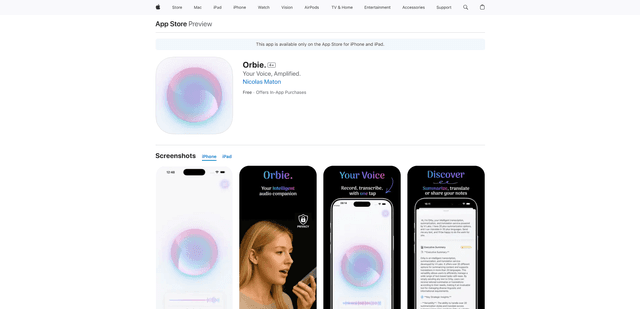
Orbie.
Orbie. is an intelligent audio companion app that transforms voice recordings into clear, shareable text with AI-powered transcription, summarization, and translation capabilities.