
Product Workbench for Claude Code
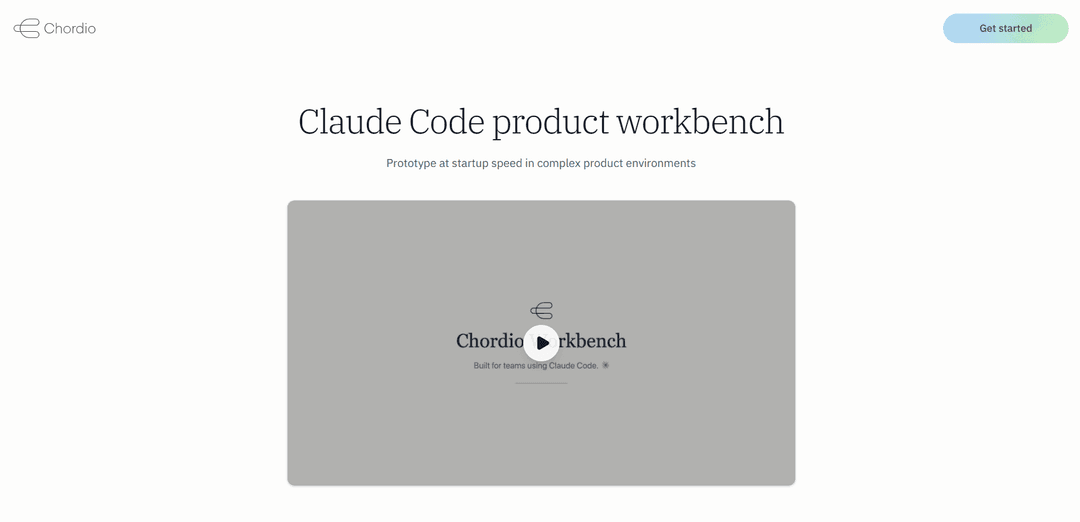
Chordio Workbench는 제품 관리자와 디자이너가 엔터프라이즈 보안 및 규정 준수 요구 사항을 유지하면서 무거운 설정 없이 기존 제품에서 직접 프로토타입을 제작할 수 있도록 지원하는 Claude Code 제품 작업 공간입니다.
https://chordio.com/?ref=producthunt&utm_source=aipure
제품 정보
업데이트됨:Mar 15, 2026
Product Workbench for Claude Code이란?
Claude Code용 Product Workbench는 AI를 활용하여 제품 개발을 원하는 엔터프라이즈 제품 관리자 및 디자이너를 위해 특별히 설계된 특수 작업 공간입니다. 기존 프로토타입 제작 도구와 달리 Claude Code와 직접 통합되고 사용자 자체 인프라에서 실행되므로 팀은 엄격한 보안 프로토콜을 유지하면서 기존 제품을 프로토타입하고 반복할 수 있습니다. 이 플랫폼은 데스크톱, 터미널 또는 Slack 인터페이스를 통해 액세스할 수 있는 Claude Code를 통해 작동하므로 복잡한 설정이나 타사 서비스가 필요하지 않습니다.
Product Workbench for Claude Code의 주요 기능
Chordio Workbench는 엔터프라이즈 제품 관리자 및 디자이너를 위해 설계된 Claude Code 제품 작업 공간으로, 무거운 설정 없이 기존 제품에서 직접 프로토타입을 제작할 수 있습니다. 제품의 프런트 엔드를 전용 리포지토리로 복제하고, AI 지원 워크플로를 위해 Claude Code와 통합하며, 타사 서버를 통해 데이터가 전달되지 않고 사용자의 사전 승인된 AI 코딩 에이전트를 통해 완전히 실행하여 보안을 유지합니다.
위험 없는 프로토타입 제작: 팀은 프로덕션 코드에 영향을 주지 않고 제품의 복제된 버전에서 프로토타입을 제작할 수 있으며, 모든 작업은 격리된 환경에서 수행됩니다.
엔터프라이즈 보안 통합: 외부 서버를 통해 데이터가 전달되지 않고 클라이언트 인프라에서 완전히 실행되며, 승인된 LLM 제공업체와 함께 온프레미스 배포를 지원합니다.
상황 인식 AI 지원: 제품, 비즈니스 및 팀 컨텍스트를 개발 프로세스에 도입하여 Claude가 실제 제약 조건을 고려하면서 솔루션을 탐색하도록 돕습니다.
완전한 워크플로 통합: 연구, 프로토타입 제작, 검토 및 이해 관계자 커뮤니케이션을 위한 도구를 제공하며, 모두 기존 팀 워크플로에 통합됩니다.
Product Workbench for Claude Code의 사용 사례
제품 개발 연구: 팀은 시장 조사를 분석하고, 라이브 페이지를 캡처하고, 새로운 기능 개발을 위해 이해 관계자 준비 프레젠테이션을 생성할 수 있습니다.
디자인 시스템 구현: 디자이너는 기존 디자인 시스템 및 기술적 제약 조건에 맞춰 새로운 기능을 프로토타입하고 테스트할 수 있습니다.
다중 팀 협업: 제품 관리자, 디자이너 및 개발자가 AI 지원을 통해 더 빠른 의사 결정 및 구현을 위해 함께 작업할 수 있습니다.
장점
온프레미스 배포 옵션을 갖춘 강력한 엔터프라이즈 보안 기능
기존 워크플로 및 도구와의 원활한 통합
추가 SaaS 플랫폼 또는 복잡한 설정이 필요 없음
단점
현재 유럽 지역에서 사용 가능성이 보류 중인 미국 지역으로 제한됨
기존 Claude Code 인프라 필요
엔터프라이즈 환경의 경우 상당한 초기 설정이 필요할 수 있음
Product Workbench for Claude Code 사용 방법
설치 및 설정: 제품의 프런트 엔드를 전용 워크벤치 저장소로 복제하여 시작합니다. 워크벤치는 이를 Claude Code가 사용할 수 있는 코드로 컴파일합니다.
새 프로젝트 생성: Claude Workbench를 열고 '새 프로젝트'를 클릭한 다음 프로젝트 이름(예: 'Python 데이터 분석')을 입력합니다.
설정 구성: 슬라이더 아이콘을 클릭하여 모델 유형, 온도 및 샘플링할 최대 토큰 수를 포함한 모델 설정을 검토하고 조정합니다.
프롬프트 입력: 'Human' 대화 상자에 프롬프트를 입력합니다. + 아이콘을 클릭하여 새 프롬프트를 만들거나 글머리 기호 목록 아이콘을 클릭하여 기존 프롬프트를 확인합니다.
코드 생성: '코드 가져오기' 버튼을 클릭하여 Python 및 TypeScript SDK를 사용하여 샘플 코드를 생성합니다.
응답 검토 및 저장: Claude의 응답은 기본적으로 저장되지 않습니다. 출력 하단의 '대화에 추가'를 클릭하여 유용한 응답을 대화에 수동으로 추가합니다.
반복 및 개선: 워크벤치를 사용하여 프로토타입을 제작하고, 검토하고, 이해 관계자와 소통합니다. 모든 변경 사항은 완전한 기록과 함께 Git에서 추적됩니다.
내보내기 및 배포: 최종 출력을 검사하고 수정할 수 있는 일반 HTML, CSS 및 자산으로 내보냅니다. 네트워크를 벗어나지 않고 인프라에 배포합니다.
Product Workbench for Claude Code 자주 묻는 질문
Chordio Workbench는 엔터프라이즈 팀의 제품 관리자와 디자이너를 위해 특별히 제작된 Claude Code 제품 작업 공간입니다. 연구, 프로토타입 제작, 검토 및 이해 관계자 커뮤니케이션을 위한 Claude 지원 워크플로를 제공합니다.




Product Workbench for Claude Code와(과) 유사한 최신 AI 도구
GPT Easy Web
GPT Easy Web은 사용자가 코딩 지식 없이 자연어 상호작용과 자동화 도구를 통해 웹사이트를 쉽게 구축, 사용자화 및 관리할 수 있도록 하는 사용자 친화적인 AI 기반 플랫폼입니다.
AI Website Tool
AI 웹사이트 도구는 몇 번의 클릭만으로 비즈니스 중심의 복사, 맞춤 비주얼 및 반응형 디자인을 자동으로 생성하여 몇 분 만에 전문 웹사이트를 만드는 AI 기반 웹사이트 빌더입니다.

Softgen
Softgen.ai는 사용자가 코딩 요구 사항 없이 아이디어를 기능적인 웹 애플리케이션으로 변환할 수 있도록 하는 AI 기반 풀스택 프로젝트 생성 플랫폼입니다.
Webifier
Webifier는 텍스트 프롬프트를 NextJS14, TailwindCSS 및 Shadcn 구성 요소를 사용하여 완전한 기능을 갖춘 React 랜딩 페이지로 변환하는 AI 기반 도구입니다.
Product Workbench for Claude Code와(과) 유사한 인기 AI 도구
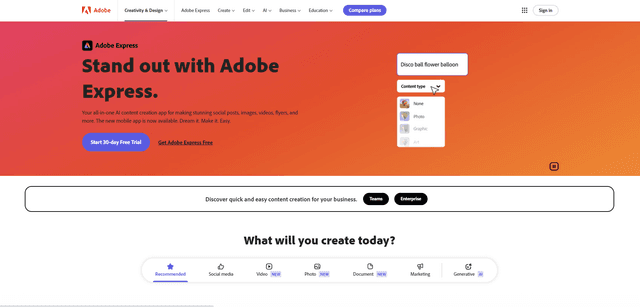
Adobe Express
Adobe Express는 전문적으로 디자인된 템플릿과 자산을 사용하여 멋진 소셜 게시물, 이미지, 비디오, 전단지 등을 쉽게 만들 수 있는 올인원 AI 기반 콘텐츠 제작 앱입니다.
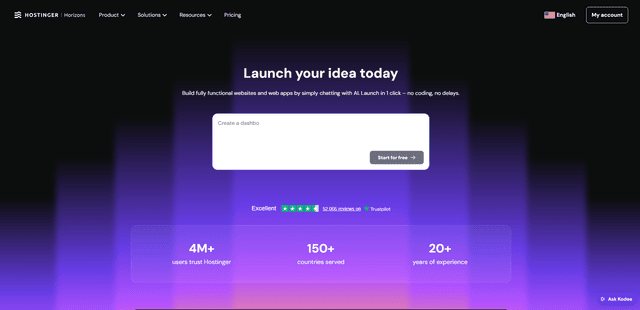
Hostinger
Hostinger는 간단한 채팅 인터페이스를 통해 코딩 없이도 누구나 사용자 지정 웹 앱과 웹사이트를 구축, 편집 및 게시할 수 있도록 지원하는 Horizons와 같은 AI 기반 도구를 제공하는 웹 호스팅 및 도메인 서비스 제공업체입니다.

GPT Engineer
GPT 엔지니어는 누구나 AI 엔지니어와 채팅하여 웹 애플리케이션을 구축할 수 있도록 하는 AI 기반 소프트웨어 개발 도구입니다.
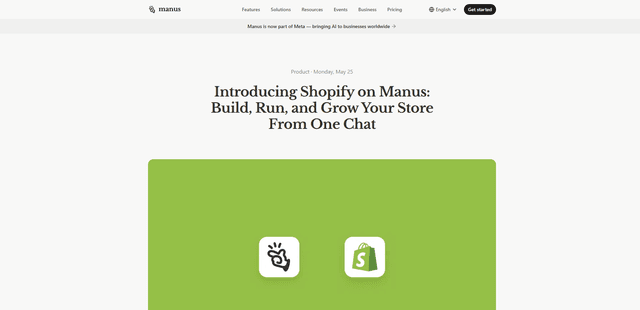
Manus Shopify Connector
Manus Shopify Connector를 사용하면 OAuth 범위 액세스 및 Shopify 결제를 통해 Shopify API를 사용하여 단일 채팅에서 Shopify 기반 상점 전면을 구축하고 카탈로그를 관리하며 데이터 기반 캠페인을 생성할 수 있습니다.