
Chinilla
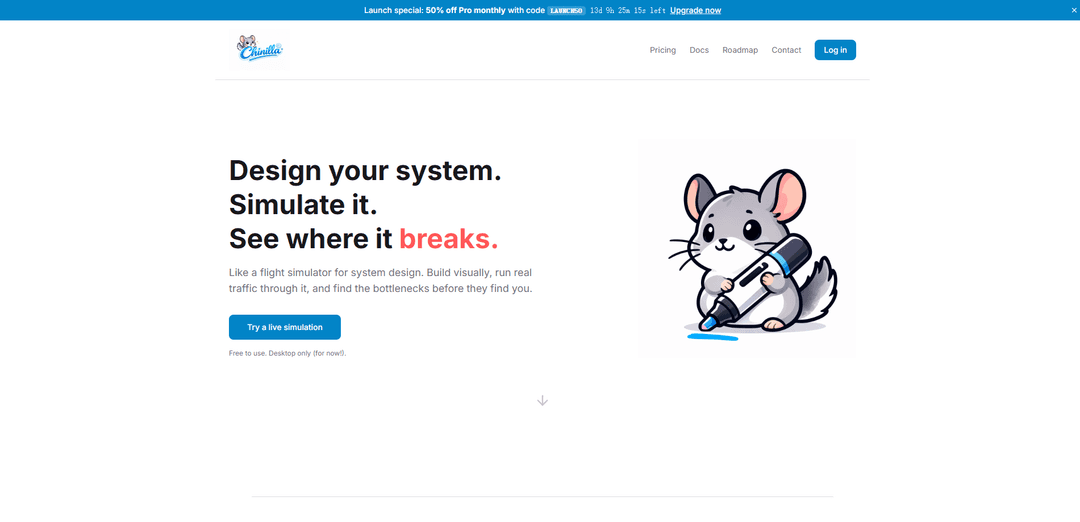
Chinilla is a visual system design and simulation platform that allows users to build, test, and optimize any system through drag-and-drop components, deterministic simulation, and AI-powered guidance.
https://chinilla.com/?ref=producthunt
Product Information
Updated:May 8, 2026
What is Chinilla
Chinilla is a comprehensive system design simulator that functions like a flight simulator for architects, engineers, and students learning system design. The platform enables users to visually design systems across any domain—from backend architectures to factories and hospitals—using seven universal building blocks. Users can wire components together, run realistic traffic simulations, and identify bottlenecks before they occur in production. With features like animated request flows, timeline scrubbing, AI-powered design assistance, and multiple export options (PNG, SVG, GIF, Python, Mermaid), Chinilla bridges the gap between conceptual design and practical implementation. The platform is free to use and currently available on desktop.
Key Features of Chinilla
Chinilla is a visual system design and simulation platform that allows users to design, simulate, and test any system architecture before implementation. It provides a drag-and-drop interface with 7 universal building blocks that can model systems across any domain - from backend infrastructure to kitchens, hospitals, and factories. The platform runs deterministic simulations with real traffic to reveal bottlenecks, queue buildups, and failure points. It includes AI-powered assistance that analyzes designs, explains issues, and suggests improvements. Users can export their designs in multiple formats (PNG, SVG, GIF, Python, Mermaid) and practice with 16 pre-built templates including classic system design interview problems.
Visual Design with Universal Components: Drag-and-drop interface with 7 universal blocks that can model any domain, featuring 12 behavior modes including queues, retry logic, and circuit breakers. Start from 16 templates or build from scratch.
Deterministic Simulation Engine: Run real traffic through your design with animated request flow and live statistics. Scrub through the timeline to inspect any moment, stress test with traffic spikes, and simulate outages to identify breaking points.
AI Design Partner: Integrated AI that reads your simulation, explains what went wrong, and guides you through fixes. Can convert code, papers, or specs into visual diagrams and generate PRD spec sheets from your designs.
Multi-Format Export: Export designs as PNG, SVG, animated GIF, Python code, or Mermaid diagrams. Publish live links for collaboration or save full project backups to continue work later.
System Design Interview Practice: 8 classic interview problems with fully wired templates including URL shorteners, chat apps, rate limiters, and CDNs. Features step-by-step lessons, AI critique, and completion badges.
Use Cases of Chinilla
Backend Architecture Planning: Software engineers can design and test distributed systems, microservices architectures, and API infrastructures before writing code, identifying performance bottlenecks and scalability issues through simulation.
System Design Interview Preparation: Job candidates can practice classic system design problems like URL shorteners, chat applications, and CDNs with realistic simulations, receiving AI feedback to improve their design thinking and problem-solving skills.
Technical Documentation: Teams can create visual system diagrams for documentation, README files, and presentations, exporting animated GIFs that show how systems behave under different conditions for clearer communication.
Operations Process Design: Operations managers can model non-technical systems like restaurant kitchens, hospital workflows, or factory production lines to optimize resource allocation and identify process inefficiencies.
Capacity Planning: DevOps and infrastructure teams can stress test proposed architectures with traffic spikes and failure scenarios to determine hardware requirements and plan for peak loads before deployment.
Educational Tool for System Design: Instructors and students can use the platform to learn system design principles through hands-on experimentation, with AI guidance explaining concepts and patterns in real-time.
Pros
Visual, code-free interface makes system design accessible to non-technical stakeholders and reduces learning curve
Deterministic simulation reveals problems before implementation, saving development time and resources
AI assistance provides educational value by explaining design decisions and suggesting improvements
Multi-format export options enable seamless integration with existing documentation and development workflows
Cons
Desktop-only availability limits accessibility for users who prefer mobile or tablet devices
Limited to 7 universal component types which may not capture highly specialized system behaviors
Free tier limitations may require paid upgrade for advanced features and full functionality
Simulation accuracy depends on how well the universal blocks can model real-world complexity
How to Use Chinilla
1: Access Chinilla on desktop - Navigate to chinilla.com on a desktop computer (mobile not currently supported). Sign up for a free account with no credit card required.
2: Choose your starting point - Either start from a blank canvas to design from scratch, select one of 16 pre-built templates (including URL shortener, chat app, rate limiter, CDN, etc.), or use Chinilla AI to generate a diagram by pasting code, papers, or specifications.
3: Design your system visually - Drag and drop from 7 universal component blocks that can model any domain (backends, kitchens, hospitals, factories). Wire components together by connecting them to define the flow of requests or traffic through your system.
4: Configure component behaviors - Set up each component with one of 12 behavior modes including queues, retry logic, circuit breakers, and other patterns. Adjust parameters to match your design requirements.
5: Run the simulation - Start the deterministic simulation to run traffic through your design. Watch animated request flows with live statistics showing how your system behaves in real-time.
6: Analyze and debug - Observe queues filling, requests dropping, and bottlenecks forming. Use the timeline scrubber to inspect any moment in the simulation. Check live stats to identify performance issues.
7: Stress test your design - Apply traffic spikes and simulate component outages to see how your system handles failure scenarios and high load conditions.
8: Get AI assistance - Use Chinilla AI to get explanations of what went wrong, receive suggestions for fixes, and learn system design patterns. The AI reads your simulation and provides context-aware guidance.
9: Iterate and improve - Make changes to your design by adding, removing, or rewiring components. Re-run simulations to see how modifications affect system behavior and performance.
10: Export and share - Export your design as PNG for documentation, SVG for crisp graphics, animated GIF to show system operation, Python or Mermaid code for implementation, or publish a live link for others to explore.
Chinilla FAQs
Chinilla is a visual system design and simulation tool that works like a flight simulator for system design. It allows you to build systems visually, run real traffic through them, and identify bottlenecks before they occur in production. It's free to use and currently available on desktop only.
Chinilla Video
Popular Articles

Vosko AI: Localize and Dub Videos for Global Audiences
Oct 15, 2026

Atoms: A Multi-Agent AI Platform That Transforms Ideas into Launch-Ready Products
Oct 13, 2026

Nano Banana SBTI: What It Is, How It Works, and How to Use It in 2026
Apr 15, 2026

Atoms Review — The AI Product Builder Redefining Digital Creation in 2026
Apr 10, 2026
Latest AI Tools Similar to Chinilla
draft1.ai
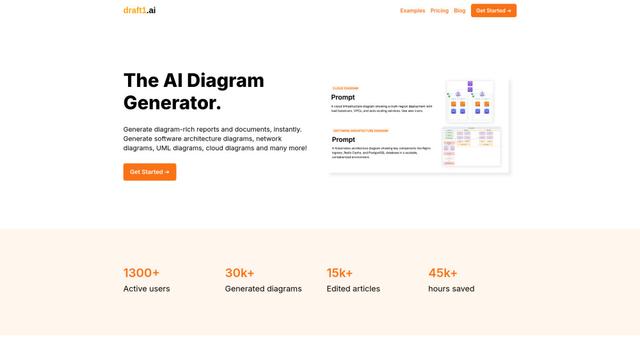
Draft1.ai is an AI-powered diagram generator that transforms text inputs into professional visual diagrams and documentation for various technical architectures, infrastructures, and systems.
Napkin
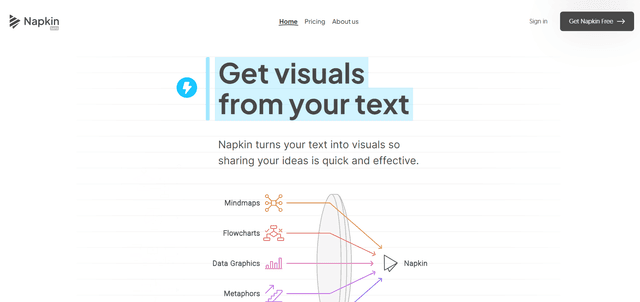
Napkin AI is an innovative AI-powered tool that automatically transforms text into visually appealing graphics, diagrams, and illustrations to enhance business communication and storytelling.
SuperStudentAI
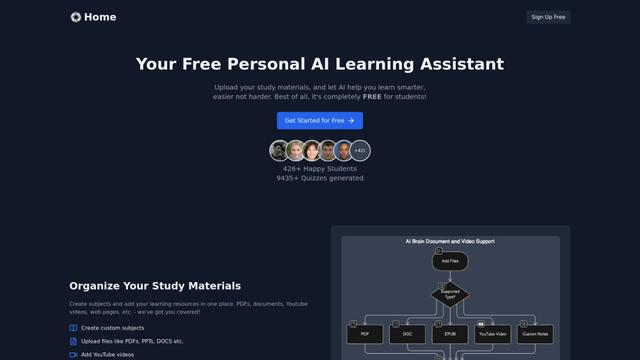
SuperStudentAI is a free AI-powered study assistant that helps students organize materials, generate quizzes, create diagrams, and chat with AI about their subjects.
Dezyn
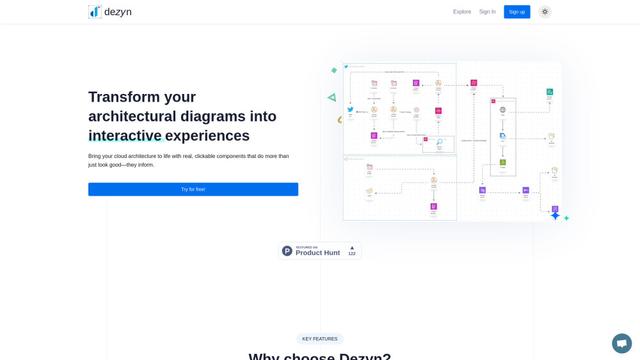
Dezyn is an innovative tool that transforms architectural diagrams into interactive experiences with real, clickable components for cloud architecture visualization.
Popular AI Tools Like Chinilla
Napkin
Napkin AI is an innovative AI-powered tool that automatically transforms text into visually appealing graphics, diagrams, and illustrations to enhance business communication and storytelling.
Venngage
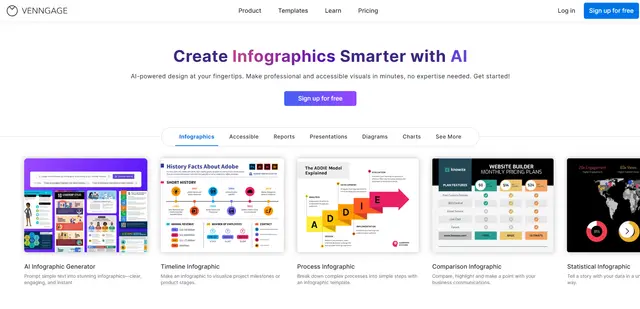
Venngage is an AI-powered design platform that enables users to create professional infographics, reports, presentations and visual content through customizable templates and intuitive tools, requiring no design expertise.
Mermaid Chart
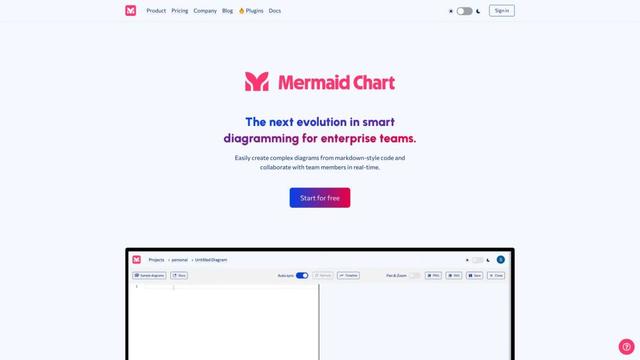
Mermaid Chart is a web-based diagramming and charting tool that allows users to create complex diagrams from markdown-style code and collaborate with team members in real-time.
Eraser
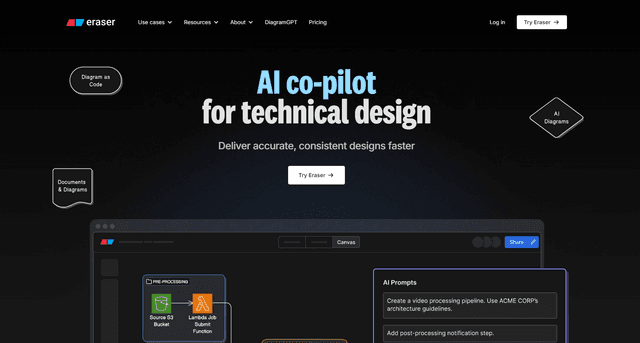
Eraser is an AI-powered docs and diagrams platform that enables engineering teams to create beautiful technical documentation and diagrams through an intuitive interface, keyboard-driven flows, markdown support, and diagram-as-code capabilities.