
CentryAI
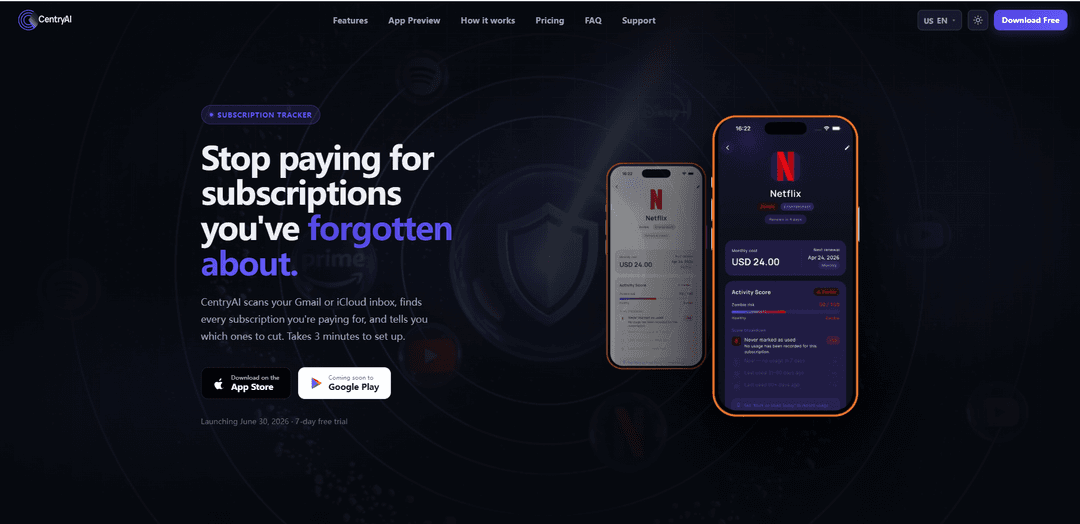
CentryAI is a subscription tracker that scans your Gmail or iCloud inbox to detect recurring subscriptions, flags “zombie” (unused) services with a score, and surfaces direct cancellation pages in one tap.
https://centryai.app/?ref=producthunt
Product Information
Updated:Jul 8, 2026
What is CentryAI
CentryAI is a mobile app for iOS and Android designed to help you stop paying for subscriptions you’ve forgotten about. Instead of relying on manual entry, it can automatically find subscription receipts and billing emails from your inbox, then organize them into a clear list showing price, renewal timing, and overall spending. It also adds a “zombie” risk concept to highlight subscriptions you may no longer use, making it easier to identify waste and take action quickly.
Key Features of CentryAI
CentryAI is a subscription tracker that automatically finds recurring subscriptions by scanning your Gmail or iCloud inbox (read-only), then organizes them into a clear list with prices and renewal dates. It highlights “zombie” subscriptions you likely forgot or haven’t used recently, shows spending analytics over time, and provides a one-tap “Cancel Finder” that opens the most direct cancellation path (link/phone/steps) for each service. It’s designed to help users quickly identify wasted spend without connecting to a bank account, with an emphasis on privacy (no personal email reading, no model training on your data, and email content not stored on servers).
AI inbox scanner (Gmail & iCloud): Connects with read-only access to scan for subscription receipts and billing emails, automatically surfacing recurring subscriptions—including older ones—without manual entry.
Zombie subscription detector: Assigns a “zombie score” based on how long it’s been since you used a service (with permission), helping prioritize cancellations of forgotten or unused subscriptions.
Unified subscription dashboard: Displays subscription name, price, renewal date, and risk/usage indicators in one place so you can understand what you’re paying for at a glance.
Spending analytics & trends: Shows monthly and annual spend by currency and compares past payments vs. upcoming charges, with selectable time windows (e.g., 1M, 3M, 6M, 1Y).
AI Cancel Finder (one-tap cancel path): Finds and opens the most direct cancellation route for each service (exact cancel page, phone number, or step-by-step instructions), reducing time spent hunting through support pages.
Renewal calendar & reminders: Tracks renewal dates and provides alerts/reminders (premium) so you can cancel or downgrade before charges hit.
Use Cases of CentryAI
Personal finance cleanup for individuals: Automatically discovers forgotten streaming, apps, and SaaS subscriptions and helps cancel them quickly to reduce monthly spend.
Students and early-career budgeting: Helps cost-conscious users identify small recurring charges (music, fitness, study tools) and prevent “subscription creep” when budgets are tight.
Family subscription management: Detects shared/family plans and can show split-cost services, helping households coordinate what to keep, share, or cancel.
Freelancers and solopreneurs tracking SaaS tools: Surfaces recurring software charges (design tools, cloud storage, productivity apps) and highlights underused tools to cut overhead.
Subscription audit before travel or major life events: Before moving, traveling, or changing jobs, users can run a quick audit to pause/cancel nonessential subscriptions and avoid paying while inactive.
Pros
Automated discovery via inbox scanning reduces manual work and finds subscriptions you may not remember.
Cancel Finder streamlines cancellations by linking directly to the right page or instructions.
No bank account connection required, and the product emphasizes read-only access and limited data use.
Clear visibility into renewals and spending trends helps prevent recurring-charge surprises.
Cons
Accuracy depends on email receipt detection; subscriptions without emailed receipts or with atypical billing emails may be missed.
Premium features (AI scanner, analytics, zombie detection, reminders) require a paid plan after the trial/free tier limits.
“Zombie” scoring relies on usage signals/permissions and may not perfectly reflect true value or offline usage of a service.
How to Use CentryAI
1) Install CentryAI and open the app: Download CentryAI (iOS or Android) and launch it to begin setup.
2) Start on the Free plan or begin the 7-day trial: You can start free (track up to 3 subscriptions) or start the included 7-day free trial to access Pro features like the AI email scanner, spending analytics, zombie detection, and the AI cancel finder.
3) Connect your inbox (optional but recommended): Link Gmail or iCloud with read-only access so CentryAI can scan for subscription receipts and billing emails. The scan is designed to complete quickly (often under 60 seconds).
4) Let CentryAI scan for subscription receipts: CentryAI automatically detects subscriptions from your inbox (including older receipts) and builds a list of recurring services you’re paying for.
5) Review your subscription list: Browse the detected subscriptions and check key details like service name, price, and renewal date. If needed, add or edit subscriptions manually.
6) Check zombie scores (Pro feature): Use the zombie detector to see which subscriptions you likely aren’t using. Higher zombie scores indicate subscriptions that may be wasting money.
7) Use the spending dashboard (Pro feature): Open the spending dashboard to view monthly and annual spend by currency, and compare past payments vs upcoming charges. Switch time ranges (e.g., 1M, 3M, 6M, 1Y) to spot trends.
8) Set up renewal tracking and reminders: Use the renewal calendar to see upcoming renewals. Enable email reminders (Pro feature) so you get notified before charges hit.
9) Cancel unwanted subscriptions using Cancel Finder (Pro feature): Tap a subscription and use Cancel Finder to open the direct cancellation page (or the fastest cancellation path, such as a phone number or step-by-step instructions).
10) Re-check your list after cancellations: After cancelling, revisit your subscription list and dashboard to confirm what’s still active and to see how your monthly/annual spend changes.
CentryAI FAQs
CentryAI is a subscription tracker that scans your Gmail or iCloud inbox to find subscriptions you’re paying for, highlights potentially unused “zombie” subscriptions, and helps you quickly get to the right cancellation page.
Popular Articles

Proferex: A Cloud-Based Ad Tracking and Campaign Optimization Platform
Nov 4, 2026

How to Create Viral Talking Baby Podcast Videos with AI: Step-by-Step Guide
Nov 2, 2026

Vosko AI: Localize and Dub Videos for Global Audiences
Oct 15, 2026

Atoms: A Multi-Agent AI Platform That Transforms Ideas into Launch-Ready Products
Oct 13, 2026
Latest AI Tools Similar to CentryAI
MultipleWords
MultipleWords is a comprehensive AI platform offering 16 powerful tools for content creation and manipulation across audio, video, and image editing with cross-platform accessibility.
Athena AI
Athena AI is a versatile AI-powered platform offering personalized study assistance, business solutions, and life coaching through features like document analysis, quiz generation, flashcards, and interactive chat capabilities.

Taidai.io
Taidai.io is an AI-powered tool that automatically converts notes, emails, and text content into actionable todo lists.

Repliio
Repliio is an AI-powered email assistant Chrome extension that helps users generate professional, context-aware email responses quickly with customizable tones and multi-language support.
Popular AI Tools Like CentryAI
Microsoft Excel: Spreadsheets
Microsoft Excel is the industry-leading spreadsheet software that allows users to organize, analyze, and visualize data through powerful features like formulas, charts, and AI-powered insights.
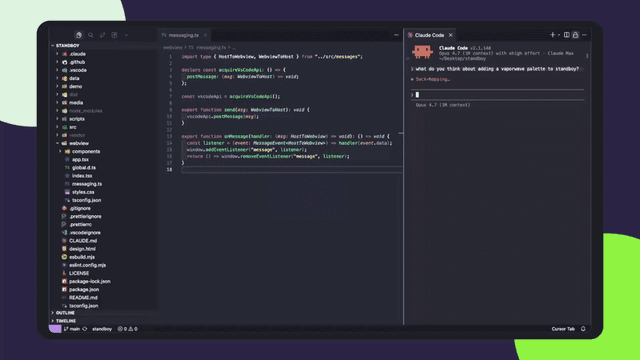
Standboy
Standboy is a VS Code/Cursor extension that auto-expands a Game Boy (GB/GBC/GBA) emulator in the sidebar during AI agent activity, then auto-hides and pauses—resuming mid-frame next time—while keeping a persistent ROM library, saves, and cover art.
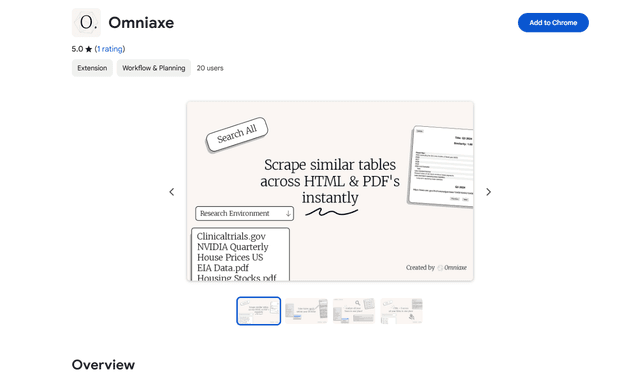
Omniaxe
Omniaxe is an all-in-one Chrome extension research tool that combines seamless data extraction, AI-powered analysis, and centralized note-taking capabilities designed specifically for analysts, researchers and students.
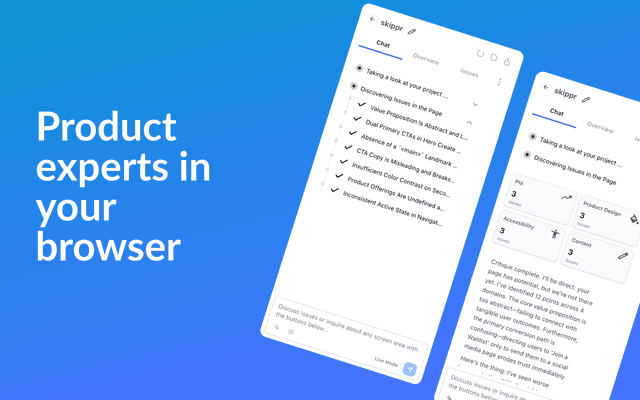
Finesse by Skippr AI
Finesse by Skippr AI is a browser extension that provides instant, expert-level product feedback and critiques across design, content strategy, accessibility, and product direction through specialized AI reviewers.