
CalendarPipe
CalendarPipe is a smart calendar synchronization tool that automatically syncs events between multiple calendars with customizable rules, requiring no installation from recipients and offering both a visual builder for non-developers and API access for developers.
https://www.calendarpipe.com/?ref=producthunt

Product Information
Updated:May 8, 2026
What is CalendarPipe
CalendarPipe is an indie-built calendar synchronization platform designed to solve the common problem of calendars that don't communicate with each other. Built in Prague by Jakub Beneš and Tomáš Růžička, the tool emerged from a personal need to automatically sync family calendar events to work calendars without manual intervention. CalendarPipe works with Google Calendar, Outlook, Apple Calendar, and ICS feeds, allowing users to create custom sync rules that automatically copy and transform events between different calendars. The platform is designed for ease of use, requiring just two minutes to set up with no credit card needed for the free plan, while also offering powerful API capabilities for developers and AI agents that need calendar functionality.
Key Features of CalendarPipe
CalendarPipe is a smart calendar synchronization tool that automatically syncs events between multiple calendars using customizable rules. Built by indie developers in Prague, it allows users to create 'pipes' that copy, transform, and deliver calendar events across different calendar platforms (Google Calendar, Outlook, Apple Calendar, ICS feeds) without requiring recipients to have accounts. The service offers both a visual builder and code editor for creating sync rules, features AI-powered rule generation, and includes an API for developers to give AI agents their own calendars. It prioritizes privacy by never storing user passwords or calendar data, executing rules in sandboxed environments, and offering invitation-based delivery that works even behind corporate firewalls.
Automatic Calendar Synchronization: Automatically copies events from one calendar to another based on customizable rules, with sync intervals as fast as 5 minutes on Pro plans, ensuring calendars stay up-to-date without manual effort.
No-Account-Required Sharing: Syncs events to recipients as standard email calendar invitations, eliminating the need for them to install apps, create accounts, or grant permissions—works behind corporate firewalls too.
Flexible Rule Builder: Offers a visual builder, templates, and code editor for creating custom sync rules, with AI-powered rule generation on Pro plans to transform and filter events based on specific criteria like tags or keywords.
Developer-Friendly API: Provides API access for developers to create hosted calendars with real email addresses for AI agents, enabling programmatic meeting scheduling with just three API calls and automatic notification handling.
Multi-Platform Compatibility: Works seamlessly with Google Calendar, Outlook, Apple Calendar, and ICS feeds, allowing users to sync across different calendar ecosystems without platform limitations.
Privacy-First Architecture: Never stores user passwords or calendar data, executes rules in sandboxed environments with zero network access, and uses OAuth tokens for authentication to ensure maximum data security.
Use Cases of CalendarPipe
Work-Life Balance Management: Automatically sync family calendar events (like pediatrician appointments, school plays, or kid duty) to work calendars to prevent double-booking and ensure personal commitments are visible during work scheduling.
AI Agent Meeting Scheduling: Developers can give AI agents their own hosted calendars to schedule meetings and send real email invitations to attendees without requiring access to users' personal calendar credentials.
Team Coordination Across Organizations: Share availability or out-of-office events (like team retreats) with external partners or family members by automatically transforming and syncing relevant events without exposing full calendar details.
Multi-Calendar Consolidation: Professionals managing multiple calendars (personal, work, side projects) can create rules to consolidate important events into a master calendar, filtering by tags, keywords, or other criteria.
Corporate Firewall-Friendly Sharing: Organizations with strict IT policies can still share calendar events with external parties using invitation-based delivery that works through email, bypassing third-party OAuth restrictions.
Pros
Extremely affordable pricing at $4/month for Pro plan with unlimited connections and rules, compared to competitors charging $10+/month
Free forever plan available with 2 calendar connections and 1 sync rule, requiring no credit card for signup
Strong privacy and security with no storage of passwords or calendar data, sandboxed execution, and OAuth-only authentication
Recipients don't need accounts or app installations—events arrive as standard email invitations that work with any calendar app
Cons
Free plan limited to only 2 calendar connections and 1 sync rule, which may be restrictive for users with complex calendar needs
15-minute sync interval on free plan may be too slow for time-sensitive scheduling scenarios
Relatively new product built by indie developers, which may have less established support infrastructure compared to enterprise solutions
Advanced features like AI-powered rule generation and API access require paid Pro subscription
How to Use CalendarPipe
1. Sign up for CalendarPipe: Go to calendarpipe.com and click 'Get Started' or 'Start Piping'. No credit card required for the free plan. Setup takes approximately 2 minutes.
2. Connect your source calendar: Authenticate directly with your calendar provider (Google Calendar, Outlook, Apple Calendar, or ICS feeds). CalendarPipe uses OAuth tokens and never stores your password or credentials.
3. Connect your destination calendar: Add the target calendar where you want events to be synced. This could be your work calendar, family calendar, or any other calendar you use.
4. Create a sync rule (pipe): Use the visual builder to set up your sync rule. Define which events should be synced based on criteria like event titles, tags, or other properties. For example, sync events tagged with 'J' from family calendar to work calendar.
5. Configure event transformation (optional): Customize how events appear in the destination calendar. You can transform event titles (e.g., 'Team Retreat: Barcelona' becomes 'Away for work'), adjust descriptions, or modify other event properties.
6. Set sync interval: Choose your sync frequency. Free plan offers 15-minute intervals, Pro plan offers 5-minute intervals for near real-time syncing.
7. Test your pipe: Use the visual builder to see results instantly. Add a test event to your source calendar and verify it syncs correctly to your destination calendar.
8. Enable the pipe: Activate your pipe to start automatic syncing. Events will now flow from your source calendar to destination calendar based on your rules, with no manual intervention needed.
CalendarPipe FAQs
CalendarPipe is a calendar sync tool that automatically synchronizes events between different calendars. It allows you to set up rules to copy events from one calendar (like a family calendar) to another (like a work calendar) automatically, preventing double-booking and ensuring you never miss important commitments.
Popular Articles

Vosko AI: Localize and Dub Videos for Global Audiences
Oct 15, 2026

Atoms: A Multi-Agent AI Platform That Transforms Ideas into Launch-Ready Products
Oct 13, 2026

Nano Banana SBTI: What It Is, How It Works, and How to Use It in 2026
Apr 15, 2026

Atoms Review — The AI Product Builder Redefining Digital Creation in 2026
Apr 10, 2026
Latest AI Tools Similar to CalendarPipe
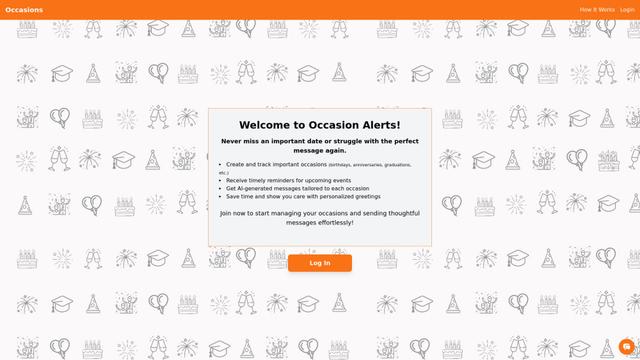
Occasion Alerts
Occasion Alerts is an automated notification system that helps users stay informed about upcoming events, special occasions, and opportunities by sending customized alerts based on their preferences and interests.
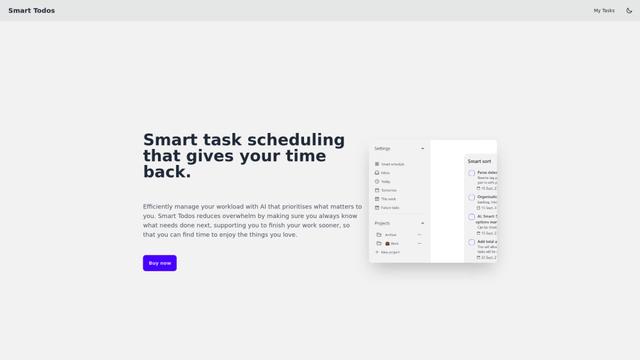
Smart Todos
Smart Todos is an AI-powered task management application that helps users efficiently organize, prioritize and schedule their workload through smart sorting algorithms.

Aivira
Aivira is an AI-powered receptionist service that answers calls, schedules appointments, and drives revenue for businesses across multiple industries, with a special focus on automotive dealerships.
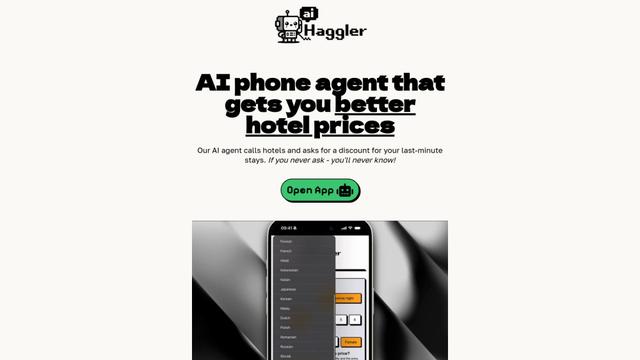
AI Haggler
AI Haggler is an AI-powered phone agent that calls hotels to negotiate discounts for last-minute stays on behalf of users.
Popular AI Tools Like CalendarPipe
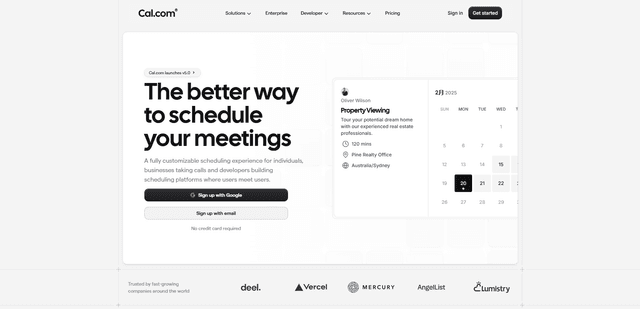
Cal.com
Cal.com is an open-source scheduling infrastructure platform that enables users to manage bookings, connect calendars, and schedule meetings efficiently while offering customization options and self-hosting capabilities.

Reclaim AI
Reclaim AI is a smart scheduling assistant that uses AI to automatically optimize your calendar, tasks, and habits to boost productivity and work-life balance.
Carepatron
Carepatron is a comprehensive practice management software designed for healthcare professionals to streamline their workflow and enhance patient care.
SocialBee
SocialBee is an AI-powered social media management platform that enables users to create, schedule, publish, analyze, and engage with content across multiple social networks from a single dashboard.