
BrowserOS neo
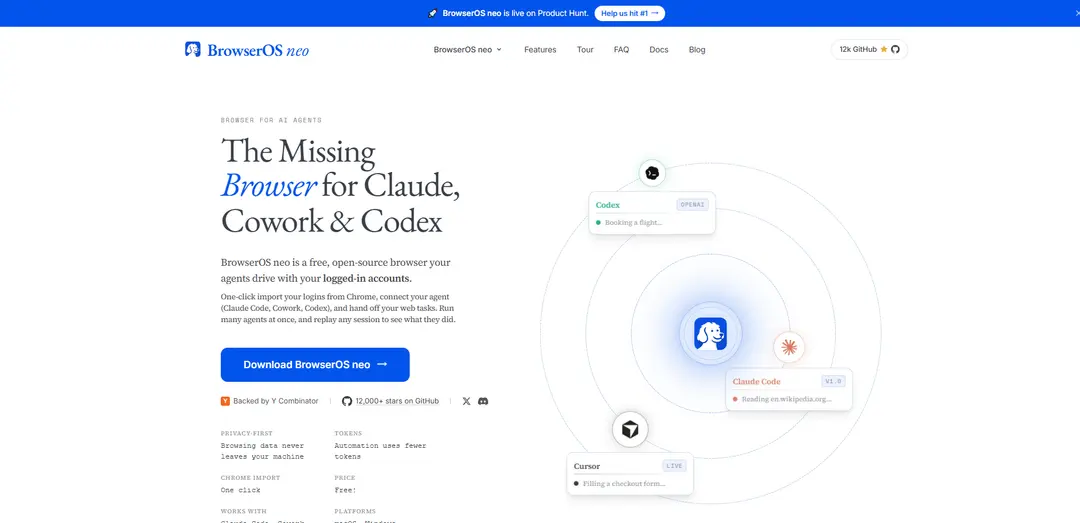
BrowserOS neo is a free, open-source local browser that lets MCP-compatible AI agents drive your real logged-in accounts in parallel tabs, with live monitoring and session replay for auditability and trust.
https://www.browseros.com/neo/?ref=producthunt
Product Information
Updated:Aug 14, 2026
What is BrowserOS neo
BrowserOS neo (formerly BrowserClaw) is a “second browser” designed specifically for AI agents like Claude Code, Cowork, Codex, and Cursor to perform real web tasks using your existing signed-in sessions. Unlike typical agent tooling that relies on headless automation or cloud browsers, neo runs entirely on your own machine (127.0.0.1), keeps browsing data local, and is built so you can watch what the agent is doing step-by-step. It’s available for macOS and Windows, supports one-click import of logins from Chrome, and is free and open source under the AGPL-3.0 license (you bring your own AI provider keys).
Key Features of BrowserOS neo
BrowserOS neo is a free, open-source “second browser” designed specifically for AI agents to drive using your existing logged-in accounts. It runs locally on your machine (not headless and not cloud-hosted), lets multiple agents work in parallel in their own tabs without interrupting your active browsing, and provides strong auditability via live viewing, action logs, and replayable sessions. It connects to tools like Claude Code, Codex, Cursor, and other MCP-compatible agents, and can import Chrome logins in one click while aiming to reduce automation token usage through compact page snapshots and batched actions.
Agent-driven browser with real logins: Agents operate inside a full local browser profile that can import your Chrome logins, enabling real authenticated work (e.g., Gmail, GitHub) instead of a fresh headless session with no state.
Local-first privacy and data ownership: Runs on your machine (127.0.0.1); session history, screenshots, replays, and settings are stored as local files, not sent to a vendor dashboard.
Watch, rewind, and audit agent actions: You can observe an agent’s steps live and later replay sessions (scrubbable “video” style) with actions logged for verification and troubleshooting.
Parallel agents in isolated tabs: Multiple agents can run at once, each working in its own tabs, so you can delegate several web tasks concurrently while keeping your main browsing uninterrupted.
MCP connectivity with popular agent tools: Connects via MCP (Model Context Protocol) and is positioned to work with Claude Code, Codex, Cursor, Cowork, and other MCP-speaking agents with minimal setup.
Lower-token automation workflow: Uses compact page snapshots and batches actions to reduce round trips and token usage compared with sending raw HTML back and forth.
Use Cases of BrowserOS neo
Engineering & DevOps: authenticated web operations: Let an agent handle logged-in workflows like checking GitHub issues/PRs, updating CI dashboards, or gathering release notes from internal tools while you review the replay for correctness.
Sales & recruiting: CRM and outreach admin: Agents can operate inside signed-in web apps to research leads, update records, or draft/send follow-ups—useful when APIs are limited and actions must happen behind login.
Operations: inbox and account hygiene: Run tasks like unsubscribing from emails, cleaning up web accounts, or updating settings across services that require interactive clicks and authenticated sessions.
Travel & procurement: bookings and comparison workflows: Agents can search, compare, and fill forms for bookings or purchases in parallel tabs, while you monitor steps and confirm before submission.
Customer support: reproducing and documenting issues: An agent can navigate through a product’s web UI to reproduce a user-reported issue and produce a replayable session trail that support teams can review and share internally.
Research & analysis: multi-site investigation behind sign-in: When key information sits behind authenticated portals, agents can collect and summarize findings across multiple sites concurrently, with audit logs to validate sources and actions.
Pros
Uses your real logged-in browser state locally, enabling practical automation for tasks that require authentication.
Strong transparency: live viewing plus replay and on-disk logs make agent behavior easier to trust and debug.
Parallel agent execution in separate tabs improves throughput without disrupting your active browsing.
Free and open source (AGPL-3.0) and works with many tools via MCP.
Cons
Because it uses real accounts and sessions, mistakes can have real consequences (e.g., unintended submissions), so oversight/approval is important.
Currently limited to macOS and Windows (no Linux mentioned in the provided sources).
Per-agent profile isolation is not fully available yet (noted as on the roadmap), which may matter for separating identities/work contexts.
How to Use BrowserOS neo
1) Download and install BrowserOS neo: Go to https://www.browseros.com/neo/ and download the BrowserOS neo installer for your OS (macOS or Windows). Install it like a normal desktop browser.
2) Launch BrowserOS neo for the first time: Open BrowserOS neo after installation. It runs locally on your machine and is intended to be a secondary browser dedicated to AI agents (not necessarily your daily Chrome replacement).
3) Import your Chrome data (logins/bookmarks/passwords) in one click: In BrowserOS neo, open the Chrome import flow (the product supports one-click Chrome import). A common path is to navigate to chrome://settings/importData and import bookmarks, passwords, and settings so the agent can use your logged-in accounts.
4) Open the new-tab dashboard to see agent controls: Open a new tab in BrowserOS neo. The new-tab page acts like a dashboard showing connected agents and active sessions, and it’s where you can watch what agents are doing in real time.
5) Connect your AI agent via MCP (one-click where available): From the BrowserOS neo MCP install/connection board, click “Connect” for the agent you use (e.g., Claude Code, Cursor, Codex, Cowork). BrowserOS neo is powered by MCP, so any MCP-capable agent can connect (some connect via one-click install; others can connect via a URL).
6) Verify the agent can drive BrowserOS neo: After connecting, confirm your agent recognizes BrowserOS neo as an available tool/browser. BrowserOS neo should be able to open its own tabs and navigate using your imported/logged-in sessions.
7) Give the agent a web task from your agent environment: In your agent (Claude Code/Cursor/Codex/Cowork), describe the task in plain language (e.g., “Check my inbox and summarize important threads,” “Unsubscribe from newsletters,” “Find apartments and compile a list”). When the task needs the web, the agent will use BrowserOS neo.
8) Watch the agent work in parallel (in its own tabs): In BrowserOS neo, the agent opens and uses its own tabs so it won’t interfere with the tabs you’re actively using. You can keep working while the agent navigates, clicks, types, and submits forms in its own workspace.
9) Run multiple agents at once (optional): Start additional tasks from other connected agents. BrowserOS neo supports parallel work: each agent operates in its own set of tabs so you can run multiple web automations simultaneously.
10) Review actions live and audit afterward with replay: Use the BrowserOS neo dashboard to observe each step as it happens. When finished, replay the saved session to verify what the agent did and spot any mistakes; actions are logged and sessions are replayable.
11) Iterate instructions if something goes wrong: If the agent takes a wrong turn, use the replay to identify where it diverged, then re-run the task with clearer instructions (e.g., specify which account, which filters, which buttons/criteria).
12) Understand where your data lives (privacy-first): BrowserOS neo runs locally; your logins remain in the browser profile like any Chromium-based browser. Session history, screenshots, and replays are stored as local files on your machine (the sources mention storage under ~/.browserclaw/ and that nothing is sent to a vendor dashboard).
BrowserOS neo FAQs
BrowserOS neo is a free, open-source browser that AI agents can drive using your logged-in accounts. Agents open their own tabs inside neo, and you can watch, approve, and audit their steps from a dashboard on the new-tab page.
BrowserOS neo Video
Popular Articles

How to Create Viral Talking Baby Podcast Videos with AI: Step-by-Step Guide
Nov 2, 2026

Proferex: A Cloud-Based Ad Tracking and Campaign Optimization Platform
Nov 2, 2026

Vosko AI: Localize and Dub Videos for Global Audiences
Oct 15, 2026

Atoms: A Multi-Agent AI Platform That Transforms Ideas into Launch-Ready Products
Oct 13, 2026
Latest AI Tools Similar to BrowserOS neo

Hapticlabs
Hapticlabs is a no-code toolkit that enables designers, developers and researchers to easily design, prototype and deploy immersive haptic interactions across devices without coding.
Deployo.ai
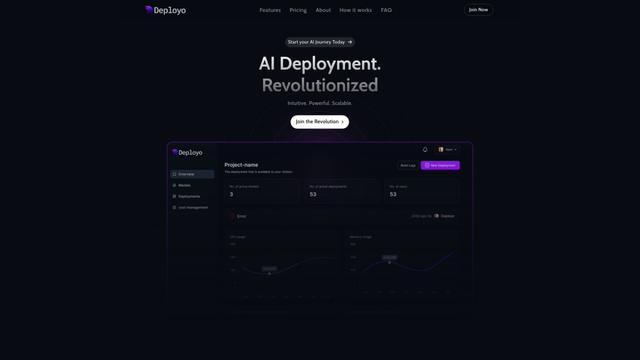
Deployo.ai is a comprehensive AI deployment platform that enables seamless model deployment, monitoring, and scaling with built-in ethical AI frameworks and cross-cloud compatibility.
CloudSoul
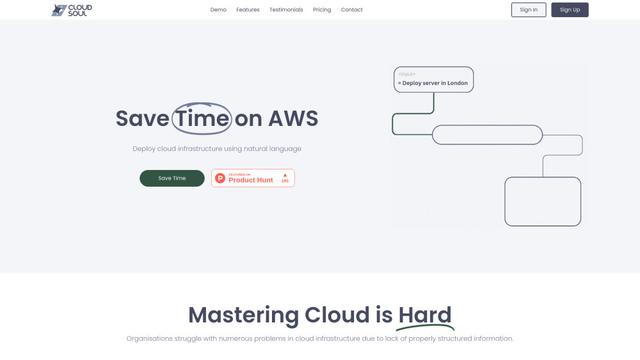
CloudSoul is an AI-powered SaaS platform that enables users to instantly deploy and manage cloud infrastructure through natural language conversations, making AWS resource management more accessible and efficient.

Devozy.ai
Devozy.ai is an AI-powered developer self-service platform that combines Agile project management, DevSecOps, multi-cloud infrastructure management, and IT service management into a unified solution for accelerating software delivery.
Popular AI Tools Like BrowserOS neo

A2A Protocol
A2A (Agent2Agent) Protocol is an open interoperability protocol developed by Google that enables seamless communication and collaboration between AI agents across different frameworks and vendors, regardless of their underlying architecture.
VoltOps
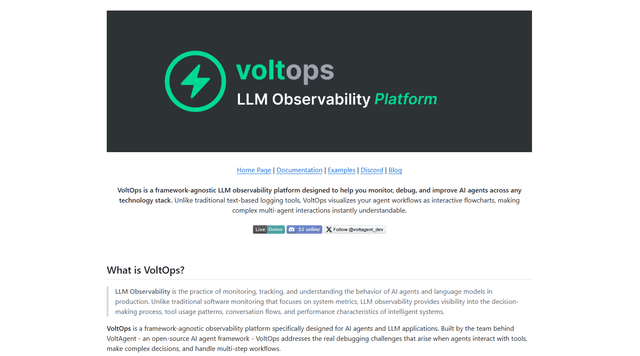
VoltOps is a framework-agnostic LLM observability platform that provides real-time visual monitoring, debugging, and optimization tools for AI agents across any technology stack.
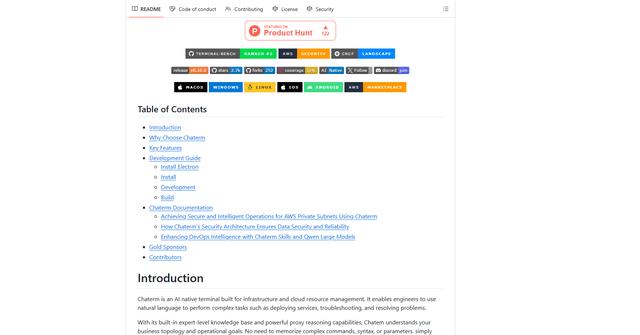
Chaterm
Chaterm is an open-source AI-native terminal and SRE copilot that enables engineers to manage complex infrastructure through natural language, automating deployment, troubleshooting, and operations without memorizing commands.
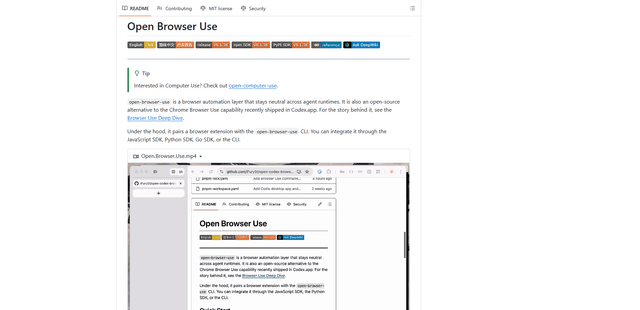
Open Browser Use
Open Browser Use is an open-source, agent-runtime-neutral browser automation layer that pairs a Chrome extension with a CLI/SDK/MCP to enable DOM-aware, CDP-powered tab control, navigation, and actions across different AI agent tools.