
BrainFeed
BrainFeed is a personalized learning feed that turns goals, articles, and videos into bite-sized, scrollable cards and uses retention-focused mechanics to help you remember what you learn.
https://apps.apple.com/us/app/brainfeed-scroll-better/id6767833159?ref=producthunt
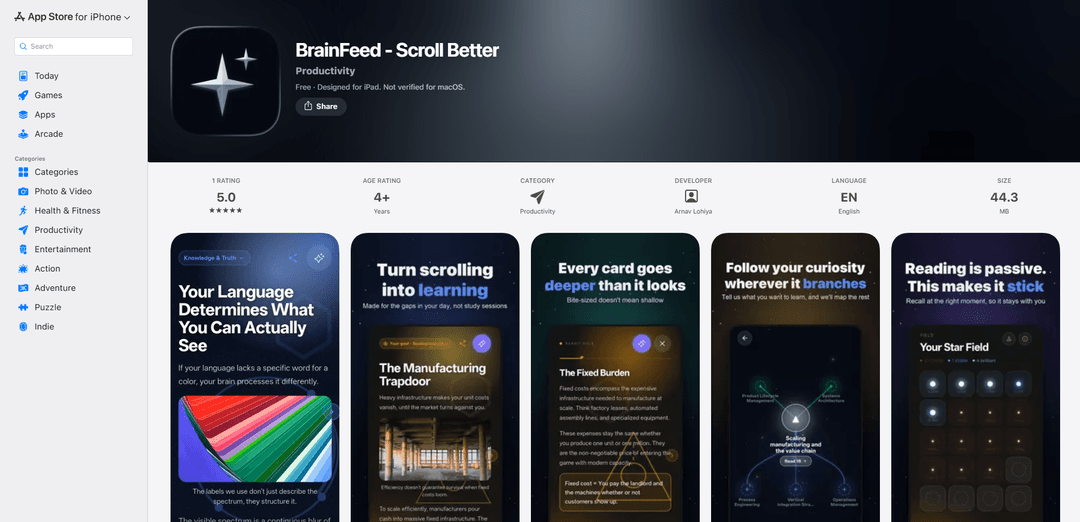
Product Information
Updated:Aug 8, 2026
What is BrainFeed
BrainFeed - Scroll Better is a productivity-focused iOS app (iPhone/iPad) designed to help you replace mindless scrolling with intentional learning. Instead of consuming random content, you set a learning goal (e.g., “get my first 100 users”) or share in a link to an article or YouTube video you’ve been putting off, and BrainFeed converts it into concise, easy-to-consume content cards. The app positions itself as a way to use spare moments—like waiting in line—to build compounding knowledge while keeping the experience as frictionless as a social feed.
Key Features of BrainFeed
BrainFeed is a personalized micro-learning app that turns spare moments normally spent on mindless scrolling into a curated, goal-driven learning feed. Users can set a learning goal (e.g., “get my first 100 users”) or share in an article/video, and BrainFeed converts that content into concise, scrollable cards that can expand into deeper detail when needed. It emphasizes retention (including spaced-repetition-style reinforcement) and progress tracking, and includes newer features like goal visualization (Goal Trees), media sharing into the app, visual content cards with images, and stats such as “Sanity Points” to monitor learning consistency and wellness.
Goal-based personalized learning feed: Create a custom learning goal and get a feed tailored to it, designed to replace passive social scrolling with intentional, compounding knowledge.
Link-to-cards transformation: Drop in or share an article or video you’ve been avoiding; BrainFeed converts it into bite-sized, scrollable cards that are faster to consume.
Retention-focused learning (spaced repetition): Unlike typical feeds that are quickly forgotten, BrainFeed is built to reinforce what you learn over time using retention mechanics such as spaced repetition.
Goal Trees (visual goal mapping): Track and structure long-term objectives with visual “Goal Trees” that map progress and make larger goals easier to navigate.
Visual content cards: Cards support full images, making summaries and key ideas more engaging and easier to scan during short breaks.
Progress stats & “Sanity Points”: A statistics dashboard and Sanity Points system help you measure consistency, progress, and overall wellness tied to your learning habit.
Use Cases of BrainFeed
Startup & growth learning: Founders can set goals like acquiring first users, fundraising, or pricing strategy and turn long-form resources into a daily feed for rapid, consistent execution learning.
Professional upskilling: Busy professionals can convert industry reports, talks, or training videos into quick card-based lessons for learning during commutes and short breaks.
Student study companion: Students can transform articles and lecture-related videos into digestible review cards and use retention features to improve recall over time.
Content digestion for researchers & analysts: Researchers can funnel reading lists (papers, explainers, long videos) into a structured feed to speed up initial understanding and keep key concepts refreshed.
Personal development & habit replacement: Individuals trying to reduce mindless screen time can replace social feeds with a curated learning feed that still “feels” like scrolling but produces measurable learning.
Pros
Turns idle scrolling time into structured learning through a familiar feed format.
Converts long articles/videos into bite-sized cards, lowering the activation energy to start learning.
Retention-oriented design (e.g., spaced repetition) helps knowledge stick better than typical content feeds.
Includes progress visualization and tracking (Goal Trees, stats, Sanity Points) to support consistency.
Cons
Effectiveness depends on the quality/accuracy of automatically generated cards from shared links.
Some features and privacy practices may vary by implementation and are not fully verifiable from the listing alone.
As a new app/version, it may still have early-stage UX bugs or limitations (noted by the presence of major bug fixes in updates).
How to Use BrainFeed
1) Install BrainFeed: Open the App Store and search for “BrainFeed - Scroll Better” (Brainfeed LLC / Arnav Lohiya). Tap Get to download and install it on your iPhone or iPad (requires iOS/iPadOS 15+).
2) Open the app and complete onboarding: Launch BrainFeed and follow the in-app onboarding flow (the app includes a “refreshed, smoother welcome experience” in recent versions). This sets you up to start building your learning feed.
3) Create a learning goal: Set a custom learning goal (e.g., “how to get my first 100 users”). BrainFeed uses your goal to curate a personalized learning feed instead of mindless scrolling.
4) Add content you’ve been avoiding (article/video/link): Paste or submit a link to an article or YouTube video you want to learn from. BrainFeed will convert the content into short, bite-sized cards you can read quickly.
5) Share content directly into BrainFeed (optional): From another app (e.g., Safari/YouTube), use the iOS Share button and select BrainFeed to send media directly into your BrainFeed feed (supported in newer versions).
6) Scroll through your card feed: Use BrainFeed like a feed: scroll through the generated cards. Each card is designed to be quick to finish (e.g., while standing in a queue) while still allowing deeper exploration when you want it.
7) Learn with retention in mind (spaced repetition): Keep using the feed regularly—BrainFeed is designed to improve retention using spaced repetition, so revisiting information over time helps you actually remember what you read.
8) Use visual content cards (if your content includes images): When your source material includes images, view them directly on the cards—BrainFeed supports full image/visual content cards in recent versions.
9) Track progress with Goal Trees: Open Goal Trees to see a visual map of your long-term objectives and how your learning items connect to them. Use this to stay oriented and keep your learning compounding.
10) Check your stats and Sanity Points: Go to the Statistics dashboard to review your learning activity. Use Sanity Points & Stats to track progress and wellness as you replace mindless scrolling with intentional learning.
11) Explore what other users are learning (optional): Browse what other users are learning and join their goals if you want to learn alongside others or discover new topics.
12) Repeat: keep adding goals and content: Whenever you find a new topic or a long piece of content, add it to BrainFeed. Over time, your personalized feed becomes a curated stream of bite-sized learning that fits into spare minutes.
BrainFeed FAQs
BrainFeed is a personalized learning feed app that turns goals or long-form content (like articles and videos) into bite-sized, scrollable cards designed for quick learning during spare moments.
BrainFeed Video
Popular Articles

Proferex: A Cloud-Based Ad Tracking and Campaign Optimization Platform
Nov 4, 2026

How to Create Viral Talking Baby Podcast Videos with AI: Step-by-Step Guide
Nov 2, 2026

Vosko AI: Localize and Dub Videos for Global Audiences
Oct 15, 2026

Atoms: A Multi-Agent AI Platform That Transforms Ideas into Launch-Ready Products
Oct 13, 2026
Latest AI Tools Similar to BrainFeed
MultipleWords
MultipleWords is a comprehensive AI platform offering 16 powerful tools for content creation and manipulation across audio, video, and image editing with cross-platform accessibility.
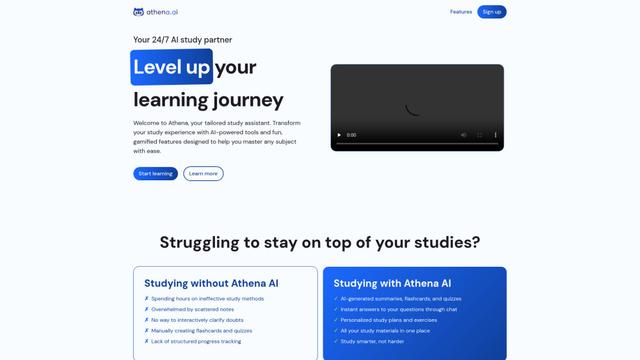
Athena AI
Athena AI is a versatile AI-powered platform offering personalized study assistance, business solutions, and life coaching through features like document analysis, quiz generation, flashcards, and interactive chat capabilities.
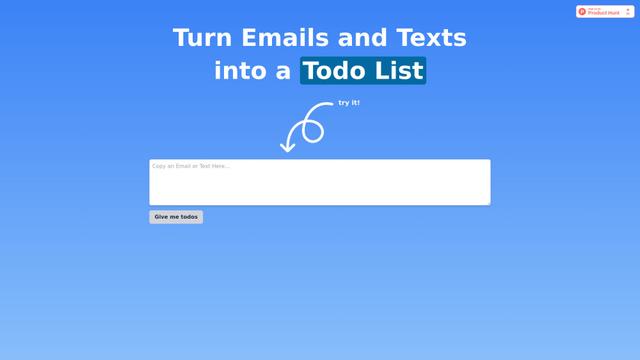
Taidai.io
Taidai.io is an AI-powered tool that automatically converts notes, emails, and text content into actionable todo lists.

Repliio
Repliio is an AI-powered email assistant Chrome extension that helps users generate professional, context-aware email responses quickly with customizable tones and multi-language support.
Popular AI Tools Like BrainFeed
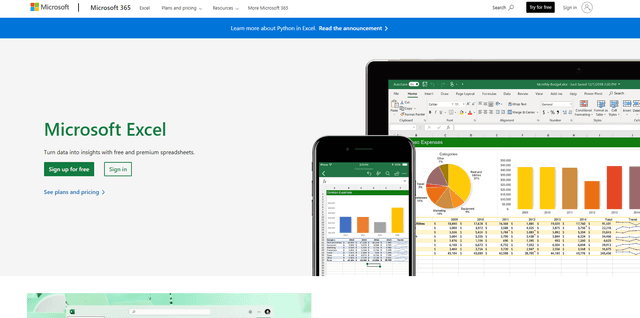
Microsoft Excel: Spreadsheets
Microsoft Excel is the industry-leading spreadsheet software that allows users to organize, analyze, and visualize data through powerful features like formulas, charts, and AI-powered insights.
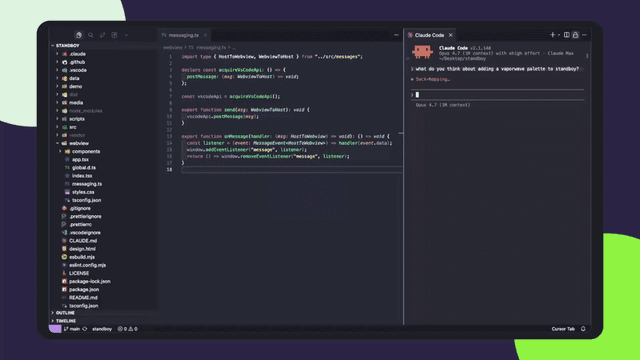
Standboy
Standboy is a VS Code/Cursor extension that auto-expands a Game Boy (GB/GBC/GBA) emulator in the sidebar during AI agent activity, then auto-hides and pauses—resuming mid-frame next time—while keeping a persistent ROM library, saves, and cover art.
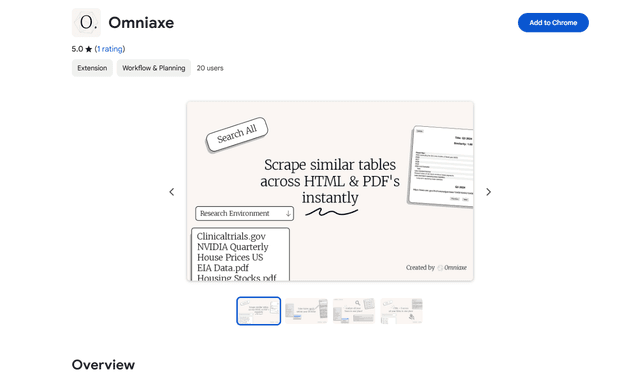
Omniaxe
Omniaxe is an all-in-one Chrome extension research tool that combines seamless data extraction, AI-powered analysis, and centralized note-taking capabilities designed specifically for analysts, researchers and students.
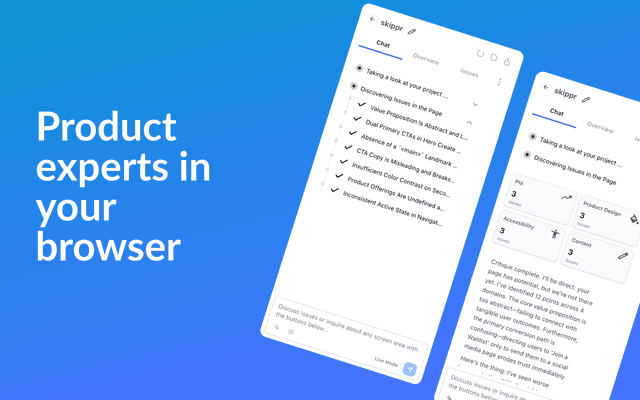
Finesse by Skippr AI
Finesse by Skippr AI is a browser extension that provides instant, expert-level product feedback and critiques across design, content strategy, accessibility, and product direction through specialized AI reviewers.