
brag.fast
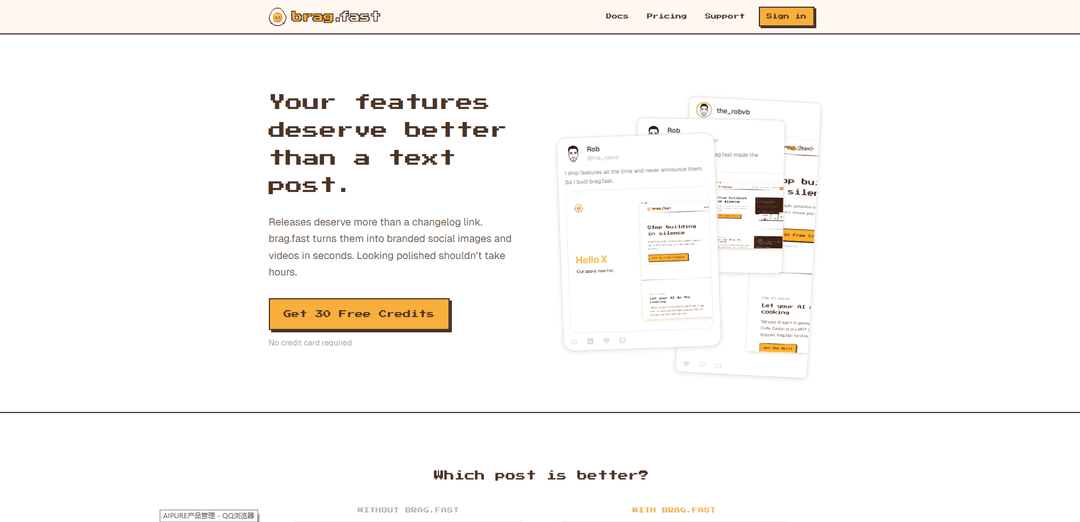
brag.fast is an automated tool that transforms product releases and feature announcements into branded social media images and videos in seconds through a simple API call, AI integration, or web interface.
https://brag.fast/?ref=producthunt
Product Information
Updated:Apr 15, 2026
What is brag.fast
brag.fast is a visual content creation platform designed to help developers, product teams, and businesses showcase their product releases and feature updates in a professional, visually appealing way. Instead of settling for plain text posts or changelog links, brag.fast automatically generates branded social media images and videos optimized for multiple formats (16:9, 1:1, 4:5) across different platforms. The tool was created to solve a common problem: developers ship features regularly but rarely announce them properly because creating polished visuals is time-consuming. With brag.fast, users can drop in screenshots, select a template, and generate professional-looking branded content in seconds without any design skills required.
Key Features of brag.fast
brag.fast is an automated social media asset generation platform that transforms product releases and feature announcements into branded social images and videos in seconds. It offers three main ways to create content: a web-based Kitchen interface for manual creation, AI integration through Claude MCP for conversational asset generation, and a REST API for programmatic automation. The platform allows users to maintain brand consistency by uploading logos, setting colors and fonts, and creating custom templates that automatically apply to every render across multiple social media formats including 16:9, 1:1, and 4:5 aspect ratios.
Multi-Channel Creation Methods: Three flexible ways to generate content: manual creation through the Kitchen web interface, AI-powered generation via Claude MCP integration, or automated production through REST API calls that can be integrated into CI/CD pipelines and workflows.
Automatic Brand Application: Upload your logo, define brand colors and fonts once, and every generated image and video automatically maintains brand consistency without manual adjustments, ensuring professional on-brand output every time.
Custom Template Designer: Create reusable design recipes without design skills using a drag-and-drop interface with live preview, allowing teams to standardize their announcement visuals while maintaining flexibility for different content types.
Multi-Format Output: Generate social media assets in multiple aspect ratios (16:9 landscape, 1:1 square, 4:5 vertical) from a single request, optimized for different platforms like Twitter, LinkedIn, Instagram, and Facebook.
AI-Native Workflow Integration: Claude MCP connector enables conversational asset creation where AI reads release details, selects appropriate branding, and generates images without leaving the chat interface, streamlining the announcement workflow.
Developer-Friendly API: RESTful API with simple POST requests allows developers to automate social asset generation directly from release pipelines, bots, or custom workflows, returning branded visuals programmatically.
Use Cases of brag.fast
SaaS Product Launches: Software companies can automatically generate announcement visuals for new features, updates, and releases by integrating brag.fast into their deployment pipeline, ensuring every shipped feature gets professional social media coverage without manual design work.
Developer Relations & Marketing: DevRel teams can quickly create consistent, branded announcement graphics for API updates, SDK releases, and technical feature launches across multiple social platforms, maintaining professional presence without dedicated design resources.
Startup Growth Marketing: Fast-moving startups can maintain active social media presence by converting every product improvement into shareable branded content, building momentum and keeping their community engaged with regular visual updates about new capabilities.
Agency Client Announcements: Marketing agencies managing multiple clients can use custom templates for each brand to rapidly produce announcement assets, scaling their social media content production while maintaining brand consistency across different client accounts.
AI-Assisted Content Workflows: Teams using Claude for product management or content planning can seamlessly generate social assets within their existing AI conversations, eliminating context switching and accelerating the path from idea to published announcement.
Automated Release Communication: Engineering teams can set up automated workflows where CI/CD pipelines trigger brag.fast API calls after successful deployments, automatically creating and posting release announcements without manual intervention from marketing teams.
Pros
Dramatically reduces time from hours to seconds for creating professional social media announcement assets
Multiple integration options (web UI, AI, API) accommodate different team workflows and technical capabilities
Automatic brand consistency ensures professional output without design expertise or manual quality control
Free tier with 30 credits allows risk-free testing and evaluation before commitment
Cons
Template-based approach may limit creative flexibility for highly customized or unique announcement designs
Effectiveness depends on quality of input content (screenshots, release descriptions) provided by users
Requires initial setup time to configure branding elements and create custom templates for optimal results
API-first approach may have a learning curve for non-technical teams without developer support
How to Use brag.fast
1. Sign up for an account: Go to brag.fast/signup and create a free account. You'll get 30 free credits to start with, and no credit card is required.
2. Set up your branding: Upload your logo, set your brand colors and fonts. This ensures every image generated will be on-brand automatically.
3. Choose your method: Decide how you want to use brag.fast: manually through the Kitchen interface, via AI/MCP integration with Claude, or through the API for automated workflows.
4. Manual Method - Use the Kitchen: Drop in your screenshots, select a template (like 'standard-browser'), and hit Cook. The system will generate branded images for every format (16:9, 1:1, 4:5) ready to post.
5. AI Method - Connect to Claude: Open Claude or Claude Cowork, go to Settings → Connectors → Add Custom Connector, and paste the URL: https://mcp.brag.fast/mcp. Then simply ask Claude to create your release images in conversation.
6. API Method - Integrate into your workflow: Make a POST request to brag.fast/api/v1/cook with your authorization token, template choice, formats, and content details (title, image URLs, etc.). The API will return branded images and videos.
7. Customize templates (optional): Design your own recipe by dragging objects, setting colors, and previewing live. No design skills needed - every render will use your custom recipe automatically.
8. Download and share: Get your polished, branded social images and videos in multiple formats, ready to post on social media or share in your release announcements.
brag.fast FAQs
brag.fast is a tool that automatically turns your product releases and feature announcements into branded social images and videos in seconds. It helps you create polished, professional-looking social media content without spending hours on design work.
brag.fast Video
Popular Articles

Atoms: A Multi-Agent AI Platform That Transforms Ideas into Launch-Ready Products
May 22, 2026

Nano Banana SBTI: What It Is, How It Works, and How to Use It in 2026
Apr 15, 2026

Atoms Review — The AI Product Builder Redefining Digital Creation in 2026
Apr 10, 2026

Kilo Claw: How to Deploy and Use a True "Do‑It‑For‑You" AI Agent(2026 Update)
Apr 3, 2026
Latest AI Tools Similar to brag.fast
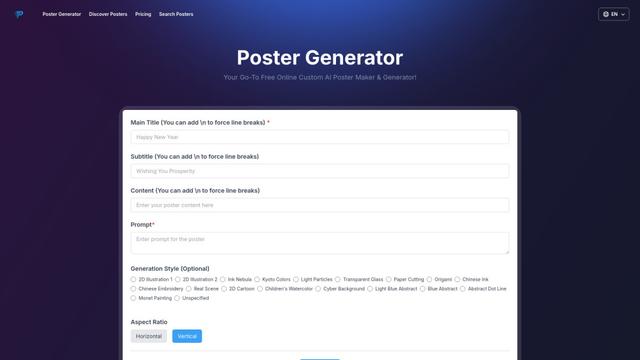
Poster Generator
An AI-powered online poster maker that enables users to effortlessly create stunning custom posters through templates, AI generation, and drag-and-drop editing tools without requiring design skills.
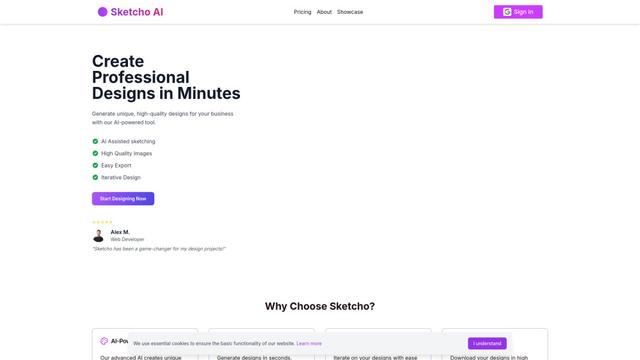
Sketcho
Sketcho is an AI-powered design tool that transforms sketches and ideas into high-quality professional designs through an intuitive interface.
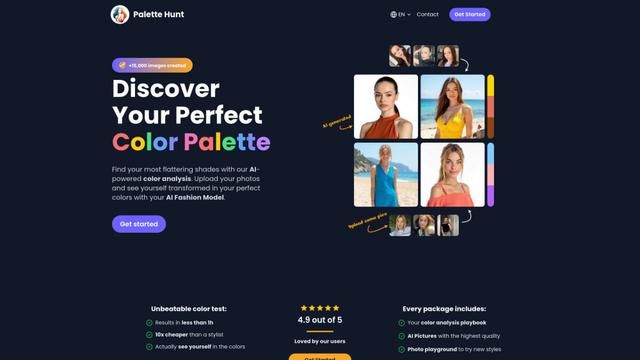
Palette Hunt
Palette Hunt is an AI-powered color analysis tool that helps users discover their perfect color palettes through personalized analysis and AI-generated fashion models.
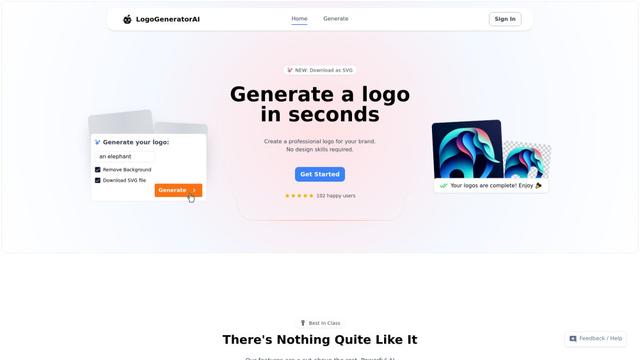
LogoGeneratorAI
LogoGeneratorAI is an advanced AI-powered logo creation tool that generates unique, professional SVG logos with customizable features like color schemes, image cropping, and background removal.
Popular AI Tools Like brag.fast
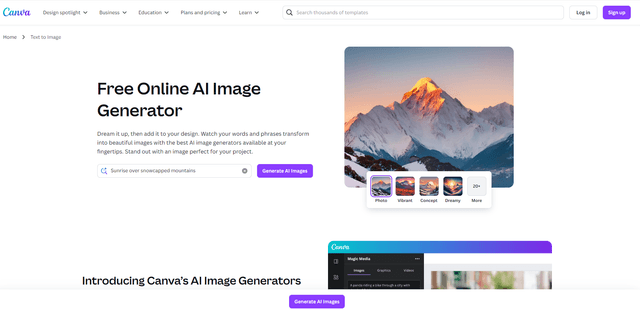
Canva AI
Canva AI is an advanced suite of AI-powered design tools integrated into Canva's platform, offering features like text-to-image generation, background removal, and content creation assistance to streamline the design process.
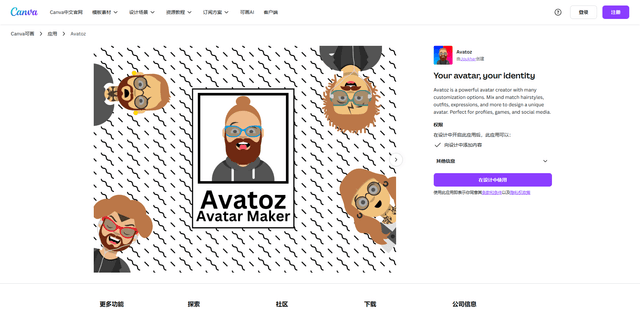
Avatoz
Avatoz is a powerful avatar creator app for Canva that allows users to design unique, customized avatars with extensive options for hairstyles, outfits, expressions and more.
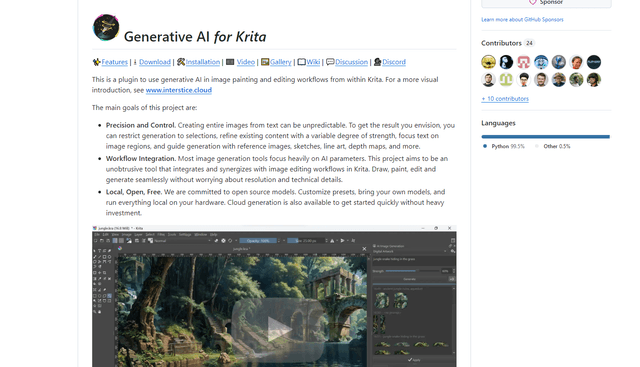
Krita
Krita is a free and open-source digital painting and illustration software that offers a wide range of professional-grade tools for artists and designers.
Adobe
Adobe is a leading software company that provides creative, marketing, and document management solutions through innovative applications and services.