
Blaxel Agent Drive
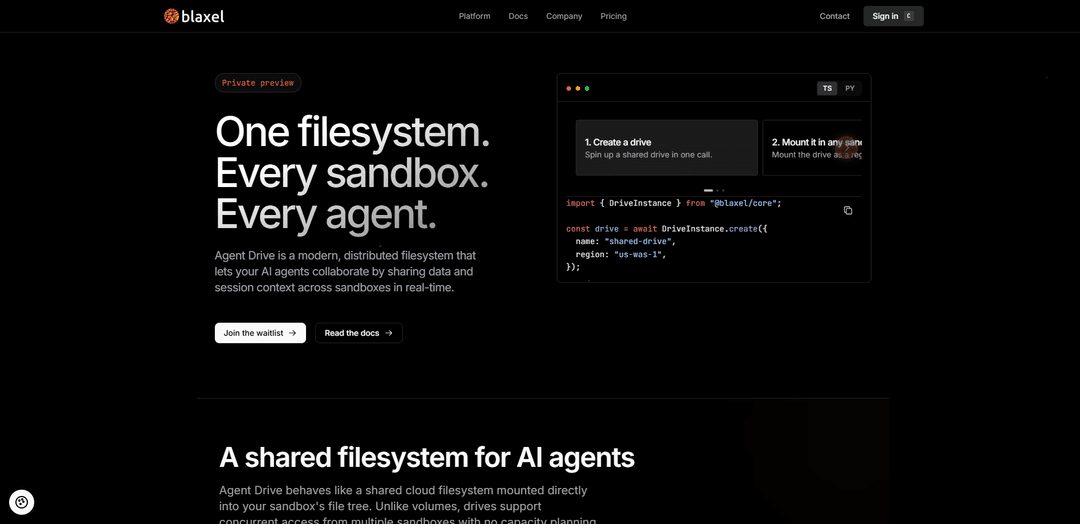
Blaxel Agent Drive is a modern, distributed shared filesystem for AI agents that provides real-time concurrent read/write access across multiple sandboxes with POSIX/FUSE semantics and elastic, no-capacity-planning storage.
https://blaxel.ai/agent-drive?ref=producthunt
Product Information
Updated:Aug 8, 2026
What is Blaxel Agent Drive
Blaxel Agent Drive is Blaxel’s shared storage layer designed specifically for agentic workloads where many isolated sandboxes and agents need to collaborate on the same artifacts. Instead of moving files through an object store or rebuilding context between runs, Agent Drive mounts directly into each sandbox’s filesystem and behaves like a normal path, enabling agents to persist and share session context, datasets, tool outputs, and dependencies across restarts, redeploys, and multi-agent workflows. It is positioned as a “real filesystem” for agents—built for high concurrency and the small-file patterns common in agent execution.
Key Features of Blaxel Agent Drive
Blaxel Agent Drive is a modern, distributed shared filesystem designed for agentic workflows, mountable into multiple Blaxel sandboxes or agents at the same time with concurrent read-write access. It behaves like a normal POSIX filesystem via an in-sandbox FUSE client, supports real-time collaboration on the same files, and is optimized for the small-file, high-concurrency I/O patterns agents produce (notes, JSON artifacts, tool outputs). Drives are elastic (“bottomless”) with no pre-provisioned capacity planning, include built-in replication, and provide durable shared state that can be attached to running sandboxes and reused across restarts and multi-agent sessions (private preview).
Concurrent multi-sandbox access: Mount one drive into multiple sandboxes/agents simultaneously with concurrent read-write access, enabling real-time collaboration on the same directory tree.
POSIX filesystem via custom FUSE client: Appears as a standard filesystem path inside the sandbox using an optimized, POSIX-compliant FUSE client—no need to adapt code to object-store semantics.
Small-file & high-concurrency optimization: Tuned for agent workloads that generate many small reads/writes and tool artifacts; beta users report major performance gains versus S3-style approaches for small-file I/O.
Elastic, no-capacity-planning storage: Drives grow automatically without fixed capacity limits or pre-provisioning, reducing operational overhead for teams scaling agent fleets.
Attach durable shared state across sessions: Use drives to keep long-term context (history, knowledge, datasets) that survives sandbox restarts/resumes/redeploys and can be mounted while sandboxes are already running.
Built-in replication (distributed filesystem): Provides replication as part of the distributed filesystem design to support shared access and persistence beyond any single sandbox.
Use Cases of Blaxel Agent Drive
Multi-agent coding workflows (software engineering): A coding agent writes patches, build artifacts, and test logs to the drive while a review/QA agent reads them from another sandbox, enabling fast handoffs without copying through external storage.
Shared long-term agent memory (customer support / ops): Persist conversation history, runbooks, and decision logs on the drive so new sandboxes can mount and immediately resume context for ongoing support or operational tasks.
Parallel fan-out/fan-in processing (data & research): Coordinator spawns many worker sandboxes to process documents or datasets in parallel; workers write results to shared folders and the coordinator aggregates outputs from the same drive.
Dependency caching for faster environments (dev productivity): Store shared dependencies (e.g., node_modules, model assets, toolchains) on a drive so newly started sandboxes mount and reuse them instantly, avoiding repeated downloads/installs.
Shared artifact store for creative pipelines (media & content): Multiple agent sandboxes collaborate on drafts, outlines, and generated assets (scripts, metadata, thumbnails), reading/writing the same project directory in real time.
Pros
Enables real-time multi-agent collaboration via concurrent read-write mounts across sandboxes.
POSIX/FUSE approach avoids object-store friction and better fits agent small-file workflows.
Elastic growth removes capacity planning and reduces operational overhead.
Durable shared state across restarts/resumes supports long-lived agent context and reuse.
Cons
Currently in private preview with limited availability/regions and evolving feature set.
Read-only mounts can be bypassed in adversarial/agentic setups if the agent can access the drive token and re-run the mount binary; requires hardening (restrict token path and block the mounting binary).
Fine-grained access controls and quotas are not fully available yet (noted as “coming soon”).
How to Use Blaxel Agent Drive
1) Get access and set up authentication: Agent Drive is in private preview, so first request access. Then create a Blaxel API key in the Blaxel console and export the two required environment variables for the SDK: BL_WORKSPACE (your workspace name) and BL_API_KEY (your API key).
2) Install and initialize a TypeScript project (optional but recommended): Ensure npm is installed. Use the Blaxel CLI to scaffold an agent repo: run `bl new agent`. This creates a pre-scaffolded local repository where you can add your code.
3) Create an Agent Drive: Using the Blaxel TypeScript SDK, create a drive by name and region. Example: `import { DriveInstance } from "@blaxel/core"; const drive = await DriveInstance.create({ name: "shared-drive", region: "us-was-1" });`.
4) Create (or reuse) two sandboxes that will share the drive: Create two sandbox instances (or use existing running ones). Sandboxes are the isolated compute environments where your agents run; the drive will be mounted into each sandbox so they can share files.
5) Mount the drive into each sandbox: Attach/mount the same drive into both sandboxes. Agent Drive is a POSIX-compliant filesystem via an optimized FUSE client, so it appears as a normal path in each sandbox’s filesystem. You can attach a drive to a sandbox that is already running.
6) Verify mounts (optional): List mounted drives to confirm the drive is attached. SDK example: `const mounts = await sandbox.drives.list(); console.log(mounts);` (Python equivalent available). CLI example: `bl drive mounts --sandbox my-sandbox`.
7) Write a file from sandbox A: In the first sandbox, write a file into the mounted drive path (e.g., `/shared/...` depending on your mount point). This can be tool outputs, JSON artifacts, notes, dependency caches, or any other files your agent produces.
8) Read the same file from sandbox B in real time: In the second sandbox, read the file from the same mounted drive path. Because the drive supports concurrent read-write access from multiple sandboxes, sandbox B should see the file immediately without copying through object storage.
9) Use common multi-agent patterns: Apply Agent Drive to typical workflows: (a) handoff small files between agents (notes, JSON artifacts, tool outputs), (b) shared long-term memory (conversation history, knowledge files), (c) dependency caching (e.g., shared node_modules to speed deployments), and (d) parallel fan-out/fan-in where many worker sandboxes write results to the same shared directory and a coordinator aggregates them.
10) Keep data independent of sandbox lifecycles: Rely on the drive as durable shared storage: files remain available independently of any individual sandbox session, and new sandboxes can mount the drive later and continue from prior context.
Blaxel Agent Drive FAQs
Agent Drive is a modern, distributed filesystem that can be mounted into Blaxel sandboxes so AI agents can share files and session context across sandboxes in real time. It supports concurrent read-write access from multiple sandboxes and includes built-in replication.
Blaxel Agent Drive Video
Popular Articles

Vosko AI: Localize and Dub Videos for Global Audiences
Oct 15, 2026

Atoms: A Multi-Agent AI Platform That Transforms Ideas into Launch-Ready Products
Oct 13, 2026

Nano Banana SBTI: What It Is, How It Works, and How to Use It in 2026
Apr 15, 2026

Atoms Review — The AI Product Builder Redefining Digital Creation in 2026
Apr 10, 2026
Latest AI Tools Similar to Blaxel Agent Drive

Hapticlabs
Hapticlabs is a no-code toolkit that enables designers, developers and researchers to easily design, prototype and deploy immersive haptic interactions across devices without coding.
Deployo.ai
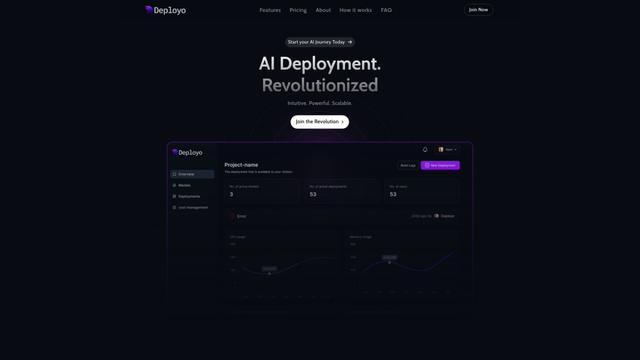
Deployo.ai is a comprehensive AI deployment platform that enables seamless model deployment, monitoring, and scaling with built-in ethical AI frameworks and cross-cloud compatibility.
CloudSoul
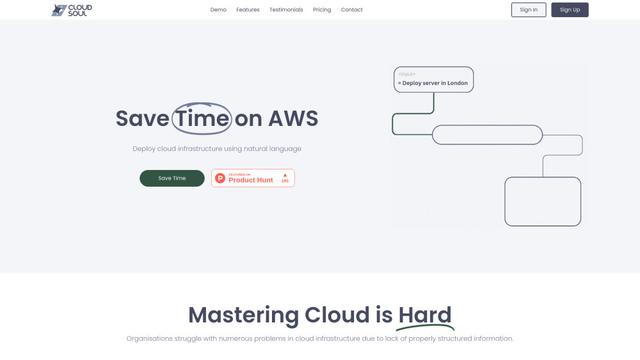
CloudSoul is an AI-powered SaaS platform that enables users to instantly deploy and manage cloud infrastructure through natural language conversations, making AWS resource management more accessible and efficient.

Devozy.ai
Devozy.ai is an AI-powered developer self-service platform that combines Agile project management, DevSecOps, multi-cloud infrastructure management, and IT service management into a unified solution for accelerating software delivery.
Popular AI Tools Like Blaxel Agent Drive

A2A Protocol
A2A (Agent2Agent) Protocol is an open interoperability protocol developed by Google that enables seamless communication and collaboration between AI agents across different frameworks and vendors, regardless of their underlying architecture.
VoltOps
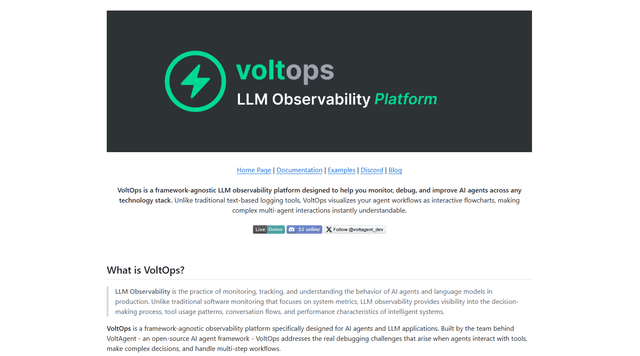
VoltOps is a framework-agnostic LLM observability platform that provides real-time visual monitoring, debugging, and optimization tools for AI agents across any technology stack.
Chaterm
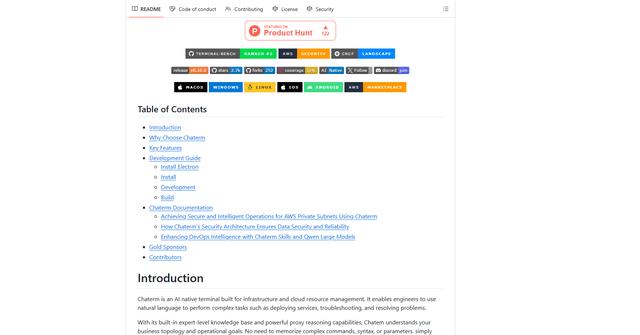
Chaterm is an open-source AI-native terminal and SRE copilot that enables engineers to manage complex infrastructure through natural language, automating deployment, troubleshooting, and operations without memorizing commands.
Open Browser Use
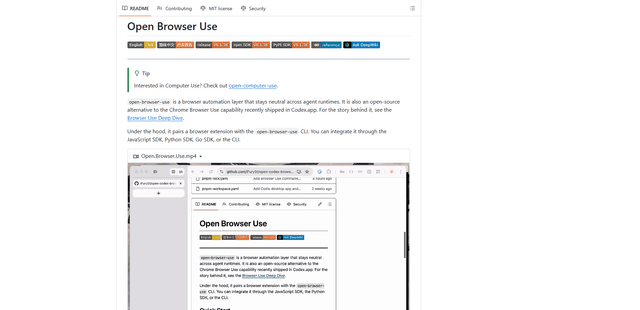
Open Browser Use is an open-source, agent-runtime-neutral browser automation layer that pairs a Chrome extension with a CLI/SDK/MCP to enable DOM-aware, CDP-powered tab control, navigation, and actions across different AI agent tools.