
Better Logger
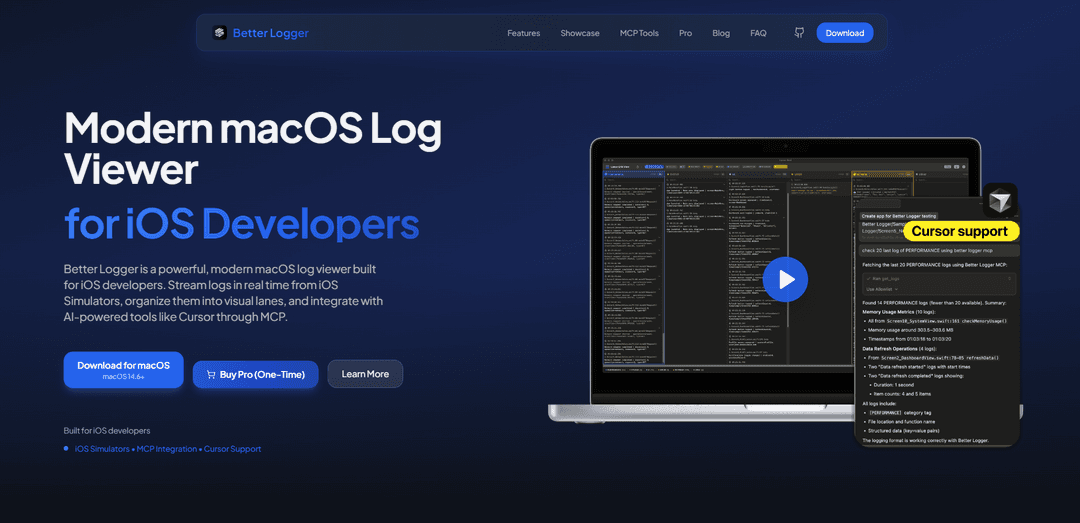
Better Logger is a powerful, modern macOS log viewer built for iOS developers that enables real-time log streaming from iOS Simulators with visual lane organization and AI-powered tool integration.
https://betterlogger.app/?ref=producthunt
Product Information
Updated:Dec 8, 2025
What is Better Logger
Better Logger is a dedicated logging tool designed specifically for iOS developers to streamline the debugging process. It serves as a comprehensive log viewer that runs on macOS and provides advanced logging capabilities for iOS applications. The tool offers a developer-focused interface that makes it easy to monitor, organize, and analyze application logs in real-time while developing and testing iOS apps.
Key Features of Better Logger
Better Logger is a modern macOS log viewer designed specifically for iOS developers that enables real-time log streaming from iOS Simulators. It features lane-based organization with color-coding, advanced log parsing, memory monitoring, and AI integration capabilities through MCP. The tool offers both free and pro versions, with the pro version providing unlimited lanes, saves, and export capabilities in multiple formats.
Real-Time Log Streaming: Automatically detects and streams logs from multiple iOS Simulators simultaneously without requiring complex configuration
Lane-Based Organization: Organizes logs into color-coded visual lanes that can be toggled on/off for better focus and debugging efficiency
Performance Monitoring: Tracks memory and CPU usage in real-time to help identify performance issues and memory leaks before they become production problems
AI Integration: Seamlessly integrates with AI-powered tools like Cursor through MCP API, providing enhanced debugging capabilities
Use Cases of Better Logger
iOS App Development: Helps developers track and debug their iOS applications by providing real-time visibility into app behavior and performance
Team Collaboration: Enables sharing of debugging sessions and logs with team members through multiple export formats including Markdown, JSON, CSV, and plain text
Performance Optimization: Assists developers in identifying and resolving performance bottlenecks through real-time memory and CPU usage monitoring
Pros
User-friendly interface with dark mode support
One-time purchase model with lifetime access
Comprehensive feature set for iOS development debugging
Cons
Limited features in free version (only 2 lanes and 3 saves per week)
Platform-specific (macOS only)
Primarily focused on iOS development, may not be suitable for other platforms
How to Use Better Logger
Download and Install: Download Better Logger from the official website betterlogger.app and install it on your macOS system
Launch the Application: Open Better Logger on your Mac. The app will automatically detect available iOS Simulators
Start Log Streaming: Launch your iOS app in the Simulator. Better Logger will automatically begin streaming logs in real-time without any configuration needed
Organize Logs into Lanes: Logs will automatically be organized into color-coded visual lanes based on categories. Toggle lanes on/off to focus on specific types of logs
Monitor Performance: Use the Memory Monitor feature (Pro version) to track memory and CPU usage in real-time while your app runs
Export and Share: Export your logs in various formats (Markdown, JSON, CSV, or plain text) to share with team members or save for later analysis
Use MCP Integration: Utilize the MCP tools like list_devices, list_sessions, list_lanes, get_logs etc. to integrate with IDEs like Cursor
Save Sessions: Save debugging sessions to review later (limited in free version, unlimited in Pro version)
Better Logger FAQs
Better Logger is a modern macOS log viewer built specifically for iOS developers. It allows streaming logs in real-time from iOS Simulators, organizes them into visual lanes, and integrates with AI-powered tools like Cursor through MCP.
Better Logger Video
Popular Articles

Vosko AI: Localize and Dub Videos for Global Audiences
Oct 15, 2026

Atoms: A Multi-Agent AI Platform That Transforms Ideas into Launch-Ready Products
Oct 13, 2026

Nano Banana SBTI: What It Is, How It Works, and How to Use It in 2026
Apr 15, 2026

Atoms Review — The AI Product Builder Redefining Digital Creation in 2026
Apr 10, 2026
Latest AI Tools Similar to Better Logger
Aguru AI
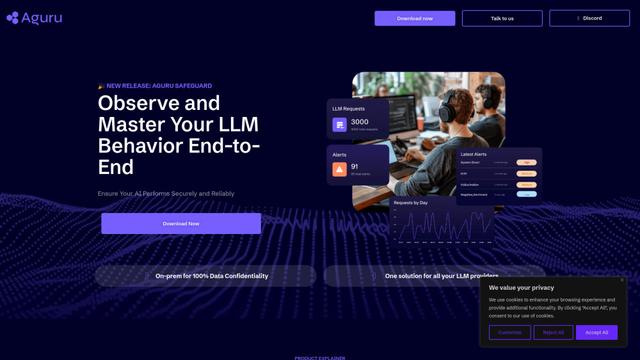
Aguru AI is an on-premises software solution that provides comprehensive monitoring, security, and optimization tools for LLM-based applications with features like behavior tracking, anomaly detection, and performance optimization.
Jorpex
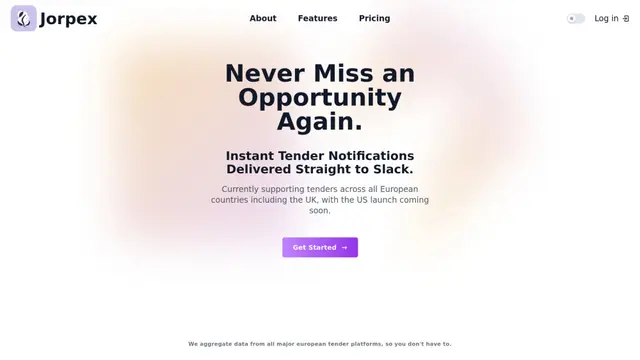
Jorpex is a comprehensive tender notification platform that aggregates and delivers instant tender alerts from across European countries directly to Slack, helping businesses never miss opportunities.
Prompt Inspector
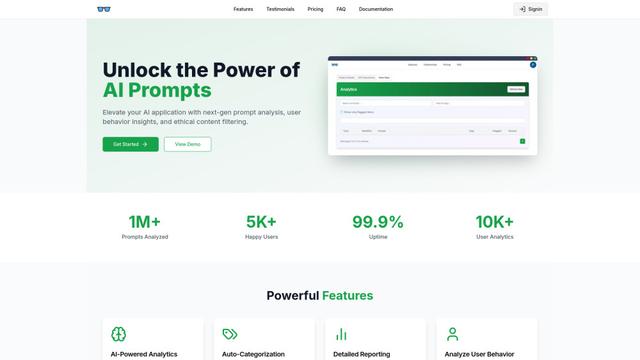
Prompt Inspector is an AI-powered analysis tool that helps developers and businesses optimize their LLM interactions through comprehensive prompt analysis, user behavior insights, and ethical content filtering.
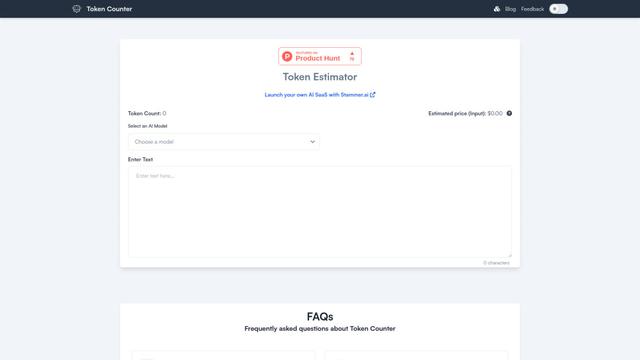
Token Counter
Token Counter is an intuitive online tool that helps users accurately calculate token counts and estimate costs for various AI language models including GPT-4, GPT-3.5-turbo, Claude, and other LLMs.
Popular AI Tools Like Better Logger

VoltOps
VoltOps is a framework-agnostic LLM observability platform that provides real-time visual monitoring, debugging, and optimization tools for AI agents across any technology stack.
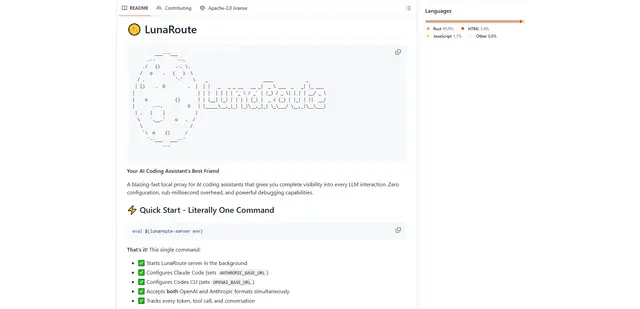
LunaRoute
LunaRoute is a high-performance local proxy for AI coding assistants like Claude Code, OpenAI Codex CLI, and OpenCode that provides complete visibility into every LLM interaction with zero-overhead passthrough, comprehensive session recording, and powerful debugging capabilities.
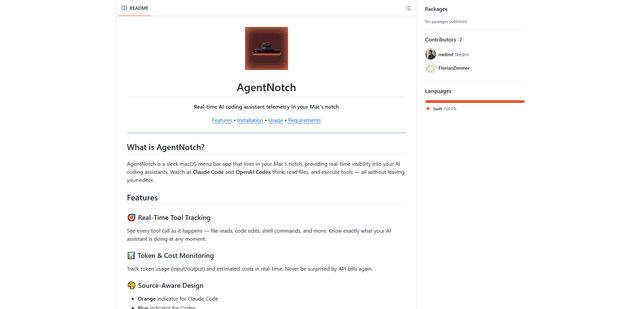
AgentNotch
AgentNotch is a macOS menu bar app that lives in your Mac's notch, providing real-time visibility and monitoring of AI coding assistants like Claude Code and OpenAI Codex.
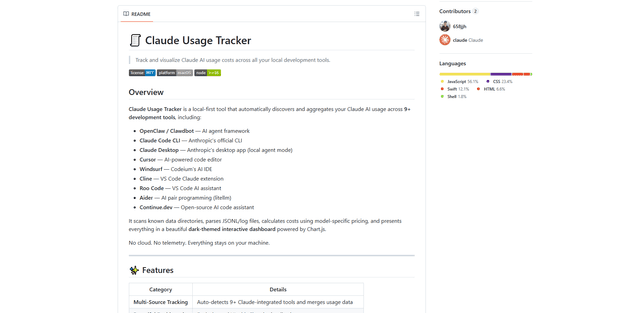
Claude Usage Tracker
Claude Usage Tracker is a local-first tool that automatically monitors and visualizes Claude AI usage costs across multiple development tools through a comprehensive dashboard with real-time analytics and detailed breakdowns.