BeMusic AI
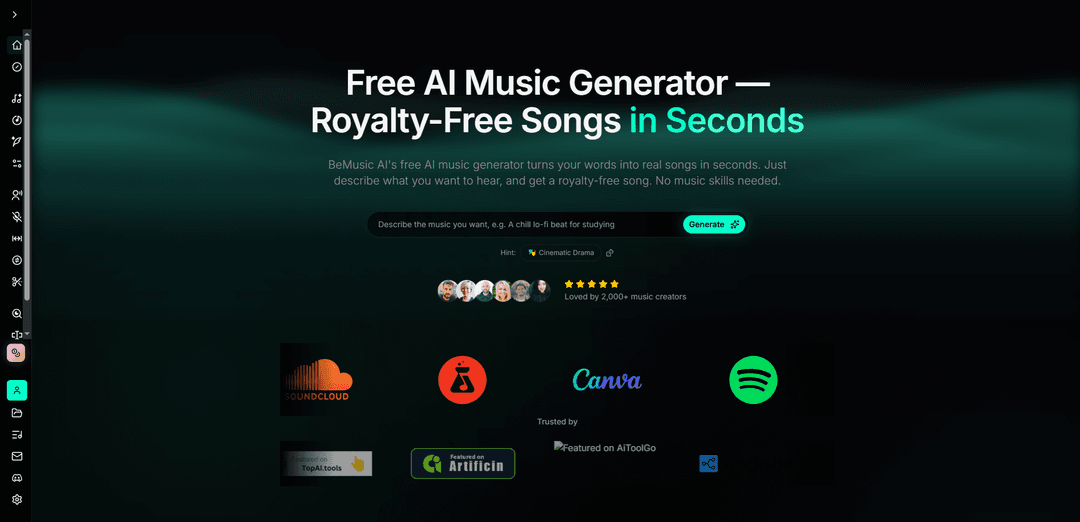
BeMusic AI is a free AI music generator that transforms text descriptions into original, royalty-free songs in seconds across 50+ genres without requiring any musical experience or instruments.
https://bemusic.ai/?utm_source=aipure
Product Information
Updated:Apr 3, 2026
What is BeMusic AI
BeMusic AI is an advanced artificial intelligence-powered music generation platform that enables anyone to create professional-quality, original music simply by describing what they want to hear in plain English. Launched as a comprehensive solution for content creators, marketers, game developers, and musicians, BeMusic AI eliminates the traditional barriers to music creation by requiring no instruments, software knowledge, or music theory training. The platform has already empowered over 2,000 active creators to generate more than 127,000 songs across 50+ musical styles ranging from lo-fi chill and hip-hop beats to cinematic film scores. Every track produced is 100% royalty-free with full ownership rights transferred to the creator, making it ideal for use across YouTube, TikTok, Spotify, podcasts, games, advertisements, and any commercial project without copyright concerns or licensing fees.
Key Features of BeMusic AI
BeMusic AI is a free AI music generator that transforms text descriptions into fully produced, royalty-free songs in under 30 seconds. Users can create original music across 50+ genres without any musical training or technical skills by simply describing their desired sound in plain English. The platform offers studio-quality output in MP3 and WAV formats, with full ownership and copyright granted to users. It supports complete creative control over mood, tempo, instruments, and energy levels, making professional-grade music creation accessible to content creators, marketers, game developers, and musicians alike.
Text-to-Music Generation in Under 30 Seconds: Simply type what you want in plain English—genre, mood, speed, instruments—and the AI composes, arranges, and mixes a complete track instantly without requiring any music theory knowledge or technical skills.
100% Royalty-Free with Full Ownership: Every generated track comes with complete copyright ownership and can be used commercially on any platform including YouTube, Spotify, TikTok, podcasts, games, and advertisements without licensing fees or revenue sharing.
50+ Genres and Full Creative Control: Choose from over 50 music styles ranging from lo-fi and hip-hop to cinematic scores, with the ability to fine-tune mood, energy, tempo, and instruments, and regenerate unlimited variations until the track matches your vision.
Studio-Quality Audio Output: Download professional-grade tracks in high-quality MP3 and WAV (48kHz) formats with rich, layered compositions featuring real instrument sounds and depth that rivals traditional studio production.
AI-Powered Music Tools Suite: Beyond music generation, access additional features including AI lyrics generator, vocal remover, music extender, cover generator, music analyzer, and audio cutter for comprehensive music creation and editing.
Free Plan with Monthly Credits: Start creating immediately with a free plan that provides monthly generation credits to explore all features, with paid plans available for additional credits, higher audio quality, and priority processing.
Use Cases of BeMusic AI
YouTube and Podcast Content Creation: Content creators use BeMusic AI to generate original background music and intro tracks for videos and podcasts, eliminating copyright strikes and avoiding the repetitive use of stock music while maintaining full monetization rights.
Social Media Viral Content: TikTok and Instagram creators generate unique, catchy hooks and background tracks that differentiate their content from competitors using the same trending audio, resulting in higher engagement and viral potential without copyright risks.
Indie Game Development: Game developers create custom soundtracks, background music, and sound effects for games and mobile apps in minutes instead of spending thousands of dollars and weeks waiting for composers, making professional audio accessible to indie studios.
Marketing and Advertising Campaigns: Marketing teams produce unique, on-brand music tracks for each ad campaign that match specific moods and target audiences, reducing music licensing costs by 90% while enabling rapid iteration to test different creative approaches.
Film and Video Production: Independent filmmakers and wedding videographers generate cinematic scores and custom soundtracks that match the emotion of each scene or couple's story, replacing expensive composer fees with instant, customizable AI-generated music.
Music Production and Creative Inspiration: Professional musicians and producers use BeMusic AI as a co-writing tool to break through creative blocks, generating melody ideas, chord progressions, and full tracks as starting points that they can then refine and personalize.
Pros
Complete ownership and 100% royalty-free licensing with no copyright strikes or revenue sharing requirements
Extremely fast generation speed (under 30 seconds) with no music theory or technical skills required
Significantly more cost-effective than hiring composers ($500-5000 per track) or music library subscriptions ($15-50/month)
Studio-quality audio output with rich, layered compositions across 50+ genres and full creative control over all parameters
Cons
Commercial usage rights and licensing terms vary depending on subscription plan and AI model used, requiring review of Terms of Service
Quality and authenticity may not fully match human composers for highly specialized or emotionally nuanced musical requirements
Free plan has limited monthly credits, requiring paid subscription for extensive or professional-level usage
Generated music may require multiple iterations (typically 2-3 attempts) to achieve the desired result
How to Use BeMusic AI
1: Go to the BeMusic AI website at https://bemusic.ai/ and sign up for a free account (takes about 30 seconds, no credit card required)
2: Navigate to the AI Music Generator by clicking 'Create' or 'AI Music Generator' from the menu
3: Describe your desired music in plain English in the prompt box - include details like genre, mood, tempo, instruments, or any specific sound you want (e.g., 'upbeat pop song with guitar and drums' or 'calm lo-fi study music with piano')
4: Optionally, select from 50+ available genres and styles, and adjust settings like mood, speed, and energy to refine your track
5: Click 'Generate' and wait less than 30 seconds for the AI to compose, arrange, and mix your full track
6: Listen to the generated track - if you're not satisfied, tweak your prompt or settings and regenerate until you get the perfect sound (most creators find their ideal track within 2-3 iterations)
7: Download your finished song in MP3 or WAV format (48kHz quality, with higher fidelity available for Pro plan members)
8: Use your 100% royalty-free music anywhere - YouTube, TikTok, Spotify, podcasts, games, ads, or any other platform with full ownership and no copyright restrictions
BeMusic AI FAQs
BeMusic AI is a free AI music generator that turns text descriptions into original songs. You simply describe what you want in plain English - genre, mood, tempo, instruments - and the AI composes, arranges, and mixes a full track in under 30 seconds. No musical training, instruments, or software is required.
Popular Articles

Vosko AI: Localize and Dub Videos for Global Audiences
Oct 15, 2026

Atoms: A Multi-Agent AI Platform That Transforms Ideas into Launch-Ready Products
Oct 13, 2026

Nano Banana SBTI: What It Is, How It Works, and How to Use It in 2026
Apr 15, 2026

Atoms Review — The AI Product Builder Redefining Digital Creation in 2026
Apr 10, 2026
Latest AI Tools Similar to BeMusic AI
MeloHunt
MeloHunt is a powerful AI-powered song generator that enables users to create original, high-quality music tracks without requiring any musical expertise.
ChopLab
ChopLab is an AI-powered tool that enables music producers to transform audio tracks into unique samples and custom drum packs through automated splitting, isolation, and chopping processes.
MindBound Labs
MindBound Labs is an innovative platform focused on accelerating Artificial Super Intelligence (ASI) through community engagement, combining NFC cards, AI prompts, and personalization across multiple creative domains.
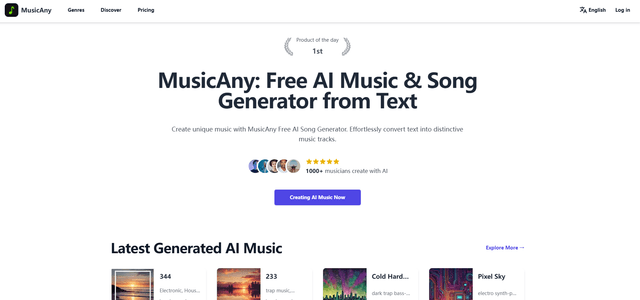
MusicAny
MusicAny is a cutting-edge free AI music generator that enables users to effortlessly create unique, royalty-free songs from text descriptions without any musical background.
Popular AI Tools Like BeMusic AI
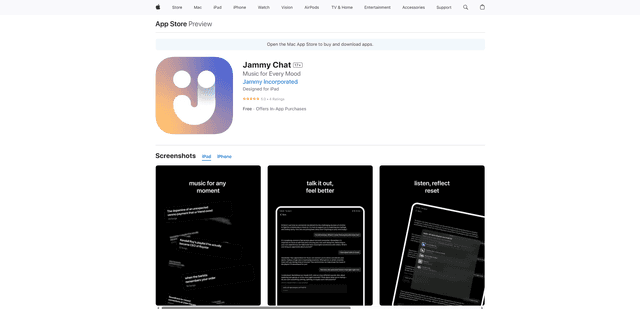
Jammy Chat
Jammy Chat is a music-infused mental health app that provides personalized playlists and emotional support by analyzing your mood through AI-powered conversations.
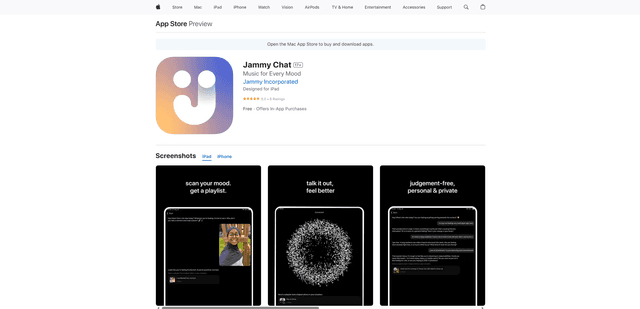
Jammy Chat
Jammy Chat is an AI-powered mental health app that scans users' facial expressions and provides personalized music playlists to help regulate emotions and improve mood.
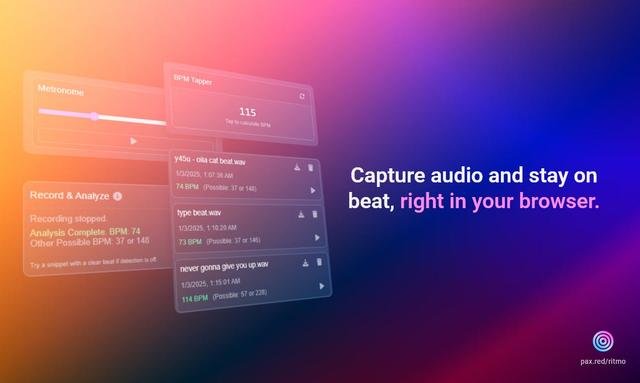
Ritmo
Ritmo is a smart audio toolkit Chrome extension that helps capture, analyze, and manage audio with features like BPM analysis, tap tempo, and metronome functionality.
Tempo-Pulse
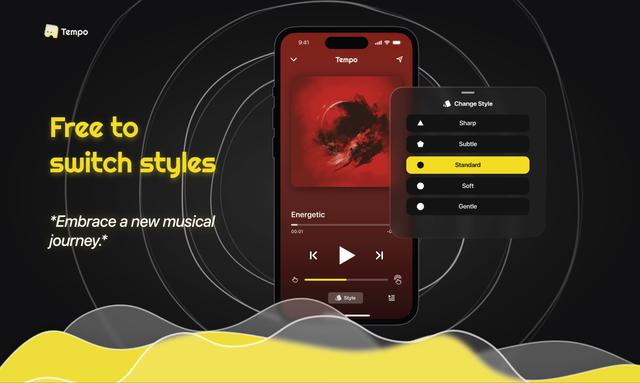
Tempo-Pulse is an AI-driven haptic music player that transforms any music into tactile sensations through innovative haptic technology, making music feelable for everyone including those who are hard of hearing.