Backbeat Forge
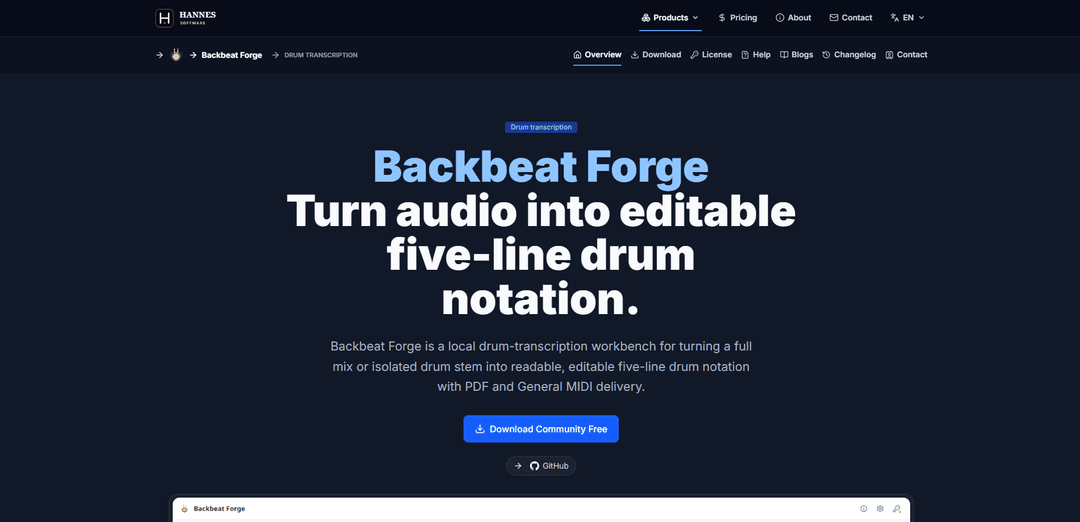
Backbeat Forge is a local drum-transcription workbench that converts a full mix or isolated drum stem into editable five-line drum notation, with PDF and General MIDI export.
https://hannes-software.com/backbeat-forge?ref=producthunt
Product Information
Updated:Aug 8, 2026
What is Backbeat Forge
Backbeat Forge is a desktop application for drummers, educators, and producers who want to turn recorded audio into readable drum sheet music that can be reviewed and corrected. It focuses on end-to-end drum transcription: starting from the source audio you already have (a full song mix or a clean drum stem), generating a draft transcription, and presenting it as standard five-line drum notation rather than a piano-roll view. Users can then refine the result and export deliverables such as printable PDFs and General MIDI (channel 10) percussion, while keeping the workflow local for privacy-sensitive material.
Key Features of Backbeat Forge
Backbeat Forge is a local drum-transcription workbench that turns a full mix or isolated drum stem into readable, editable five-line drum notation, keeping the original audio evidence and detection confidence tied to the score for review and correction. It supports local drum separation for full mixes (HTDemucs), direct onset analysis for drum stems, and MIDI performance import into the same notation editor. Users can refine timing, kit-piece mapping, articulation, and velocity, then export the currently edited draft as printable PDF drum charts and General MIDI (channel 10), with a free tier for detection/viewing and a one-time purchase to unlock editing, quantization, and exports—no subscription or cloud upload required.
Audio-to-notation transcription workbench: Converts full mixes or isolated drum stems into a reviewable five-line drum score, designed for drummers to validate and correct rather than blindly trust an automatic result.
Local drum separation for full mixes: Uses local HTDemucs drum separation when starting from a full mix; isolated drum stems can skip separation and go straight to onset analysis.
Editable five-line drum score (not a piano roll): Edit hits directly in drum notation: move events in time, reassign kit pieces, adjust velocity and articulation, add missing hits, and delete false positives with proper notation semantics (voices, rests, stems/beams, cymbal X heads).
Confidence-aware review workflow: Keeps low-confidence detections visible as reviewable evidence, linking recording playback, performed timing, kit classification, and written rhythm in one workspace.
Delivery exports from the current edited draft: Exports printable A4 PDF drum notation (measures, meter, tempo, articulation, pagination) and General MIDI percussion on channel 10, based on the score as edited—not an earlier analysis snapshot.
Simple licensing with free evaluation: Community tier includes drum detection and five-line score viewing; a single permanent in-app purchase unlocks advanced editing, quantization, and PDF/MIDI export with platform-managed restore (no subscription/account/device binding).
Use Cases of Backbeat Forge
Create a first-pass drum chart from a song mix: Producers, drummers, or educators can load a full mix, run local separation + detection, then correct the notation to produce a usable chart quickly.
Transcribe an isolated drum stem to sheet music: Mix engineers or session drummers can start from a drum-only stem, skip separation, refine kit mapping/articulation, and export clean PDF notation for rehearsal or session delivery.
Privacy-preserving transcription for unreleased material: Artists and labels can keep rehearsal recordings or pre-release tracks local (no cloud upload) while still generating notation and MIDI deliverables.
Human-in-the-loop correction for accurate notation: When automatic transcription is imperfect, users can review against the source, fix timing/voicing, quantize where needed, and ensure the final chart reflects the intended performance.
MIDI performance to readable drum notation: Drummers/programmers can import a percussion MIDI performance and edit it in the same five-line notation environment for printing, sharing, or further arranging.
Session-to-session project continuity: Save a versioned .bforge project that preserves edits, analysis choices, mixer settings, and workspace state, enabling iterative chart refinement over multiple sessions.
Pros
Local-first workflow supports privacy and avoids dependence on cloud services.
True five-line drum-notation editing (with kit-to-staff semantics) rather than forcing piano-roll correction.
Exports (PDF/MIDI) reflect the current edited score, supporting reliable deliverables.
One-time permanent unlock with no subscription/account/dongle and easy restore via Apple/Microsoft.
Cons
Automatic detection still requires human review/correction, especially for low-confidence passages or complex mixes.
Full-mix transcription depends on separation quality; results can vary with source audio quality and mix balance.
Some key capabilities (advanced editing, quantization, PDF/MIDI export) are not included in the free Community tier.
How to Use Backbeat Forge
1) Install and launch Backbeat Forge: Download and install Backbeat Forge (Community Free is available for evaluation). Open the app to access the drum-transcription workbench.
2) Choose your starting source type: Decide whether you will start from (a) a full mix (song file) or (b) an isolated drum stem. Full mixes can use local HTDemucs drum separation; isolated stems skip separation and go directly to onset analysis.
3) Import your audio (or MIDI performance): Open a local audio file in WAV, MP3, FLAC, OGG, M4A, or AAC. Alternatively, import a drum MIDI performance (.mid/.midi) to bring it into the same five-line notation workspace without running audio analysis.
4) (Full mix only) Run local drum separation: If you imported a full mix, run the local separation workflow to isolate drums (HTDemucs). This keeps processing local (no cloud upload) and prepares the drum material for detection.
5) Run drum detection / onset analysis: Start the transcription pass so Backbeat Forge detects drum onsets and classifies kit pieces. Review any low-confidence detections as “reviewable” rather than treating them as certain.
6) Review the generated five-line drum notation: Open the score view to see the detected groove rendered as readable five-line drum notation (not a piano roll). Use playback to compare the score against the recording.
7) Use playback + stem mixer to verify parts: During playback, use the floating stem mixer to balance the generated drums and accompaniment buses. Adjust master gain and per-track volume, and use mute/solo to focus on specific elements while checking the chart.
8) Correct the transcription by editing notation: Edit the score to match the performance: move hits in time, reassign hits to different kit pieces, change velocity and articulation, add missing hits, and delete false positives. Work with upper/lower notation voices so rests, stems, beams, and cymbal X-heads reflect proper drum notation.
9) Apply quantization (if available in your license): If you have Full unlock, apply quantization to tighten timing into written rhythm while preserving musical intent. Re-check against the source audio after quantizing.
10) Save a reusable project file (.bforge): Save your work as a .bforge project to preserve the score, edits, analysis choices, mixer controls, workspace state, and source fingerprint so you can continue later and recover the source context.
11) Export deliverables from the current edited draft (Full unlock): Export outputs from the current reviewed score (not an older analysis snapshot): (a) PDF export for printable A4 drum notation with measures, meter, tempo, articulation, and pagination; (b) MIDI export as General MIDI percussion on channel 10 with velocity/articulation-aware notes.
12) Validate exports and iterate if needed: Open the exported PDF to confirm layout and notation, and import the exported MIDI into a DAW to confirm mapping and dynamics. If anything is off, return to the score, adjust, re-save the .bforge project, and re-export.
Backbeat Forge FAQs
Backbeat Forge is a local drum-transcription workbench that turns a full mix or isolated drum stem into readable, editable five-line drum notation, with PDF export and General MIDI (channel 10) export.
Popular Articles

Vosko AI: Localize and Dub Videos for Global Audiences
Oct 15, 2026

Atoms: A Multi-Agent AI Platform That Transforms Ideas into Launch-Ready Products
Oct 13, 2026

Nano Banana SBTI: What It Is, How It Works, and How to Use It in 2026
Apr 15, 2026

Atoms Review — The AI Product Builder Redefining Digital Creation in 2026
Apr 10, 2026
Latest AI Tools Similar to Backbeat Forge
ChopLab
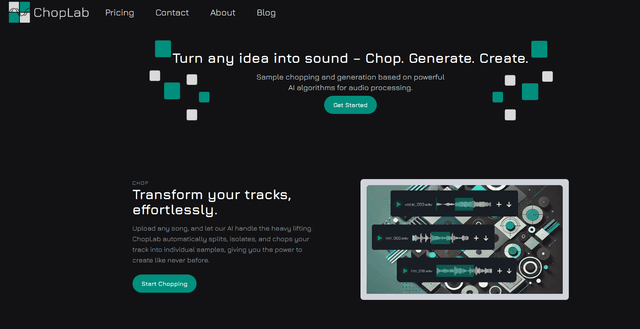
ChopLab is an AI-powered tool that enables music producers to transform audio tracks into unique samples and custom drum packs through automated splitting, isolation, and chopping processes.
SongGenerator.io: AI Music Generator Free Online
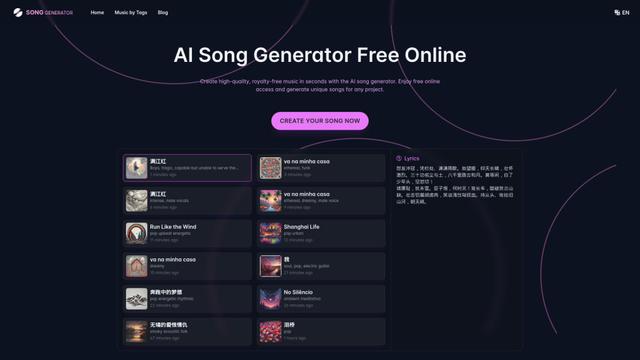
SongGenerator.io is a free online AI music generator that allows users to create unique, high-quality songs in seconds by inputting text descriptions, lyrics, or style preferences.
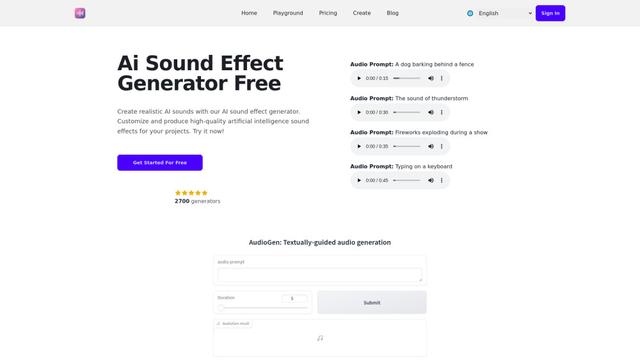
AI Sound Effect Generator
AI Sound Effect Generator is an innovative tool that uses artificial intelligence to instantly create customized, high-quality sound effects from text prompts for various multimedia projects.
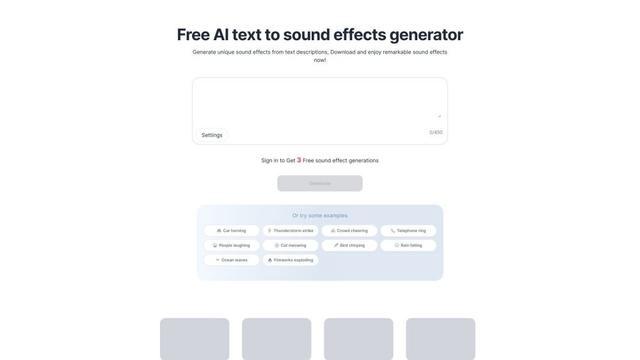
Soundify
Soundify is an AI-powered tool that generates unique sound effects from text descriptions, offering free and customizable audio clips for various creative projects.
Popular AI Tools Like Backbeat Forge
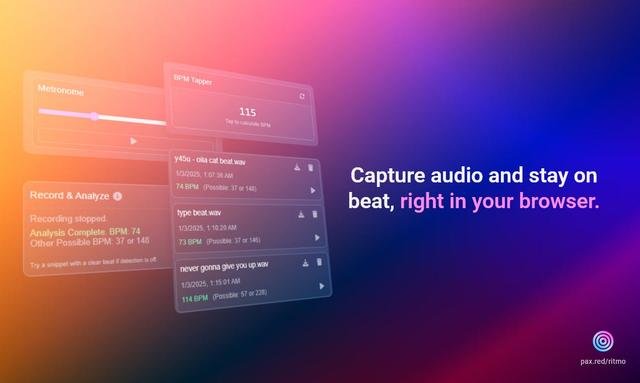
Ritmo
Ritmo is a smart audio toolkit Chrome extension that helps capture, analyze, and manage audio with features like BPM analysis, tap tempo, and metronome functionality.
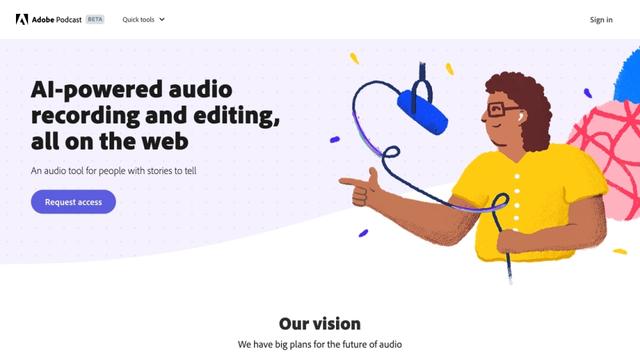
Adobe Podcast
Adobe Podcast is an AI-powered web-based audio toolset that allows users to record, enhance, edit, and share high-quality podcasts and voiceovers with professional-sounding results.
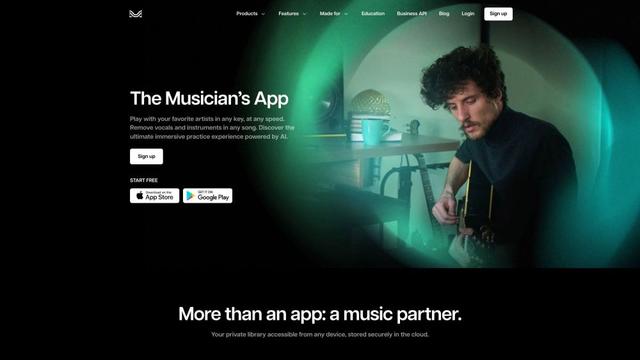
Moises App
Moises App is an AI-powered music platform that allows musicians to separate audio tracks, adjust pitch and tempo, detect chords, and practice with customized backing tracks.

eMastered
eMastered is an AI-powered online audio mastering service that provides instant, professional sound enhancement for music tracks, developed by Grammy-winning engineers.