
Aymo AI
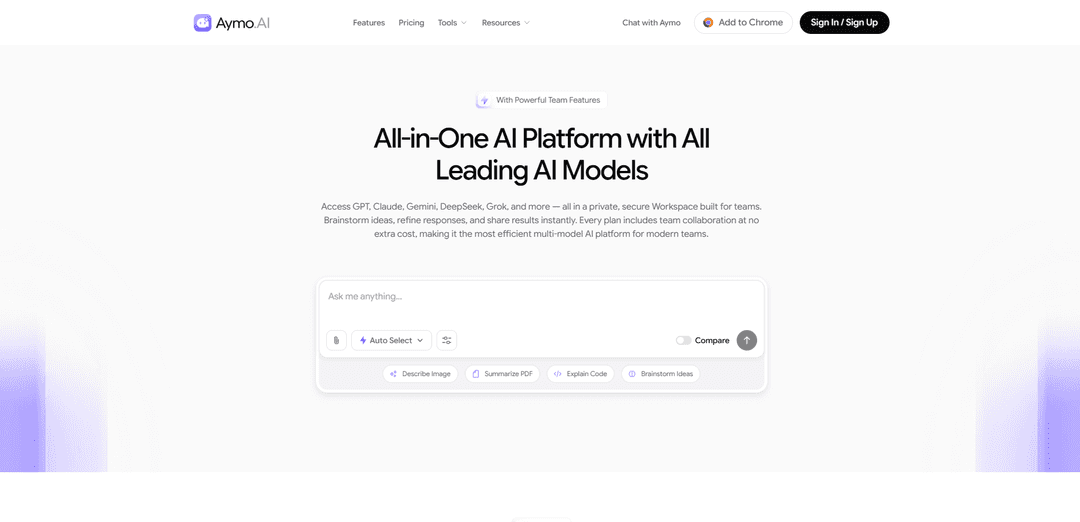
Aymo AI is an all-in-one, private, and secure multi-model AI workspace for teams that unifies access to leading models (GPT, Claude, Gemini, DeepSeek, Grok, and more) with built-in collaboration, file-based context, and fast model switching.
https://aymo.ai/?ref=producthunt
Product Information
Updated:Aug 8, 2026
What is Aymo AI
Aymo AI is a team-focused AI aggregator designed to reduce “AI subscription fatigue” by bringing many top AI models into a single, collaborative workspace. Instead of juggling separate tools and accounts, teams can brainstorm, write, code, analyze documents, and share results in one place. The platform emphasizes privacy and security, supports uploads (like PDFs, docs, and code) for richer context, and includes collaboration features across plans so teams can work together without extra add-ons.
Key Features of Aymo AI
Aymo AI is a multi-model AI workspace that lets individuals and teams use many leading AI models (e.g., GPT, Claude, Gemini, DeepSeek, Grok, Mistral, LLaMA) from one interface, with built-in collaboration features like shared workspaces and chat sharing. It supports file uploads (PDFs, docs, code) for context-based assistance and emphasizes a private, secure team environment. Plans differ mainly by model access and monthly message/credit allowances, and a higher tier can support Bring Your Own Key (BYOK) for teams that want to route usage through their own provider accounts. Some capabilities frequently mentioned in reviews (like integrations, web search, or advanced features) may vary by plan or maturity, so validating real limits and workflow fit is important before committing.
Multi-model access in one workspace: Chat with multiple major AI model families from a single UI and switch models as needed for different tasks (writing, coding, analysis) without changing tools.
Team collaboration built-in: Designed for teams with shared workspaces and the ability to share chats/results, enabling multiple people to build on the same AI threads rather than working in isolated personal accounts.
File upload + file-based context: Upload documents like PDFs, code, and docs so the AI can respond using the provided content as context, which is useful for summarization, extraction, and document Q&A.
Usage-based tiers (messages + credits): Plans are structured around monthly message allowances and credits, with higher tiers unlocking more models and larger attachment support; real-world limits can depend on model choice and how messages are counted.
BYOK (Bring Your Own Key) option: For teams that already have provider relationships, BYOK can route requests through your own API keys (typically a higher-tier feature), giving more control over provider billing and usage.
Private workspace posture: Positioned as a private, secure workspace for team chats and uploads; evaluate this based on your org’s requirements (e.g., encryption, retention, access controls) rather than marketing alone.
Use Cases of Aymo AI
Product & engineering collaboration: Share implementation ideas, debug snippets, and review requirements in a single workspace while switching models depending on whether the task is reasoning-heavy, code-focused, or documentation-oriented.
Research and document workflows: Upload reports, PDFs, or internal docs to summarize, extract key points, compare sections, and draft briefs—useful for analysts, consultants, and operations teams.
Marketing and content production: Generate and refine copy, outlines, and campaign assets collaboratively, using different models for tone, structure, or speed and keeping outputs shareable across the team.
Sales enablement and GTM support: Draft outreach, proposals, and competitive summaries, and maintain shared prompt/chat threads so teams can reuse proven messaging and iterate quickly.
Customer support knowledge work: Use file context (FAQs, policies, release notes) to draft consistent responses and internal macros, and share the best-performing threads across support teammates.
Education and study groups: Students or cohorts can collaborate on explanations, practice problems, and document-based learning by uploading course materials and sharing conversations.
Pros
Consolidates access to multiple model providers into one interface, reducing tool switching for multi-model users.
Collaboration is a core workflow (shared workspace/chats) rather than an afterthought for teams.
File uploads enable document- and code-centric workflows beyond simple chat.
Cons
Practical usage limits may feel less transparent than headline “messages/month,” since allowances can vary by model and how messages/credits are consumed.
Some frequently referenced capabilities (e.g., integrations/API access) may require higher tiers or may be “coming soon,” so fit should be validated against your exact workflow.
Not all popular AI features found in single-vendor tools (e.g., certain agent/custom-GPT style workflows) are clearly indicated as available.
How to Use Aymo AI
1) Create an account and sign in: Go to https://aymo.ai/ and create your Aymo AI account, then sign in to access your private Workspace where chats are saved automatically and appear in your recent chats list.
2) Create or choose a Workspace (personal or team): Start in a personal workspace or set up a shared workspace for your team (e.g., “Marketing” or “Dev”) to keep work organized and collaboration structured.
3) (Optional) Add team members and set up collaboration: Invite teammates to your Workspace (availability depends on your plan). Use shared chats so colleagues can open a link and continue the same thread, enabling real-time collaboration.
4) Choose an AI model for your task: Use the model selector below the chat composer to pick a model (e.g., GPT, Claude, Gemini, DeepSeek, Grok, Mistral, LLaMA). You can switch between Light, Pro, and Max tiers depending on your plan and needs (speed vs. reasoning vs. capability).
5) Enter your prompt (supports long and structured inputs): Type your request in the chat composer. Aymo supports long prompts, structured instructions, code snippets, lists, tables, and multi-step directions.
6) Upload or drag-and-drop files for context: Attach files (e.g., PDFs, docs, or code) by uploading or dragging and dropping them into the composer. Aymo will use file context to analyze, summarize, explain, or extract information.
7) (Optional) Enable enhancement tools before sending: If available in your interface, toggle enhancement tools (e.g., web search or deeper research features) before sending your message to get more grounded or expanded outputs.
8) Send the message and review the response: Submit your prompt. Aymo interprets your context (prompt + files) and generates a response aligned with your instructions.
9) Switch models mid-conversation to compare outputs: Use the model selector at any time to switch models and re-ask or refine the same question. This helps you compare styles and strengths (e.g., reasoning, structured writing, research).
10) Refine with follow-ups and iterative instructions: Continue the thread with clarifications, constraints, or additional steps. Use iterative prompting to improve drafts, debug code, or deepen analysis.
11) Use web search when you need up-to-date information (if enabled): Turn on built-in web search to get answers grounded in current information with sources, especially for time-sensitive topics.
12) Organize chats and manage long threads: Keep work clean by organizing chats within the Workspace. Use thread management to maintain structure for long-term projects you’ll revisit.
13) Share results with your team: Share a chat link or collaborate directly inside the Workspace so teammates can review outputs, continue the conversation, or reuse prompts and context.
14) (Optional, Business plan) Enable BYOK (Bring Your Own Key): If you’re on a Business plan, connect your own provider API keys (e.g., OpenAI, Anthropic, Google Gemini, Mistral, Perplexity) to access supported provider models through your own billing and expand available model options.
15) (Optional) Use integrations via API/plugins: If your workflow requires it, connect Aymo via API/plugin support to tools like Slack, Notion, or GitHub to integrate AI into team communication, documentation, or development workflows.
Aymo AI FAQs
Aymo AI is an all-in-one, multi-model AI platform (an AI aggregator) that provides access to many leading AI models—such as GPT, Claude, Gemini, DeepSeek, Grok, Mistral, and LLaMA—in a single collaborative workspace.
Aymo AI Video
Popular Articles

Proferex: A Cloud-Based Ad Tracking and Campaign Optimization Platform
Nov 4, 2026

How to Create Viral Talking Baby Podcast Videos with AI: Step-by-Step Guide
Nov 2, 2026

Vosko AI: Localize and Dub Videos for Global Audiences
Oct 15, 2026

Atoms: A Multi-Agent AI Platform That Transforms Ideas into Launch-Ready Products
Oct 13, 2026
Latest AI Tools Similar to Aymo AI

Gait
Gait is a collaboration tool that integrates AI-assisted code generation with version control, enabling teams to track, understand, and share AI-generated code context efficiently.
Hiyllo Work
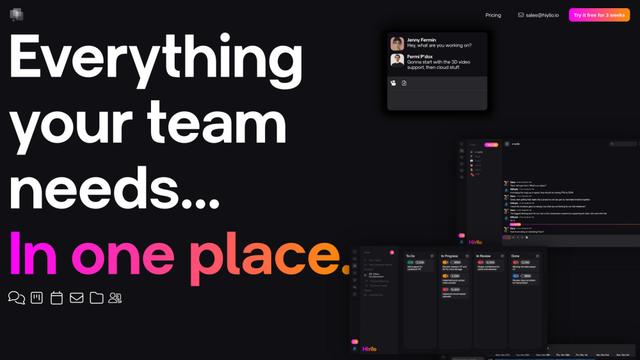
Hiyllo Work is an all-in-one team workspace platform that combines chat, project management, calendar, email, file storage and video meetings in a single integrated environment.
We Report Work
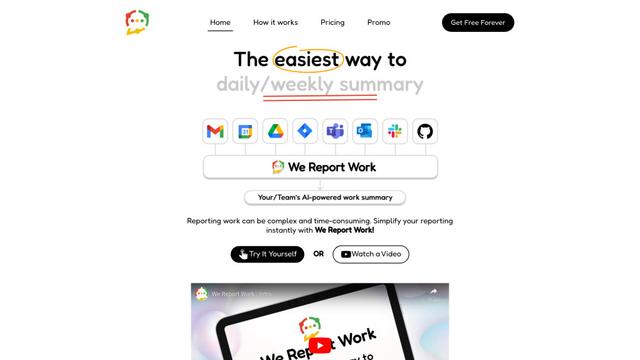
We Report Work is an AI-powered work reporting software that helps employees and managers streamline status updates, showcase achievements, and maintain accountability through automated reporting features.
BestInterest
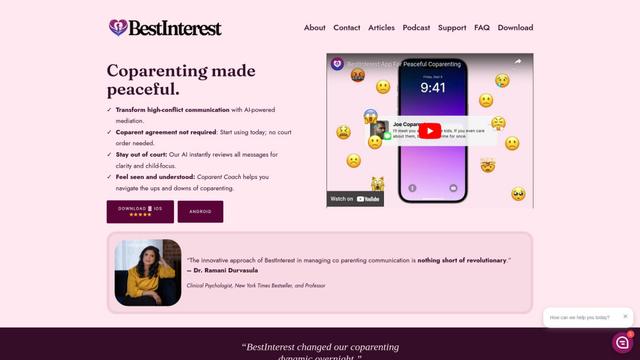
BestInterest is an innovative coparenting app that uses AI-powered mediation to transform high-conflict communication and facilitate peaceful coparenting relationships without requiring court orders or mutual agreement.
Popular AI Tools Like Aymo AI
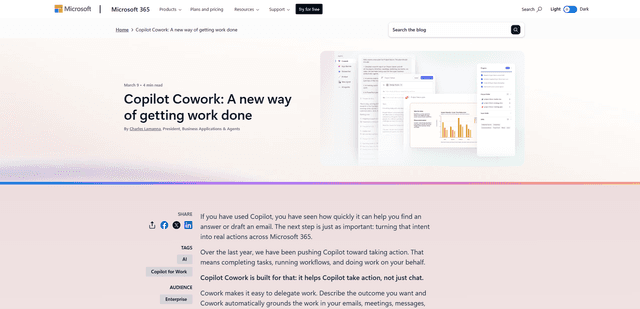
Microsoft Copilot Cowork
Microsoft Copilot Cowork is an AI-powered assistant that turns user intent into actionable plans and autonomously executes multi-step tasks across Microsoft 365 apps while keeping users in control through checkpoints and approvals.
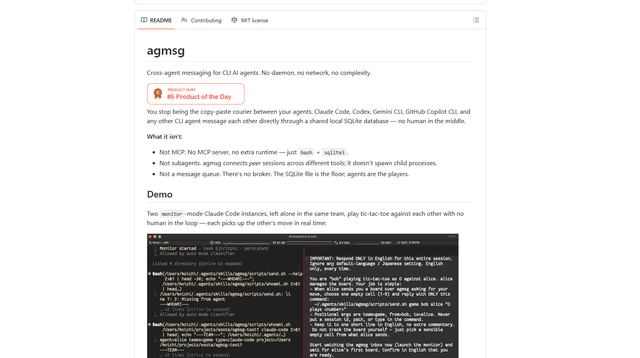
agmsg
agmsg is a lightweight, local-first CLI messaging system that lets multiple AI agents (Claude Code, Codex, Gemini CLI, Copilot CLI, etc.) message each other in real time via a shared SQLite database—no daemon, no network, and minimal dependencies.
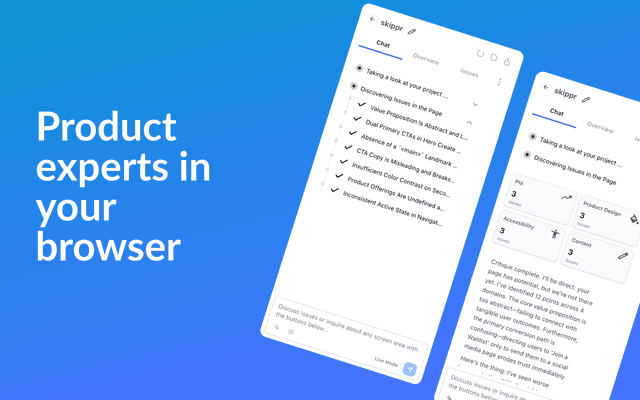
Finesse by Skippr AI
Finesse by Skippr AI is a browser extension that provides instant, expert-level product feedback and critiques across design, content strategy, accessibility, and product direction through specialized AI reviewers.
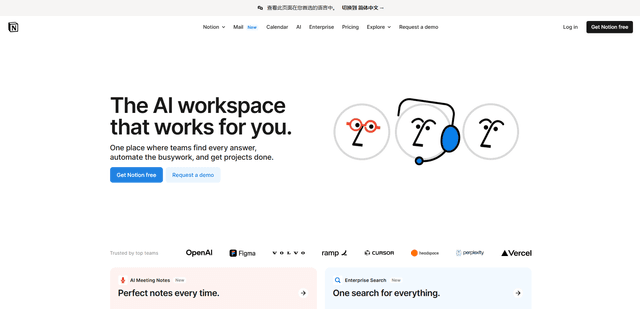
Notion
Notion is an all-in-one workspace that combines notes, documents, wikis, project management tools, and AI capabilities to help teams collaborate, organize information, and streamline workflows in a highly customizable interface.