
Aximote In-Car App
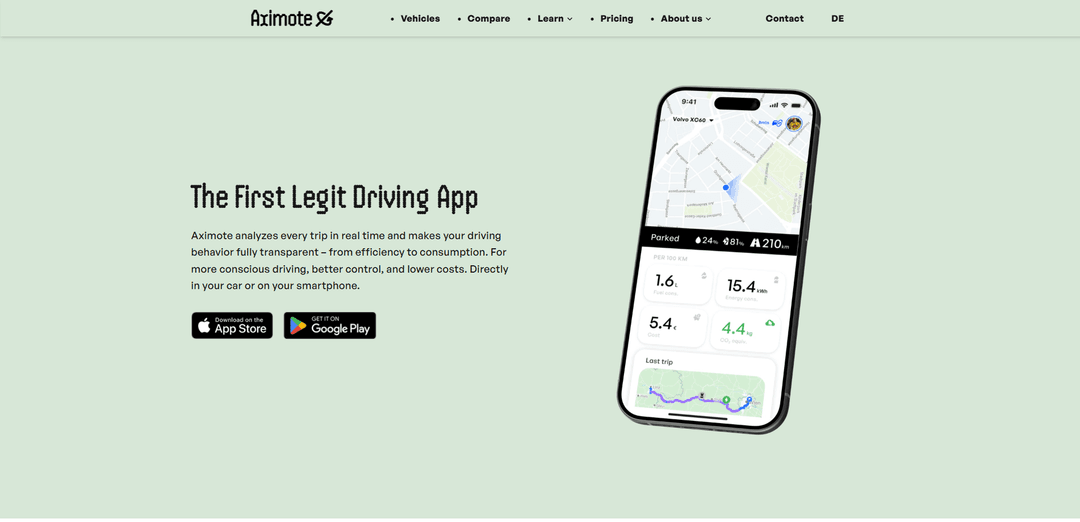
Aximote In-Car App is a native Android Automotive OS driving analytics app that automatically records trips and delivers real-time insights on driving behavior, energy/fuel use, and charging/refueling costs—plus trends, detailed trip views, and community rankings without extra hardware.
https://aximote.com/?ref=producthunt
Product Information
Updated:May 19, 2026
What is Aximote In-Car App
Aximote In-Car App is a smart vehicle analytics and driving analysis app designed to run directly on your car’s infotainment system (Android Automotive OS / AAOS), turning vehicle data into clear, actionable insights for everyday driving. It helps drivers understand consumption, efficiency, and trip costs (fuel or electricity), while offering detailed trip histories, trends, and comparisons with other drivers. Because it’s built for in-car use, Aximote can show live stats on the vehicle display and automatically sync trips to the companion smartphone app via your Aximote account.
Key Features of Aximote In-Car App
Aximote In-Car App is a native Android Automotive OS (AAOS) driving analytics app that automatically detects and records trips and analyzes driving behavior in real time using vehicle-integrated data (rather than phone-only GPS). It provides detailed trip views (including routes and trends), tracks energy/fuel consumption and costs, and can detect refueling/charging events on supported vehicles. Trips sync to the companion smartphone app via the cloud, and the product emphasizes being hardware-free, easy to install from the in-car Play Store, and privacy-conscious (GDPR-aligned with user control over data sharing).
Automatic trip detection & logging: Recognizes and records trips automatically when running in the AAOS infotainment system, reducing manual start/stop and creating a continuous trip history.
Real-time driving analysis & eco scoring: Analyzes driving behavior live (e.g., speed consistency, acceleration/braking patterns, efficiency) and presents scores/insights to help drivers improve efficiency and mindfulness.
Consumption, energy & cost tracking: Tracks fuel/electricity usage and translates it into per-trip and longer-term cost insights, helping users understand the financial impact of driving style and conditions.
Charging/refuel detection (supported vehicles): Detects charging and refueling events on compatible vehicles and summarizes charging times, consumption trends, and related costs in the app.
Detailed trip views with routes & trends: Provides drill-down trip pages with route context and historical trends to compare drives over time and identify improvement opportunities.
Community rankings & challenges: Enables comparisons across drivers (brand/model independent) via rankings and weekly challenges, supporting motivation through gamified progress.
Use Cases of Aximote In-Car App
EV and fleet cost transparency: Fleet operators can use per-trip energy/cost tracking and charging detection to understand operating costs, spot inefficient routes or behaviors, and improve budgeting.
Eco-driving coaching for everyday drivers: Drivers who want to reduce fuel/electricity spend can use real-time analysis and scoring to adjust acceleration, idling, and speed consistency to improve efficiency.
Mileage and trip logbook support: Professionals who need a trip history (e.g., consultants, sales reps) can rely on automatic trip recording and synced trip lists to simplify documentation.
Charging behavior optimization for EV owners: EV drivers can review charging events, durations, and cost trends to compare charging habits, identify expensive sessions, and optimize when/where to charge.
Driver benchmarking and engagement programs: Organizations running driver improvement initiatives can use community-style rankings/challenges to encourage safer, smoother, more efficient driving behaviors.
Pros
Native AAOS integration enables automatic trip recording and richer vehicle-based data without extra hardware.
Strong visibility into consumption and cost per trip, plus charging/refuel tracking on supported vehicles.
Cloud sync links in-car and smartphone experiences; basic trip recording can work offline and sync later.
Privacy positioning: user control over collection/sharing and GDPR-aligned storage practices (as stated by the provider).
Cons
Full functionality depends on AAOS in-car app availability; features vary by vehicle and data access.
Real-time analysis requires an active internet connection.
Some sensitive vehicle identifiers (e.g., VIN) may be restricted by OEM permissions, limiting certain data points.
If used only as a phone app (non-AAOS), trip detection may be less automatic and can require manual interaction depending on version/implementation.
How to Use Aximote In-Car App
1) Check that your car supports the in-car app: Confirm your vehicle runs Android Automotive OS (AAOS) with Google built-in (e.g., supported models from Volvo, Polestar, Renault, and others). The in-car app is installed directly on the vehicle via the car’s Play Store (not Android Auto mirroring).
2) Install Aximote on your smartphone (recommended): Download the Aximote smartphone app from the Apple App Store or Google Play. This is used for extended analysis, history, and community features when you’re not in the vehicle.
3) Install the Aximote In-Car App from your car’s Play Store: On the AAOS infotainment screen, open Google Play Store, search for “Aximote,” and install it. This in-car app enables automatic trip recognition and access to vehicle-provided telemetry for analysis.
4) Sign in on the in-car app with your Aximote account: Open Aximote in the car and log in. Your account links the car app and the phone app so trips can be recognized, analyzed, and synchronized via the cloud.
5) Start driving—automatic trip detection runs in the background: Once logged in, Aximote automatically detects when you start driving and records trips without manual input. It evaluates driving behavior (e.g., speed/consistency/efficiency) and tracks consumption and costs based on vehicle data.
6) View real-time driving analysis in the car: Use the in-car interface to see your trip in real time (live overview/scores and real-time driving analysis). Note: real-time analysis requires an active internet connection.
7) Review trip details after (or during) a drive: Open the trip list and select a trip to see detailed views (route, metrics, analysis) and trends. Aximote is designed to make efficiency, consumption, and driving behavior transparent per trip.
8) Track charging/refueling and costs: Use the in-car app’s charging/refueling tracking to see charging times, consumption, and costs. Where supported, events can be detected automatically from vehicle data; Aximote then shows costs and trends for everyday use.
9) Use offline mode when needed, then sync later: If connectivity drops, Aximote records trips locally and syncs once a connection is available. Basic features work offline; real-time analysis requires internet.
10) Sync and continue analysis on your phone: Trip data is automatically synchronized between your car and smartphone via the cloud (through your Aximote account). Use the mobile app for deeper history, extended analysis, and community features.
11) Compare with the community (optional): Use rankings and comparisons to see how you stack up against other drivers (regardless of brand/model), set personal bests, and participate in community challenges.
Aximote In-Car App FAQs
Aximote is a smart driving analysis app that runs in your car (and also on your phone) to track trips in real time and provide insights into driving style, consumption, efficiency, and costs.
Popular Articles

Atoms: A Multi-Agent AI Platform That Transforms Ideas into Launch-Ready Products
May 22, 2026

Nano Banana SBTI: What It Is, How It Works, and How to Use It in 2026
Apr 15, 2026

Atoms Review — The AI Product Builder Redefining Digital Creation in 2026
Apr 10, 2026

Kilo Claw: How to Deploy and Use a True "Do‑It‑For‑You" AI Agent(2026 Update)
Apr 3, 2026
Latest AI Tools Similar to Aximote In-Car App
TubeVoice
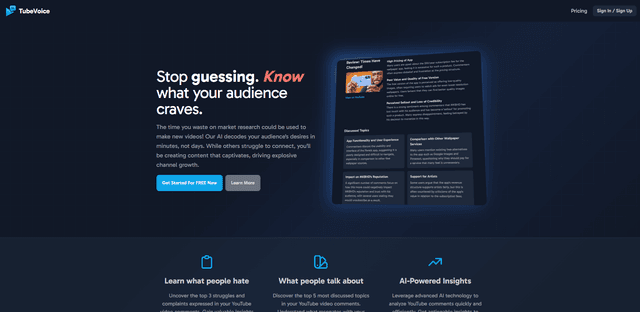
TubeVoice is an AI-powered YouTube comment analyzer that helps content creators understand their audience by providing insights from video comments through automated analysis.
ReviewPower
ReviewPower is an all-in-one platform that aggregates and analyzes trusted reviews from G2 and Capterra to help businesses gain valuable insights from customer feedback.
Insightfull
Insightfull is an AI-powered health tracking platform that helps users monitor symptoms, analyze health data, and receive personalized insights through symptom tracking, food logging, and medication management features.
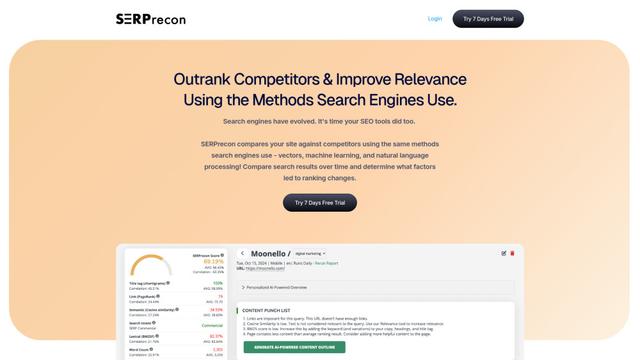
SERPrecon
SERPrecon is an advanced SEO tool that leverages vectors, machine learning, and natural language processing to help users analyze and outrank competitors by using the same methods as modern search engines.
Popular AI Tools Like Aximote In-Car App
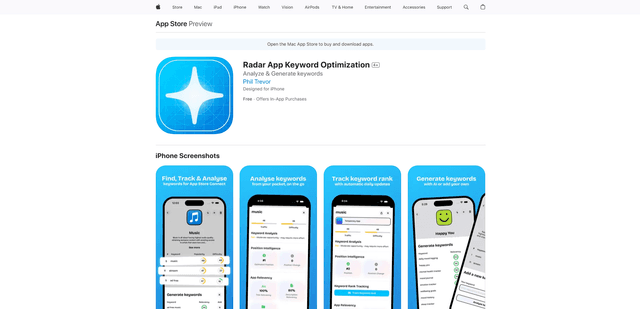
Radar
App Radar is a comprehensive app store optimization (ASO) tool that leverages AI-powered keyword research, competitor analysis, and automated tools to help improve app visibility and rankings across the Apple App Store and Google Play Store.
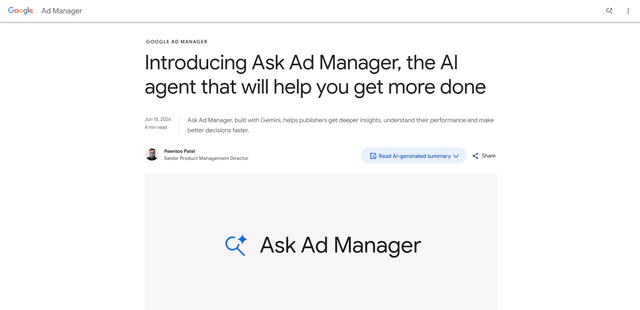
Ask Ad Manager by Google Ads
Ask Ad Manager is a Gemini-powered conversational agent inside Google Ad Manager that helps publishers troubleshoot issues in real time, generate custom performance reports from prompts, and navigate directly to the right settings using their own Ad Manager data.
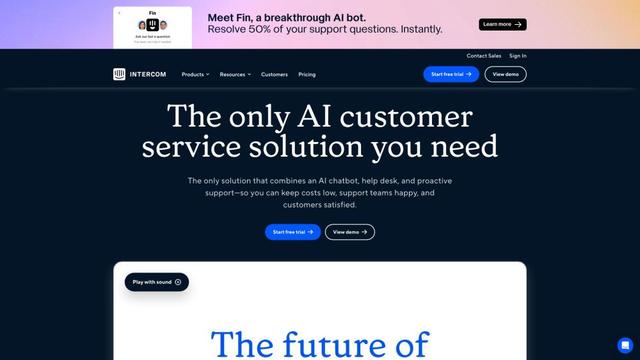
Intercom
Intercom is an AI-powered customer service platform that provides instant support, enhances agent productivity, and delivers insights to support leaders.
Branded
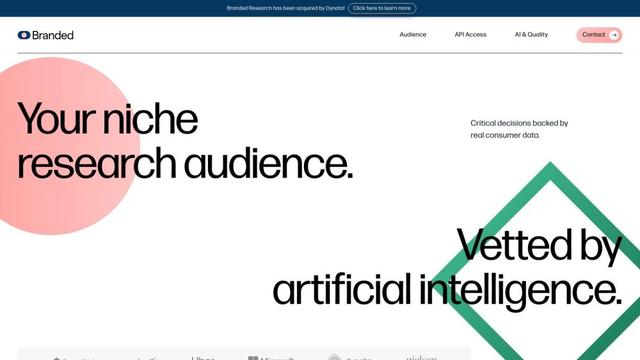
Branded is a market research company that uses AI and advanced sampling techniques to provide high-quality consumer insights and data.