
Auto-Immo PRO 2.0
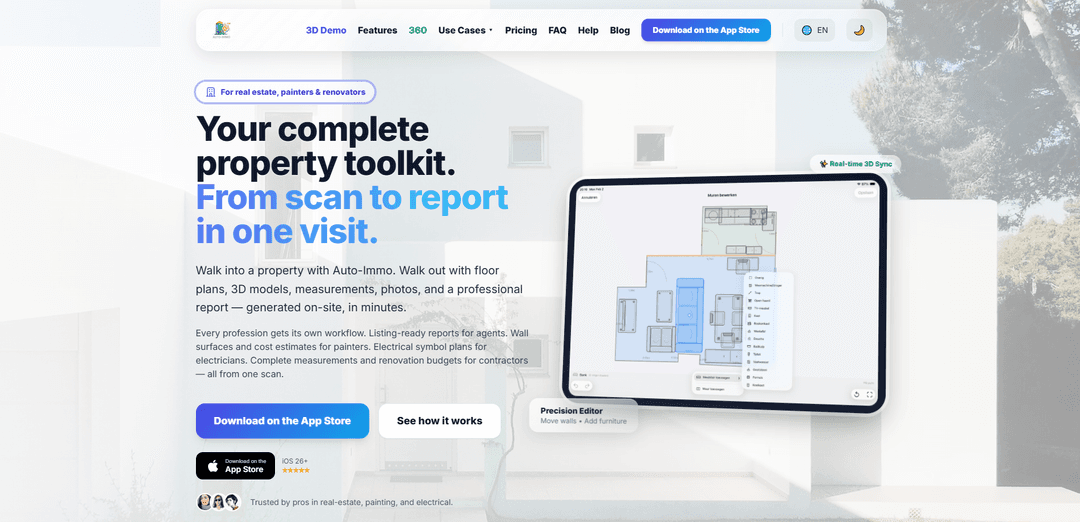
Auto-Immo PRO 2.0 is a LiDAR-based iPhone/iPad app that turns a single on-site walkthrough into accurate 2D floor plans, interactive 3D models, full measurements, annotated photos/notes, and professional exports (PDF/DOCX/DXF/3D formats) in minutes.
https://auto-immo.com/?ref=producthunt
Product Information
Updated:Jul 8, 2026
What is Auto-Immo PRO 2.0
Auto-Immo PRO 2.0 is a property documentation and reporting platform built for real-estate professionals, painters, electricians, property managers, renovators, and contractors who need fast, reliable plans and measurements without doing CAD work. Using LiDAR-equipped iPhones and iPads, it captures rooms and structure details during a walkthrough and produces listing-ready or trade-specific deliverables such as floor plans, wall elevations, 3D models, and structured reports. It supports multiple profession workflows (e.g., agent listing documentation, painter surface calculations and offers, electrician symbol plans, renovation measurement and budgeting) and provides export options including PDF/DOCX reports, DXF for CAD tools, and 3D formats like USDZ/OBJ/PLY.
Key Features of Auto-Immo PRO 2.0
Auto‑Immo PRO 2.0 is an iPhone/iPad LiDAR-based property documentation app that turns a single on-site walkthrough into editable 2D floor plans, interactive 3D models, automatic measurements, photos/thermal overlays, and share-ready reports. It supports trade-specific workflows (real estate, painting, electrical, renovation) with annotations, voice notes with transcription, and fast exports (PDF/DOCX/DXF and 3D formats like USDZ/OBJ/PLY). The platform emphasizes speed (minutes per room), accuracy (claimed ~98%), and professional deliverables without requiring CAD skills, with optional cloud sync and enterprise integrations.
LiDAR walkthrough scanning: Capture rooms, geometry, and measurements directly on LiDAR-equipped iPhones/iPads during a single walkthrough—designed to produce usable outputs on-site in minutes.
Accurate 2D floor plans + wall elevations: Generates editable 2D plans (walls, doors, windows) and wall elevations; includes a vector editor to refine layouts (move/add/delete walls, place furniture) with changes synced to the 3D model.
Interactive 3D models & exports: Creates walkthrough-ready 3D models and supports exporting to common 3D formats (USDZ, OBJ, PLY) for client sharing and downstream workflows.
Annotations on plans and photos: Add text notes and freehand drawings across photos, 2D floor plans, room plans, and wall elevations—useful for scoping work, marking issues, and communicating intent.
Media capture: photos, thermal overlays, and voice notes: Attach room-linked photos and overlay FLIR thermal images on floor plans; record voice notes that can be AI-transcribed and stored with the property file.
Professional reporting & CAD-friendly outputs: Generate client-ready exports like PDF and DOCX reports, plus DXF for CAD tools (e.g., AutoCAD/SketchUp workflows), and structured outputs (e.g., JSON) depending on plan tier.
Use Cases of Auto-Immo PRO 2.0
Real estate listing documentation: Create listing-ready floor plans, measurements, and branded reports from one visit, plus 3D models for virtual-tour style sharing.
Painting estimates and wall-surface takeoffs: Automatically compute wall/ceiling areas and produce professional offers/estimates tied to room geometry, reducing manual measuring and quoting time.
Electrical planning and symbol layouts: Use editable 2D plans with annotations and electrical symbols to document existing layouts or plan upgrades during site surveys.
Renovation scoping and budgeting: Capture full measurements, photos, and notes to build renovation plans and budgets; export structured reports for stakeholders and contractors.
Facilities/maintenance documentation: Maintain up-to-date space documentation with room-linked photos, notes, and quick plan exports for maintenance coordination and vendor communication.
CAD handoff for architects/designers: Export DXF floor plans and 3D assets (USDZ/OBJ/PLY) to speed up early-stage drafting and reduce re-measurement during design development.
Pros
Fast, single-walkthrough capture that produces multiple deliverables (2D plans, 3D models, reports) without CAD expertise.
Strong communication tooling (annotations, room-linked photos, voice notes + transcription) for field-to-office handoff.
Flexible exports (PDF/DOCX/DXF + 3D formats) that fit both client reporting and professional toolchains.
Runs on LiDAR-equipped Apple devices—no extra hardware required.
Cons
Device-limited: requires LiDAR-equipped iPhone/iPad Pro models, reducing accessibility for non-Apple or non-LiDAR users.
Internet connection is required, which can be limiting on remote job sites.
Some key capabilities (e.g., USDZ/OBJ/PLY export, DOCX/DXF/JSON, profession modes, transcription, cloud sync) depend on paid tiers.
Certain data features are region-limited (e.g., Property Intelligence noted as Belgium-only).
How to Use Auto-Immo PRO 2.0
1) Install Auto‑Immo PRO and create your account: Download Auto‑Immo PRO from the App Store, open the app, and create your account directly in the app (no manual approval). Choose the Free tier (1 property scan, up to 5 rooms) or start the 7‑day trial of a paid plan.
2) Confirm your device is compatible and ready: Use a LiDAR‑equipped iPhone/iPad (e.g., iPhone 12 Pro and later Pro models; iPad Pro 11" 2nd gen+ or 12.9" 4th gen+). Ensure you have an internet connection (required) and enough battery for scanning.
3) Start a new property project: In the app, create a new property file/project. This is where Auto‑Immo will store your scan, measurements, photos, notes, and exports for that specific site visit.
4) Select the workflow (profession mode) that matches your job: Choose the workflow that fits your trade (e.g., real estate listing documentation, painting/renovation estimating, electrical symbol plans). Auto‑Immo uses the same scan but generates different outputs depending on the selected workflow (profession modes are included in higher tiers).
5) Walk and scan each room with LiDAR: Begin scanning and walk through the room while the app captures geometry and measurements in real time. Typical scan performance is under 5 minutes per room. The app automatically calculates surfaces (walls/floors/ceilings) and builds a synchronized 3D model.
6) Repeat scanning for all rooms (add/remove rooms as needed): Continue room-by-room until the property is covered. Rooms can be auto‑labeled, and you can add or remove rooms anytime during the process.
7) Review the real‑time 3D model and 2D floor plan: After scanning, inspect the interactive 3D model and the generated 2D plan (walls, doors, windows). Use these views to confirm coverage and spot any missing areas before leaving the site.
8) Refine the layout using the vector editor: Open the 2D editor to adjust walls and objects. You can move, delete, or add walls and place furniture. Changes made in 2D are instantly reflected in the 3D model due to real‑time 3D sync.
9) Add annotations, drawings, and symbols: Annotate photos, 2D floor plans, room plans, and wall elevations with text notes and freehand drawings. If your workflow requires it, add electrical symbols directly onto the plan.
10) Capture room‑linked photos (and thermal images if available): Take photos within the project so they remain linked to the correct rooms. If you use FLIR thermal imaging, overlay thermal images onto the floor plan for documentation.
11) Record voice notes and (if your plan includes it) transcribe them: Speak while scanning or during review to create voice notes attached to the property file. On plans that include it, Auto‑Immo automatically transcribes voice notes and stores them with the project.
12) Generate measurements and calculated quantities: Use the automatically computed measurements for rooms, walls, floors, ceilings, windows, and other surfaces. These quantities support trade outputs like wall surface totals and renovation/painter cost estimates (calculation modules are included in higher tiers).
13) Export the outputs you need: Export deliverables in the formats supported by your plan: PDF and DOCX reports, DXF for CAD workflows, and 3D exports such as USDZ/OBJ/PLY for sharing or downstream tools. Choose the export type based on your client and toolchain.
14) Produce listing-ready or trade-ready reports: For real estate, generate branded, listing-ready documentation (floor plans, measurements, 3D model outputs, and reports). For painters/renovators/electricians, generate the trade-specific documentation (e.g., wall surfaces, symbol plans, offers/estimates) from the same scan.
15) Sync and back up your project (if included in your plan): Enable cloud sync/backup so your property data stays accessible across your Apple devices. This helps keep scans, edits, and exports available after the site visit.
16) Share deliverables with clients and collaborators: Send exported PDFs/DOCX/DXF/3D files to clients or colleagues. Use 3D exports (USDZ/OBJ/PLY) when stakeholders need interactive review or integration into other software.
17) (Enterprise) Collaborate and integrate with ERP if applicable: If you are on Enterprise, use team collaboration features and connect via ERP API access for integrations (e.g., Odoo/SAP/custom). This streamlines moving property data into operational systems.
Auto-Immo PRO 2.0 FAQs
Auto‑Immo PRO is an iOS LiDAR scanning app for professionals in real estate, painting/renovation, and electrical work. In a single walkthrough, it generates floor plans, 3D models, measurements, photos, and a professional report, with trade-specific workflows (e.g., listing-ready reports for agents and offer generation for painters).
Auto-Immo PRO 2.0 Video
Popular Articles

Atoms: A Multi-Agent AI Platform That Transforms Ideas into Launch-Ready Products
May 22, 2026

Nano Banana SBTI: What It Is, How It Works, and How to Use It in 2026
Apr 15, 2026

Atoms Review — The AI Product Builder Redefining Digital Creation in 2026
Apr 10, 2026

Kilo Claw: How to Deploy and Use a True "Do‑It‑For‑You" AI Agent(2026 Update)
Apr 3, 2026
Latest AI Tools Similar to Auto-Immo PRO 2.0
Rendair
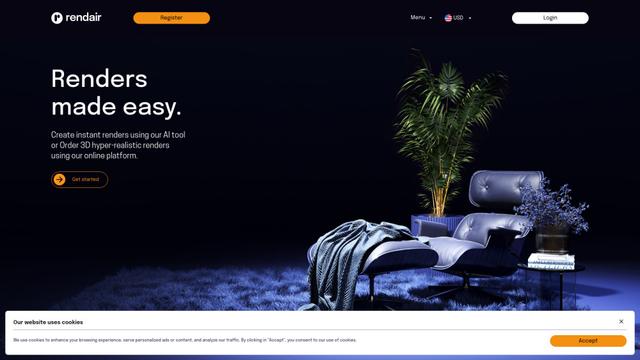
Rendair is an all-in-one AI-powered architectural rendering platform that offers quick, high-quality visualizations through both AI tools and professional 3D artists for architects, designers, and real estate professionals.

Triorama AI
Triorama AI is an AI-powered 3D product configurator platform that enables eCommerce businesses to offer real-time product personalization and visualization capabilities to their customers.

AiHouse
AiHouse is an AI-powered 3D interior design and manufacturing software that streamlines the entire process from design to production.
Kanai
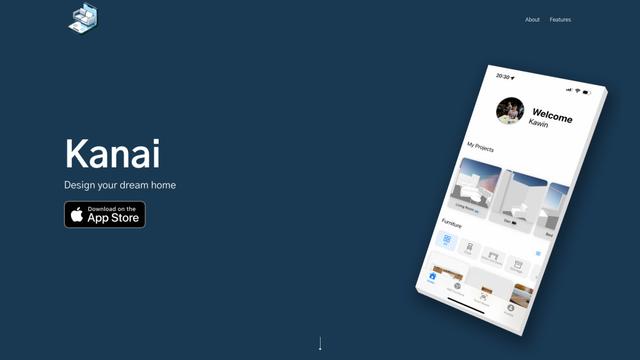
Kanai is an AI-powered 3D interior design platform that allows users to generate furniture models, visualize spaces, and collaborate on design ideas using natural language.
Popular AI Tools Like Auto-Immo PRO 2.0
Planner 5D
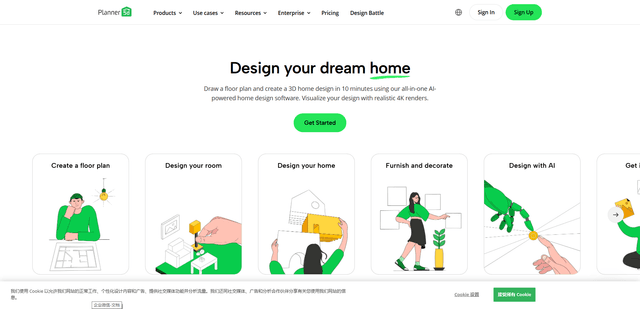
Planner 5D is an AI-powered home design software that allows users to create detailed 2D and 3D floor plans, furnish spaces, and visualize designs through realistic 4K renders with an extensive catalog of over 8,000 items.
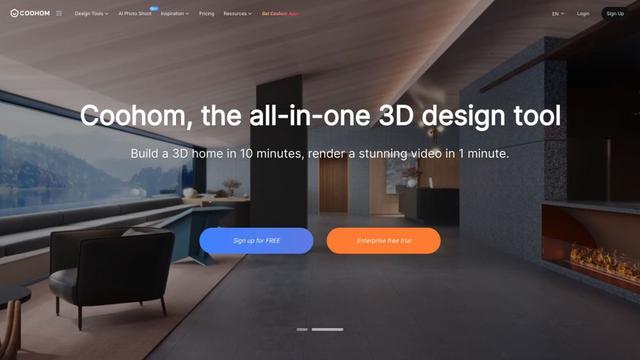
Coohom
Coohom is an all-in-one 3D design and visualization platform that allows users to create floor plans, render photorealistic images, and design interiors in minutes.

RoomGPT
RoomGPT is an AI-powered interior design tool that allows users to instantly transform and visualize their spaces by uploading a photo and selecting design themes.

Maket
Maket is an AI-powered generative design software that enables architects, builders, and developers to instantly create thousands of customized architectural plans and 3D visualizations based on project constraints.