
Amami
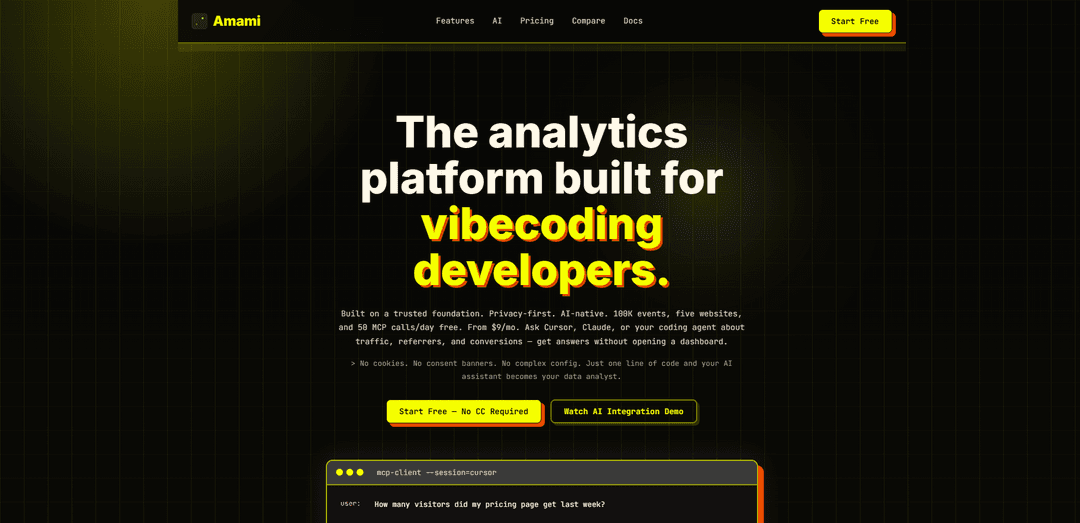
Amami is a privacy-first, AI-native web analytics platform that’s lightweight (<2KB), cookie-free, GDPR-ready, and lets you query traffic and conversions directly from tools like Cursor, Claude, or Codex via MCP.
https://docs.amami.dev/?ref=producthunt
Product Information
Updated:Aug 8, 2026
What is Amami
Amami is an analytics platform built for modern developers who want reliable website insights without invasive tracking or heavy dashboards. It provides core analytics such as pageviews, visitors, referrers, devices, countries, events, and UTM campaign performance, while staying privacy-first (no cookies and typically no consent banner needed). Amami is designed to be “AI-native,” meaning you can connect your AI assistant to your analytics data and ask questions in natural language, and it also offers both a managed cloud option and self-hosting for teams that want full control over their data.
Key Features of Amami
Amami is a privacy-first, AI-native web analytics platform designed for “vibecoding” developers that pairs a lightweight (<2KB) tracking script with MCP (Model Context Protocol) integration so tools like Cursor, Claude, or Codex can query and analyze your website data in natural language. It emphasizes cookie-less tracking (often no consent banner needed), quick setup, and browser-based authorization that keeps credentials local, while supporting both managed cloud and self-hosting for full data control. Amami helps you inspect traffic, sources, pages, conversions, and campaigns without living in dashboards, and includes a generous free tier with event limits and MCP call quotas.
Privacy-first, cookie-less analytics: Collects core web analytics without cookies or complex consent flows, aiming to be GDPR-ready by default and avoiding ad-tech style tracking.
MCP-ready (AI assistant integration): Connects analytics to Cursor, Claude, or Codex via MCP so you can ask questions like “What drove visitors this week?” and get ranked insights from your real traffic.
Lightweight tracking script (<2KB): A small client script designed to minimize performance impact compared to heavier analytics solutions.
Actionable analytics breakdowns: Supports analysis and ranking across pages, referrers, countries, devices, events, and UTM campaigns to diagnose traffic and conversion patterns.
Fast setup with local-key security: One-command MCP setup (via npx) with browser-based login/authorization; API keys remain stored locally rather than pasted into chat.
Cloud or self-hosted deployment: Use the managed Amami cloud or self-host on your own infrastructure for full control over data residency and governance.
Use Cases of Amami
Indie SaaS growth & conversion tuning: Track pricing and signup funnel behavior, identify top-converting channels (e.g., Hacker News vs X), and use AI queries to prioritize acquisition efforts.
Developer tools & documentation optimization: Measure which docs pages drive engagement, which referrers send high-intent users, and where users bounce—then iterate on content and onboarding.
Marketing campaign attribution (UTM analysis): Compare UTM campaigns and referrers to see which launches, posts, or ads actually bring engaged visitors and conversions.
Privacy-sensitive websites (EU/GDPR-focused): Run analytics without cookie banners in many cases and maintain stronger privacy posture; choose self-hosting or EU residency options as needed.
Agency or multi-site monitoring: Manage analytics across multiple client sites (free tier mentions up to five websites) and use AI to quickly answer client questions without manual reporting.
Pros
AI-native workflow via MCP: query analytics conversationally from coding assistants instead of living in dashboards.
Privacy-first and lightweight: cookie-less approach with a very small script footprint.
Flexible deployment: managed cloud or self-hosting for data control.
Quick setup with browser-based authorization and locally stored credentials.
Cons
Early-stage product: documentation notes it’s still early and encourages bug reports, implying potential rough edges.
Free tier limits: capped events, retention window, and MCP calls/day may require upgrades for higher-traffic sites or heavier automation.
AI-driven insights depend on correct tracking setup and sufficient data volume to be meaningful.
How to Use Amami
Create an Amami account (cloud) or decide to self-host: Choose whether to use Amami’s managed cloud (recommended for fastest start) or self-host for full infrastructure control. Cloud access is available via the dashboard at https://dashboard.amami.dev/dashboard.
Add Amami tracking to your website/app: Install Amami’s lightweight tracking script (no cookies, no consent banner) into your site so pageviews and sessions are recorded. After adding the script, deploy your site so tracking starts collecting data.
Open the Amami dashboard to view analytics: Use the dashboard to inspect traffic and performance: visitors, pageviews, bounce rate, session time, top pages, referrers, countries, devices, events, and UTM campaigns.
Install Amami MCP prerequisites (Node.js 20+): Before connecting Amami to an AI assistant via MCP, verify Node.js is version 20 or newer (required to run the MCP setup command).
Run the MCP setup flow (browser-based authorization): Run: npx -y amami-analytics-mcp@latest setup --write. This should open your system browser automatically for login/registration and MCP authorization. Keep the setup process running while you authorize in the browser; do not start a second setup process or paste credentials into chat. Only use the printed fallback URL if the browser does not open automatically.
Register the Amami MCP server with your AI client: Add the MCP server depending on your client: for Codex run `codex mcp add amami -- npx -y amami-analytics-mcp@latest`; for Claude Code run `claude mcp add amami -- npx -y amami-analytics-mcp@latest` (never edit ~/.claude/settings.json); for Cursor configure via .cursor/mcp.json.
Reload MCP in your AI client (if needed): After setup and registration, reload/restart MCP in your AI tool so the Amami MCP server and its tools become available.
Verify the connection using read-only calls: Use only the MCP calls `get_me` and `list_websites` to confirm the account is connected and to discover which websites/projects are accessible.
Inspect available MCP tools before doing anything write-related: Check the tool list to see whether `create_website` exists, but do not create test websites and do not send test events unless you explicitly intend to modify production analytics.
Ask analytics questions in natural language via MCP: Once connected, ask your AI assistant questions like: “How many visitors did my pricing page get last week?” The assistant can query pageviews, referrers, session data, and summarize key metrics without you opening the dashboard.
Use Amami insights to optimize traffic and conversions: Review ranked pages, referrers, countries, devices, events, and UTM campaigns to identify what drives traffic and what converts best, then adjust content, acquisition channels, and funnels accordingly.
Amami FAQs
Yes. The free plan includes 100K events per month across five websites, seven-day retention, API read access, and 50 MCP calls per day. No credit card is required.
Amami Video
Popular Articles

Vosko AI: Localize and Dub Videos for Global Audiences
Oct 15, 2026

Atoms: A Multi-Agent AI Platform That Transforms Ideas into Launch-Ready Products
Oct 13, 2026

Nano Banana SBTI: What It Is, How It Works, and How to Use It in 2026
Apr 15, 2026

Atoms Review — The AI Product Builder Redefining Digital Creation in 2026
Apr 10, 2026
Latest AI Tools Similar to Amami
TubeVoice
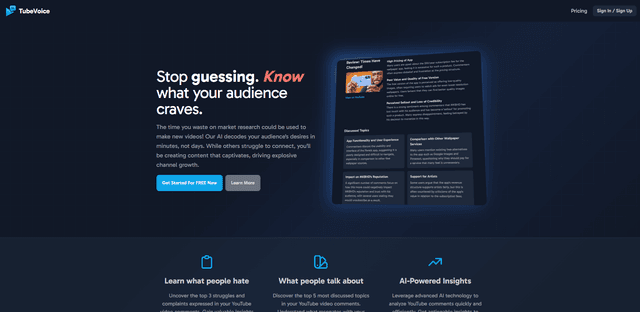
TubeVoice is an AI-powered YouTube comment analyzer that helps content creators understand their audience by providing insights from video comments through automated analysis.
ReviewPower
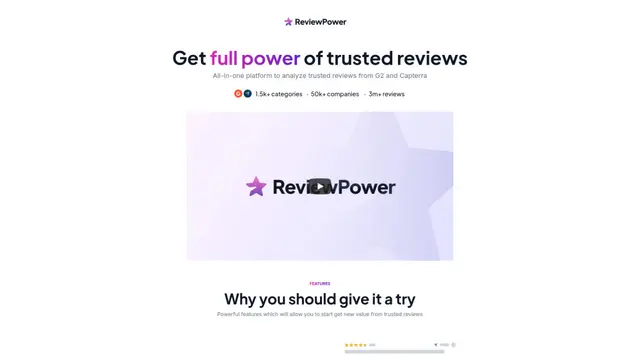
ReviewPower is an all-in-one platform that aggregates and analyzes trusted reviews from G2 and Capterra to help businesses gain valuable insights from customer feedback.

Insightfull
Insightfull is an AI-powered health tracking platform that helps users monitor symptoms, analyze health data, and receive personalized insights through symptom tracking, food logging, and medication management features.

SERPrecon
SERPrecon is an advanced SEO tool that leverages vectors, machine learning, and natural language processing to help users analyze and outrank competitors by using the same methods as modern search engines.
Popular AI Tools Like Amami
Radar
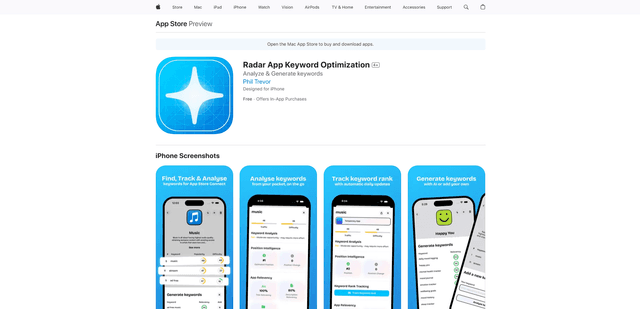
App Radar is a comprehensive app store optimization (ASO) tool that leverages AI-powered keyword research, competitor analysis, and automated tools to help improve app visibility and rankings across the Apple App Store and Google Play Store.
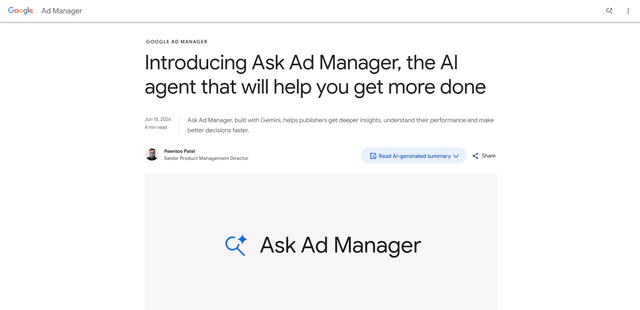
Ask Ad Manager by Google Ads
Ask Ad Manager is a Gemini-powered conversational agent inside Google Ad Manager that helps publishers troubleshoot issues in real time, generate custom performance reports from prompts, and navigate directly to the right settings using their own Ad Manager data.
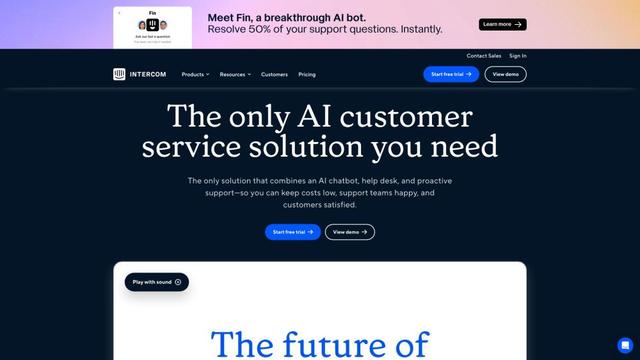
Intercom
Intercom is an AI-powered customer service platform that provides instant support, enhances agent productivity, and delivers insights to support leaders.

Branded
Branded is a market research company that uses AI and advanced sampling techniques to provide high-quality consumer insights and data.