
AI Website Redesign by Shuffle
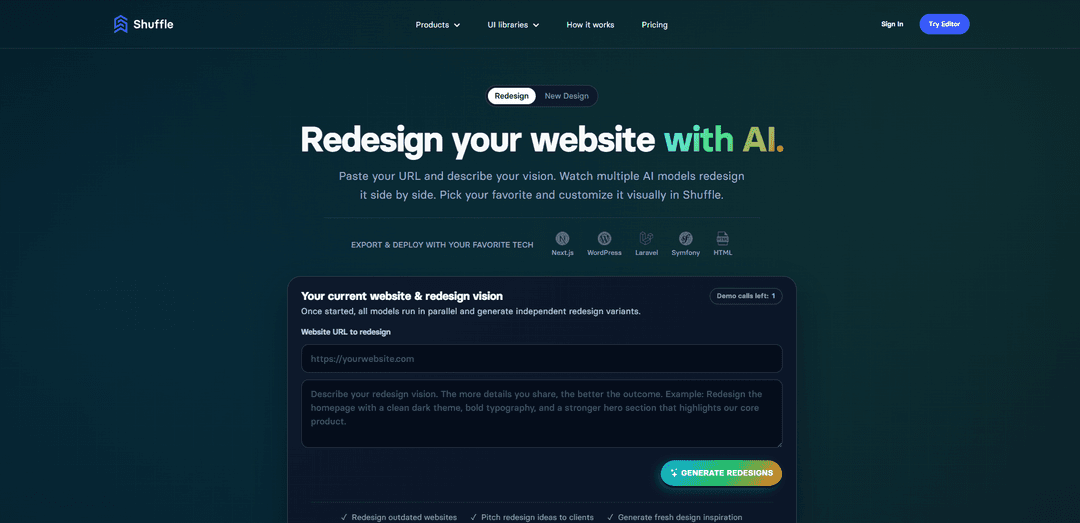
AI Website Redesign by Shuffle is an AI-powered platform that allows users to redesign existing websites by simply providing a URL and vision prompt, comparing multiple AI-generated redesigns side-by-side, and customizing the chosen design visually with support for multiple frameworks and export options.
https://shuffle.dev/ai-website-redesign?ref=producthunt
Product Information
Updated:Mar 16, 2026
What is AI Website Redesign by Shuffle
AI Website Redesign by Shuffle is a comprehensive web redesign tool that leverages artificial intelligence to transform outdated websites into modern, professional designs. The platform is part of Shuffle's ecosystem of web development tools and combines AI assistance with deep customization capabilities across multiple frameworks like Tailwind CSS, Bootstrap, Material-UI, and Bulma. With access to over 13,400 UI components and various export options including Next.js, Laravel, WordPress, and plain HTML/CSS, it provides developers and designers with a powerful solution for efficient website redesigns.
Key Features of AI Website Redesign by Shuffle
AI Website Redesign by Shuffle is a comprehensive platform that allows users to redesign websites by simply providing a URL and describing their vision. It leverages multiple AI models (including Claude, GPT, and Gemini) to generate independent redesign variants simultaneously, letting users compare designs side-by-side and customize their preferred option visually. The platform supports major UI frameworks, offers 13,400+ pre-built components, and can export to various formats including Next.js, Laravel, WordPress, and HTML.
Multi-Model AI Generation: Utilizes multiple AI models (Claude, GPT, Gemini) to generate different design variations simultaneously from a single prompt
Visual Customization Tools: Provides drag-and-drop interface for fine-tuning designs, adjusting components, typography, and colors without requiring CSS knowledge
Extensive Component Library: Offers access to 13,400+ pre-built UI components across various frameworks like Tailwind CSS, Bootstrap, Material-UI, and Bulma
Flexible Export Options: Enables export of production-ready code in multiple formats including Next.js, Laravel, WordPress, and plain HTML/CSS
Use Cases of AI Website Redesign by Shuffle
SaaS Website Modernization: Quickly update outdated SaaS platforms with modern, conversion-optimized designs while maintaining brand consistency
E-commerce Redesign: Transform online stores with improved user experience and mobile-responsive layouts to boost sales and engagement
Agency Client Projects: Rapidly generate multiple design concepts for clients and streamline the website redesign process
WordPress Theme Development: Create custom WordPress themes efficiently using AI-generated designs and code that follows WordPress standards
Pros
Significant time savings with AI-powered design generation
Multiple AI models provide diverse design perspectives
Extensive component library and framework support
No coding required for basic customizations
Cons
Output may require editing by experienced developers
Limited free generations before requiring paid subscription
Some complex functionality may need additional development work
How to Use AI Website Redesign by Shuffle
Create an Account: Sign up for a free Shuffle account using Google, GitHub, or email to access the AI redesign features
Enter Website URL: Paste the URL of the website you want to redesign into the designated field (must be a valid URL format like https://yourwebsite.com)
Write Vision Prompt: Enter a detailed prompt describing your redesign vision, including specific goals (e.g., 'increase conversions'), desired changes (e.g., 'modernize hero section'), and visual direction (e.g., 'minimalist layout, deep blue palette')
Generate Multiple Designs: Click 'Generate redesigns' to have multiple AI models (Claude, GPT, Gemini, etc.) create different redesign variations simultaneously based on your prompt
Compare and Select: Review all the AI-generated redesigns side by side in both desktop and mobile views, then select your preferred design direction
Customize Design: Use Shuffle's visual editor to refine the chosen design by dragging and dropping components, adjusting typography, colors, and other elements without coding
Export Code: Export the finalized design as production-ready code in your preferred format (Next.js, Laravel, WordPress, or HTML/CSS) - requires paid subscription
Test and Deploy: Preview the redesigned site across devices, make final adjustments if needed, then implement the new design on your website
AI Website Redesign by Shuffle FAQs
It works in 5 steps: 1) Audit & define goals 2) Paste your website URL and describe your vision 3) Multiple AI models (Claude, GPT, Gemini) generate independent redesigns in parallel 4) Compare results and pick your favorite 5) Refine visually in the editor and export clean code
AI Website Redesign by Shuffle Video
Popular Articles

Atoms: A Multi-Agent AI Platform That Transforms Ideas into Launch-Ready Products
May 22, 2026

Nano Banana SBTI: What It Is, How It Works, and How to Use It in 2026
Apr 15, 2026

Atoms Review — The AI Product Builder Redefining Digital Creation in 2026
Apr 10, 2026

Kilo Claw: How to Deploy and Use a True "Do‑It‑For‑You" AI Agent(2026 Update)
Apr 3, 2026
Latest AI Tools Similar to AI Website Redesign by Shuffle
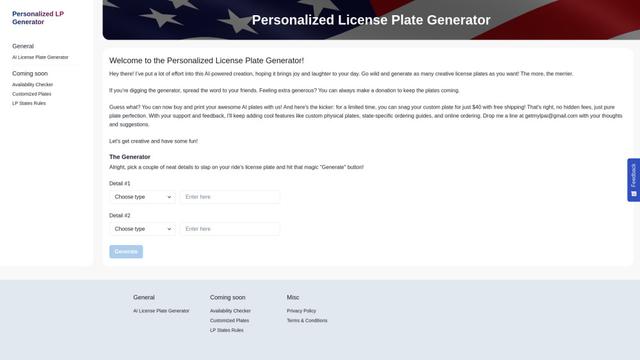
Personalized License Plate Generator
An AI-powered tool that generates unique and personalized license plate designs based on user input.
Keak
Keak is an AI-powered A/B testing tool that automatically generates website variations, launches tests, and optimizes conversions.
Makeasite
Makeasite is an innovative website builder that allows users to create and share websites quickly using just prompts.
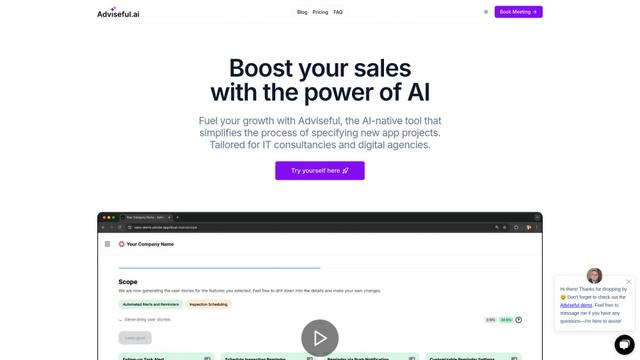
Adviseful
Adviseful is an AI-powered tool that accelerates web and mobile app planning for IT consultancies and digital agencies, turning ideas into qualified leads in minutes.
Popular AI Tools Like AI Website Redesign by Shuffle

GPT Engineer
GPT Engineer is an AI-powered software development tool that enables anyone to build web applications by chatting with an AI engineer.
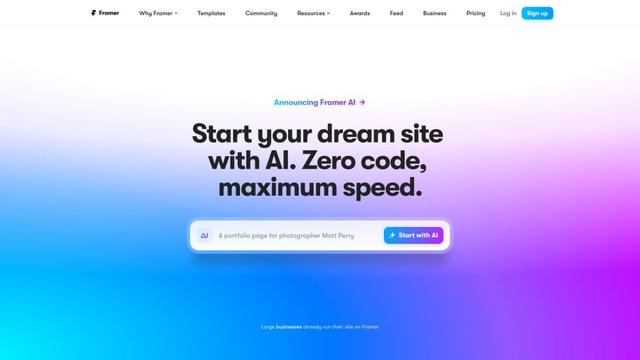
Framer
Framer is a powerful web builder that allows designers to create stunning, responsive websites with an intuitive interface and publish them instantly without coding.
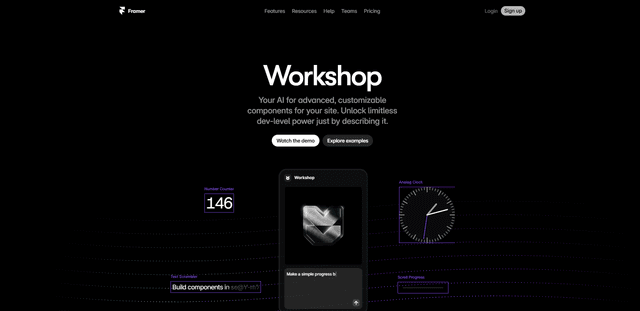
Framer Workshop
Framer Workshop is an AI-powered component generator built into Framer that allows designers and developers to create advanced, customizable website components without writing code through simple conversational prompts.

Wireframer
Wireframer is an AI-powered tool by Framer that quickly generates clean, responsive webpage layouts and wireframes from simple prompts, helping designers create structural blueprints without getting locked into specific visual styles.