AI Voice Cleaner: Remove Noise Instantly
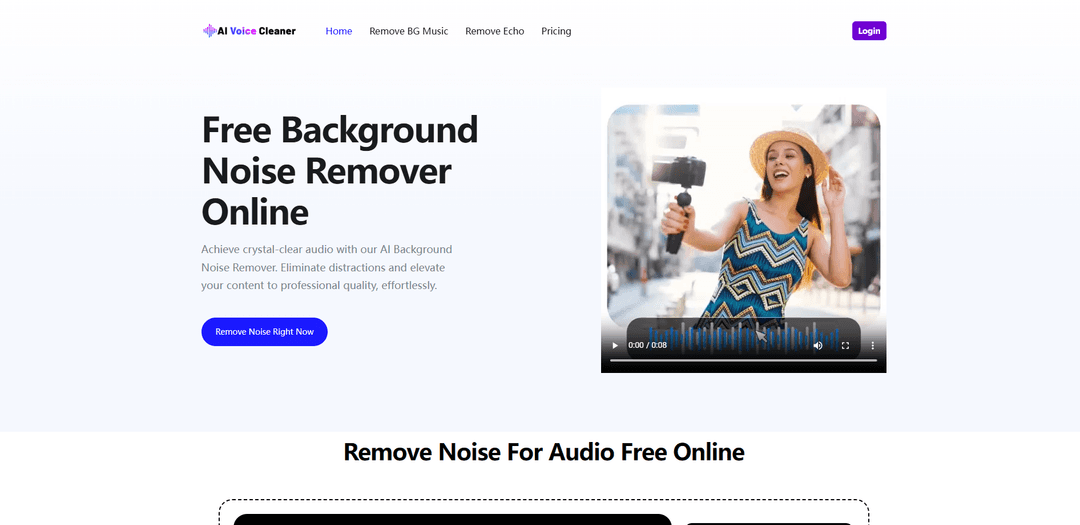
AI Voice Cleaner removes background noise from audio or video in seconds using AI—preserving natural voice quality while offering one-click enhancements like echo reduction, AutoEQ, normalization, and optional cleanup of filler words, breaths, and long silences.
https://aivoicecleaner.io/?utm_source=aipure
Product Information
Updated:Jun 18, 2026
What is AI Voice Cleaner: Remove Noise Instantly
AI Voice Cleaner is a free online AI-powered tool that removes background noise, enhances speech clarity, and improves overall audio quality in seconds. It automatically filters out unwanted sounds like wind, hum, keyboard noise, and background chatter while preserving the natural tone of your voice. Designed for creators, podcasters, educators, and anyone working with audio, it helps turn messy recordings into clean, professional-sounding speech. No editing skills or software installation are required—just upload your file and get instant results. With AI Voice Cleaner, you can easily make any voice recording sound clearer, sharper, and more professional.
Key Features of AI Voice Cleaner: Remove Noise Instantly
AI Voice Cleaner: Remove Noise Instantly is a browser-based AI background-noise remover that cleans speech in audio or video files by automatically detecting and reducing common distractions (hum, hiss, echo, wind, traffic, crowd noise) while preserving the natural tone and clarity of the original voice. It supports many popular formats, works without sign-up, and offers one-click enhancements such as normalization and AutoEQ alongside optional speech cleanup tools (filler words, long silences, breaths, mouth sounds).
AI noise detection & removal: Automatically analyzes your recording and removes unwanted background noise (e.g., hums, static, chatter, wind) to produce clearer speech.
Voice-preserving cleanup: Designed to isolate and keep the original voice sounding natural while reducing noise, avoiding major changes to tone or clarity.
Audio + video support, broad format compatibility: Accepts both audio and video uploads and supports many common file types (e.g., MP3, WAV, FLAC, MP4, MOV, AVI, OGG).
One-click enhancement tools: Includes options like Normalize, AutoEQ, and “Studio Sound” to improve consistency, balance, and perceived quality.
Speech cleanup controls: Optional features to streamline dialogue such as removing filler words, long silences, breaths, mouth sounds, and simple stutters.
Fast, free, no sign-up workflow: Works instantly in the browser with no account required and is presented as free to use for repeated cleanups.
Use Cases of AI Voice Cleaner: Remove Noise Instantly
Podcast production: Reduce room noise, hiss, and background chatter to deliver broadcast-style clarity and keep listeners focused on the conversation.
Video voiceovers & content creation: Clean up ambient noise in vlogs, tutorials, and social videos so dialogue and narration sound more professional on any platform.
Online teaching & lectures: Remove fan/AC hum, echo, and incidental sounds so students can clearly hear every word and stay engaged.
Business calls & meeting recordings: Improve intelligibility in recorded Zoom/Teams-style meetings by reducing constant noise (keyboard clicks, HVAC, office ambience).
Voice acting & audiobooks: Minimize reverb, mic hiss, and mouth sounds to produce cleaner takes suitable for narration and character work.
Field/outdoor interviews: Reduce wind and traffic noise from on-the-go recordings to salvage usable dialogue from challenging environments.
Pros
Quick, browser-based workflow (upload → AI cleans → download) with no sign-up required
Targets a wide range of common noises (hum, echo/reverb, hiss/static, wind, traffic, distant voices)
Supports both audio and video files across many popular formats
Includes extra dialogue-polishing tools (normalize, AutoEQ, filler word/silence/breath cleanup)
Cons
Clips longer than 30 seconds may be automatically limited to 30 seconds (per site tip), which can restrict long-form use
AI cleanup quality can vary with heavily distorted recordings or extremely noisy sources
Aggressive cleanup options (e.g., breath/mouth sound removal) may require careful settings to avoid over-processing
How to Use AI Voice Cleaner: Remove Noise Instantly
1. Open AI Voice Cleaner: Go to https://aivoicecleaner.io/ in your browser to access the AI Background Noise Remover online.
2. Upload your audio or video file: Click (or drag-and-drop) to upload from “My Device.” The tool supports many formats, including mp3, wav, flac, m4a/aac, ogg/opus, and video formats like mp4, mov, and avi.
3. Choose noise-removal/enhancement options (optional): Select the features you want (e.g., Remove Noise, Normalize, AutoEQ, Studio Sound, Keep Music, Remove Long Silences, Remove Breath, Remove Mouth Sounds, etc.).
4. Let the AI process the file: After upload, the AI automatically analyzes the audio and reduces unwanted background noise (e.g., hums, hiss/static, echo/reverb, traffic, wind, appliance noise) while preserving voice clarity.
5. Preview the cleaned result: Listen to the enhanced output to confirm the noise reduction and overall voice quality meet your needs.
6. Download the cleaned output: Download the processed, cleaner audio (or the cleaned video with improved sound if you uploaded a video).
7. Re-run with different settings if needed: If you want a different result, adjust the selected options and process again until the audio sounds right.
8. Note the clip-length limit: Be aware that audio or video clips longer than 30 seconds may be automatically limited to 30 seconds.
AI Voice Cleaner: Remove Noise Instantly FAQs
Upload your audio (or video) file to the online AI Voice Cleaner tool and run the “Remove Noise” enhancement. The AI analyzes the track, detects unwanted background sounds, and outputs a cleaner version you can download.
Popular Articles

Vosko AI: Localize and Dub Videos for Global Audiences
Oct 15, 2026

Atoms: A Multi-Agent AI Platform That Transforms Ideas into Launch-Ready Products
Oct 13, 2026

Nano Banana SBTI: What It Is, How It Works, and How to Use It in 2026
Apr 15, 2026

Atoms Review — The AI Product Builder Redefining Digital Creation in 2026
Apr 10, 2026
Latest AI Tools Similar to AI Voice Cleaner: Remove Noise Instantly
ChopLab
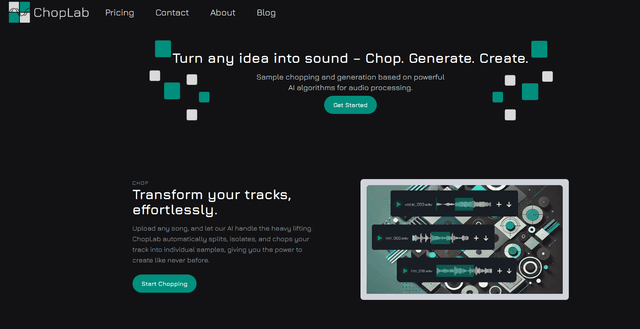
ChopLab is an AI-powered tool that enables music producers to transform audio tracks into unique samples and custom drum packs through automated splitting, isolation, and chopping processes.
SongGenerator.io: AI Music Generator Free Online
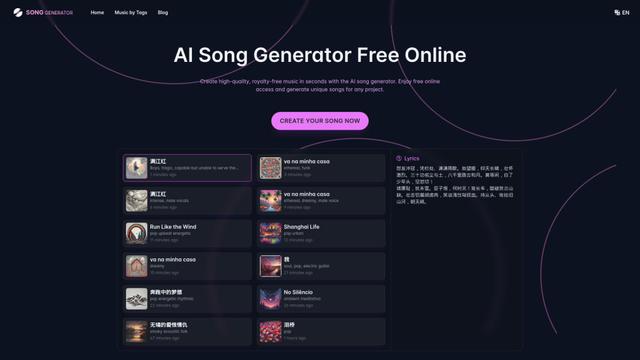
SongGenerator.io is a free online AI music generator that allows users to create unique, high-quality songs in seconds by inputting text descriptions, lyrics, or style preferences.
AI Sound Effect Generator
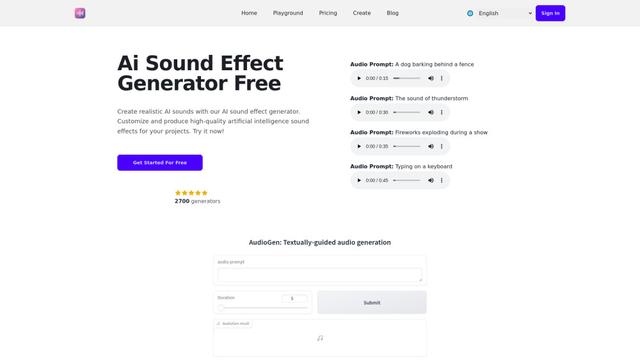
AI Sound Effect Generator is an innovative tool that uses artificial intelligence to instantly create customized, high-quality sound effects from text prompts for various multimedia projects.
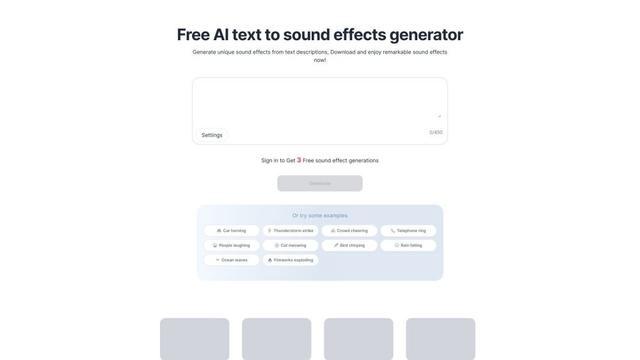
Soundify
Soundify is an AI-powered tool that generates unique sound effects from text descriptions, offering free and customizable audio clips for various creative projects.
Popular AI Tools Like AI Voice Cleaner: Remove Noise Instantly
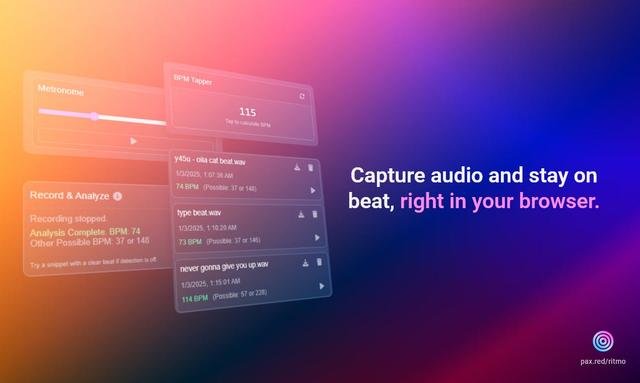
Ritmo
Ritmo is a smart audio toolkit Chrome extension that helps capture, analyze, and manage audio with features like BPM analysis, tap tempo, and metronome functionality.
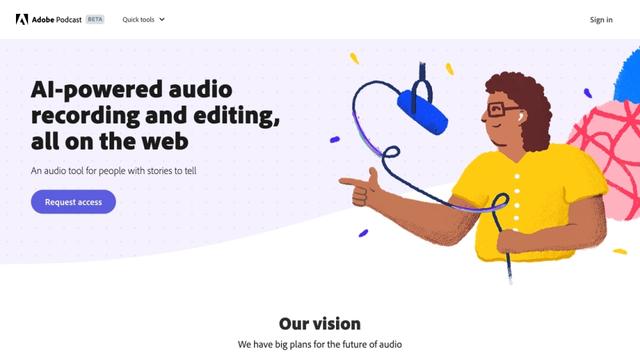
Adobe Podcast
Adobe Podcast is an AI-powered web-based audio toolset that allows users to record, enhance, edit, and share high-quality podcasts and voiceovers with professional-sounding results.
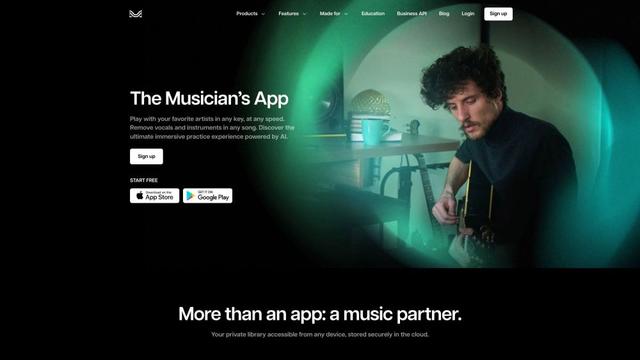
Moises App
Moises App is an AI-powered music platform that allows musicians to separate audio tracks, adjust pitch and tempo, detect chords, and practice with customized backing tracks.

eMastered
eMastered is an AI-powered online audio mastering service that provides instant, professional sound enhancement for music tracks, developed by Grammy-winning engineers.