AI Image to Image Generator
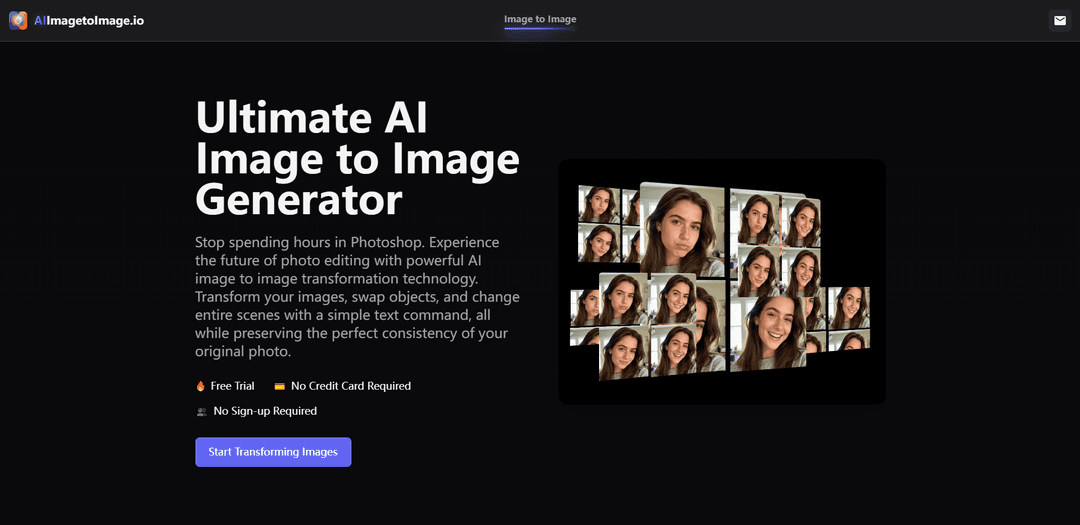
AI Image to Image Generator is a powerful transformation tool that lets you convert existing images into new variations using advanced artificial intelligence while preserving the original's core structure through text prompts.
https://aiimagetoimage.io/?utm_source=aipure
Product Information
Updated:Dec 17, 2025
What is AI Image to Image Generator
AI Image to Image Generator is an innovative technology that transforms existing photos or images into new artistic creations using artificial intelligence. Unlike text-to-image AI that creates images from scratch, this tool uses both an input image and text prompts to guide the creative process, maintaining the original image's fundamental composition while applying desired changes. It serves as a bridge between traditional photo editing and AI-powered creativity, offering users the ability to modify, enhance, or completely reimagine their images while ensuring recognizable results.
Key Features of AI Image to Image Generator
AI Image to Image Generator is an advanced tool that transforms existing images into new variations while preserving the core structure and composition of the original. It uses text prompts to guide transformations, allowing users to modify styles, swap objects, change backgrounds, and apply artistic effects through AI-powered processing. The technology combines state-of-the-art AI models to deliver high-quality results quickly and efficiently, making professional-grade image editing accessible to both beginners and experts.
Text-Guided Transformation: Use simple text prompts to describe desired changes, allowing precise control over image modifications while maintaining original structure
Style Transfer & Artistic Rendering: Transform images into various artistic styles including anime, oil painting, watercolor, 3D, cyberpunk, and more while preserving key elements
Advanced AI Processing: Utilizes cutting-edge AI models trained on massive datasets to ensure high-fidelity transformations with natural-looking results
Content-Aware Editing: Intelligently modify specific elements while maintaining consistency in lighting, composition, and context
Use Cases of AI Image to Image Generator
Professional Photography Enhancement: Transform casual photos into professional-grade images with improved lighting, backgrounds, and styling for corporate or commercial use
Digital Art Creation: Artists can quickly generate multiple variations of their work in different styles or modify existing artwork while maintaining core elements
Marketing Content Generation: Create multiple versions of product photos in different settings or styles for marketing campaigns and social media content
Character Design Iteration: Game developers and illustrators can quickly generate variations of character designs while maintaining consistent features
Pros
No technical expertise required - user-friendly interface with simple text prompts
Fast processing and instant results
Maintains structural integrity of original images
Free access to basic features
Cons
Advanced features may require paid subscription
Results can be inconsistent depending on input quality
May have limitations with complex transformations
How to Use AI Image to Image Generator
Upload Your Reference Image: Go to an AI Image to Image Generator tool and upload your original image in supported formats like JPG, PNG, or WebP. Make sure to use a clear, high-quality source image for best results.
Select Style/Model: Choose from available AI models or artistic styles like anime, oil painting, watercolor, 3D, realistic, cyberpunk, etc. depending on your desired output.
Write Your Prompt: Enter a text description of how you want your image to be transformed. Be specific about the changes you want, such as style modifications, object replacements, or scene alterations.
Adjust Parameters: Fine-tune settings like aspect ratio, transformation strength, number of outputs, and sampling steps to control how closely the result matches your original image.
Generate Image: Click the 'Generate' button and wait for the AI to process your request. This usually takes a few seconds to create your transformed image.
Preview and Download: Review the generated results and if satisfied, download your transformed image in high resolution. Most tools offer formats like JPEG or PNG for downloading.
Iterate if Needed: If the results aren't exactly what you want, you can adjust your prompt or parameters and generate new variations until you achieve your desired outcome.
AI Image to Image Generator FAQs
An AI image-to-image generator is a tool that transforms existing photos into new variations using artificial intelligence. It preserves the core structure and composition of your original image while applying changes based on text descriptions or style selections.
Popular Articles

Vosko AI: Localize and Dub Videos for Global Audiences
Oct 15, 2026

Atoms: A Multi-Agent AI Platform That Transforms Ideas into Launch-Ready Products
Oct 13, 2026

Nano Banana SBTI: What It Is, How It Works, and How to Use It in 2026
Apr 15, 2026

Atoms Review — The AI Product Builder Redefining Digital Creation in 2026
Apr 10, 2026
Latest AI Tools Similar to AI Image to Image Generator
SnapShift
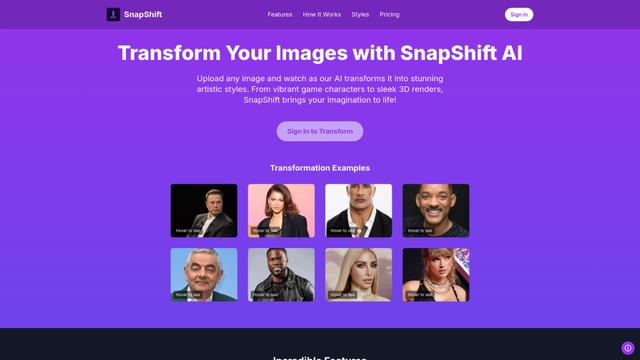
SnapShift is an AI-powered image transformation app that turns photos into stunning artistic styles like video game characters, 3D renders, and more.
Xona.ai
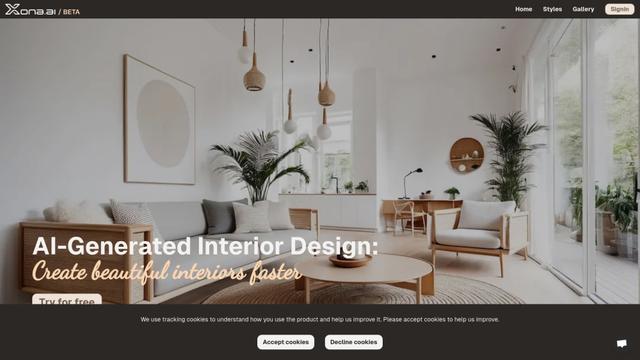
Xona.ai is an AI-powered tool that generates interior designs from user-uploaded images, offering a seamless fusion of technology and creativity.
FLUX.2 - Official
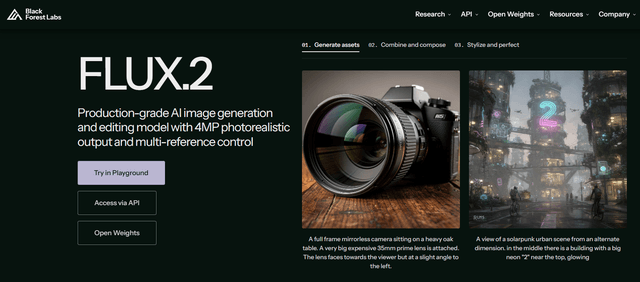
FLUX.2 is a state-of-the-art production-grade AI image generation and editing model that delivers 4MP photorealistic outputs with multi-reference control, exceptional prompt adherence, and consistent character/style preservation.
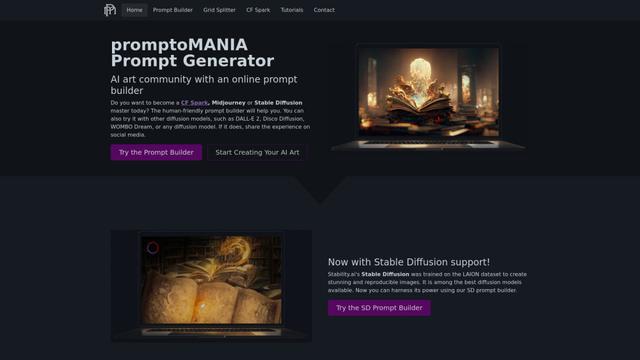
PromptoMANIA
PromptoMANIA is a free AI art community platform with an online prompt builder that helps users create detailed prompts for various text-to-image diffusion models.
Popular AI Tools Like AI Image to Image Generator
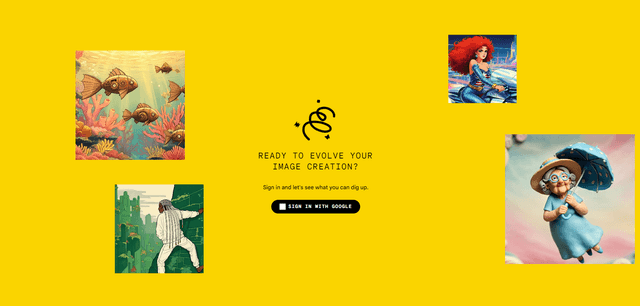
Google Whisk
Whisk is Google Labs' innovative AI image generation tool that allows users to create new images using existing images as prompts rather than relying on text descriptions.
Google Whisk
FreeImage to Image
Google Whisk is an experimental AI-powered image generation tool that allows users to create new images by using existing images as prompts rather than text descriptions.
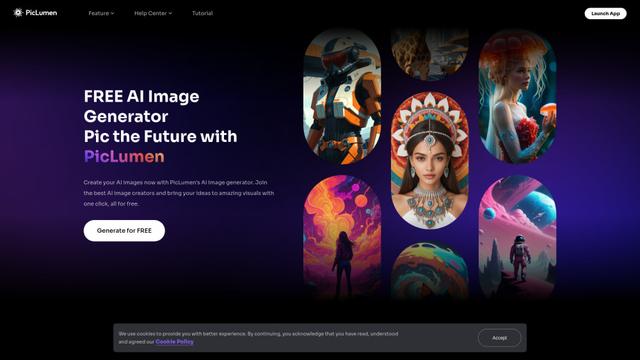
PicLumen AI Image Generator
PicLumen AI Image Generator is a free, powerful tool that transforms text into high-quality images using advanced AI technology, offering unlimited generations across multiple styles.
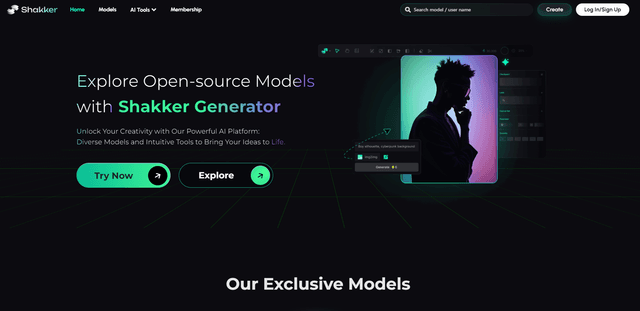
Shakker
Shakker AI is a premium hub for AI image generation models, offering advanced tools to create, edit, and transform visual content using artificial intelligence.