
AI dication by Snaply
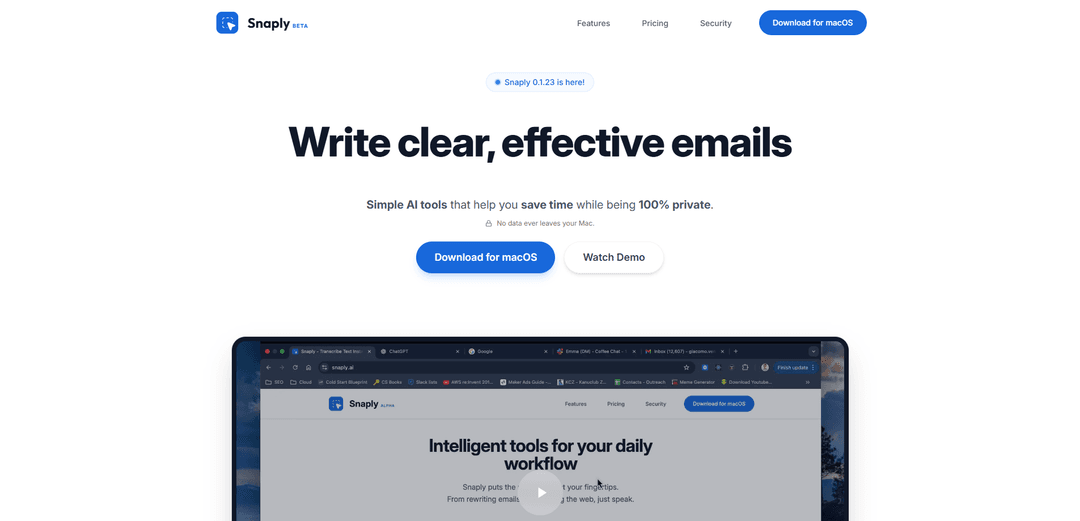
AI Dictation by Snaply is a 100% private, on-device AI dictation and transcription tool for macOS that enables 4x faster writing through voice input with automatic grammar correction and meeting notes capabilities.
https://snaply.ai/?ref=producthunt
Product Information
Updated:Jan 16, 2026
What is AI dication by Snaply
AI Dictation by Snaply is a macOS application that transforms voice into text using local AI processing. It's designed to help users write and communicate more efficiently by speaking rather than typing, while ensuring complete privacy since all processing happens directly on the user's Mac device. The tool integrates seamlessly with popular apps like Slack, Gmail, Microsoft Office, and many others, making it versatile for various use cases from email composition to meeting documentation.
Key Features of AI dication by Snaply
AI Dictation by Snaply is a macOS application that provides local AI-powered voice-to-text transcription, offering 4x faster writing speed compared to typing. The tool runs completely offline on Apple Silicon devices, ensuring 100% privacy by processing all data locally. It features real-time dictation with automatic filler word removal, grammar correction, and seamless integration with popular apps like Slack, Gmail, and Microsoft Office.
Local AI Processing: Utilizes Apple Silicon's Neural Engine to run AI models completely on-device, ensuring no data leaves the computer
Real-time Transcription: Converts speech to text instantly with high accuracy while automatically removing filler words like 'um' and 'uh'
Grammar & Style Enhancement: Automatically corrects grammar errors and improves writing style in real-time across all applications
Universal App Integration: Works seamlessly with popular productivity apps including Notion, Slack, Microsoft Office, and more
Use Cases of AI dication by Snaply
Professional Writing: Helps professionals create emails, reports, and documents faster through voice dictation instead of typing
Remote Work Communication: Enables quick and accurate message composition for remote workers who need to communicate frequently across different platforms
Content Creation: Allows content creators to draft articles, blog posts, and social media content more efficiently through voice input
Accessibility Support: Assists users with physical typing limitations by providing reliable voice-to-text functionality
Pros
Complete privacy with 100% local processing
Works offline without internet connection
Seamless integration with multiple applications
Fast and accurate transcription with automatic grammar correction
Cons
Only available for macOS devices
Requires Apple Silicon (M1/M2/M3) hardware
Consumes device memory for local AI model processing
How to Use AI dication by Snaply
Download and Install: Download Snaply for macOS from snaply.ai and install it on your Mac computer (Note: Only works on macOS)
Enable Microphone Access: When prompted, allow Snaply to access your microphone, which is required for dictation functionality
Open Target Application: Open any application where you want to dictate text (works with Notion, Slack, Salesforce, and most other apps)
Position Cursor: Click to place your cursor where you want the dictated text to appear
Activate Dictation: Click the microphone icon to begin active listening. You will hear a beep indicating dictation is active
Start Speaking: Speak naturally and watch your words appear instantly in the application with real-time transcription
Stop Dictation: Click the microphone icon again to stop dictation, or it will automatically stop after 15 seconds of silence
Edit if Needed: Use Snaply's built-in grammar correction and text enhancement features to polish the transcribed text
AI dication by Snaply FAQs
No, Snaply is 100% private and runs locally on your Mac. All AI models run on-device and no data ever leaves your computer.
AI dication by Snaply Video
Popular Articles

Vosko AI: Localize and Dub Videos for Global Audiences
Oct 15, 2026

Atoms: A Multi-Agent AI Platform That Transforms Ideas into Launch-Ready Products
Oct 13, 2026

Nano Banana SBTI: What It Is, How It Works, and How to Use It in 2026
Apr 15, 2026

Atoms Review — The AI Product Builder Redefining Digital Creation in 2026
Apr 10, 2026
Latest AI Tools Similar to AI dication by Snaply
MicVoice.Ai
MicVoice.Ai is an all-in-one AI voice generator platform that transforms written text into high-quality, natural-sounding speech with over 5000 realistic AI voices supporting 17+ languages.
Narrai
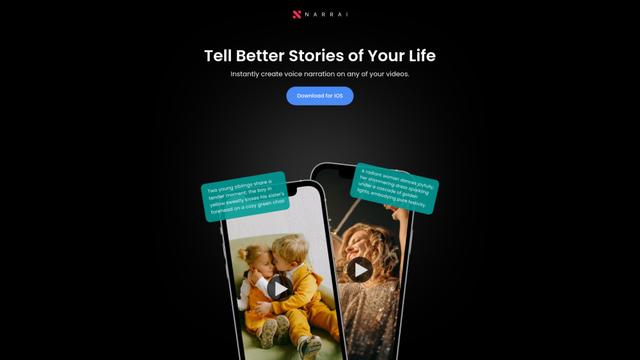
Narrai is an AI-powered mobile app that instantly creates voice narration and background music for short videos by automatically generating relevant scripts and offering multiple narrator personas.

Vagent
Vagent is a lightweight voice interface that enables users to interact with custom AI agents through voice commands, providing a natural and intuitive way to control automations with support for 60+ languages.
F5 TTS
F5-TTS is a state-of-the-art, non-autoregressive text-to-speech system that uses Flow Matching and Diffusion Transformer techniques to generate highly natural and expressive speech with zero-shot voice cloning capabilities.
Popular AI Tools Like AI dication by Snaply
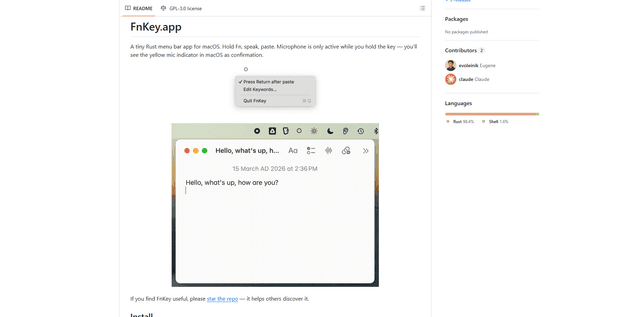
FnKey
FnKey is a lightweight macOS menu bar application that enables quick voice-to-text transcription by holding the Fn key to speak and automatically pastes the transcribed text when released.
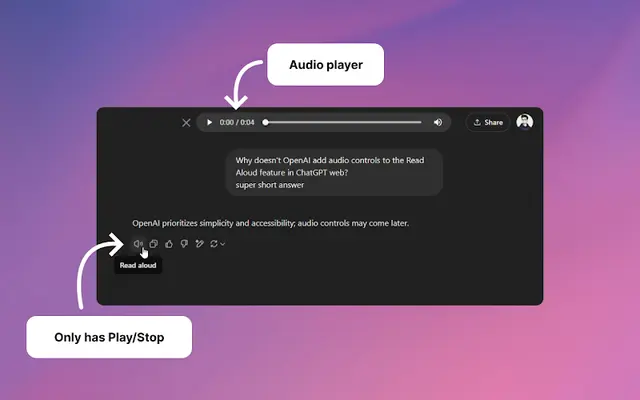
Audio player for ChatGPT
A Chrome extension that enhances ChatGPT's Read Aloud feature by adding a user-friendly audio player with basic controls like play/pause, seek bar, and duration display.
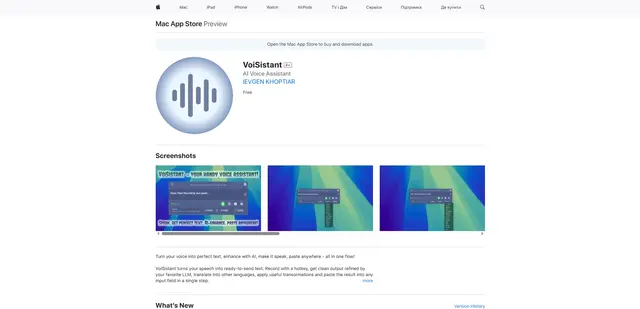
VoiSistant
VoiSistant is a comprehensive voice-to-text application that combines speech recognition, AI enhancement, translation, and text-to-speech capabilities in one seamless workflow.
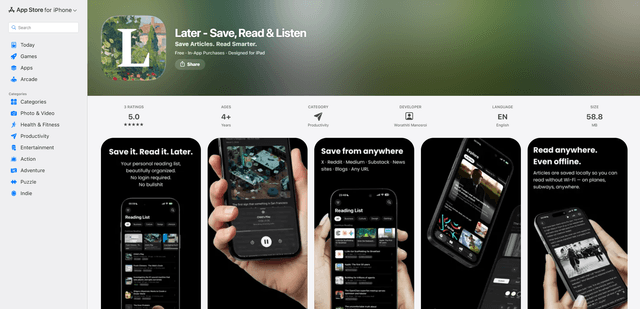
LaterAI
Later is an AI-powered read-it-later app that lets you save articles, read them in a distraction-free environment, and listen to them with natural-sounding AI voices - all while maintaining complete privacy with on-device processing.