Agentic Website Builder 2.0 by Lokuma
Agentic Website Builder 2.0 by Lokuma is an AI-native, no-code website builder that generates high-conversion, production-ready sites—complete with structured pages, persuasive copy, images, and styling—in minutes from a simple business description.
https://lokuma.ai/website-builder?ref=producthunt
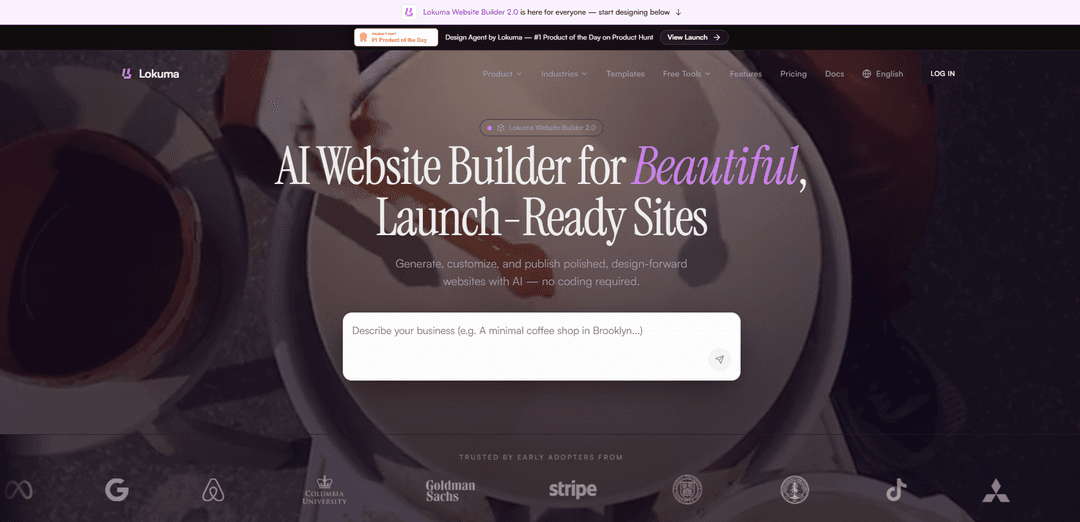
Product Information
Updated:May 18, 2026
What is Agentic Website Builder 2.0 by Lokuma
Agentic Website Builder 2.0 by Lokuma is a website creation platform built for business owners and small teams who want a professional site without dealing with templates or code. Instead of starting from a blank canvas or picking a preset layout, you describe your business and what you’re trying to achieve, and Lokuma generates a full website draft with an intentional structure, on-brand visuals, and conversion-focused messaging. The product emphasizes “designed, not templated” outputs, aiming to produce polished layouts that feel production-ready rather than generic.
Key Features of Agentic Website Builder 2.0 by Lokuma
Agentic Website Builder 2.0 by Lokuma is an AI-native, no-code website builder aimed at business owners and small teams that generates a complete, conversion-focused website from a business description. It automatically produces site structure (pages/sitemap), persuasive copy, images, and styling/layouts, then lets users refine everything in an editor. Unlike traditional template-first builders, Lokuma emphasizes production-ready, visually coherent output and faster launch, with an additional “Design Agent” concept positioned as a design-intelligence layer for better hierarchy, typography, and layout quality (noting that Design Agent billing is separate from Website Builder tiers).
Prompt-to-website generation: Describe your business and Lokuma generates the core website assets in minutes, including page structure, copy, images, and styling.
Conversion-focused, production-ready output: Positioned to create high-conversion pages and polished layouts rather than generic, template-like sites, aiming for deployable results quickly.
No-code editor for refinement: After generation, users can refine content, visuals, and styling in an editor without needing to write code.
Automatic site structure & content system: Creates a structured sitemap/page set (e.g., homepage plus supporting pages) with persuasive, business-relevant copy tailored to the described offering.
Design intelligence layer (Design Agent) option: Lokuma also offers a separate Design Agent concept to improve layout, hierarchy, typography, and visual balance—intended to make outputs look more intentionally designed (billed separately from Website Builder subscriptions).
Use Cases of Agentic Website Builder 2.0 by Lokuma
Local service businesses: Generate a professional site for services like auto repair, pet care, wellness studios, or consulting—complete with service pages, calls-to-action, and contact/lead capture sections.
SaaS and B2B software landing pages: Create conversion-oriented SaaS marketing sites with benefit-led sections, feature breakdowns, and clear CTAs for demos, trials, or waitlists.
E-commerce storefront and product brand sites: Launch a polished brand/shop presence (especially for small catalogs) with AI-generated visuals and copy that match the product positioning.
Agencies and freelancers spinning up client sites fast: Use rapid generation to produce first-pass sites for clients, then iterate in the editor to match brand requirements and launch quickly.
Industry-specific pages and multi-page marketing sites: Build multi-page experiences that explain solutions for different customer segments or industries, with tailored messaging per page.
Pros
Fast time-to-site: generates structure, copy, images, and styling from a single business description.
No coding required: designed for business owners and small teams, with an editor for iteration.
Emphasis on polished, conversion-focused layouts rather than purely template-first assembly.
Cons
Design Agent is separate: usage-based credits and API-key/credit-metered billing are positioned as distinct from Website Builder subscription tiers.
Best for marketing sites: highly custom or complex application-like frontends may still require developer tooling beyond a no-code builder.
AI-generated content may still need human review and editing for accuracy, brand voice, and compliance.
How to Use Agentic Website Builder 2.0 by Lokuma
1) Open Lokuma Website Builder 2.0: Go to https://lokuma.ai/website-builder?ref=producthunt and click “Get Started” on the Website Builder page.
2) Start a new site from a theme (optional but fastest): Browse the template/theme gallery (e.g., SaaS, local service, portfolio, e-commerce). Click “Get Started” on a template that’s closest to your business type to initialize a project with a strong baseline layout.
3) Describe your business in plain language: In the builder prompt, write what your business is, who it’s for, what you offer, and what you want the site to achieve. Lokuma is designed for business owners and small teams—no coding required.
4) Specify the pages/sections you need: Include desired pages (e.g., Home, Services, Pricing, About, Contact) and any special sections (testimonials, FAQs, booking/lead form, gallery, industry pages). The AI will generate a structured site (sitemap + page layouts).
5) Add content requirements (copy + images): Tell the AI what tone to use (professional, friendly, premium), key selling points, and any must-include details. Lokuma will generate persuasive copy and high-quality images along with styling.
6) Generate the website: Run the generation. Lokuma will produce the site structure, page layouts, copy, images, and styling automatically (designed to be conversion-focused rather than generic template output).
7) Refine in the editor (no code): Use the visual editor to adjust layout, sections, text, images, and styling. The settings panel contains optional fields—skip anything you don’t know.
8) Iterate with additional prompts: If you want changes (e.g., “make the hero more benefit-driven,” “add an industries page with screenshots,” “rewrite copy for insurance agents”), describe the edits and regenerate/adjust until the site looks intentional and polished.
9) (Optional) Make your site ‘agent-ready’ with Web2Agent: If you’re preparing for AI agents interacting with your site, follow agent-readiness guidance: use semantic HTML where possible, ensure interactive elements have correct roles/tabindex, link labels to inputs with the “for” attribute, and audit the accessibility tree so the site hierarchy is machine-readable.
10) Understand billing differences (Website Builder vs Design Agent): Lokuma publishes separate pricing: Website Builder uses subscription tiers (Free/Starter/Pro/Enterprise). Design Agent billing is separate and usage-based via credits in the Billing & Usage page; Website Builder project/monthly credit limits do not apply to Design Agent.
11) (Optional) Use Lokuma Design Agent with coding agents: If you also use AI coding environments, Design Agent can be invoked as a design reasoning layer (layout, hierarchy, typography, balance) before final output. It’s compatible with Claude Code, Cursor Composer, OpenClaw, Codex, and other environments that support external tool calls/CLI integration.
12) Publish when ready: When the pages, copy, and styling are finalized in the editor, publish the site (the Website Builder page indicates you can create a business website quickly and includes custom domain support).
Agentic Website Builder 2.0 by Lokuma FAQs
Lokuma Website Builder 2.0 is an AI-native website builder that can generate a professional website in minutes, including structured pages, persuasive copy, images, and styling.
Agentic Website Builder 2.0 by Lokuma Video
Popular Articles

Atoms: A Multi-Agent AI Platform That Transforms Ideas into Launch-Ready Products
May 22, 2026

Nano Banana SBTI: What It Is, How It Works, and How to Use It in 2026
Apr 15, 2026

Atoms Review — The AI Product Builder Redefining Digital Creation in 2026
Apr 10, 2026

Kilo Claw: How to Deploy and Use a True "Do‑It‑For‑You" AI Agent(2026 Update)
Apr 3, 2026
Latest AI Tools Similar to Agentic Website Builder 2.0 by Lokuma
GPT Easy Web
GPT Easy Web is a user-friendly AI-powered platform that enables users to easily build, customize and manage websites through natural language interactions and automated tools without requiring coding knowledge.
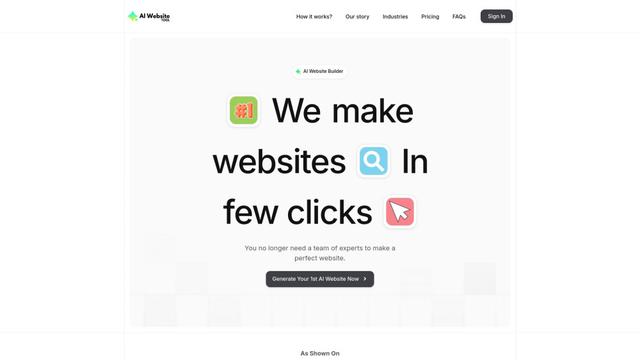
AI Website Tool
AI Website Tool is an AI-powered website builder that creates professional websites in minutes by automatically generating business-focused copy, custom visuals, and responsive designs with just a few clicks.

Softgen
Softgen.ai is an AI-powered full-stack project generator platform that enables users to transform their ideas into functional web applications without coding requirements.
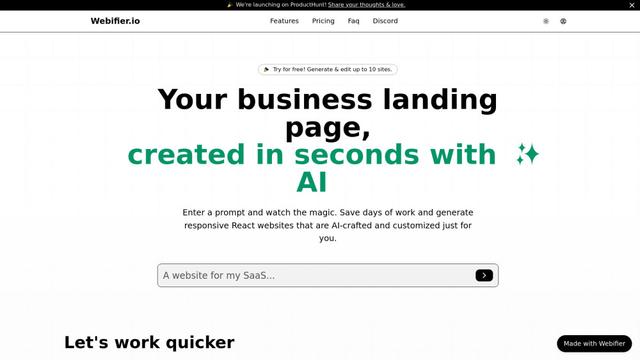
Webifier
Webifier is an AI-powered tool that transforms text prompts into fully functional React landing pages with clean, exportable code using NextJS14, TailwindCSS, and Shadcn components.
Popular AI Tools Like Agentic Website Builder 2.0 by Lokuma
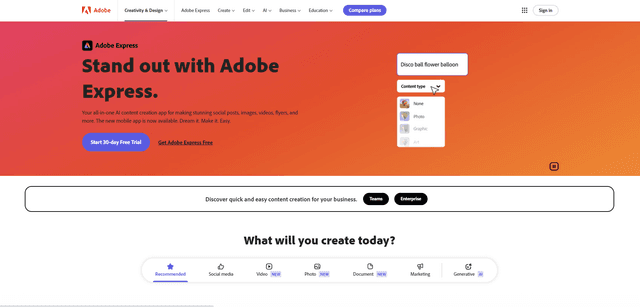
Adobe Express
Adobe Express is an all-in-one AI-powered content creation app for easily making stunning social posts, images, videos, flyers, and more with professionally designed templates and assets.
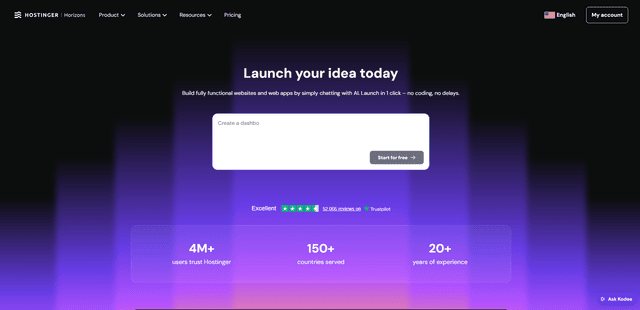
Hostinger
Hostinger is a web hosting and domain service provider offering AI-powered tools like Horizons that enables anyone to build, edit, and publish custom web apps and websites without coding through a simple chat interface.

GPT Engineer
GPT Engineer is an AI-powered software development tool that enables anyone to build web applications by chatting with an AI engineer.
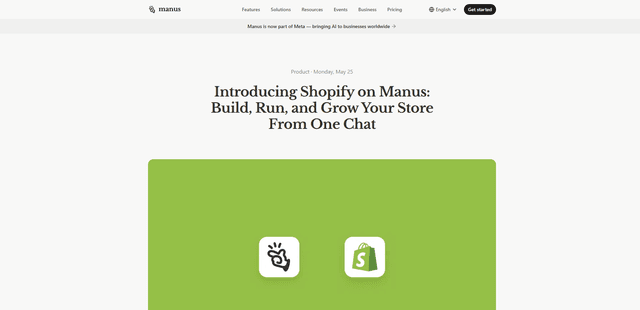
Manus Shopify Connector
Manus Shopify Connector lets you build a Shopify-backed storefront, manage your catalog, and generate data-driven campaigns from a single chat—using Shopify APIs with OAuth-scoped access and Shopify checkout.