
AfterSession
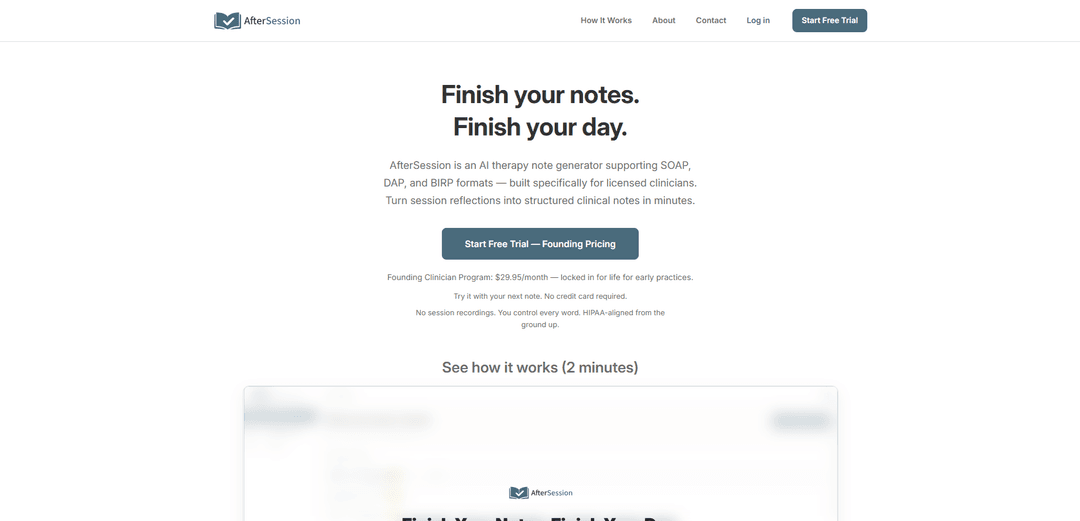
AfterSession is an AI therapy note generator designed for therapists and mental health professionals. It helps clinicians create structured progress notes quickly without recording therapy sessions.
https://www.aftersession.ai/?utm_source=aipure
Product Information
Updated:Mar 26, 2026
What is AfterSession
AfterSession is a privacy-focused AI therapy note generator designed for therapists, counselors, and mental health professionals. It helps clinicians create structured progress notes, DAP notes, and SOAP notes quickly while maintaining their documentation style.AfterSession is designed to reduce documentation burden without requiring session recording. This makes it suitable for clinicians who prefer not to record therapy sessions.
Key Features of AfterSession
AfterSession is an AI-powered therapy note generator specifically designed for licensed clinicians that converts post-session reflections into structured clinical notes in SOAP, DAP, and BIRP formats. It allows therapists to either speak or type their observations after sessions, without recording the actual therapy sessions, while maintaining HIPAA compliance and data security. The platform aims to reduce documentation time and administrative burden while keeping the clinician in full control of the content.
Multiple Note Format Support: Supports various clinical note formats including SOAP, DAP, BIRP, GIRP, and PIE, allowing clinicians to use their preferred documentation style
Voice or Text Input: Flexibility to either speak observations via voice notes or type them directly, with voice recordings being processed and immediately deleted
HIPAA-Compliant Security: Built-in security features including encryption, US-based infrastructure, and Business Associate Agreements (BAAs) for paid plans
AI-Powered Note Generation: Converts brief post-session observations into structured clinical notes within seconds while maintaining the clinician's personal voice and style
Use Cases of AfterSession
Solo Private Practice: Individual therapists can streamline their documentation process and complete notes before leaving the office
Small Group Practices: Teams of 2-10 clinicians can efficiently manage their documentation workload while maintaining consistent note quality
Mobile Documentation: Clinicians can capture session notes between appointments using phone, tablet, or desktop devices
Pros
Significantly reduces documentation time
Maintains HIPAA compliance and strong security measures
Flexible input methods and format options
Cons
No direct EHR integration
Limited to post-session documentation only
Not suitable for organizations requiring on-premise hosting
How to Use AfterSession
Sign up for a free trial: Visit www.aftersession.ai/register to start a free trial. No credit card required initially.
Complete your therapy session: Conduct your regular therapy session as normal. AfterSession does not record or monitor live sessions.
Record your session observations: After the session ends, either speak into a voice note or type your observations and key points from the session into AfterSession.
Generate structured note: The AI will automatically convert your input into a structured clinical note in your preferred format (SOAP, DAP, BIRP, GIRP, or PIE).
Review and edit: Review the AI-generated draft and make any necessary edits or changes to ensure accuracy and maintain your clinical voice.
Save or export: Once satisfied with the note, save it in AfterSession and/or export it to PDF/text format to copy into your existing EHR system.
Optional: Customize AI settings: Customize the AI's tone and phrasing to better match your clinical voice and documentation style using custom AI prompts.
AfterSession FAQs
No. AfterSession does not record therapy sessions and does not support session recording. You add notes after your session ends—typed observations or a brief voice note summarizing what happened. The AI then drafts a structured clinical note for your review.
Popular Articles

Vosko AI: Localize and Dub Videos for Global Audiences
Oct 15, 2026

Atoms: A Multi-Agent AI Platform That Transforms Ideas into Launch-Ready Products
Oct 13, 2026

Nano Banana SBTI: What It Is, How It Works, and How to Use It in 2026
Apr 15, 2026

Atoms Review — The AI Product Builder Redefining Digital Creation in 2026
Apr 10, 2026
Latest AI Tools Similar to AfterSession

Folderr
Folderr is a comprehensive AI platform that enables users to create custom AI assistants by uploading unlimited files, integrating with multiple language models, and automating workflows through a user-friendly interface.
InDesign Translator
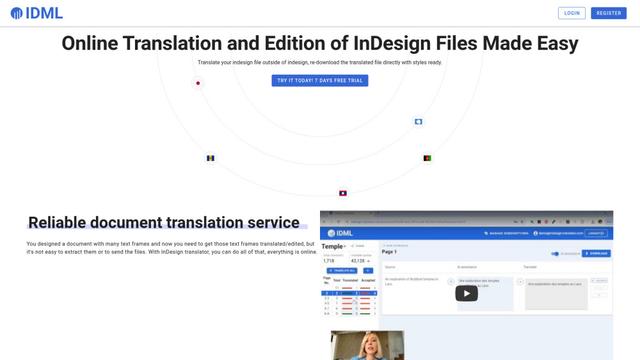
InDesign Translator is an online translation service that enables users to translate InDesign files while maintaining formatting and styles, offering AI-assisted translation and easy collaboration features without requiring translators to have InDesign installed.
Specgen.ai
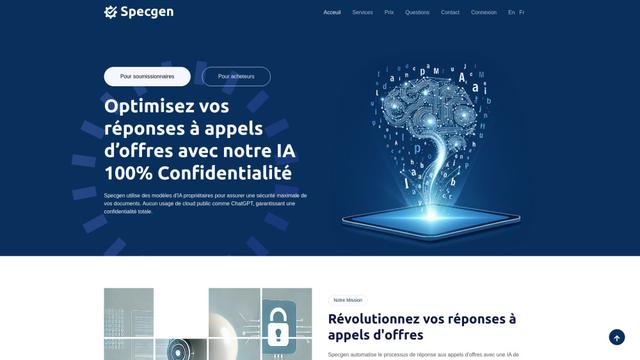
Specgen.ai is an AI-powered platform that helps businesses optimize their bid responses by automatically analyzing tender requirements and generating personalized responses while ensuring 100% data confidentiality through proprietary AI models.
TurboDoc
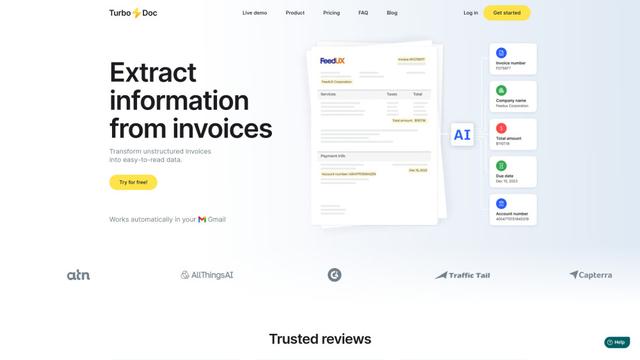
TurboDoc is an AI-powered invoice processing software that automatically extracts and transforms unstructured invoice data into organized, easy-to-read structured data through Gmail integration and intelligent document processing.
Popular AI Tools Like AfterSession

R2R
R2R (Reason to Retrieve) is an advanced AI retrieval system that provides production-ready Retrieval-Augmented Generation (RAG) capabilities with multimodal content ingestion, hybrid search, knowledge graphs, and comprehensive document management through a RESTful API.

Claude Folder Upload
A Chrome extension that enables users to upload entire folders to Claude AI while intelligently preserving directory structures and file relationships, with smart filtering capabilities for irrelevant files.
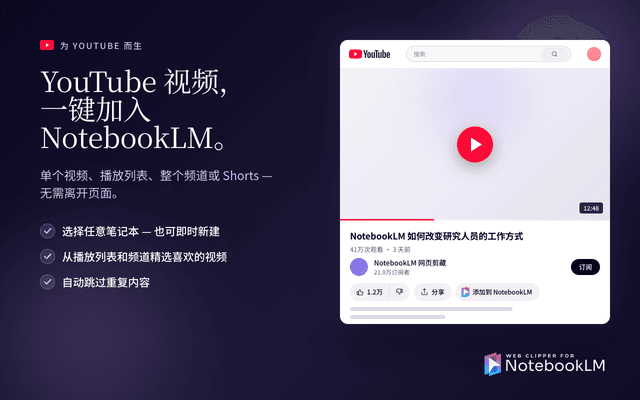
Web Clipper for NotebookLM
Web Clipper for NotebookLM is a Chrome extension that saves web pages, PDFs, YouTube content, social posts/threads, and even AI chat conversations directly into Google NotebookLM in one click, plus adds powerful export, sync, and notebook-management tools.

ReadHero
ReadHero is a comprehensive book tracking and note-taking app that helps readers remember and retain more of what they read by enabling progress tracking, note-taking, and book management all in one place.