
Adapt
Adapt is an AI-native “company brain” that unifies context across your tools to answer questions and take action—automating workflows and building internal apps directly in Slack and on the web.
https://adapt.com/?ref=producthunt
Product Information
Updated:Jul 8, 2026
What is Adapt
Adapt positions itself as a shared context layer for an entire organization: a centralized “company brain” that employees and AI agents can use to get answers and complete work. Instead of behaving like a traditional enterprise search tool that mainly retrieves documents, Adapt is designed to reason over connected business systems and execute tasks end-to-end. It’s available through Slack and a web app, and emphasizes secure, enterprise-ready operation (including SOC 2 Type II) with privacy controls around company data.
Key Features of Adapt
Adapt is an AI-powered “company brain” that connects to your business tools (via OAuth or API keys), pulls live context across systems, and then answers questions and completes work directly from Slack or a web app. It combines a shared context layer (knowledge, skills, memory, and live search) with the ability to automate recurring workflows, run cross-system analysis, and even build and deploy internal apps/dashboards without SQL or custom reporting—while emphasizing security controls and SOC 2 Type II compliance.
Company brain (shared context layer): Unifies org knowledge, reusable procedures (“skills”), shared task memory, and live search so employees and agents work from one consistent source of truth.
Ask-your-data analytics across the stack: Pulls live data from connected systems, runs analysis, and returns evidence-backed answers (with sources) without needing dashboards or SQL.
Action-taking agent (not just Q&A): Reads and writes across tools to complete multi-step tasks end-to-end—turning requests into shipped outcomes rather than static responses.
Workflow automation (scheduled + event-driven): Runs recurring briefings, monitoring, and reports, and supports event-driven workflows across connected systems (e.g., handling email attachments and uploading to HR systems).
Internal apps & dashboards builder: Generates internal tools, calculators, and dashboards from natural language, deploys them quickly, and makes them shareable for teams.
Security & governance controls: Uses isolated sandboxes per task, encryption in transit/at rest, granular access controls, and audit logging; positioned as SOC 2 Type II compliant.
Use Cases of Adapt
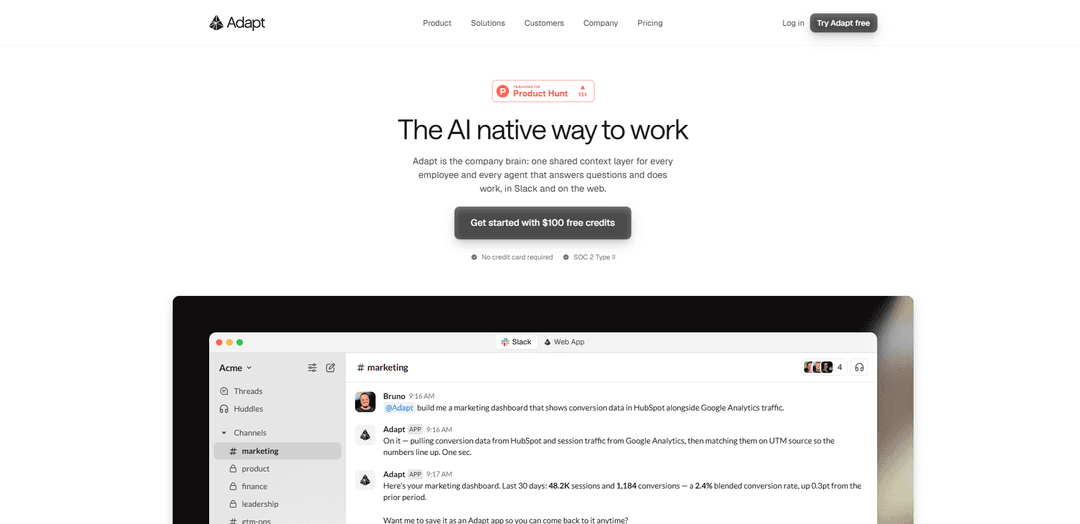
Marketing performance & attribution reporting: Combine sources like HubSpot conversions and Google Analytics traffic, align by UTM/source, and publish a continuously refreshed marketing dashboard.
Sales prospect & pipeline intelligence: Prepare reps with CRM + email + web context, identify at-risk deals, surface bottlenecks, and draft follow-ups to keep accounts engaged.
Executive daily briefings & board prep: Automate cross-system summaries of key metrics, detect churn/ARR risk early, and generate board-ready reporting from live connected data.
GTM ops / cross-system synchronization: Keep tools aligned, flag data/process issues, and provide cross-functional visibility without switching between multiple systems.
HR & back-office document routing: Trigger workflows from inbound emails or events to download attachments and file them correctly (e.g., upload to BambooHR under the right employee).
Customer support task automation: Reduce handling time for repetitive support workflows by having Adapt locate user details across systems and produce/send the required response/actions.
Pros
Connects across many business systems and can both analyze and take action (read/write) end-to-end.
Works where teams already operate (Slack + web) and reduces ad-hoc reporting/interruptions for data teams.
Can automate recurring and event-driven workflows and generate deployable internal apps without heavy engineering effort.
Strong security positioning with sandboxing, encryption, access controls, audit logs, and SOC 2 Type II.
Cons
Value depends on breadth/quality of integrations and permissions; limited connections can reduce usefulness.
Action-taking automation may require careful governance and access control design to avoid mistakes or unintended changes.
Some advanced use cases may still need setup effort (workflows, mappings, and organizational context) to perform reliably.
How to Use Adapt
1) Create an account and open Adapt: Go to https://adapt.com/ and click “Try Adapt free” (or log in at https://app.adapt.com/). Complete signup to access the web app.
2) Choose where you want to work (Slack or Web App): Adapt works “in Slack and on the web.” Decide whether you’ll primarily interact via Slack (for day-to-day questions and workflows) or the web app (for broader exploration and management).
3) Connect Adapt to your company tools (create shared context): In Adapt, connect the systems your company runs on so Adapt can pull “live context” (e.g., data warehouse, BI tools, marketing automation, help desk, payment providers, and other tools).
4) Ask your first question in natural language: Use the “Ask” flow: type a question the way you’re already thinking it (in Slack or the web app). Example: ask for a cross-tool metric or status update.
5) Let Adapt pull live context from connected systems: After you ask, Adapt “reaches into every connected tool and pulls the live context that matters,” so your answer can reflect current data rather than static docs.
6) Review the evidence-backed answer (with sources): Adapt delivers answers designed to be evidence-backed and (per the product FAQ) cites sources, so you can verify where the information came from.
7) Use Adapt to do work (not just answer): Give an action-oriented request. Example from the product page: “Build me a marketing dashboard that shows conversion data in HubSpot alongside Google Analytics traffic.” Adapt can pull data, match it (e.g., by UTM source), and produce an output.
8) Build an internal app or dashboard from a description: Use the “Build internal apps and dashboards without a developer” capability: describe what you need (metrics, time range, refresh cadence), and Adapt generates and deploys the tool.
9) Save and share the result with your team: When Adapt produces a dashboard/app, ask it to save/deploy it and share access (e.g., to a Slack channel). The example shows it can deploy to a hosted URL and share view access with a channel.
10) Automate recurring workflows on a schedule: Set up scheduled tasks like daily briefings, pipeline reports, or systems monitoring. Use this when you want the same multi-step work to run repeatedly without manual prompting.
11) Use team-specific use cases to guide prompts: Pick a use case aligned to your role: Leadership (daily briefing, risk detection, board prep), Marketing (CAC analysis, campaign performance, attribution insights), Product (system synchronization, cross-functional visibility, issue tracking), Sales (prospect intelligence, pipeline management, automated follow-ups).
12) Operate with security and access controls in mind: Configure access appropriately: Adapt emphasizes isolated sandboxes per task, encryption in transit/at rest, audit logging, and granular access controls, and notes SOC 2 Type II compliance.
Adapt FAQs
Adapt is a “company brain”: a shared context layer that pulls live context from connected tools, reasons over it, and takes action to get work done in Slack and on the web.
Adapt Video
Popular Articles

Vosko AI: Localize and Dub Videos for Global Audiences
Oct 15, 2026

Atoms: A Multi-Agent AI Platform That Transforms Ideas into Launch-Ready Products
Oct 13, 2026

Nano Banana SBTI: What It Is, How It Works, and How to Use It in 2026
Apr 15, 2026

Atoms Review — The AI Product Builder Redefining Digital Creation in 2026
Apr 10, 2026
Latest AI Tools Similar to Adapt
Snapmark
Snapmark is an AI-powered search engine for bookmarks that allows users to save, search, and organize websites, images, and text without manual tagging or categorization.
Uměl.cz
Uměl.cz is a Czech AI-powered search engine that provides intelligent and contextual answers to user queries.
想读 (WantRead)
想读(WantRead) is an AI-powered reading and note-taking platform that helps users easily import, read, annotate and build their personal knowledge base.
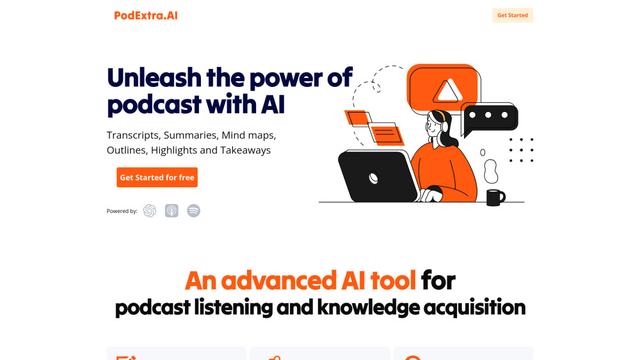
PodExtra AI
PodExtra AI is an advanced AI-powered podcast tool that transforms podcast content into digestible formats through transcripts, summaries, mind maps, outlines, highlights and takeaways.
Popular AI Tools Like Adapt

Rememberall
Rememberall is a secure, open-source long-term memory solution that enables AI applications and GPT models to maintain persistent memory across conversations through semantic search and vector storage capabilities.
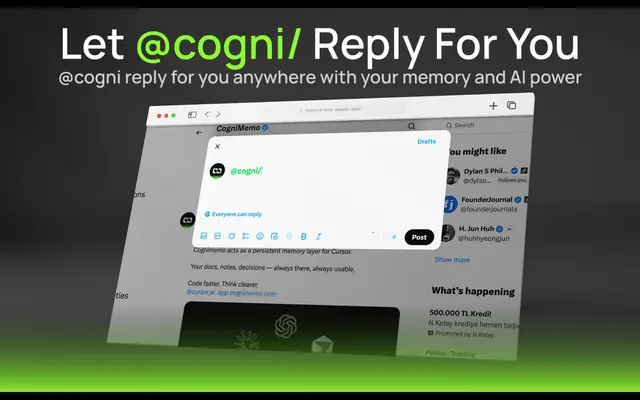
CogniMemo Extension
CogniMemo is a browser extension that adds long-term memory capabilities to AI tools like ChatGPT, Claude, Gemini, and DeepSeek by enabling context-aware conversations and knowledge management through saved notes and past chats.
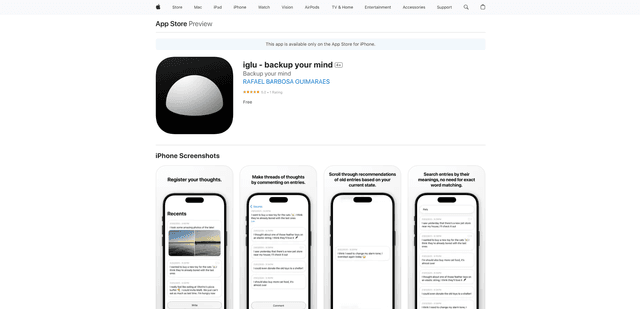
iglu
Iglu is a private, AI-powered micro-journaling app that helps users record, organize, and revisit their thoughts, memories, and ideas through text and media entries with intelligent search and recommendation features.
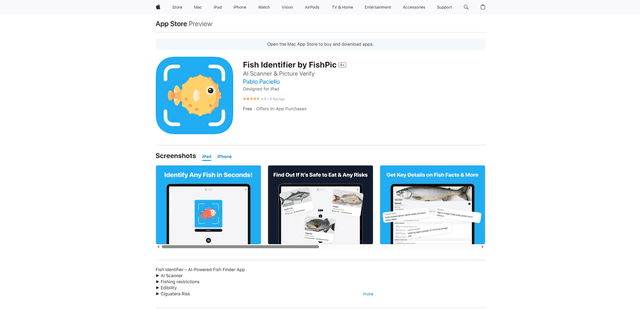
FishPic
FishPic is an AI-powered fish identification app that instantly recognizes fish species from photos while providing comprehensive information about edibility, regulations, and recipes.