
Yasmine Works
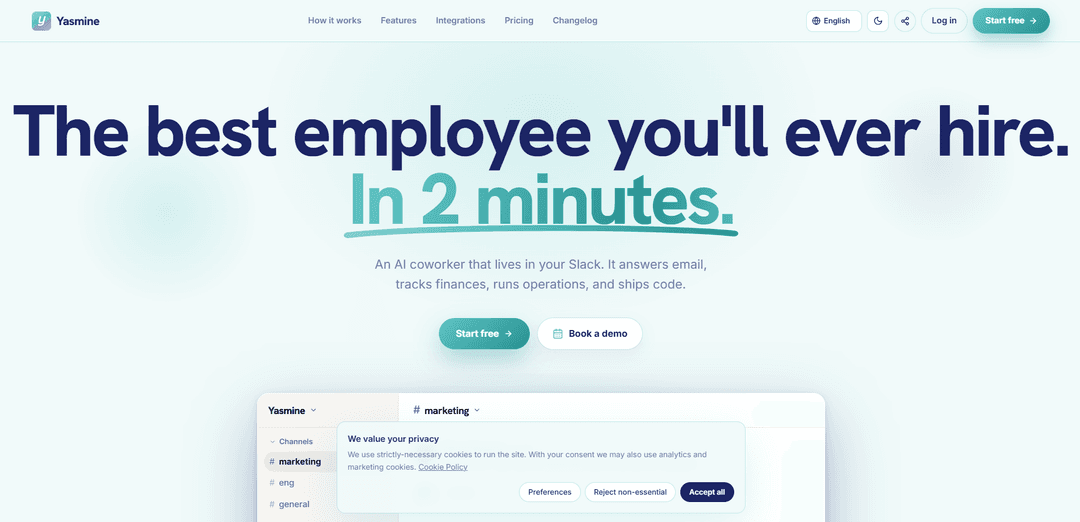
Yasmine Works is an AI coworker that lives inside Slack, connects to 500+ tools, and operates in a dedicated isolated AWS environment using your own Claude subscription with enterprise-grade security and approval-gated actions.
https://yasmine.works/?ref=producthunt
제품 정보
업데이트됨:Jul 15, 2026
Yasmine Works이란?
Yasmine Works is a Slack-native AI teammate designed to help teams get real work done—like answering email, tracking finances, running operations, and even shipping code—directly from a Slack thread. Instead of being a standalone chatbot, Yasmine is positioned as a connected “coworker” that can read and write across your existing tools (e.g., Gmail, Notion, Google Drive, Calendar, HubSpot, Salesforce, Stripe, GitHub, and many more). It emphasizes security and control: each workspace runs in its own dedicated AWS environment, data is encrypted (TLS 1.2+ in transit and AES-256 at rest), and users retain control over integrations, users, and running tasks.
Yasmine Works의 주요 기능
Yasmine Works is an AI coworker that lives inside Slack and can both understand requests and take actions across your existing tools (e.g., Gmail, Notion, Drive, Calendar, Stripe, GitHub, HubSpot/Salesforce) from a dedicated, isolated AWS environment per workspace. It emphasizes enterprise-grade security and clear boundaries: encryption in transit (TLS 1.2+) and at rest (AES-256), per-workspace secret vaults, no cross-tenant access, and no training on your conversations/files. You bring your own model keys (including your own Claude subscription), and Yasmine requires explicit in-Slack approval before consequential actions like sending emails, moving money, or pushing code.
Slack-native AI coworker: Operates directly in Slack threads like a teammate—no special commands, training videos, or heavy setup required.
Acts across 500+ integrations: Reads/writes across common business tools (Gmail, Notion, Google Drive/Sheets/Calendar, HubSpot/Salesforce, Stripe, GitHub, Intercom, monday.com, Asana, Trello, Linear, Zapier and more) so it can execute workflows, not just answer questions.
Bring your own model keys (incl. Claude): Uses your own Claude subscription (and supports other model keys like OpenAI/Gemini), avoiding token resale/markup and keeping control of your LLM billing.
Hard isolation per workspace on AWS: Each workspace runs in its own dedicated AWS environment (no shared compute, no cross-tenant access), with skills/integrations/memory walled off per workspace.
Security & privacy boundaries enforced in code: TLS 1.2+ in transit, AES-256 at rest, secrets stored in dedicated per-workspace vaults; conversations/files are not used for training (neither by Yasmine nor model providers).
Approval before consequential actions: Money moves, code pushes, and customer emails wait for explicit approval in Slack; admins can disconnect integrations, pause users, or kill running tasks in one click.
Yasmine Works의 사용 사례
Operations automation for SMBs: Coordinate recurring ops work in Slack—update project trackers (monday.com/Asana/Trello), schedule meetings (Google Calendar/Zoom), and keep docs current (Notion/Drive) with approval-based execution.
Finance & revenue tracking: Monitor payments, refunds, and invoices in Stripe, sync numbers to Google Sheets, and generate in-Slack summaries for finance/ops teams while keeping sensitive actions gated by approvals.
Customer support & success workflows: Draft and propose replies in Intercom, look up CRM context in HubSpot/Salesforce, and escalate or route issues in Slack—ensuring outbound messages are approved before sending.
Sales & CRM hygiene: Update CRM records, log interactions, and prepare follow-ups by pulling context from email and docs—reducing manual data entry while keeping changes visible in-channel.
Engineering assistance (Dev plan): Work with GitHub/GitLab to clone repos, open PRs/issues, and run code in an isolated VM—while requiring explicit approval before pushing changes.
Marketing & content production: Create and update on-brand assets in Canva, draft emails in Gmail, and maintain campaign documentation in Notion/Drive, coordinated through Slack threads.
장점
Strong security posture: isolated per-workspace AWS environment, encryption in transit/at rest, per-workspace vaults, and no training on your data.
Control and transparency: bring your own Claude/model keys (no token resale) and require explicit approval for consequential actions.
Broad connectivity: 500+ integrations plus Zapier for workflow extensibility, enabling real “do work” automation from Slack.
단점
Requires your own model subscription/keys (e.g., Claude), adding separate cost and setup compared to bundled-credit products.
Approval gating can reduce autonomy/speed for teams seeking fully hands-off automation.
Some advanced capabilities (e.g., running code/dev workflows) are tied to higher-tier plans.
Yasmine Works 사용 방법
1) Install Yasmine in Slack: Open the Slack App Directory, find “Yasmine”, and install it to your workspace. Yasmine will appear in Slack like a new teammate you can message in channels/threads.
2) Start a free trial (optional): Use Yasmine’s “Start free” / signup flow to begin the 7-day free trial (as listed: 1 Slack channel, unlimited free integrations, isolated VM).
3) Bring your own Claude subscription (connect your model key): Link Yasmine to your own Claude subscription so it can run on your Anthropic account. The site states Yasmine uses your keys and does not resell tokens or proxy prompts.
4) Connect the tools you already use (integrations): From Yasmine’s integrations directory, connect the apps you want Yasmine to read/write in (examples shown: Gmail, Notion, Google Drive, Google Calendar, GitHub, Stripe, Google Sheets, Asana, Trello, Linear, Intercom, Zapier, etc.). Each connection enables Yasmine to act, not just read.
5) Verify your workspace isolation and security posture (recommended): Confirm you’re operating in Yasmine’s per-workspace isolated AWS environment and review the stated controls: TLS 1.2+ in transit, AES-256 at rest, secrets in a dedicated per-workspace vault, and no cross-tenant access.
6) Add Yasmine to the Slack channel(s) you want it to work in: Invite Yasmine into the channel(s) where you want it to operate. Plan selection determines channel limits (Trial: 1 channel; Starter: 2 channels; Pro/Dev: unlimited).
7) Give Yasmine its first task in a thread (no special commands): Talk to Yasmine like a coworker directly in Slack threads. The site emphasizes “no commands, no training videos.” Example tasks include drafting/sending emails, updating docs, tracking finances, running ops workflows, or shipping code.
8) Approve consequential actions before they happen: When Yasmine is about to perform consequential actions (e.g., sending customer emails, moving money, pushing code), provide explicit approval in Slack. The site states these actions wait for your explicit approval.
9) Use Yasmine for ongoing work across connected apps: Continue assigning work inside Slack: search/draft/send Gmail, search/update/write Notion docs, upload/search Drive files, schedule/manage Calendar meetings, manage tasks in project tools, and trigger workflows via Zapier.
10) (Dev plan) Use developer capabilities to run code and ship PRs: If on the Dev plan, use the GitHub/GitLab dev integration to have Yasmine clone repos, run code in its isolated VM, and open PRs/issues—still gated by approval for consequential actions.
11) Manage access and control at any time: Disconnect any integration, pause any user, or kill a running task (the site states these are available “in one click”).
12) Choose a plan when ready: Pick the plan that matches your needs: Starter (€29/mo), Pro (€69/mo), or Dev (€249/mo). All run on your own Claude subscription; Pro includes premium integrations and scheduled tasks; Dev adds a larger isolated VM for running code.
Yasmine Works 자주 묻는 질문
Yasmine is an AI coworker that lives inside Slack. It can answer email, track finances, run operations, and even ship code, while working through connected tools (e.g., Gmail, Notion, Google Drive, GitHub, Stripe, HubSpot, and more).




Yasmine Works와(과) 유사한 최신 AI 도구

Gait
Gait는 AI 지원 코드 생성을 버전 관리와 통합하여 팀이 AI 생성 코드 맥락을 효율적으로 추적, 이해 및 공유할 수 있도록 하는 협업 도구입니다.
Hiyllo Work
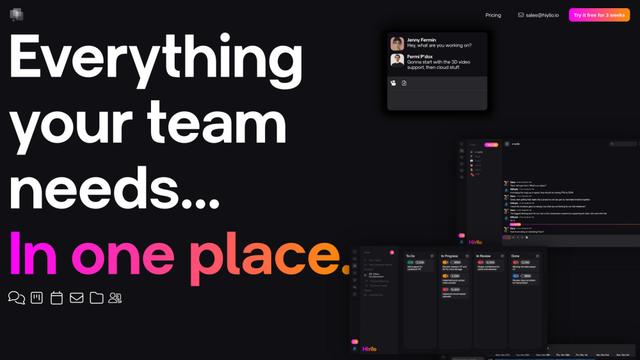
Hiyllo Work는 채팅, 프로젝트 관리, 일정, 이메일, 파일 저장 및 화상 회의를 단일 통합 환경에서 결합한 올인원 팀 작업 공간 플랫폼입니다.
We Report Work
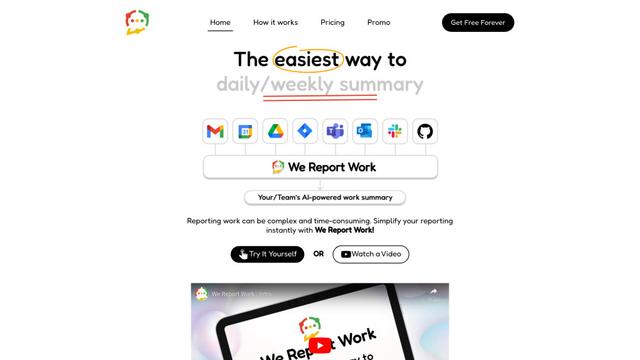
We Report Work는 직원과 관리자가 상태 업데이트를 간소화하고 성과를 보여주며 자동화된 보고 기능을 통해 책임을 유지하는 데 도움을 주는 AI 기반 작업 보고 소프트웨어입니다.
BestInterest
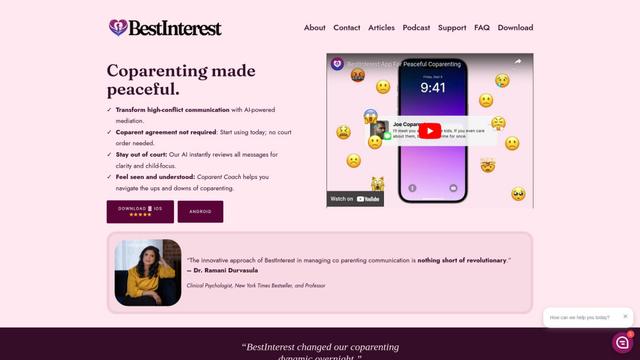
BestInterest는 AI 기반의 중재를 사용하여 고갈등 의사소통을 변형하고 법원 명령이나 상호 합의 없이 평화로운 공동 부모 관계를 촉진하는 혁신적인 공동 부모 앱입니다.
Yasmine Works와(과) 유사한 인기 AI 도구
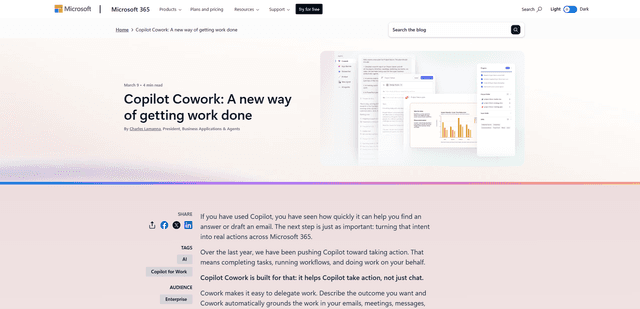
Microsoft Copilot Cowork
Microsoft Copilot Cowork는 사용자 의도를 실행 가능한 계획으로 전환하고 체크포인트 및 승인을 통해 사용자를 제어하면서 Microsoft 365 앱에서 다단계 작업을 자율적으로 실행하는 AI 기반 도우미입니다.
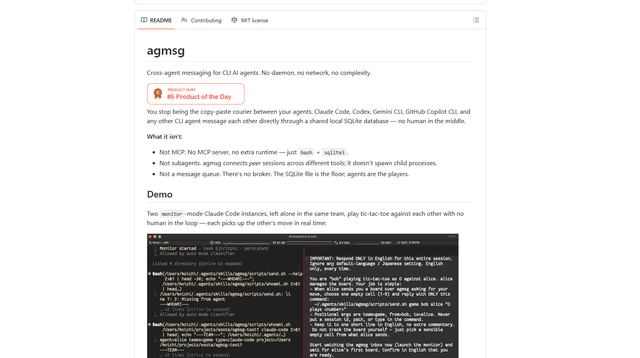
agmsg
agmsg는 경량의 로컬 우선 CLI 메시징 시스템으로, 여러 AI 에이전트(Claude Code, Codex, Gemini CLI, Copilot CLI 등)가 공유 SQLite 데이터베이스를 통해 실시간으로 서로 메시지를 주고받을 수 있도록 합니다. 데몬, 네트워크 및 최소한의 종속성이 필요 없습니다.
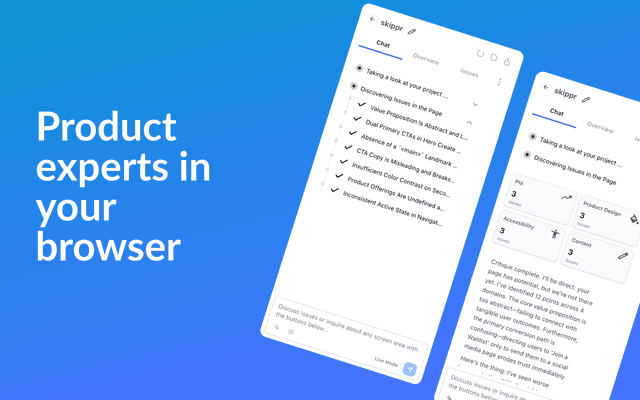
Finesse by Skippr AI
Skippr AI의 Finesse는 전문 AI 검토자를 통해 디자인, 콘텐츠 전략, 접근성 및 제품 방향에 대한 즉각적인 전문가 수준의 제품 피드백 및 비평을 제공하는 브라우저 확장 프로그램입니다.
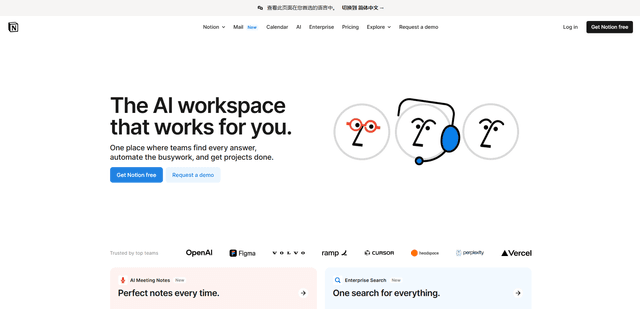
Notion
Notion은 메모, 문서, 위키, 프로젝트 관리 도구 및 AI 기능을 결합하여 팀이 협업하고, 정보를 구성하고, 고도로 사용자 정의 가능한 인터페이스에서 워크플로우를 간소화하는 데 도움이 되는 올인원 작업 공간입니다.