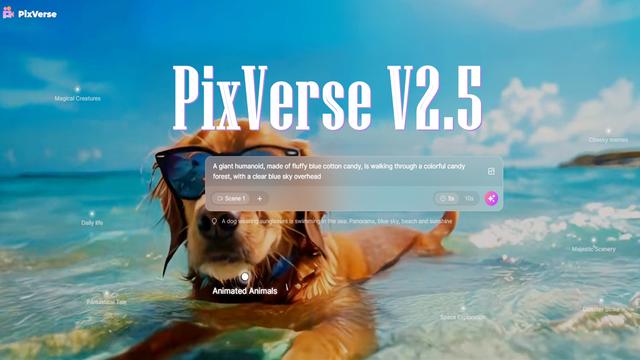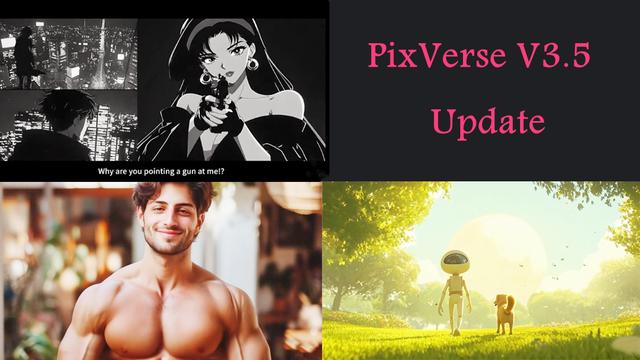
If you’ve been exploring AI tools or scrolling through social media like X (formerly Twitter), YouTube, or Instagram lately, you’ve likely noticed https://app.pixverse.ai/home making headlines everywhere.
What is PixVerse?
Here’s a quick PixVerse.ai primer for anyone who’s curious: PixVerse is a top AI video generator that transforms your creative prompts—whether text, images, or a mix of both—into eye-catching, high-quality video content or 3D figurine.
What’s the latest with PixVerse?
AIPURE, one of the leading AI tool directories, is always keeping track of the hottest updates. The newest rollout, PixVerse V6, was officially launched on March 30, 2026. This update is a game-changer for content creators, marketers, educators, and anyone eager to generate pro-level visuals faster and easier than ever.

What’s new in PixVerse V6?
Now, let’s take a closer look at the breakthrough features in PixVerse V6:

- Advanced AI Video Generation: PixVerse V6 delivers more realistic and cinematic video outputs, with improved motion consistency, lighting, and scene transitions powered by upgraded AI models.
- Text-to-Video Enhancements: Generate high-quality videos directly from text prompts with greater accuracy and richer detail, allowing creators to bring ideas to life more effortlessly.
- Image-to-Video Upgrades: Transform static images into dynamic videos with smoother animations, better depth perception, and more natural character movements.
- Style & Aesthetic Control: Users can now fine-tune visual styles, including cinematic tones, anime, realistic rendering, and more, offering greater creative flexibility.
- Longer Video Duration: PixVerse V6 supports extended video generation, enabling more complex storytelling and narrative development.
- Improved Character Consistency: Characters remain more stable across frames, reducing distortion and ensuring continuity throughout the video.
- Faster Rendering Speed: Optimized performance significantly reduces generation time while maintaining high output quality.
- User-Friendly Interface Updates: A redesigned UI makes the platform more intuitive, streamlining the workflow for both beginners and professionals.
- Multi-Scene Composition: Create videos with multiple scenes and transitions in a single generation process, making content more dynamic and engaging.
PixVerse V6 vs Previous Versions: Full Feature Comparison
Wondering how PixVerse V6 compares to previous releases? Here’s an at-a-glance table so you can see the step up in speed, quality, and creative control that makes V6 the preferred choice in 2026:
| Feature | PixVerse V3 | PixVerse V4.5 | PixVerse V5 | PixVerse V6 |
|---|---|---|---|---|
| Rendering Speed | ~1 min per video | ~40s per video | ~5-10s (Turbo), ~1 min (HD) | ~3-5s (Turbo), ~15-20s (HD) |
| Motion Quality | Basic, sometimes stiff | Good, somewhat smooth | Cinematic, pro-grade | Ultra-cinematic, fluid |
| Prompt Accuracy | Moderate | Strong | Ultra-strong, minimal deviation | Near-perfect, AI-powered refinement |
| Output Resolution | 720p, 540p | 540p, 720p, 1080p | 360p (Turbo), 540p, 720p, 1080p, up to 4K | 360p (Turbo), 540p, 720p, 1080p, up to 4K |
| Consistency (Style/Color) | Occasional shifts | Improved, not perfect | Highly stable, on-brand | Flawless, fully integrated style |
| nano Banana 3D Models | Unavailable | Unavailable | Full integration | Seamless integration with advanced models |
| Camera Movement Options | Limited | Moderate | 6+ cinematic controls | 10+ cinematic controls, custom angles |
| Price per 5s video | $0.20-$0.30 | $0.10-$0.15 | $0.10 (Same as V4.5) | $0.08-$0.12 (depending on complexity) |
| Upscaling | Basic | Partial (to 1080p) | 4K upscaling available | 4K upscaling with AI-enhanced quality |
| Best For | Social clips | Marketing, Shorts | Ads, cinematic 3D, animated stories | High-quality film production, marketing, immersive experiences |
| Release Date | October 29, 2024 | May 13, 2024 | August 27, 2025 | March 30, 2026 |
As you can see, PixVerse V6 is a significant leap forward!

How to Create Your PixVerse Account in 2026
Ready to try pixverse? AIPURE recommends this fast signup process:
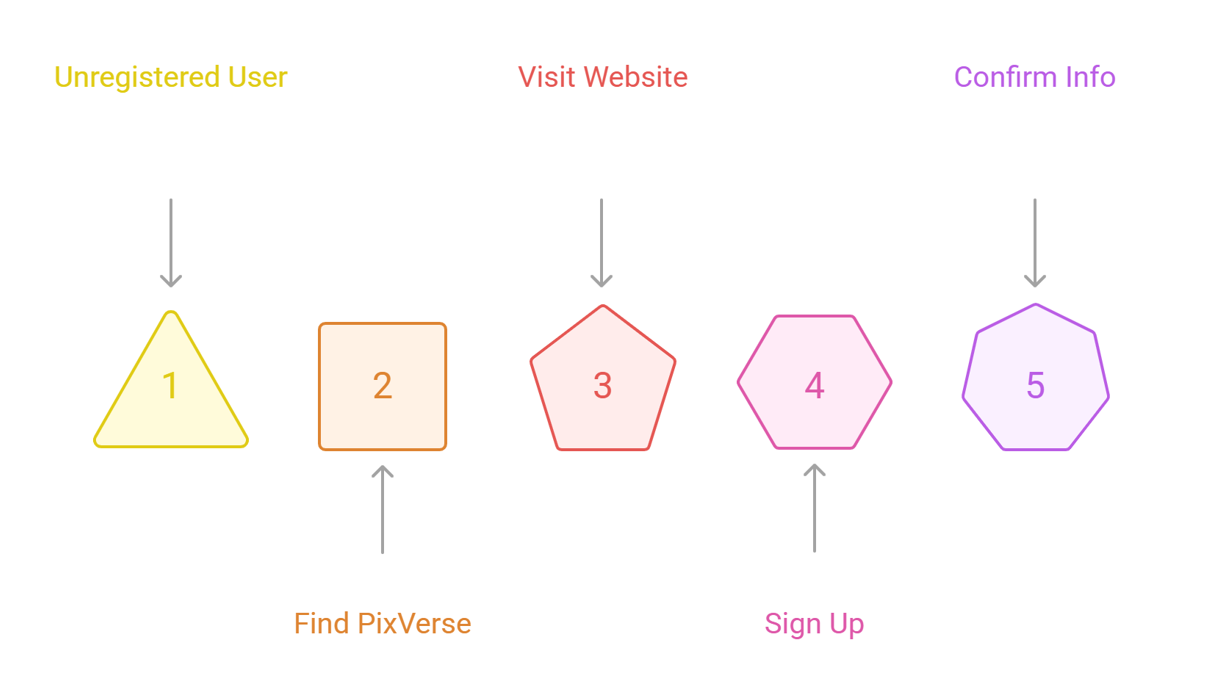
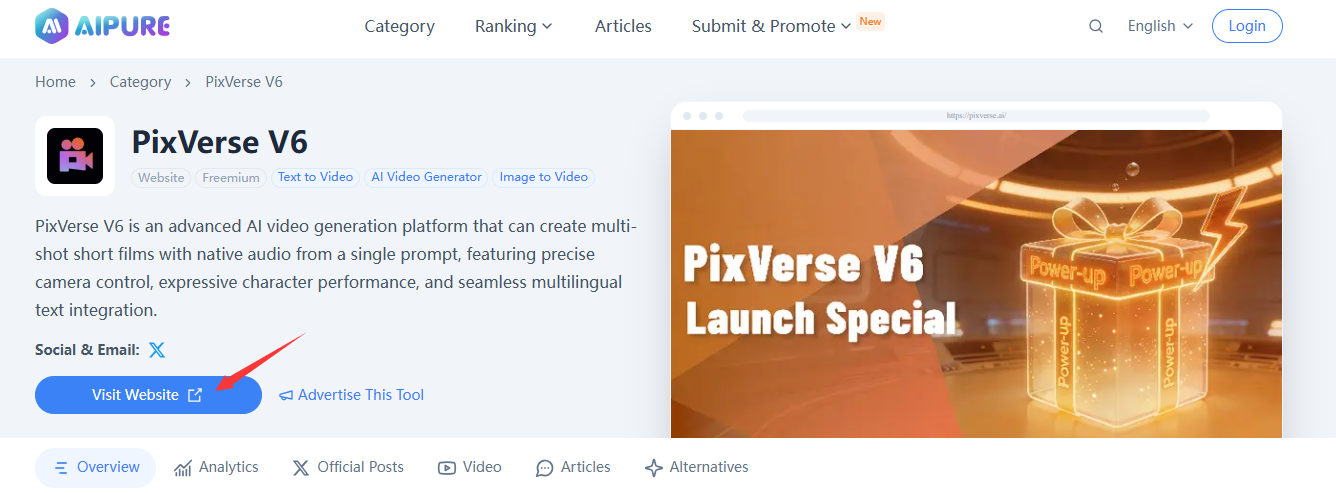
- Start by searching “PixVerse” on AIPURE—find the details page for trends, guides, and videos.
- Click the "Visit Website" button to head straight to PixVerse’s official site(https://app.pixverse.ai/home).
- Hit “Sign In” or “Sign Up.” Registration takes just a minute—use Google, Discord, or email.

- Confirm your info and log in.
Now you’re ready to explore PixVerse V5’s dashboard(because it has been updated to the latest version), packed with resources, trending projects, and special exclusive features.
How to Use PixVerse in 2026: Video Creation, and 3D figurine | PixVerse tutorial
Now for the fun part—AIPURE breaks down the step-by-step workflow and expert tips to master PixVerse V6:
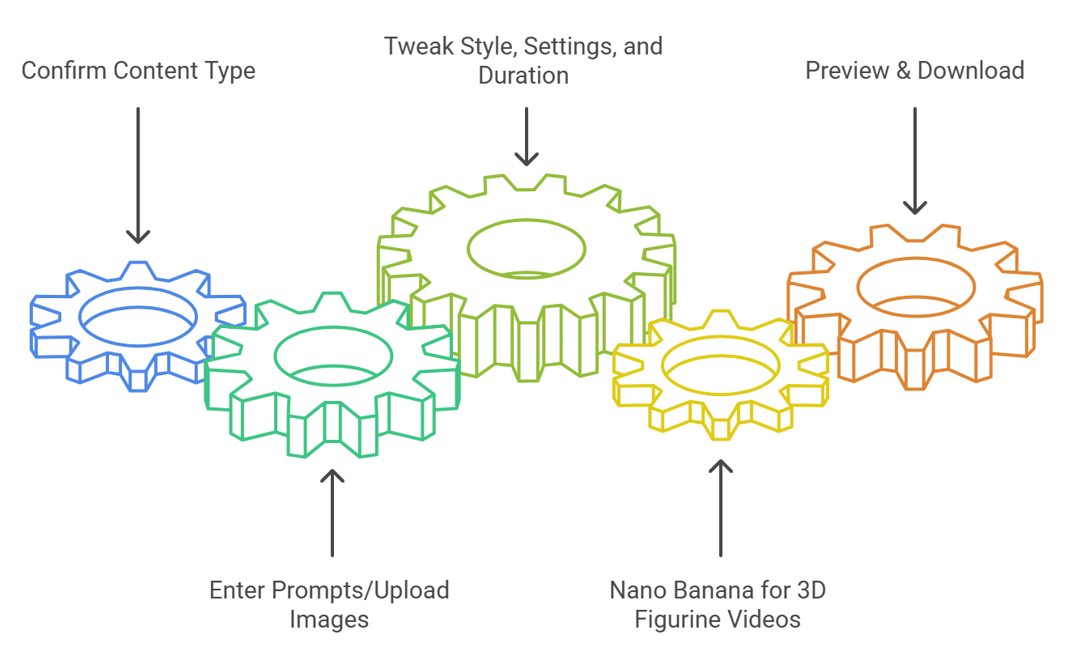
Step 1: Confirm the content type
Choose "Image or Text" on the PixVerse homepage—perfect for building everything from animated shorts to educational content.
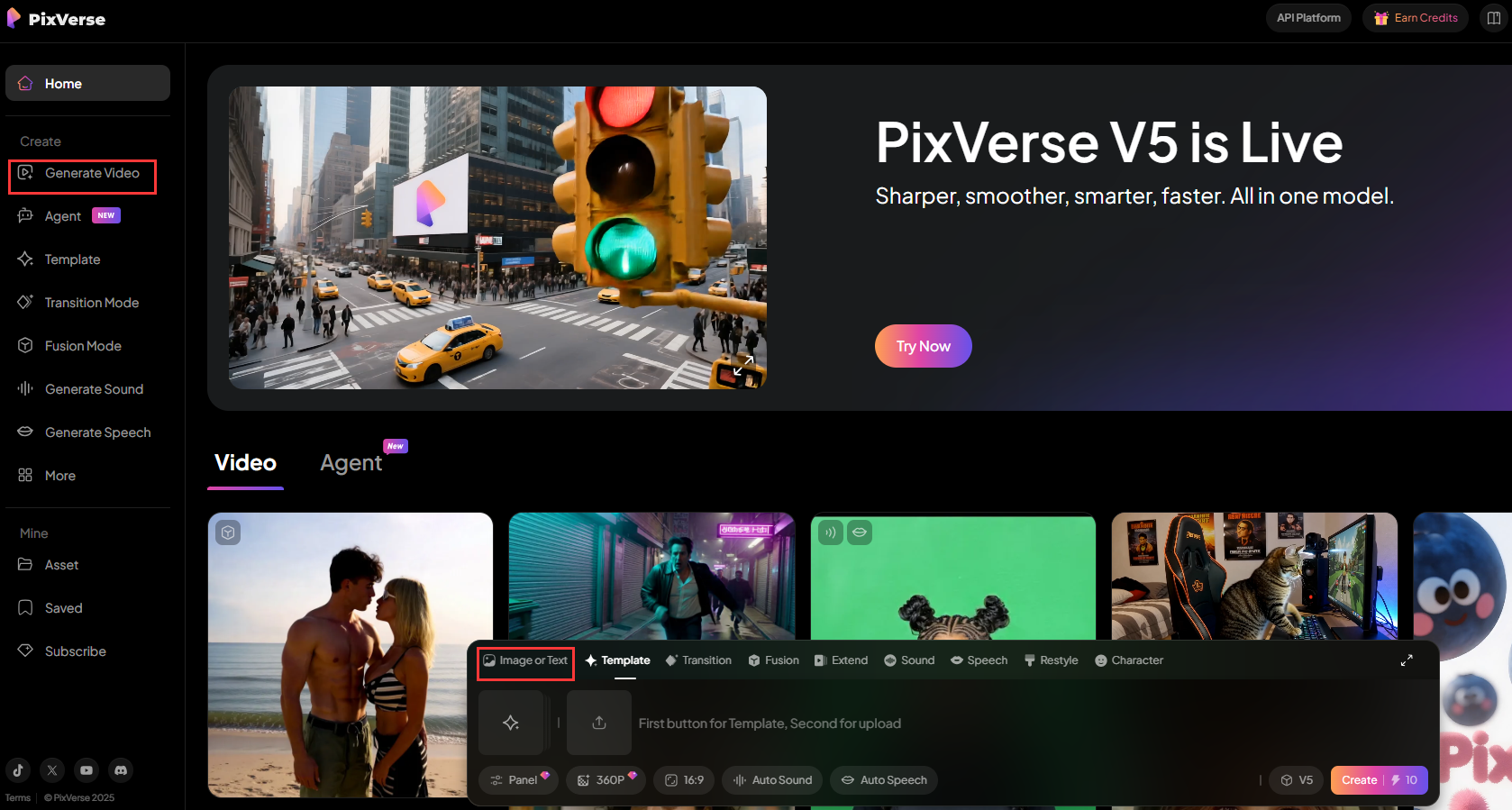
Step 2: Enter Prompts/Upload Images
- For text-to-video: Type your vision ("A futuristic city with flying cars in sunset, anime style").
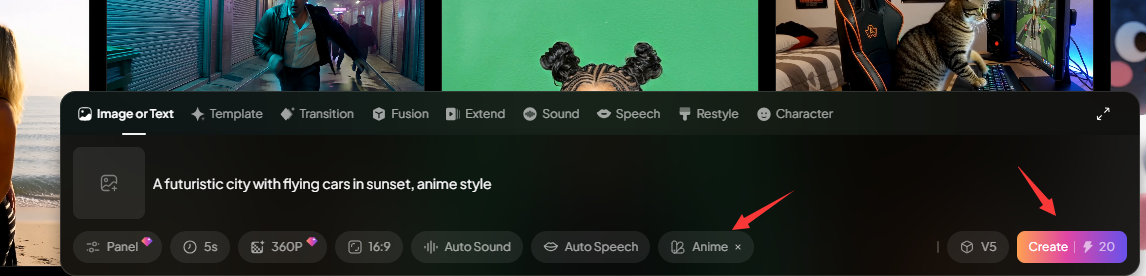
✔️It consumes about 20 credits or more
- For image-to-video: Upload your picture, then describe movement ("Zoom out, rotate, add atmospheric music").
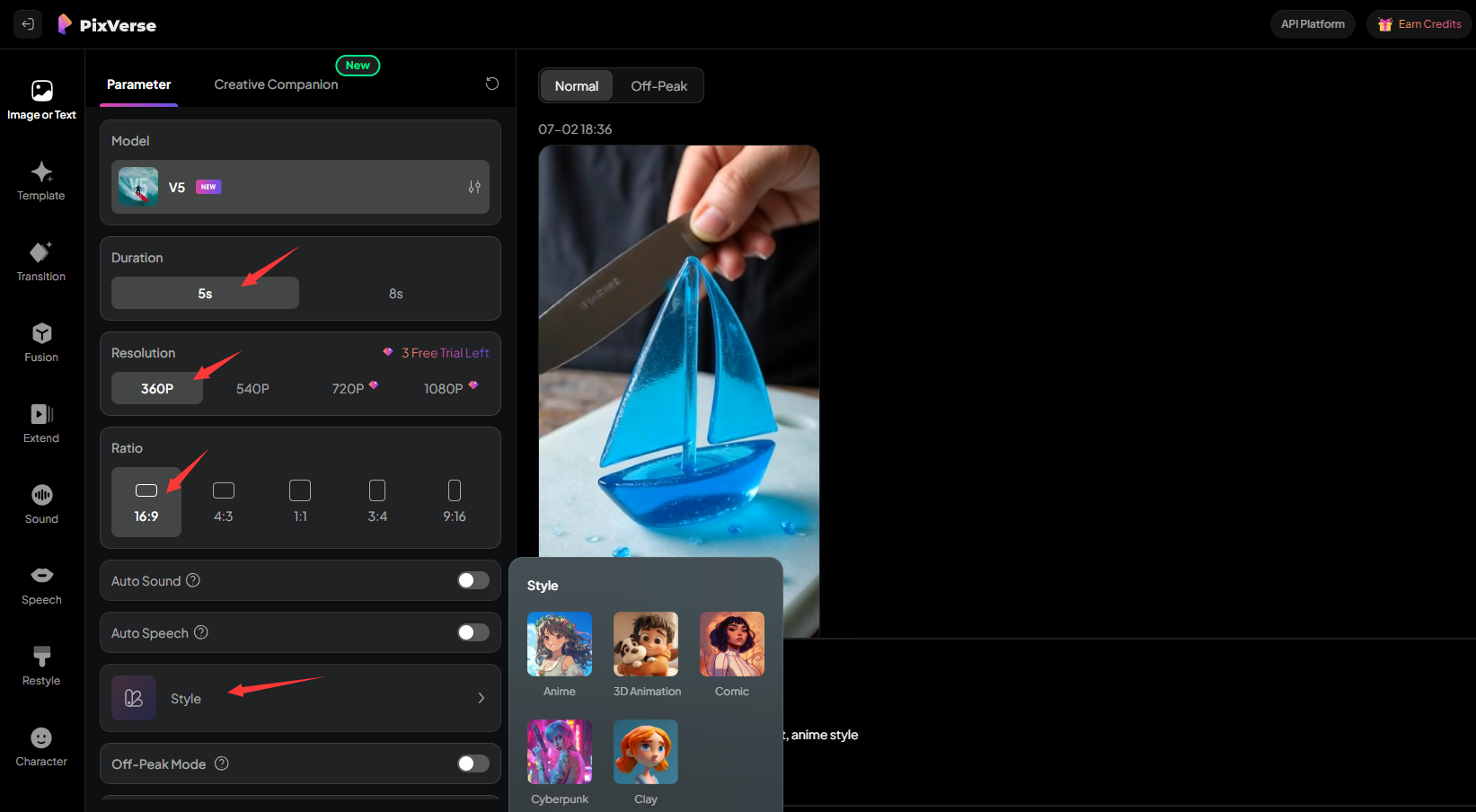
Step 3: Tweak Style, Settings, and Duration
Select style: anime, realistic, cartoon, or 3D.
Adjust duration, aspect ratio, camera movement, transitions, and add music or effects.
For consistent branding/ad projects, use custom colors and prompt keywords.
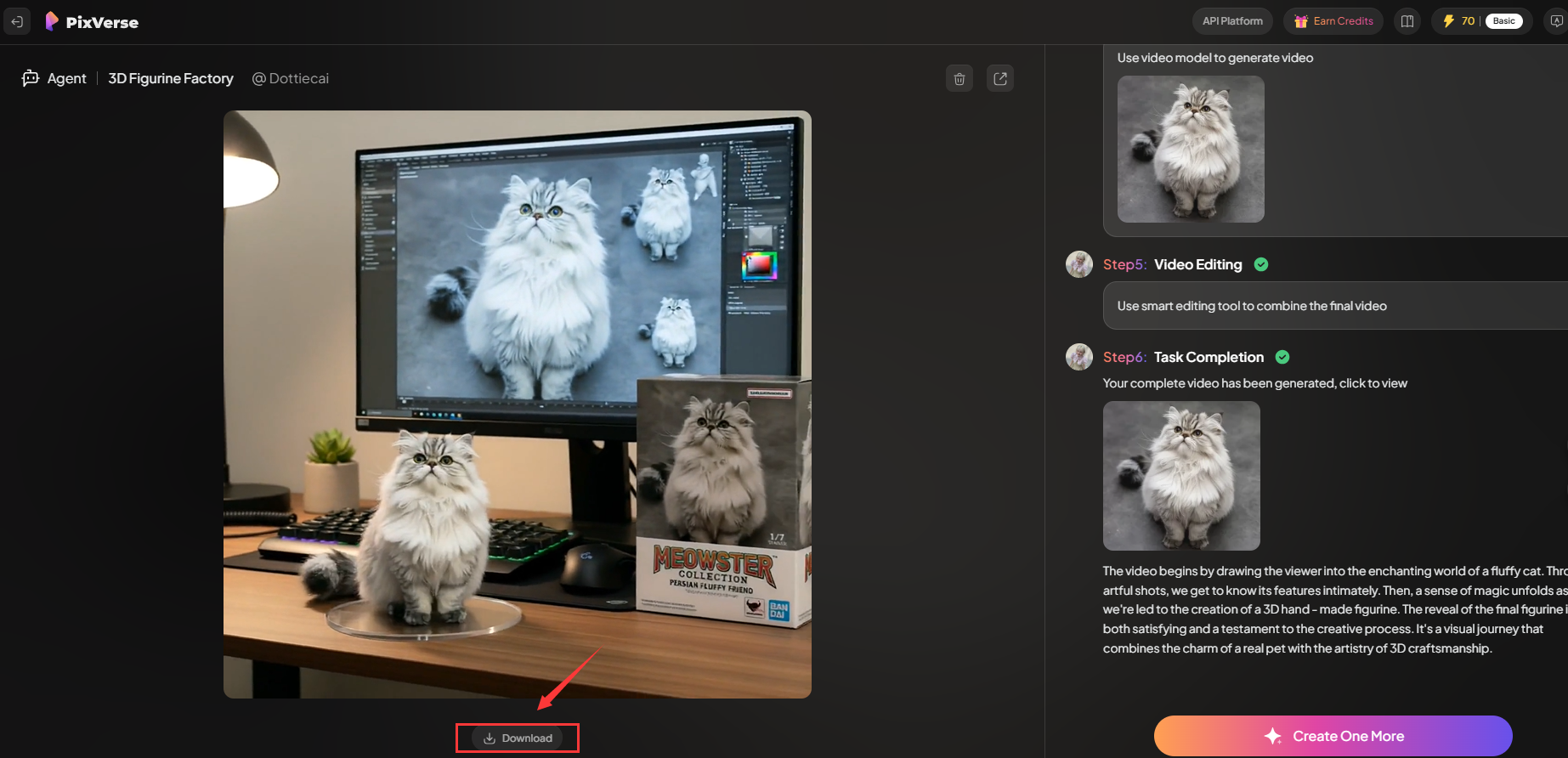
Step 4: Nano Banana for 3D figurine Videos(Users who are not interested can skip this step)
Want a Pixar-style 3D figurine video?
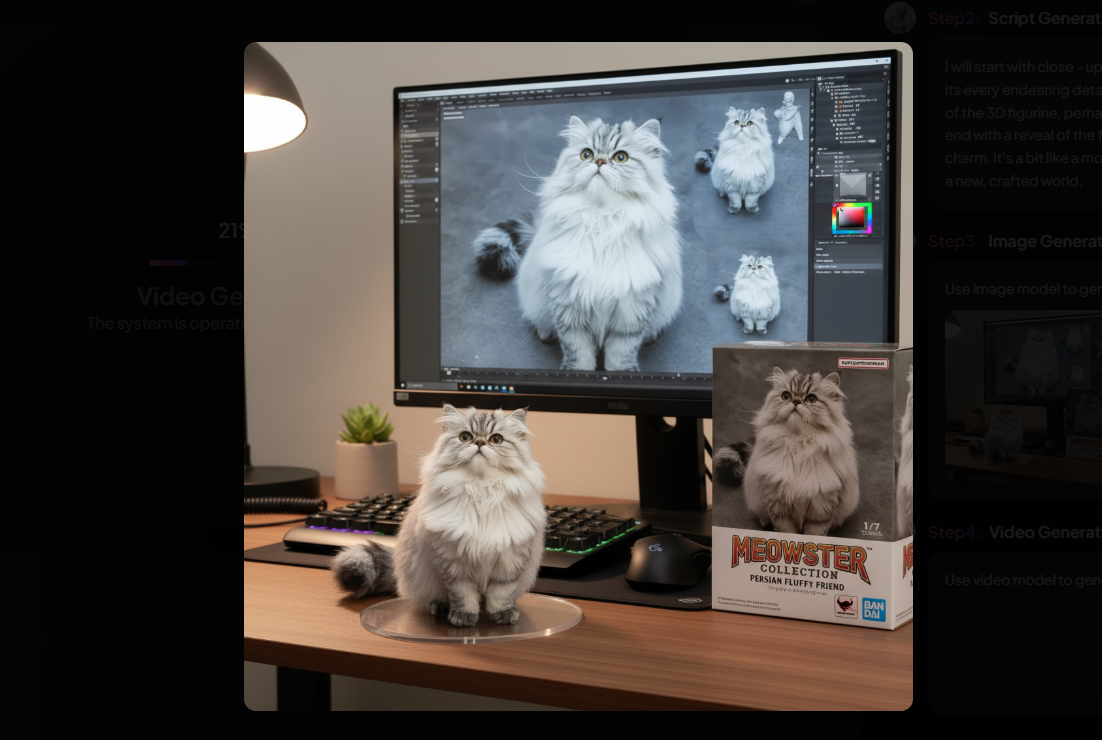
In the "Agent" menu, select the agent with the banana icon (representing "nano banana") to get nano banana ai 3d model.
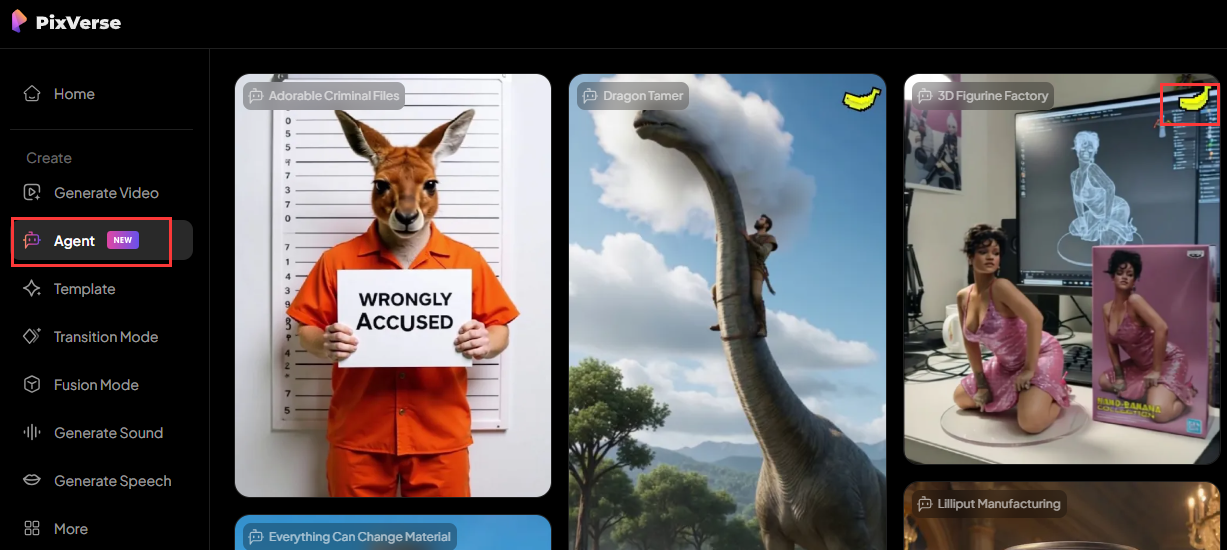
Click the video to enter, then upload your photo to generate a unique full set of 3D figurine collectibles!
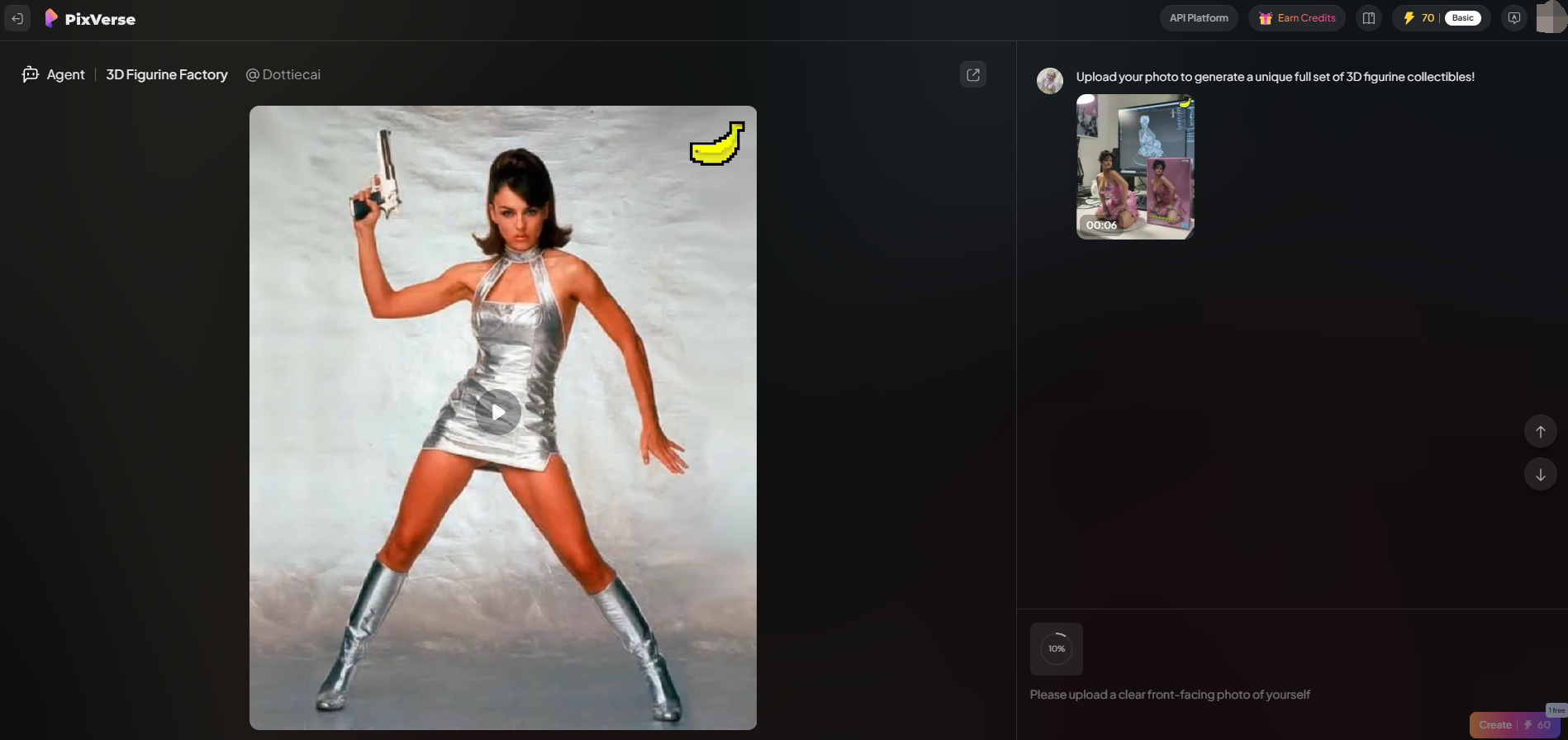
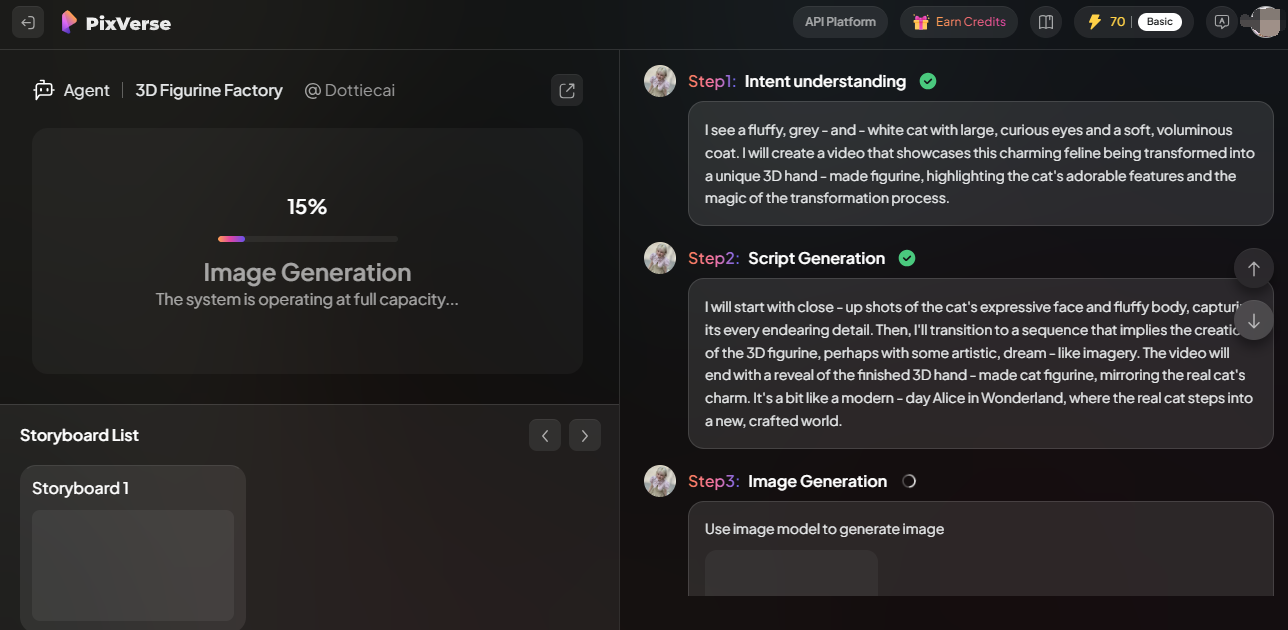
✔️It consumes about 60 credits
🔥You will have one free trial of this feature, try now!!!
Generate, preview, and refine—with PixVerse V5, nano Banana delivers stunning character consistency and flexibility.
💡We this video didn’t turn out as expected—the cat keeps moving and still doesn’t look like a genuine 3D model.
Step 5: Preview & Download
Preview the result—make changes if needed!
Download and share your creations instantly—PixVerse.ai supports outputs perfect for TikTok, YouTube, Instagram, or commercial use.
PixVerse Usage Tips from AIPURE
After mastering how to use PixVerse, AIPURE has also gathered some essential tips to help you get the most out of every project!
- Write clear, meaningful prompts to guide the style, movement, and mood.
- High-res images boost image-to-video/3D quality.
- Use the “Agent” assistant to auto-generate videos in seconds—even from a simple image.
- Try various styles—PixVerse V6 supports 200+ cinematic and art genres.
- For batch edits, save preset settings for campaigns (great for brand assets).
Conclusion: Discover More AI Tools at AIPURE
PixVerse makes video and nano banana ai 3d model fast, fun, and professional, especially the latest version, PixVerse V6—whether you’re an artist, marketer, educator, or just want awesome social clips.
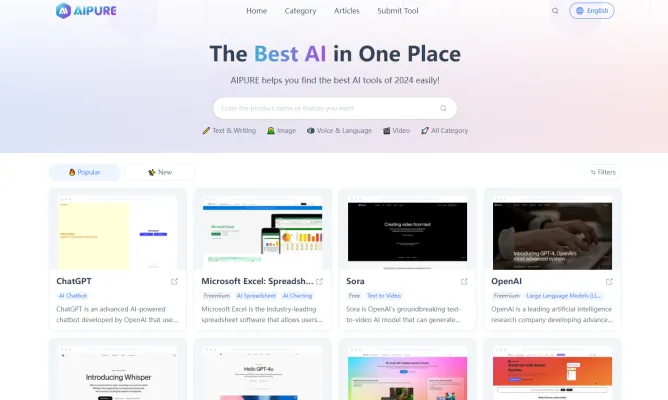
But if you want to explore more expert guides, tool reviews, and AI industry updates anytime, AIPURE is the best choice!