
ScholarXIV
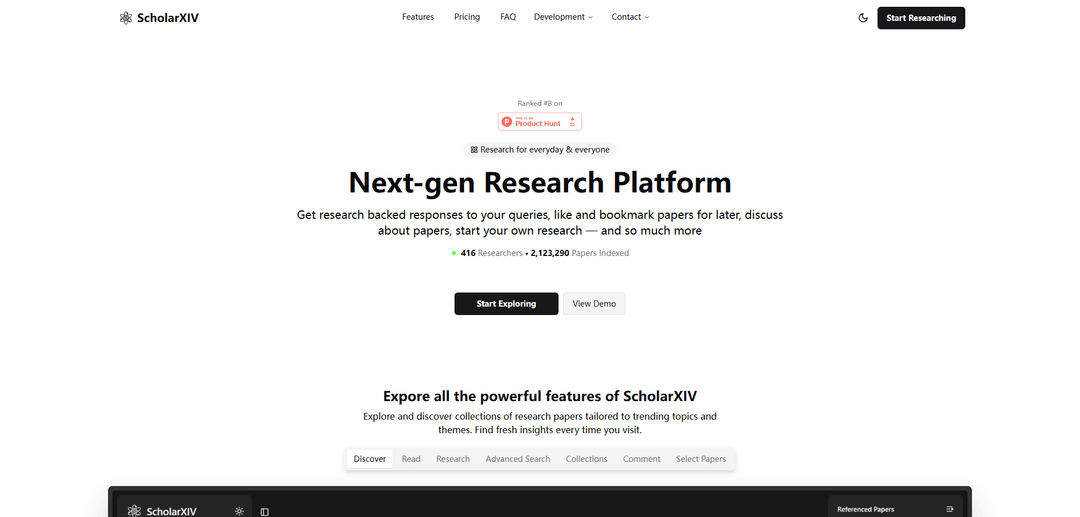
ScholarXIV is a next‑gen research platform that indexes arXiv papers and lets you discover, read, bookmark, discuss, and run AI-powered research/chat with selectable models and paper-based references.
https://scholarxiv.com/landing?ref=producthunt
產品資訊
更新時間:2026年06月08日
ScholarXIV 每月流量趨勢
ScholarXIV 在上個月收到了 451.0 次訪問,呈現出 Infinity% 的顯著增長。根據我們的分析,這個趨勢與人工智能工具領域的典型市場動態相符。
查看歷史流量什麼是 ScholarXIV
ScholarXIV is a web-based research paper explorer designed to make academic reading and exploration fast and approachable for everyday users and researchers. It provides access to a large indexed library of arXiv papers and wraps it in a clean workflow for discovering trending collections, opening papers in a side-by-side reader, saving items via likes/bookmarks, and organizing work into shareable collections. The platform also adds AI-driven research features (including a global chat experience) to help users ask questions and generate research-backed outputs with citations.
ScholarXIV 的主要功能
ScholarXIV is a next‑gen research platform for discovering, reading, organizing, and discussing arXiv papers, with AI-assisted research workflows. It provides powerful search and filtering, an in-page reading experience, shareable paper collections, commenting, and an AI “research canvas” that generates research-backed responses with citations. Users can select multiple papers to build context for comparisons and deeper analysis, keep a persistent global AI chat across the app, and export outputs (Markdown/PDF). The web platform is not open-source, but a basic open-source mobile app exists.
Paper discovery & trending collections: Browse curated and trending topic collections to find relevant papers and fresh research directions beyond keyword search.
Advanced search with filters: Quickly locate specific papers using parameters, keywords, and filtering tools designed to reduce time spent sifting through results.
Side-by-side reading experience: Open papers in a comfortable reading layout (papers open to the side) to skim, evaluate, and move through sources efficiently.
AI research canvas with citations: Ask questions and get research-backed responses grounded in referenced papers; access cited sources directly from the workspace.
Multi-paper context selection: Select multiple papers at once to create a custom context for the AI—useful for comparing findings, synthesizing evidence, and targeted analysis.
Export & sharing workflow: Copy or download research outputs (Markdown/PDF); higher tiers add watermark-free export and in-app PDF viewing.
ScholarXIV 的使用案例
Academic literature review: Graduate students and researchers can discover papers, bookmark/organize them into collections, and use AI to synthesize themes with citations.
R&D and innovation scouting: Industry teams can track emerging methods, compare multiple papers via AI context selection, and export briefings for internal stakeholders.
Technical due diligence: VCs/analysts can validate claims by following AI-provided references, quickly reading originals, and generating exportable summaries.
Education and teaching prep: Instructors can curate shareable collections for courses, add commentary via paper discussions, and generate reading guides or summaries.
Cross-team research collaboration: Teams can discuss papers with comments, share collections, and keep an ongoing global AI chat thread while moving between discovery and reading.
優點
End-to-end workflow: discovery, reading, organization (collections/bookmarks), discussion, and AI-assisted synthesis in one place.
Research grounding: AI outputs include references and integrate selected-paper context for more targeted analysis.
Flexible AI options: supports 100+ models via Vercel AI Gateway with a fallback approach for models lacking tool calls.
缺點
Not open-source (web platform), which may be a drawback for teams needing full transparency/self-host control; only a basic mobile app is open-source.
Key research features are gated by paid tiers (e.g., broader model selection, higher limits on selected papers/references, watermark-free export).
如何使用 ScholarXIV
1) Open ScholarXIV: Go to https://scholarxiv.com/landing and click “Start Exploring” (or use “View Demo” if you want a quick walkthrough video first).
2) Discover trending paper collections: Use the “Discover” experience to browse collections of research papers curated around trending topics and themes, then open any paper that looks relevant.
3) Read a paper in the side-by-side viewer: Open a paper to read it comfortably in the built-in reader where the paper opens to the side of the page so you can quickly glance inside while browsing.
4) Search for papers (basic search): Use search to quickly locate papers by keywords and topics. This is part of the basic features available on the platform.
5) Use Advanced Search (if your plan includes it): Apply stronger filters/parameters to narrow results and save time when you need more precise paper discovery (advanced search is not available on the Free plan).
6) Bookmark and like papers for later: Save papers you want to revisit by bookmarking/liking them so you can build a personal library of relevant research.
7) Create and share Collections: Curate papers into “Collections” (shareable lists) to organize your research interests and share reading lists with others.
8) Comment on papers: Join discussions by leaving comments on papers to ask questions, share feedback, and exchange ideas with others (comments are not available on the Free plan).
9) Use Global AI Chat (if your plan includes it): Open the Global AI Chat to keep an AI assistant available across the platform; your conversation stays active as you move between tabs (not available on the Free plan).
10) Start a research workspace in the Research tab: Go to the Research tab (described as a “blank canvas”) to ask research questions and get research-backed responses supported by referenced papers.
11) Select an AI model for your research query: Choose from 100+ AI models (via Vercel’s AI Gateway). Your plan affects model selection breadth (Free: Basic, Plus: Wider, Pro: Advanced).
12) Select multiple papers to build context for the AI: Pick multiple papers and add them as “Selected Papers” so the AI can compare findings and answer questions grounded in your chosen sources (limits depend on plan: Free 5, Plus 30, Pro 50).
13) Review references attached to AI responses: Check the references provided per query to keep outputs grounded, and open referenced papers directly from the research canvas (reference limits depend on plan: Free 5, Plus 20, Pro 50).
14) Catch up using Pulse: Use “Pulse” to generate an insightful article based on your latest bookmarks/likes, helping you summarize and review saved research faster.
15) Copy or export your research: Use built-in copy/download to export outputs as Markdown or PDF while keeping styling. Watermark-free export and in-app PDF viewing are Pro-only features.
16) Choose a plan if you need more research features: Compare Free vs Plus vs Pro in the Pricing section: Free includes basic features with limited research access; Plus adds stronger research features; Pro adds the most powerful/unlimited features (including watermark-free export).
17) (Optional) Use the open-source mobile app for basic features: If you want an open-source option, ScholarXIV notes a basic open-source mobile app is available at https://github.com/dagmawibabi/ScholarXIV.
ScholarXIV 常見問題
ScholarXIV is a next-gen research platform for exploring and reading academic papers (indexed from arXiv), with features like bookmarking, collections, commenting, and AI-powered research responses backed by references.




ScholarXIV 網站分析
ScholarXIV 流量和排名
451
每月訪問量
-
全球排名
-
類別排名
流量趨勢:Apr 2025-Jun 2025
ScholarXIV 用戶洞察
00:07:12
平均訪問時長
3
每次訪問的頁面數
0%
用戶跳出率
ScholarXIV 的主要地區
Others: 100%
与 ScholarXIV 类似的最新 AI 工具

MarketYap!
MarketYap! 是一個 AI 驅動的投資新聞聚合平台,通過從多個可靠來源收集和總結文章,簡化了股票研究。
ArXiv Pulse
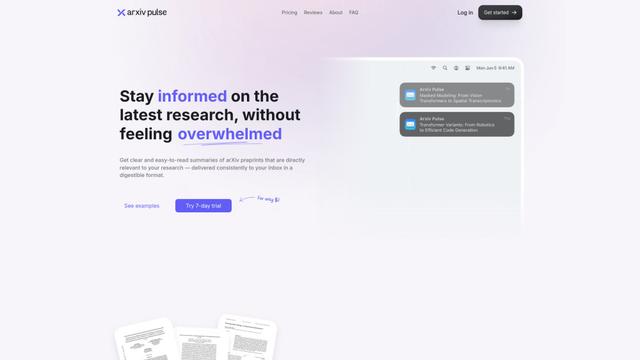
ArXiv Pulse 是一個平台,通過提供個性化、易於閱讀的 arXiv 預印本摘要,直接發送到研究人員的收件箱,幫助他們保持對最新研究論文的更新。
Zeli.app
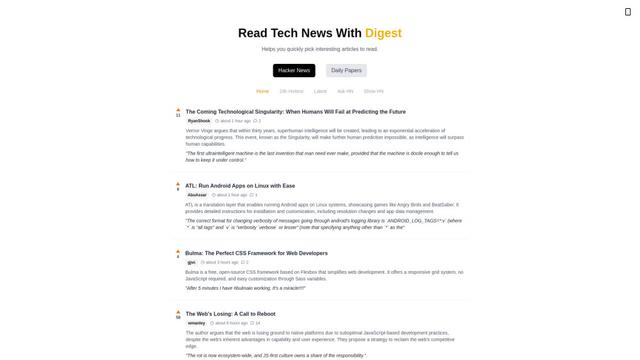
Zeli 是一個英文平台,聚合並提供 Hacker News 文章和最新 AI 研究論文的摘要,幫助技術愛好者及時了解尖端技術。
Gene
Gene 是一個由 AI 驅動的研究和網絡助手工具,幫助用戶分析、摘要和提取文章和文檔中的關鍵信息。
类似 ScholarXIV 的热门 AI 工具
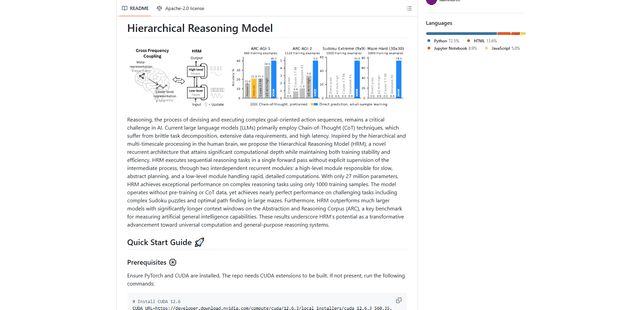
Hierarchical Reasoning Model
層次推理模型(HRM)是一種受大腦啟發的AI架構,它僅使用2700萬個參數即可實現卓越的推理能力,並使用兩個相互依賴的循環模組進行抽象規劃和詳細計算。
Web Researcher MCP
Web Researcher MCP 是一個本地、生產級的 MCP 伺服器,它允許 AI 助手搜尋網路(可選限制在受信任的「搜尋鏡頭」)、讀取完整來源(包括 JS 渲染頁面、PDF 和 YouTube 轉錄稿),並返回帶有多供應商故障轉移的可驗證引文。 [來源:https://github.com/zoharbabin/web-researcher-mcp?ref=producthunt]
Open AI o3
OpenAI o3 是下一代 AI 推理模型,具有在編碼、數學和問題解決方面的增強能力,實現了先進基準測試中的突破性表現,同時通過審慎對齊優先考慮安全。

NextGenAI by OpenAI
NextGenAI 是 OpenAI 發起的一項首創聯盟,它聯合了 15 所領先的研究機構,提供 5000 萬美元的資金和工具,以推進人工智能研究和教育。