Zingle
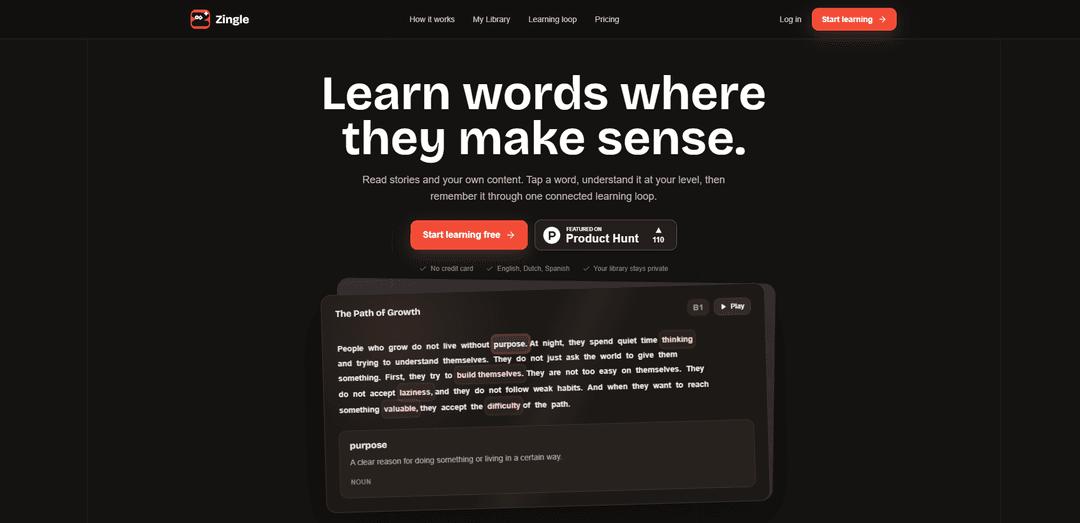
Zingle is a language-learning reading platform where you tap words in-context to get CEFR-level explanations, listen to audio, and retain vocabulary through a connected review loop—using both built-in stories and your own private content.
https://learnzingle.com/?ref=producthunt
Product Information
Updated:Jun 15, 2026
What is Zingle
Zingle (learnzingle.com) is an e-learning product designed to help learners build vocabulary and comprehension by reading content that stays immersive and easy to follow. Instead of switching to a separate dictionary, Zingle lets you understand words and phrases directly beside the text at a level matched to your CEFR proficiency. It supports multiple languages (including English, Dutch, and Spanish) and emphasizes privacy by keeping user-added materials in a private “My Library,” turning articles, notes, or other personal reading into structured learning content.
Key Features of Zingle
Zingle is a language-learning reading app that helps you learn words in context without leaving the text. You read stories or your own imported content, tap a word or phrase to get an explanation tailored to your CEFR level, and then reinforce learning through a connected loop that carries vocabulary from reading into review and audio. It supports multiple languages (English, Dutch, Spanish), includes text-to-speech on the free plan, and offers a Pro tier with more personal content capacity plus human-like AI voice and audio transcription, while keeping your library private by default.
Tap-to-define in-context explanations: Tap a word or select a phrase to see meaning beside the text (no page change), with explanations designed to keep you in the story rather than sending you to a dictionary.
CEFR-level adaptive definitions: Definitions and examples are generated at your chosen CEFR level (e.g., B1), helping learners get clarity without overly complex explanations.
My Library (private personal content): Turn your own materials into lessons by pasting text or adding content so Zingle can prepare readable learning content, detect language/level, and apply the same learning tools as built-in stories.
Connected learning loop (read → remember): Vocabulary you tap continues through a unified learning workflow so words “travel further” than the moment you looked them up, reinforcing retention over time.
Audio support (free TTS + Pro AI voice): Free users get browser text-to-speech, while Pro adds more natural, human-like AI audio for stories/words and can include audio upload with transcription.
Free + Pro plans with usage controls: A free tier supports core reading and a limited amount of AI explanations and library items, while Pro expands content limits and AI/audio features with fair-use protections.
Use Cases of Zingle
Everyday language learning through stories: Read graded stories and learn vocabulary naturally by tapping unfamiliar words, ideal for building a daily reading habit and steady comprehension growth.
Learning from personal reading materials: Import articles, drafts, class notes, or other texts into My Library to learn vocabulary that matches your real interests or needs.
Workplace and professional language upskilling: Use job-related documents (emails, policies, industry articles) to learn domain vocabulary in context while keeping materials private.
Classroom support and independent study: Students can paste homework passages or teacher-provided texts, then use CEFR-aligned explanations and audio to study independently.
Listening-assisted reading practice: Pair reading with text-to-speech (or Pro voice) to improve pronunciation, listening comprehension, and word recognition.
Pros
Keeps learners in the flow: definitions appear beside the text with no dictionary detour.
Personalized to proficiency: CEFR-level explanations reduce overwhelm and improve relevance.
Private by default: personal library content is user-owned and not a public feed.
Strong free tier: core learning loop available without a credit card.
Cons
Language coverage is currently limited (English, Dutch, Spanish, with more planned).
Free plan has usage limits (e.g., limited AI explanations per cycle and limited My Library items per month).
Some premium capabilities (human-like AI voice, audio transcription, higher usage) require Pro.
How to Use Zingle
1) Start Zingle and create/sign in to your account: Open Zingle and sign up or log in. If you’re new, start with the free plan to access Zingle stories and the full learning loop.
2) Choose what you want to read: Pick a built-in Zingle story, or use “My Library” to learn from your own content (pasted text, supported files, or URLs).
3) Read normally (stay in the story): Begin reading. Zingle is designed so you don’t have to leave the page to look things up—answers appear beside the text.
4) Tap a word (or select a phrase) to understand it: When you see an unfamiliar word or phrase, tap/select it. Zingle shows an explanation next to the text instead of sending you to a separate dictionary page.
5) Set the explanation level to match your CEFR level: Use your chosen CEFR level (e.g., B1) so explanations stay focused and not overwhelming.
6) Listen to the text and vocabulary (optional): Use audio features to hear sentences and words. Free users can use browser text-to-speech; Pro adds human-like AI story and word audio.
7) Build your private “My Library” for ongoing learning: Save content you already want to read. Zingle prepares it for reading, detects language and level, and applies the same learning tools. Your library is private by default.
8) Add your own text to My Library: Paste class notes, drafts, or any paragraph you want to understand. Zingle converts it into a “Ready to read” item with the same tap-to-explain experience.
9) (Pro) Upload audio and use transcription: If you have Pro, upload audio; Zingle transcribes it so you can read and learn from it using the same tools.
10) Keep learning through the connected loop: As you tap words, Zingle keeps the learning connected so vocabulary travels beyond the moment you looked it up—supporting recall and continued practice across your reading.
11) Manage free-plan limits or upgrade when needed: Free includes Zingle stories, the learning loop, browser text-to-speech, up to 40 AI explanations per cycle, and 3 My Library items per month. Upgrade to Pro for more content room, human-like AI voice, and higher AI usage with fair-use protection.
Zingle FAQs
Zingle is a language-learning reading app that lets you read stories and your own content, tap words or phrases for explanations at your CEFR level, and reinforce vocabulary through a connected learning loop.
Popular Articles

Atoms: A Multi-Agent AI Platform That Transforms Ideas into Launch-Ready Products
May 22, 2026

Nano Banana SBTI: What It Is, How It Works, and How to Use It in 2026
Apr 15, 2026

Atoms Review — The AI Product Builder Redefining Digital Creation in 2026
Apr 10, 2026

Kilo Claw: How to Deploy and Use a True "Do‑It‑For‑You" AI Agent(2026 Update)
Apr 3, 2026
Latest AI Tools Similar to Zingle
Lingogo
Lingogo is an AI-powered English learning app designed specifically for working professionals that offers real-world workplace scenario practice through conversational AI tutoring.
Quizzr.AI
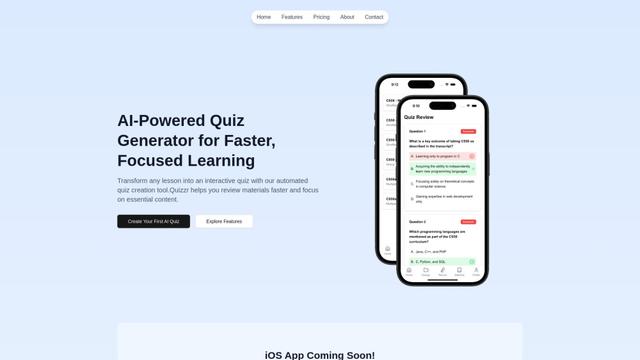
Quizzr.AI is a next-generation AI-powered quiz generation platform that transforms any learning content into interactive quizzes with verified questions, answers, and engaging features for enhanced learning efficiency.
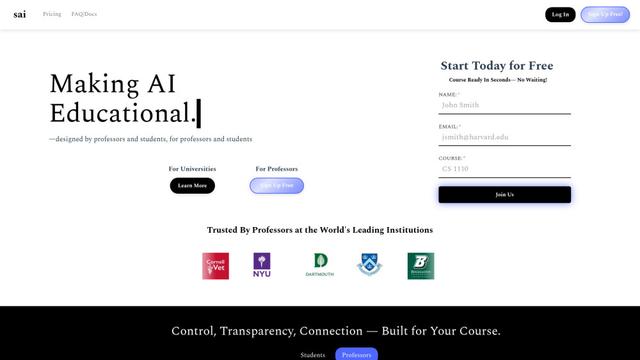
Sai
Sai is a specialized AI platform designed by and for professors and students that provides controlled, transparent, and educational AI capabilities for academic courses.
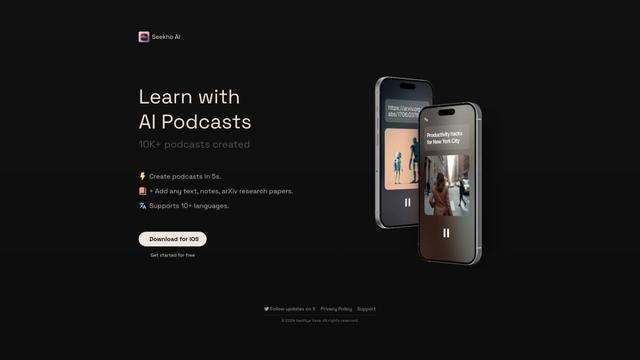
SeekhoAI
SeekhoAI is an AI-driven upskilling and learning platform that transforms text content into podcasts in multiple languages while personalizing the learning experience.
Popular AI Tools Like Zingle

NextGenAI by OpenAI
NextGenAI is a first-of-its-kind consortium launched by OpenAI that unites 15 leading research institutions with $50M in funding and tools to advance AI research and education.
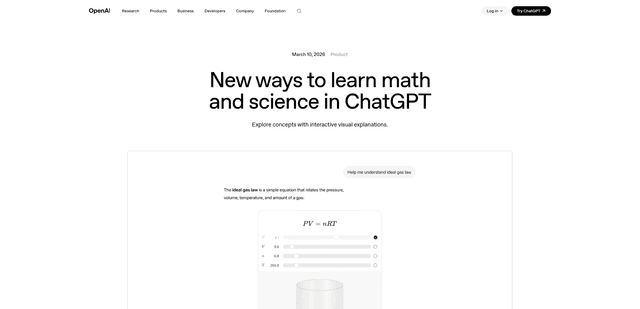
ChatGPT Interactive Learning
ChatGPT Interactive Learning is a new feature that provides dynamic visual explanations and interactive modules for over 70 math and science concepts, allowing users to manipulate variables and see real-time changes to better understand complex topics.
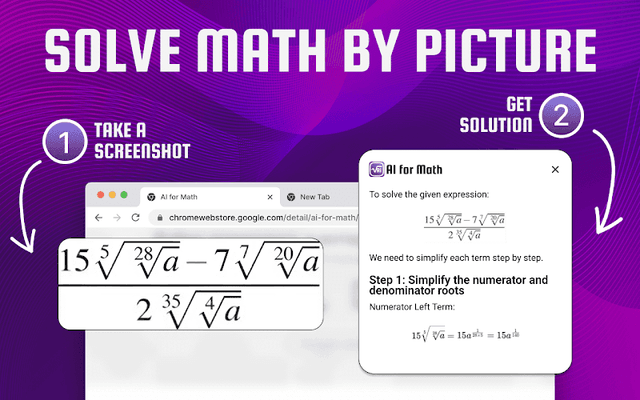
AI for Math
AI for Math is a Chrome extension that provides instant, step-by-step math solutions through AI-powered technology, allowing users to solve problems by typing equations or uploading pictures.
Dr. Read - Ai Reading Tutor
FreemiumAI Education Assistant
Dr. Read is an AI-powered Chrome extension that serves as a personalized reading assistant, offering features like pronunciation evaluation, context explanations, and text-to-speech to help improve reading skills.