
Zight
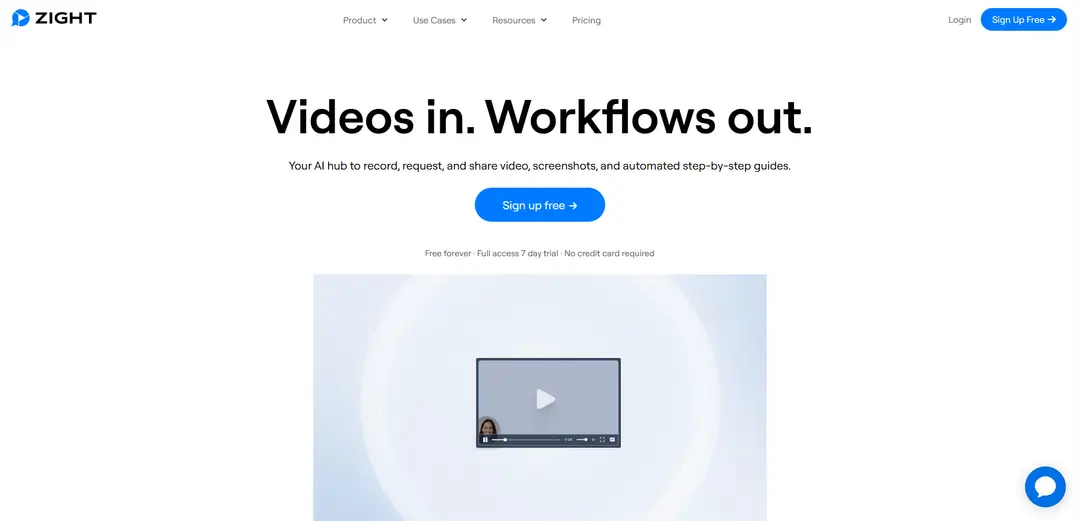
Zight is an all-in-one AI-powered visual communication platform that enables teams to create, edit, and share screen recordings, screenshots, GIFs, and step-by-step guides with instant cloud storage and sharing capabilities.
https://zight.com/?ref=producthunt
Product Information
Updated:Apr 16, 2026
Zight Monthly Traffic Trends
Zight experienced a 1.0% decline in traffic with 828,764 visits. Despite the recent announcement of three major product updates designed to enhance support workflows, including Request Video Logs, Zendesk Upgrades, and a New Integration Marketplace, the slight decline suggests that these updates may not have immediately translated into increased user engagement.
What is Zight
Zight (previously known as CloudApp) is a cross-platform screen capture and recording solution designed for modern business communication. Launched with a focus on making visual communication more efficient, Zight serves over 5 million users worldwide, including Fortune 500 companies. The platform combines screen recording, screenshot capture, GIF creation, and AI-powered features into a unified application that works seamlessly across desktop, browser, and mobile platforms.
Key Features of Zight
Zight is a comprehensive visual communication platform that combines screen capture, screen recording, and AI-powered features. It allows users to easily capture screenshots, record videos, create GIFs, and annotate content with built-in editing tools. The platform offers cloud storage for all captures, enabling seamless sharing through automatically generated links. What sets Zight apart is its AI capabilities, including automatic transcription, video summarization, and Smart Actions that can convert videos into step-by-step guides, SOPs, or documentation.
AI-Powered Smart Actions: Automatically converts video content into structured documentation like step-by-step guides, SOPs, and bug reports with AI-generated transcriptions and summaries in 50+ languages
Cloud-Based Sharing & Storage: All captured content is automatically stored in the cloud and converted into shareable links, making it easy to distribute content across teams and platforms
Advanced Annotation Tools: Comprehensive editing capabilities including arrows, shapes, blur effects, and text annotations for both images and videos, with customizable branding options
Multi-Platform Support: Available across Mac, Windows, Chrome, and iOS, with no software download required for Chromebook users
Use Cases of Zight
Customer Support: Support teams can create detailed video explanations, capture bug reports, and provide visual solutions to reduce ticket resolution time and improve customer satisfaction
Product Development & Engineering: Engineers can easily document bugs, create technical documentation, and share visual feedback on features with automatic conversion to structured reports
Training & Education: Educators and trainers can create comprehensive learning materials, step-by-step tutorials, and visual guides with AI-powered transcriptions and chapter markers
Sales & Marketing: Sales teams can create product demos, walkthrough videos, and personalized presentations with branded sharing pages to accelerate the sales cycle
Pros
Completely cloud-based solution requiring no software downloads for basic use
Powerful AI features for automatic content organization and documentation
Extensive integration options with popular platforms like Slack, Zendesk, and Jira
Cons
Some advanced features only available in paid plans
Recent rebranding from CloudApp has led to some feature changes and adjustments
How to Use Zight
Sign up and Install: Sign up for a free Zight account at share.zight.com/signup. Download and install Zight for your platform (Mac, Windows, Chrome, or iOS). No credit card required for the free plan.
Configure Basic Settings: Click on the Zight toolbar icon and select the gear/settings icon. Customize your hotkey shortcuts and other preferences to optimize your workflow.
Take Screenshots: Click the Zight toolbar icon and select screenshot option, or use keyboard shortcuts. Use your mouse to select the area you want to capture. For full page screenshots, use the scrolling screenshot feature.
Record Screen: Click the Zight toolbar icon and select Record option. Choose recording preferences (screen, webcam, audio). Start recording and use keyboard shortcuts to pause/stop. Videos are automatically uploaded to cloud.
Edit and Annotate: After capturing content, use the built-in editor to add annotations like arrows, text, shapes, or blur sensitive information. For videos, you can trim, crop, filter and fine-tune the recordings.
Create GIFs: Select the GIF option from toolbar to record short, loopable animations. Perfect for quick visual instructions or demonstrations.
Share Content: Content is automatically converted to a shareable link. Copy the link or use drag & drop to share in emails, documents, or messaging apps. Adjust sharing permissions and expiration as needed.
Use AI Features: For videos, Zight's AI can automatically generate titles, transcriptions, chapters, and convert content into step-by-step guides or documentation with no extra work needed.
Organize Content: Use the search feature to find past captures. Content is automatically stored in the cloud and can be organized using visual search or custom organization options.
Integrate with Other Tools: Connect Zight with platforms like Slack, Microsoft Teams, Zendesk, or Jira to streamline your workflow and enhance communication capabilities.
Zight FAQs
Zight is a cloud-based screen recording and screenshot tool that allows users to capture, annotate, and share content. It includes features like screen recording, webcam recording, screenshot capture, GIF creation, and AI-powered features for video transcription and summarization.
Zight Video
Popular Articles

Vosko AI: Localize and Dub Videos for Global Audiences
Oct 15, 2026

Atoms: A Multi-Agent AI Platform That Transforms Ideas into Launch-Ready Products
Oct 13, 2026

Nano Banana SBTI: What It Is, How It Works, and How to Use It in 2026
Apr 15, 2026

Atoms Review — The AI Product Builder Redefining Digital Creation in 2026
Apr 10, 2026
Analytics of Zight Website
Zight Traffic & Rankings
828.8K
Monthly Visits
#73379
Global Rank
#119
Category Rank
Traffic Trends: Feb 2025-Oct 2025
Zight User Insights
00:01:25
Avg. Visit Duration
2.01
Pages Per Visit
55.34%
User Bounce Rate
Top Regions of Zight
US: 35.62%
CA: 2.95%
IN: 2.92%
GB: 2.68%
ES: 2.31%
Others: 53.51%
Latest AI Tools Similar to Zight
Noiz
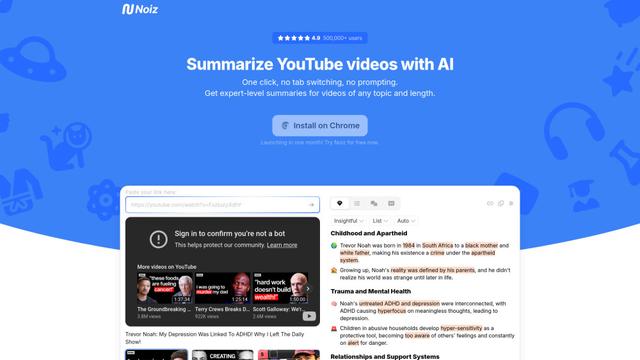
Noiz is an AI-powered video summarizer tool that transforms YouTube videos into concise summaries, transcripts, and key insights in 41 languages with just one click.
RollSummary
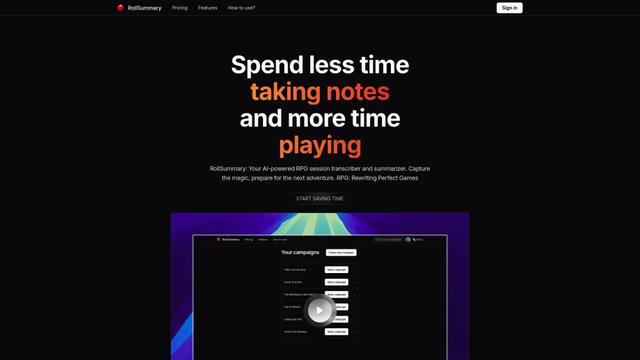
RollSummary is an AI-powered RPG session transcriber and summarizer that helps players and GMs capture, track and prepare their tabletop gaming sessions through automated transcription and smart summaries.
Long Summary
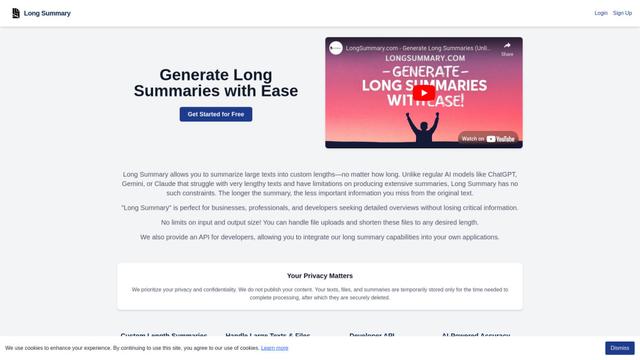
Long Summary is an AI-powered text summarization tool that enables users to generate summaries of any length without input or output limitations, offering custom-length summaries for various content types while maintaining information accuracy.
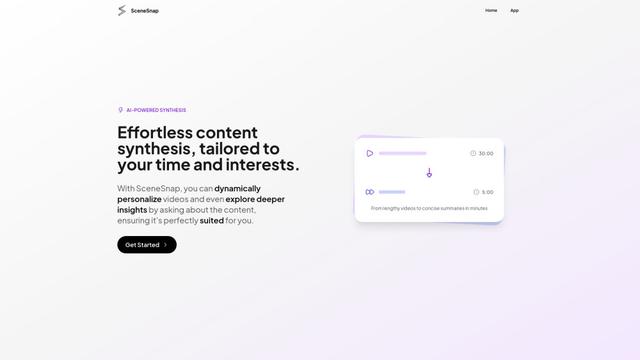
SceneSnap
SceneSnap is an AI-powered content synthesis platform that transforms lengthy videos into personalized, interactive summaries tailored to users' specific interests and time constraints.
Popular AI Tools Like Zight
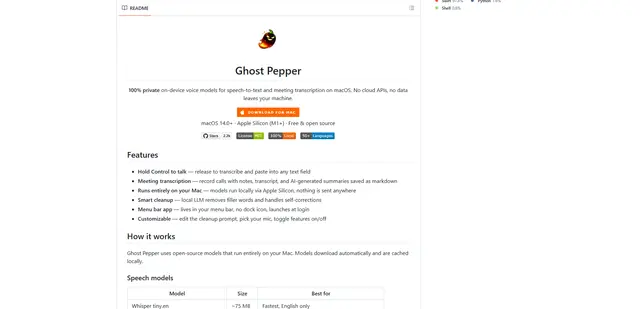
Ghost Pepper 🌶️
Ghost Pepper is a 100% local, privacy-focused speech-to-text and meeting transcription app for macOS that runs entirely on your Mac using open-source AI models, featuring hold-to-talk recording, intelligent text cleanup, and multi-language support without sending any data to the cloud.
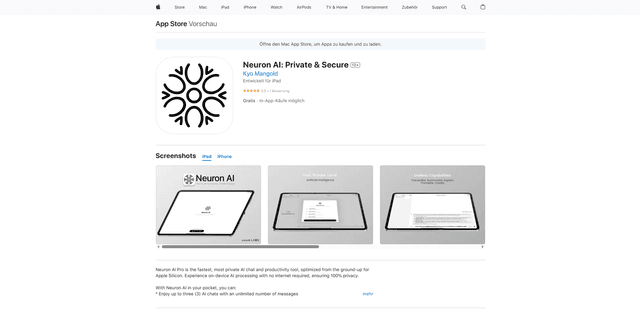
Neuron AI
Neuron AI is a private and secure AI chat and productivity tool optimized for Apple Silicon that runs completely on-device without requiring internet connection, ensuring 100% data privacy.
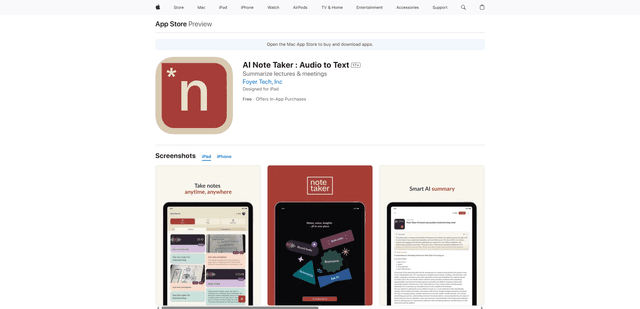
AI Note Taker : Audio to Text
AI Note Taker is an intelligent note-taking assistant that automatically converts audio/voice recordings into text transcriptions while providing AI-powered summaries and organization features for lectures, meetings, and conversations.
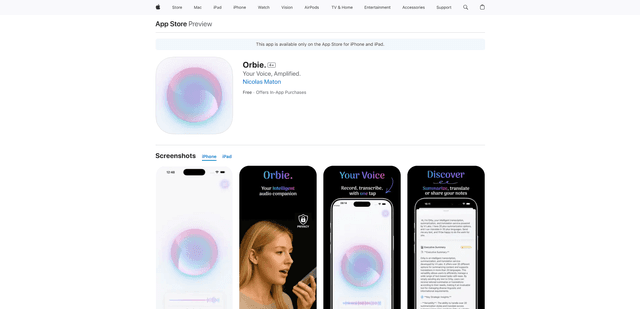
Orbie.
Orbie. is an intelligent audio companion app that transforms voice recordings into clear, shareable text with AI-powered transcription, summarization, and translation capabilities.