
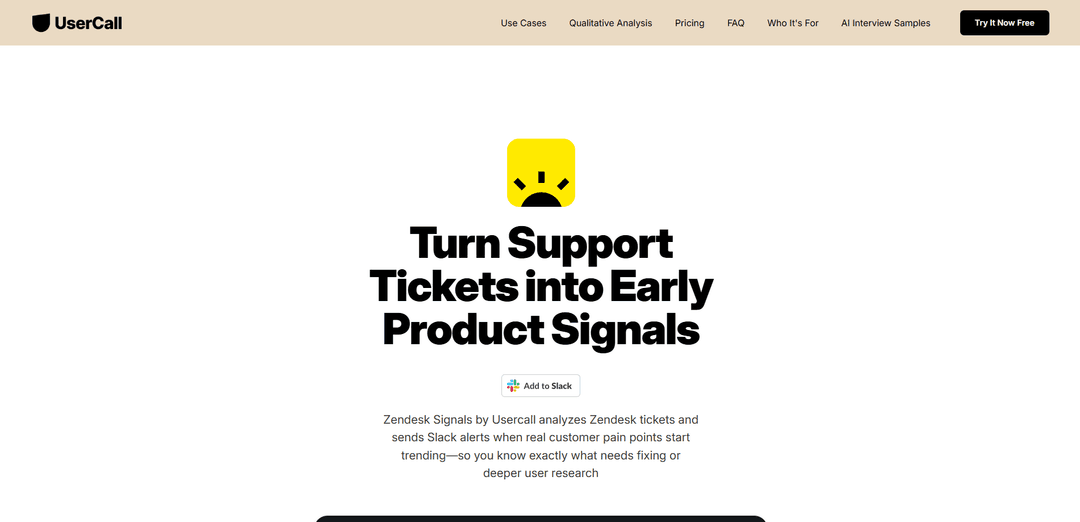
Zendesk Signals by Usercall
O Zendesk Signals da Usercall é uma ferramenta de análise baseada em IA que analisa automaticamente os tickets de suporte do Zendesk para detectar os pontos problemáticos emergentes dos clientes e envia alertas em tempo real via Slack para ajudar as equipes a identificar problemas que exigem atenção imediata ou pesquisa mais aprofundada.
https://usercall.co/usercall-cx-zendesk?ref=producthunt&utm_source=aipure
Informações do Produto
Atualizado:Feb 15, 2026
O que é Zendesk Signals by Usercall
O Zendesk Signals da Usercall é uma solução de análise da experiência do cliente que se integra à plataforma de suporte do Zendesk para transformar os dados dos tickets de suporte em insights acionáveis sobre produtos e clientes. A ferramenta ajuda as equipes de produto, CX e suporte a se manterem à frente dos problemas dos clientes, monitorando continuamente as conversas de suporte e identificando automaticamente padrões e tendências significativos. Em vez de deixar que o valioso feedback do cliente se perca nos tickets de suporte, ele permite que as organizações identifiquem e abordem proativamente os problemas emergentes antes que eles afetem mais clientes.
Principais Recursos do Zendesk Signals by Usercall
O Zendesk Signals da Usercall é uma ferramenta de análise baseada em IA que analisa automaticamente os tickets de suporte do Zendesk diariamente para identificar pontos problemáticos e tendências emergentes dos clientes. Ele se integra ao Slack para fornecer alertas em tempo real sobre problemas dos clientes, ajudando as equipes a identificar rapidamente o que precisa ser corrigido ou investigado mais a fundo, simplificando, em última análise, o processo de conversão do feedback do cliente em insights acionáveis para decisões de produto, CX e crescimento.
Análise Automatizada de Tickets: Analisa continuamente os tickets do Zendesk usando IA para detectar padrões e problemas emergentes dos clientes sem revisão manual
Alertas do Slack em Tempo Real: Envia notificações imediatas para o Slack quando pontos problemáticos ou tendências significativas do cliente são detectados
Insights entre Canais: Combina feedback de vários canais, incluindo tickets de suporte, pesquisas e feedback do produto para uma análise abrangente
Detecção Automatizada de Temas: Usa IA para categorizar e marcar automaticamente o feedback por área de produto e tipo de problema
Casos de Uso do Zendesk Signals by Usercall
Priorização do Desenvolvimento de Produtos: Ajude as equipes de produto a identificar e priorizar recursos ou correções com base em pontos problemáticos reais dos clientes e tendências de feedback
Monitoramento da Experiência do Cliente: Permita que as equipes de CX detectem a degradação das experiências do cliente precocemente e tomem medidas proativas
Gerenciamento de Risco de Churn: Identifique padrões nas reclamações dos clientes que possam indicar potenciais riscos de churn antes que eles aumentem
Vantagens
Economiza tempo automatizando a análise manual de feedback
Fornece insights em tempo real por meio da integração com o Slack
Oferece recursos de análise entre canais
Desvantagens
Requer integração com o Zendesk para funcionar
Pode exigir configuração adicional para obter resultados ideais
Como Usar o Zendesk Signals by Usercall
Inscreva-se no Usercall: Visite app.usercall.co/auth/sign-up para criar uma conta gratuita para o Usercall CX Signals
Conecte o Zendesk: Vincule sua conta do Zendesk para permitir que o Usercall analise seus tickets de suporte
Adicionar ao Slack: Clique no botão 'Adicionar ao Slack' para integrar o Usercall ao seu espaço de trabalho do Slack para receber alertas
Configurar as configurações de análise: Configure quais tipos de pontos problemáticos e tendências do cliente você deseja monitorar em seus tickets do Zendesk
Receber análise diária: O Usercall analisará automaticamente seus tickets do Zendesk diariamente para detectar problemas e pontos problemáticos emergentes do cliente
Monitorar alertas do Slack: Seja notificado no Slack quando problemas ou tendências significativas do cliente forem detectados, com detalhes sobre o que precisa de atenção
Analisar insights: Use os insights para identificar áreas que precisam de correções ou pesquisas de usuário mais profundas e compartilhe as descobertas com as equipes de produto, marketing, CX e vendas
Perguntas Frequentes do Zendesk Signals by Usercall
O Zendesk Signals da Usercall é uma ferramenta que analisa os tickets do Zendesk diariamente para detectar os pontos problemáticos emergentes dos clientes e envia alertas para sua equipe através do Slack, ajudando você a identificar o que precisa ser corrigido ou requer uma pesquisa de usuário mais aprofundada.
Artigos Populares

Atoms: Uma Plataforma de IA Multiagente Que Transforma Ideias em Produtos Prontos para Lançamento
May 22, 2026

Nano Banana SBTI: O Que É, Como Funciona e Como Usá-lo em 2026
Apr 15, 2026

Análise do Atoms — O Construtor de Produtos de IA Redefinindo a Criação Digital em 2026
Apr 10, 2026

Kilo Claw: Como Implementar e Usar um Verdadeiro Agente de IA "Faça Você Mesmo" (Atualização de 2026)
Apr 3, 2026
Ferramentas de IA Mais Recentes Semelhantes a Zendesk Signals by Usercall
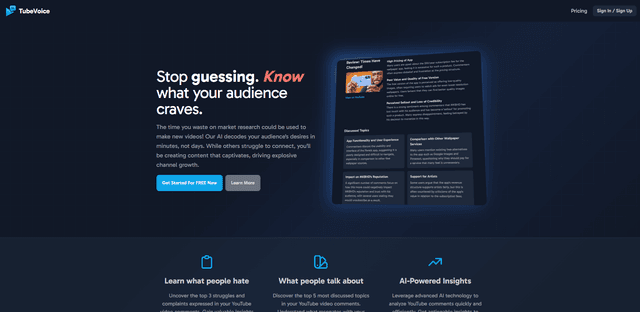
TubeVoice
TubeVoice é um analisador de comentários do YouTube impulsionado por IA que ajuda criadores de conteúdo a entenderem seu público, fornecendo insights dos comentários dos vídeos por meio de análise automatizada.
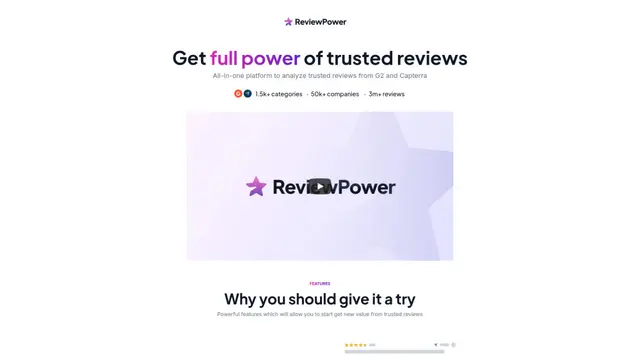
ReviewPower
ReviewPower é uma plataforma tudo-em-um que agrega e analisa avaliações confiáveis de G2 e Capterra para ajudar as empresas a obter insights valiosos do feedback dos clientes.

Insightfull
Insightfull é uma plataforma de rastreamento de saúde impulsionada por IA que ajuda os usuários a monitorar sintomas, analisar dados de saúde e receber insights personalizados por meio de rastreamento de sintomas, registro de alimentos e recursos de gerenciamento de medicamentos.
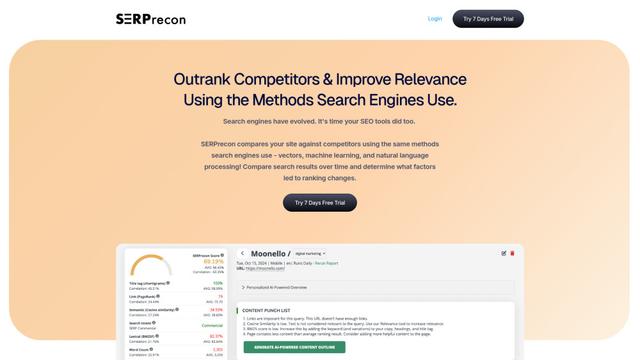
SERPrecon
O SERPrecon é uma ferramenta avançada de SEO que utiliza vetores, aprendizado de máquina e processamento de linguagem natural para ajudar os usuários a analisar e superar concorrentes usando os mesmos métodos que os motores de busca modernos.
Ferramentas de IA Populares Como Zendesk Signals by Usercall
Radar
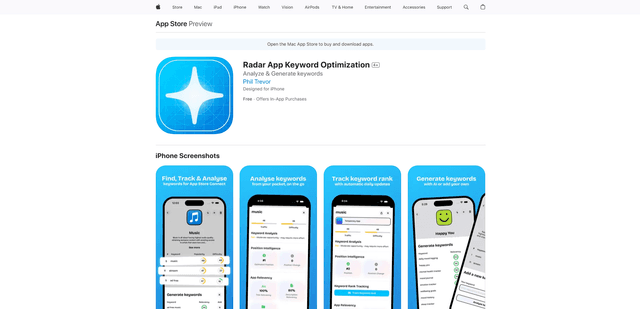
O App Radar é uma ferramenta abrangente de otimização da loja de aplicativos (ASO) que aproveita a pesquisa de palavras-chave com tecnologia de IA, a análise da concorrência e ferramentas automatizadas para ajudar a melhorar a visibilidade e as classificações de aplicativos na Apple App Store e no Google Play Store.
Ask Ad Manager by Google Ads
O Ask Ad Manager é um agente conversacional alimentado por Gemini dentro do Google Ad Manager que ajuda os editores a solucionar problemas em tempo real, gerar relatórios de desempenho personalizados a partir de prompts e navegar diretamente para as configurações corretas usando seus próprios dados do Ad Manager.
Intercom
O Intercom é uma plataforma de atendimento ao cliente impulsionada por IA que fornece suporte instantâneo, aumenta a produtividade dos agentes e oferece insights para líderes de suporte.
Branded
A Branded é uma empresa de pesquisa de mercado que utiliza IA e técnicas avançadas de amostragem para fornecer insights e dados de consumidores de alta qualidade.