
Whisk Automation
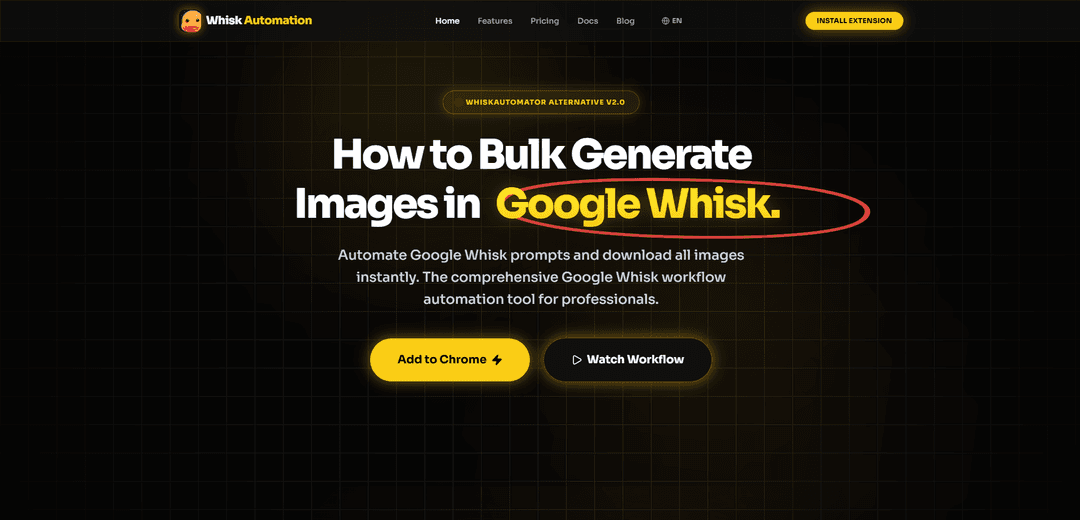
Whisk Automation is a Chrome extension that enables bulk AI image generation from text prompts on Google Labs Whisk, with automated downloading and workflow management capabilities.
https://whiskautomation.com/?ref=producthunt
Product Information
Updated:Feb 8, 2026
What is Whisk Automation
Whisk Automation is an all-in-one solution designed to streamline and automate the AI art creation process on Google Labs Whisk. It's a powerful Chrome extension that transforms manual image generation into an automated workflow, allowing users to generate hundreds of AI images from text prompts with just one click. This tool is particularly valuable for stock contributors, designers, social media creators, and marketers who need to produce high-quality AI visuals at scale.
Key Features of Whisk Automation
Whisk Automation is a Chrome extension designed to streamline and automate AI image generation using Google Labs Whisk. It enables users to batch process hundreds of prompts, automatically download generated images, and manage the entire workflow through an intuitive interface. The tool features a Multi-Version Gateway architecture, smart error handling, and various export options, making it an efficient solution for high-volume image generation needs.
Batch Processing: Import hundreds of prompts via CSV or TXT files and generate multiple images simultaneously without manual intervention
Auto Download System: Automatically detects and downloads generated images to local storage with smart file naming and organization
Smart Error Handling: Automatically detects queue limits, waits, retries, and refreshes pages to ensure continuous operation
Natural Language Processing: Converts simple conversational descriptions into sophisticated, technically-enhanced prompts for better image quality
Use Cases of Whisk Automation
Stock Image Creation: Generate large volumes of unique images for stock photo marketplaces and content libraries
E-commerce Product Visualization: Create multiple product images and variations for online stores and marketplaces like Etsy
UI/UX Development: Quickly generate placeholder images and assets for MVP development and prototyping
Social Media Content Creation: Bulk create visual content for social media campaigns and marketing materials
Pros
Significant time savings through automation
User-friendly interface with intuitive controls
Flexible pricing options including lifetime access
Cons
Some advanced features require paid upgrade
Occasional reliability issues with updates
Dependent on Google Labs Whisk availability
How to Use Whisk Automation
Install the Extension: Download and install the Whisk Automator Chrome extension from the Chrome Web Store
Open Google Labs Whisk: Navigate to Google Labs and open the Whisk AI tool in your browser
Prepare Your Prompts: Create a list of text prompts you want to use for image generation. You can either paste them directly or load them from a .TXT file
Configure Settings: Set your preferred wait times between prompts (fixed or random) and choose your desired image export format (PNG, JPG, or WebP)
Start Automation: Click the 'Start' or 'Generate' button to begin the automated process. The tool will automatically input prompts and initiate image generation in bulk
Monitor Progress: Watch the live status and progress counters to track which prompts are running and how many remain
Auto-Download Results: The tool will automatically detect and download generated images to your specified location on your device
Manage Process: Use the pause, resume, stop, and reset controls as needed during the automation process
Handle Errors: The tool automatically handles errors like full queues by waiting, retrying, and refreshing the page when necessary
Whisk Automation FAQs
Whisk Automation is a comprehensive workflow automation tool that allows users to bulk generate and download images from Google Whisk AI. It helps automate prompt processing and enables users to generate multiple images quickly with one click.
Popular Articles

Vosko AI: Localize and Dub Videos for Global Audiences
Oct 15, 2026

Atoms: A Multi-Agent AI Platform That Transforms Ideas into Launch-Ready Products
Oct 13, 2026

Nano Banana SBTI: What It Is, How It Works, and How to Use It in 2026
Apr 15, 2026

Atoms Review — The AI Product Builder Redefining Digital Creation in 2026
Apr 10, 2026
Latest AI Tools Similar to Whisk Automation
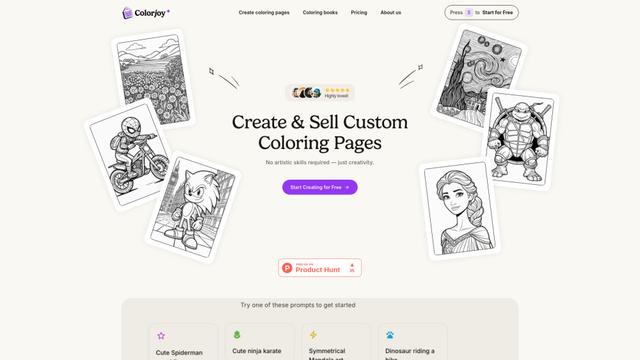
Colorjoy
Colorjoy is an AI-powered coloring page generator that transforms text prompts into customizable, high-quality coloring designs suitable for both personal and commercial use.

AiSource
AiSource is a unified platform that allows users to generate and compare images using multiple leading AI text-to-image generators in one place without requiring separate subscriptions.
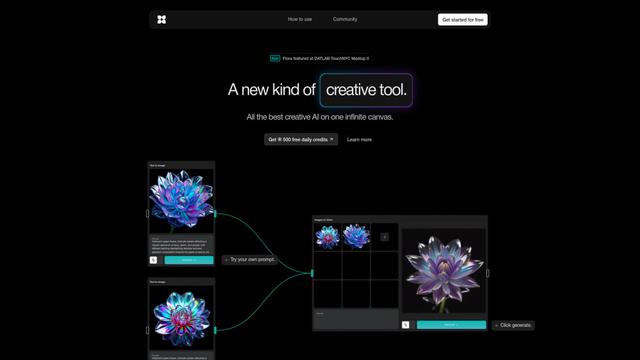
FLORA
FLORA is an innovative AI-powered creative tool that combines multiple AI capabilities on an infinite canvas to enable personalized plant identification, creative design, and interactive botanical assistance.

Sketcho
Sketcho is an AI-powered design tool that transforms sketches and ideas into high-quality professional designs through an intuitive interface.
Popular AI Tools Like Whisk Automation
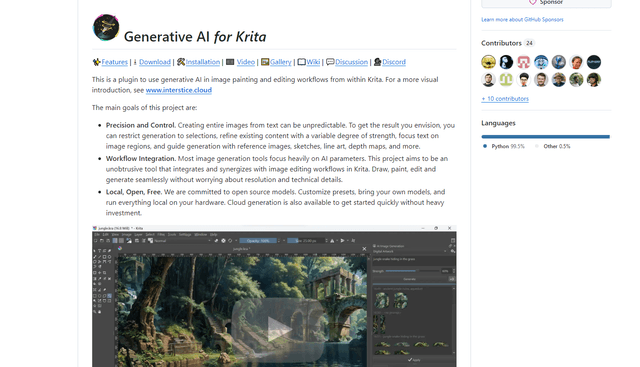
Krita
Krita is a free and open-source digital painting and illustration software that offers a wide range of professional-grade tools for artists and designers.

Hunyuan3D-2.1
Hunyuan3D-2.1 is Tencent's first production-ready 3D asset generation system that combines fully open-source framework with physically-based rendering (PBR) texture synthesis to create high-fidelity 3D models from images or text descriptions.
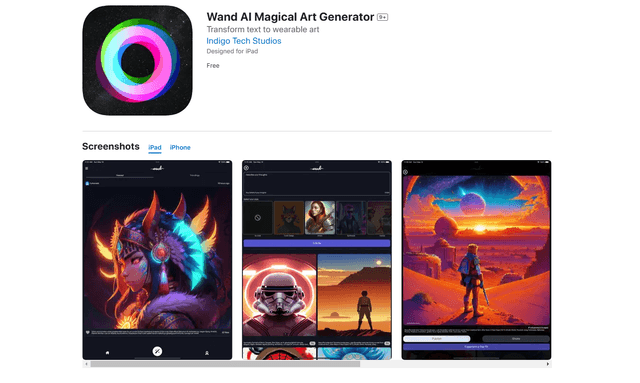
Wand AI
Wand AI is an innovative AI-powered creative tool that transforms text prompts and sketches into customizable digital artworks, designed specifically for artists and creative professionals on iPhone and iPad.
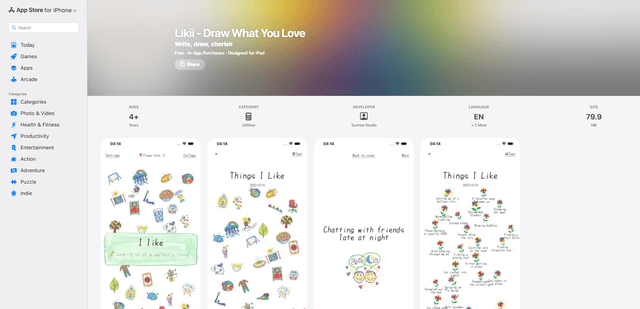
Likii
Likii is a creative journaling app that transforms written memories into beautiful crayon-style illustrations automatically.