Visro AI
Visro AI is an all-in-one AI platform for creating and editing visual content. It provides free AI tools for photo and video face swaps, helping users make creative edits online without signing up. More AI-powered features will be added in the future, giving users more ways to create and customize digital content.
https://visro.ai/?utm_source=aipure

Product Information
Updated:Jul 31, 2026
What is Visro AI
Visro AI is a browser-based AI image and video creation platform centered on face swapping, designed to help anyone create fun, realistic results in seconds without editing skills. It currently offers Photo Face Swap and Video Face Swap tools, positioned as an easy, accessible hub for social creators, meme enthusiasts, and everyday users who want quick, lifelike visual transformations. Visro AI emphasizes a simple workflow (upload and generate), high-quality outputs, and a free-to-use experience with no registration required, with additional creative tools planned for the platform.
Key Features of Visro AI
Visro AI is a free, browser-based AI image and video creation platform best known for fast, realistic face swapping in photos and videos. It’s designed for instant use with no sign-up, producing share-ready results by automatically detecting facial features and blending faces to match expressions, movement, and lighting. Visro AI emphasizes accessibility (no editing skills needed), output quality, and privacy, with uploads encrypted and removed within 24 hours, while also positioning itself as a growing hub with additional tools (e.g., image/video generation and converters) planned or available depending on rollout.
Photo Face Swap — instant face changes in images: Upload a photo and a target face; the system auto-detects facial landmarks and blends the swap for natural-looking results in seconds.
Video Face Swap — seamless swaps with consistent motion: Supports face swapping in video clips (and commonly cited support for GIF-like formats), aiming to preserve expression, movement, and lighting for smooth, realistic outputs.
No sign-up, fully online — low-friction workflow: Runs in the browser with no account required, making it easy for casual users and creators to generate results quickly.
High-quality outputs — realistic blending: Uses AI-driven face detection and feature matching to create coherent composites that look visually consistent with the original media.
Privacy & security — encrypted uploads and auto-deletion: Positions itself as privacy-conscious by encrypting uploads and automatically removing them within 24 hours.
Expanding creative toolkit — more media tools: Beyond face swap, it’s presented as a broader creation hub with additional tools such as AI image/video generation and image/video converters (availability may vary as features roll out).
Use Cases of Visro AI
Social media content creation — short-form engagement boosts: Creators can produce funny or trend-driven face swap photos/videos for TikTok, Reels, and Shorts to increase shares and audience interaction.
Meme and entertainment edits — quick comedic remixes: Casual users can swap faces into popular templates or scenes to create memes, parody images, and playful edits without editing software.
Marketing and promo concepts — rapid creative mockups: Marketers can prototype ad concepts or themed campaigns by swapping faces into scenarios to test creative directions before full production.
Event and community content — shareable group fun: Generate entertaining swaps from group photos or event clips (parties, reunions, fan communities) for quick, shareable highlights.
Lightweight creative experimentation — idea exploration: Designers and hobbyists can explore character looks, visual jokes, or alternate scenes quickly as part of brainstorming and concept exploration.
Pros
Free and accessible: positioned as 100% free with no sign-up required.
Fast workflow: produces swaps in seconds with minimal user effort.
Supports both photos and videos: broader coverage than many image-only face swap tools.
Privacy-oriented: uploads are encrypted and automatically removed within 24 hours.
Cons
Usage limits may apply: sources note a limit on the number of uses per session due to cost constraints.
Output quality can vary: results depend heavily on input media quality, lighting, angles, and motion complexity.
Feature availability may be evolving: “more tools coming soon” suggests some capabilities may be staged or not consistently available yet.
How to Use Visro AI
1. Open Visro AI in your browser: Go to https://visro.ai/ to access Visro AI’s free online tools.
2. Choose the tool you want to use: From the tools section, select the feature you need (e.g., Photo Face Swap or Video Face Swap).
3. Upload your media: Upload the photo or video you want to edit. Visro AI runs in the browser and does not require creating an account.
4. Provide the face(s) to swap in: Upload or select the face image(s) you want to swap into the target photo/video (for example, a selfie or another portrait).
5. Start the face swap: Click the start/generate button to run the AI face swap. Visro AI will automatically detect facial features and blend the new face into the target.
6. Wait a few seconds for processing: Visro AI generates results quickly (typically in seconds) and aims to preserve natural lighting and expressions for realistic output.
7. Preview the result: Review the swapped image/video to confirm the face looks smooth and natural.
8. Download and share: Download the final image/video (share-ready output) and post it to social platforms or save it locally.
9. (Optional) Try other tools as they become available: Visro AI indicates more creative tools are coming (e.g., AI Image Generator, AI Video Generator, Photo to Anime Converter, Image to Video Converter), so you can return and explore new features when released.
10. Understand privacy basics: Visro AI states uploads and generated results are encrypted during processing and automatically removed within 24 hours, and that content is not stored, backed up, or used for AI training.
Visro AI FAQs
Visro AI is a free online AI image and video creation platform focused on face swapping, letting users swap faces in photos and videos quickly in a browser.
Popular Articles

Vosko AI: Localize and Dub Videos for Global Audiences
Oct 15, 2026

Atoms: A Multi-Agent AI Platform That Transforms Ideas into Launch-Ready Products
Oct 13, 2026

Nano Banana SBTI: What It Is, How It Works, and How to Use It in 2026
Apr 15, 2026

Atoms Review — The AI Product Builder Redefining Digital Creation in 2026
Apr 10, 2026
Latest AI Tools Similar to Visro AI

Free AI Baby Generator
Free AI Baby Generator is a cutting-edge online tool that creates ultra-realistic images of future babies by analyzing and combining up to 70 unique facial features from both parents' photos using advanced AI technology.
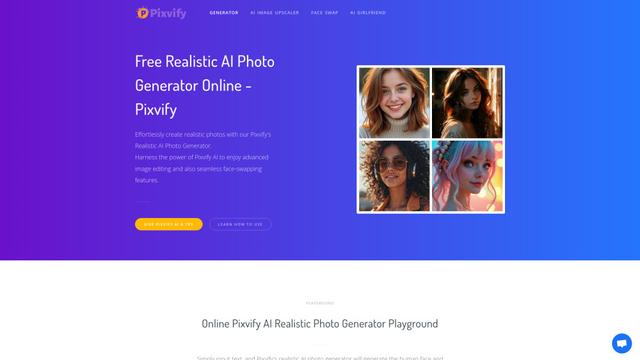
Pixvify
Pixvify is a free, all-in-one AI platform for creating realistic photos, face swapping, image editing, and video generation.
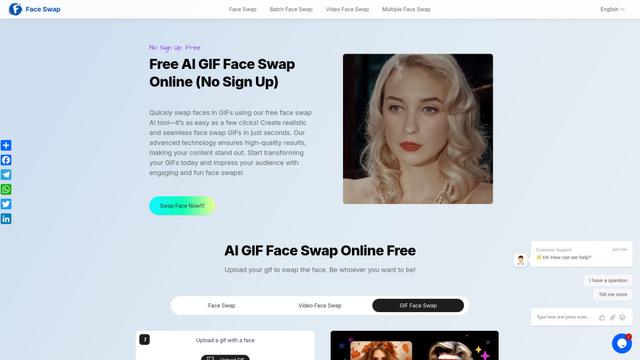
Free AI GIF Face Swap Online
Free AI GIF Face Swap Online is a user-friendly tool that allows seamless face swapping in GIFs without sign-up, offering high-quality results in seconds.

CelebU
CelebU is an AI-powered platform that generates personalized celebrity video greetings using deepfake technology, voice cloning, and customizable templates.
Popular AI Tools Like Visro AI
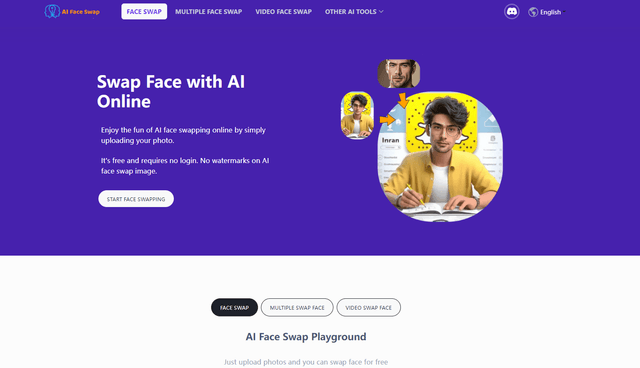
AI Face Swap
AI Face Swap is a free online tool that uses artificial intelligence to seamlessly replace faces in photos, videos, and GIFs without watermarks or sign-up requirements.
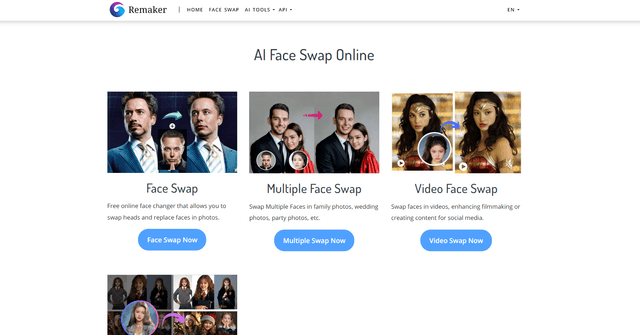
Remaker AI
Remaker AI is an all-in-one AI-powered platform for creative content generation, offering tools like face swapping, image editing, and video manipulation.
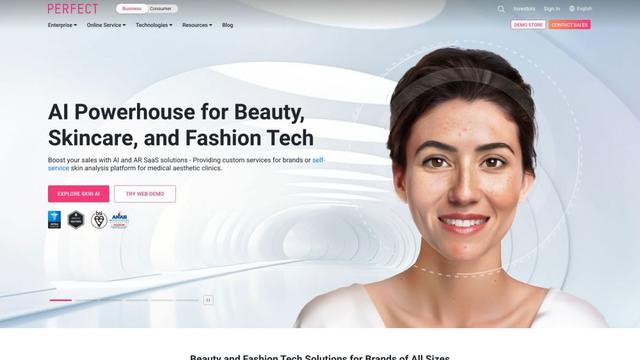
YouCam AI & AR Business Solutions
YouCam AI & AR Business Solutions is a suite of AI and AR-powered beauty tech tools that enable brands and retailers to offer virtual try-on experiences and personalized product recommendations.
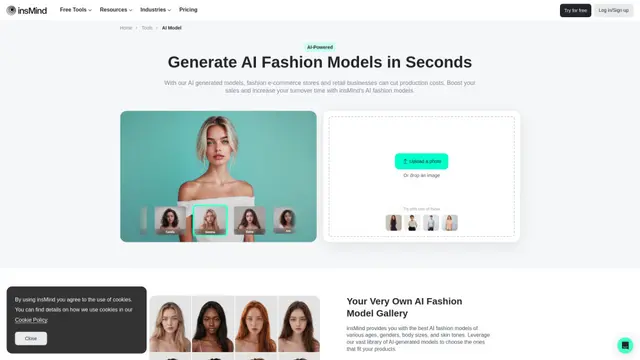
AI Fashion Models (Face Swap) by insMind
insMind's AI Fashion Models tool generates diverse AI models to replace faces in product photos, allowing businesses to create professional fashion imagery quickly and cost-effectively.