
veridive
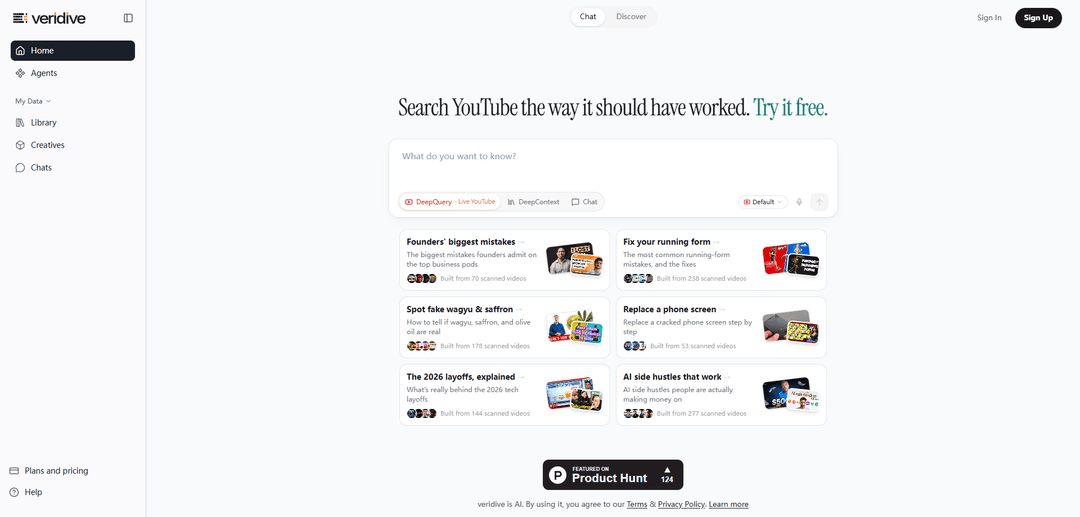
veridive est un moteur de réponses pour le web parlé qui recherche sur YouTube, les podcasts, les conférences et les interviews pour renvoyer des réponses citées et horodatées, localisées à la seconde exacte où une affirmation est prononcée.
https://veridive.com/?ref=producthunt&utm_source=aipure
Informations sur le produit
Mis à jour:Jun 15, 2026
Qu'est-ce que veridive
veridive est une plateforme de découverte de connaissances conçue pour aider les gens à trouver des informations précises dans des contenus parlés de longue durée tels que des vidéos YouTube, des podcasts, des conférences et des interviews. Au lieu de présenter des vidéos entières à regarder, elle se concentre sur le contenu sous-jacent au niveau de la transcription et renvoie des réponses directes avec attribution et horodatages exacts, afin que vous puissiez passer directement au moment où la déclaration pertinente est faite. Positionné comme un "moteur de réponses pour le web parlé", veridive met l'accent sur la précision, la traçabilité et la compréhension inter-sources de ce que les experts et les créateurs disent à travers le paysage médiatique plus large.
Caractéristiques principales de veridive
veridive est un "moteur de réponses" IA pour le web parlé qui recherche et analyse l'audio/vidéo de longue durée (en particulier YouTube, ainsi que les podcasts, les conférences et les interviews) pour renvoyer des réponses directes et citées, localisées à la seconde exacte où elles sont prononcées. Il prend en charge les requêtes en langage naturel, la compréhension sémantique des transcriptions et la synthèse inter-sources afin que les utilisateurs puissent passer d'heures de contenu aux moments et thèmes spécifiques qui comptent, avec attribution et précision d'horodatage – positionné davantage pour la découverte de connaissances externes que pour la transcription de réunions internes.
Réponses citées avec horodatage: Renvoie des réponses avec attribution de l'intervenant et des liens mappés à la seconde exacte dans la source où la réponse est dite, permettant une vérification et un partage rapides.
Recherche en direct sur le web parlé (multilingue): Accepte les questions en langage naturel et effectue des recherches dans le contenu parlé (par exemple, YouTube, podcasts, conférences, interviews), y compris en plusieurs langues.
Compréhension approfondie de la transcription + sémantique: Va au-delà de la recherche par mots-clés avec une récupération sémantique à travers les transcriptions, aidant à trouver des segments pertinents même lorsque le phrasé diffère.
Synthèse inter-épisodes / inter-vidéos: Agrège les informations de nombreux enregistrements (par exemple, "construit à partir de X vidéos scannées") pour produire des conclusions organisées plutôt que de forcer les utilisateurs à tout regarder.
Pipeline d'analyse d'entretiens de recherche: Traite les enregistrements d'entretiens de recherche client pour extraire les thèmes, les points faibles, les demandes de fonctionnalités et les modèles de sentiment à travers les entretiens avec une précision d'horodatage.
Cartographie des connaissances et couche de découverte: Cartographie les personnes, les affirmations et les sujets à travers les sources enregistrées pour retracer les idées d'une conversation à l'autre et explorer les connexions.
Cas d'utilisation de veridive
Synthèse de la recherche produit et UX: Analysez des dizaines d'entretiens clients pour extraire systématiquement les points faibles récurrents, les demandes de fonctionnalités et le sentiment – étayés par des horodatages attribués aux intervenants pour preuve.
Recherche de faits pour les podcasts et le journalisme: Trouvez le moment exact où un invité fait une affirmation, extrayez des extraits citables avec des références, et vérifiez comment plusieurs experts discutent du même sujet.
Veille concurrentielle et de marché à partir de la vidéo: Scannez les conférences de l'industrie, les interviews de fondateurs et les vidéos d'analystes pour compiler des informations structurées (par exemple, conseils d'embauche, récits de marché) sans regarder les enregistrements complets.
Aide à l'étude pour l'éducation et les cours magistraux: Recherchez dans les cours magistraux des explications, des définitions ou des exemples spécifiques et accédez directement à l'horodatage pertinent pour révision.
Flux de travail de recherche pour les créateurs et le contenu: Localisez rapidement "les 30 secondes qui comptent" dans les longues vidéos pour la rédaction de scripts, les citations, la sélection de clips et la recherche de sujets.
Avantages
Gagne un temps considérable en accédant directement au moment précis où la parole est prononcée, avec des citations et des horodatages.
Conçu pour la découverte de connaissances externes à travers de grands volumes de contenu parlé (pas seulement les réunions internes).
Prend en charge la synthèse de niveau supérieur à travers de nombreuses vidéos/épisodes, permettant des conclusions basées sur des sujets plutôt qu'une recherche de transcription isolée.
Inconvénients
Statut de pré-lancement noté dans les documents ; certaines fonctionnalités/intégrations annoncées peuvent ne pas être disponibles au lancement initial et sont sujettes à modification.
L'efficacité dépend de la disponibilité/qualité de la transcription et de la couverture des sources de contenu ciblées.
Comment utiliser veridive
1) Ouvrir veridive: Allez sur https://veridive.com/ (le site se décrit comme un « Moteur de réponses pour le web parlé »).
2) Choisir un mode (Chat ou Découvrir): Utilisez Chat lorsque vous souhaitez poser une question directe en langage clair ; utilisez Découvrir lorsque vous souhaitez parcourir des pages thématiques organisées et pré-construites à partir de vidéos scannées.
3) Poser une question en langage clair: Dans Chat, tapez ce que vous voulez savoir (le site met l'accent sur la recherche des « 30 secondes qui comptent » dans les longues vidéos).
4) Utiliser Live YouTube DeepQuery pour une recherche large et multi-vidéos: Sélectionnez l'option Live YouTube DeepQuery pour rechercher du contenu YouTube comme source de connaissances (le site positionne cela comme une recherche à l'intérieur du contenu parlé, pas seulement des titres/descriptions).
5) Utiliser DeepContext Chat pour approfondir les détails: Passez à DeepContext Chat lorsque vous souhaitez une exploration plus guidée et conversationnelle du sujet et des segments parlés sous-jacents.
6) Aller au moment exact où la réponse est prononcée: Utilisez les résultats cités/horodatés pour localiser la seconde exacte dans la vidéo source où la déclaration pertinente est faite (veridive met en évidence les « réponses citées – localisées à la seconde exacte »).
7) Explorer les connexions avec la carte interactive (si disponible): Ouvrez la vue de la carte interactive pour voir les personnes, les idées, les affirmations et les références liées à une conversation ; survolez/cliquez sur les nœuds pour tracer les connexions entre les sources.
8) Parcourir les pages de connaissances organisées dans Découvrir: Dans Découvrir, ouvrez un sujet organisé (par exemple, « Meilleur aspirateur robot, comparé » ou « Fondateurs sur les premières embauches ») pour voir les points clés synthétisés à partir de nombreuses vidéos scannées.
9) Utiliser les outils de création / outils pour les tâches spécifiques au flux de travail: Naviguez vers la zone Outils/Outils de création (liée depuis la page d'accueil) pour accéder aux fonctionnalités spécialement conçues pour la recherche et les flux de travail de contenu.
10) Se connecter pour gérer votre espace de travail: Utilisez Connexion pour accéder à des fonctionnalités telles que Mes données et Bibliothèque afin de pouvoir organiser et revoir vos recherches et vos éléments enregistrés.
11) Configurer la surveillance/les agents pour les mises à jour continues (si vous utilisez des agents): Utilisez la section Agents (liée sous le nom « Agents ») pour automatiser l'examen de nouveaux contenus (par exemple, la surveillance de chaînes/épisodes) et générer des sorties structurées au fur et à mesure que de nouvelles vidéos sont traitées.
12) Examiner les plans/tarifs et les documents d'aide si nécessaire: Si vous avez besoin de plus de capacité ou de conseils, utilisez la page Plans et tarifs et la page Aide liées dans l'en-tête.
FAQ de veridive
veridive est un moteur de réponses pour le web parlé. Il recherche sur YouTube, les podcasts, les conférences et les interviews et renvoie des réponses synthétisées avec des citations précises au moment exact où chaque point est dit.
Articles populaires

Atoms : Une plateforme d'IA multi-agents qui transforme les idées en produits prêts à être lancés
May 22, 2026

Nano Banana SBTI : Qu'est-ce que c'est, comment ça marche et comment l'utiliser en 2026
Apr 15, 2026

Atoms : L'outil de création de produits IA qui redéfinit la création numérique en 2026
Apr 10, 2026

Kilo Claw : Comment déployer et utiliser un véritable agent d'IA "Faites-le pour vous" (Mise à jour 2026)
Apr 3, 2026
Derniers outils d'IA similaires à veridive
Snapmark
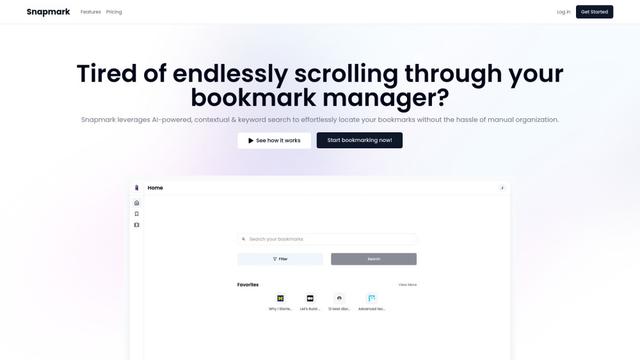
Snapmark est un moteur de recherche alimenté par l'IA pour les signets qui permet aux utilisateurs d'enregistrer, de rechercher et d'organiser des sites web, des images et du texte sans marquage ou catégorisation manuels.
Uměl.cz
Uměl.cz est un moteur de recherche tchèque alimenté par l'IA qui fournit des réponses intelligentes et contextuelles aux requêtes des utilisateurs.
ReviewPower
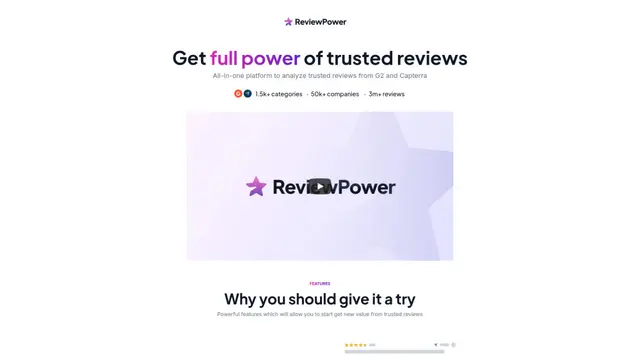
ReviewPower est une plateforme tout-en-un qui agrège et analyse des avis fiables de G2 et Capterra pour aider les entreprises à obtenir des informations précieuses à partir des retours des clients.
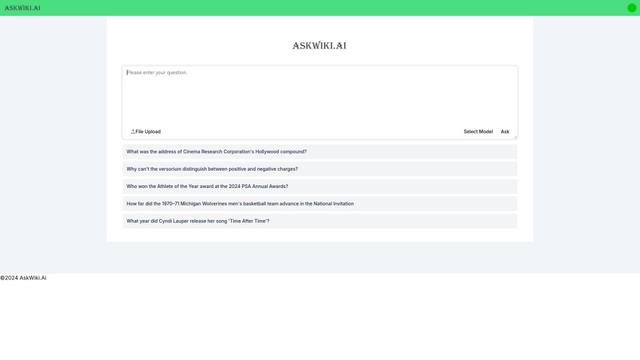
AskWiki
AskWiki est un logiciel d'intelligence sémantique et un moteur de recherche en langage naturel qui permet aux utilisateurs de consulter le contenu de Wikipédia par le biais de questions simples et de recevoir des réponses spécifiques et précises.
Outils d'IA populaires comme veridive
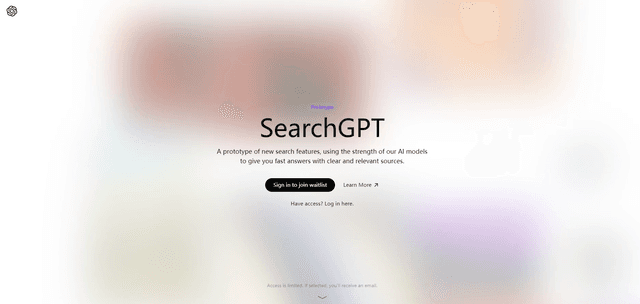
SearchGPT
SearchGPT est un prototype de recherche alimenté par l'IA d'OpenAI qui fournit des réponses rapides et conversationnelles avec des sources claires en utilisant des modèles GPT.

DuckDuckGo AI Chat
DuckDuckGo AI Chat est un moyen gratuit et anonyme d'accéder à des chatbots IA populaires comme GPT-3.5, Claude et d'autres tout en préservant la vie privée des utilisateurs.

R2R
R2R (Reason to Retrieve) est un système de récupération d\'IA avancé qui fournit des capacités de génération augmentée de récupération (RAG) prêtes à la production avec l\'ingestion de contenu multimodal, la recherche hybride, les graphes de connaissances et la gestion complète des documents via une API RESTful.
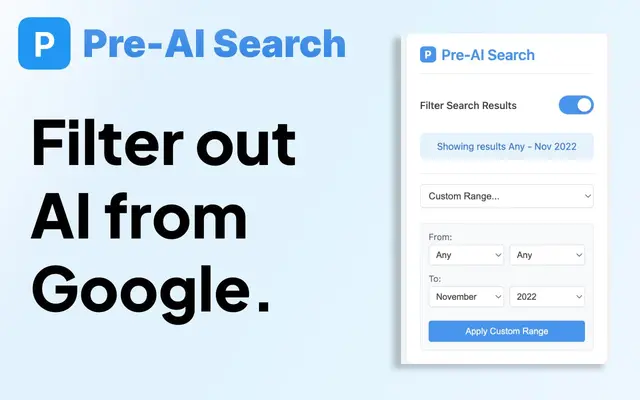
Pre-AI Search - Filter Google AI Content
Pre-AI Search est une extension Chrome qui aide les utilisateurs à filtrer le contenu généré par l'IA des résultats de recherche Google en se concentrant sur le contenu publié avant l'essor de la génération de contenu par IA.