
VEME
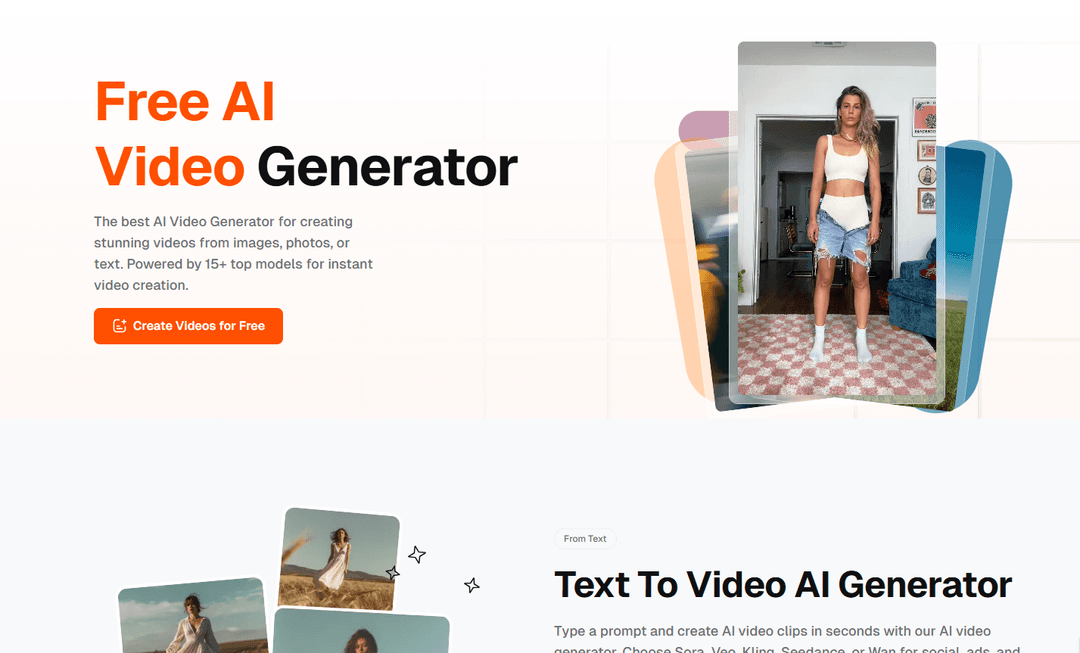
VEME is an AI-powered platform that combines video and image generation capabilities, allowing users to create professional-quality videos, images, and memes through text prompts or image uploads using multiple AI models.
https://www.veme.ai/?utm_source=aipure
Product Information
Updated:Mar 26, 2026
What is VEME
VEME is a comprehensive AI content creation platform that integrates video generation, image generation, and editing tools in one place. It provides users with the ability to create high-quality visual content without production experience or technical skills. The platform leverages multiple advanced AI models including Sora, Veo, Kling, Seedance, and Wan for video generation, as well as Seedream, GPT Image, Flux, Ideogram, Qwen, and Nano Banana for image generation. VEME offers both free and paid subscription tiers, making it accessible to individual creators and businesses alike.
Key Features of VEME
VEME is an AI-powered platform that combines video and image generation capabilities in one integrated solution. It offers text-to-video, image-to-video, and text-to-image generation using multiple AI models like Sora, Veo, Flux, and Ideogram. The platform provides tools for extending videos, creating avatars, generating scenes, upscaling images, and applying style transfers, making it suitable for content creators, marketers, and businesses looking to produce high-quality visual content without extensive production resources.
Multi-Model AI Generation: Access to multiple AI models including Sora, Veo, Kling, Seedance for videos and GPT Image, Flux, Ideogram for images, allowing users to choose the best model for their specific creative needs
Integrated Video & Image Tools: Combined platform for both video and image generation with features like upscaling, style transfer, background removal, and video extension all in one place
Quick Content Generation: Convert text prompts or static images into professional-quality videos and images within seconds, eliminating the need for complex editing tools or extensive production time
Commercial Usage Rights: Paid plans include full commercial usage rights for all generated content, allowing use in client work, business campaigns, and products
Use Cases of VEME
Social Media Marketing: Create engaging video content and images for social media platforms like Instagram, TikTok, and YouTube, with quick turnaround times and consistent brand styling
E-commerce Product Visualization: Transform product photos into dynamic video content for advertising and product showcases, improving conversion rates on digital platforms
Training & Educational Content: Generate talking avatar videos for educational content, onboarding materials, and training programs in multiple languages without reshooting
Creative Production: Enable artists, illustrators, and game developers to quickly generate concept art, character visuals, and creative assets for various projects
Pros
All-in-one platform combining video and image generation capabilities
Free tier available with no credit card required
Multiple AI models available for different creative styles
User-friendly interface requiring no technical expertise
Cons
Higher quality features require paid subscription
Free version includes watermarks on outputs
Credit-based system may limit usage for high-volume needs
How to Use VEME
Sign up/Log in: Visit veme.ai and create a free account or log in to your existing account. No credit card required for the free tier.
Choose Creation Type: Select whether you want to create AI video (from text or image) or AI image on the main dashboard. Options include Text-to-Video, Image-to-Video, or Image Generation.
For Text-to-Video: Type your desired video description/prompt and select from available AI models like Sora, Veo, Kling, Seedance, or Wan. Set parameters like resolution, duration, aspect ratio and frame rate before generating.
For Image-to-Video: Upload your still image that you want to convert to video. The AI will automatically add smooth motion effects to create a video from your image in one click.
Configure Output Settings: Select your desired video resolution, duration, aspect ratio and other parameters before generating the final output.
Generate and Preview: Click generate and wait for the AI to create your video. Preview the result before downloading.
Download or Share: Download your generated video without watermark (paid plans) or with watermark (free plan). You can also directly share to social media platforms.
Additional Editing: Use VEME's built-in tools for additional effects, transitions, or style transfers if needed. Options include fire transitions, splash effects, and more.
VEME FAQs
Yes, VEME is free to start with no credit card required. Users get monthly starter credits to create videos and images. Paid plans unlock higher volume, watermark-free outputs, and access to premium AI models like Sora, Flux, and Ideogram.
Popular Articles

Atoms: A Multi-Agent AI Platform That Transforms Ideas into Launch-Ready Products
Oct 13, 2026

Nano Banana SBTI: What It Is, How It Works, and How to Use It in 2026
Apr 15, 2026

Atoms Review — The AI Product Builder Redefining Digital Creation in 2026
Apr 10, 2026

Kilo Claw: How to Deploy and Use a True "Do‑It‑For‑You" AI Agent(2026 Update)
Apr 3, 2026
Latest AI Tools Similar to VEME

Loud Fame
Loud Fame is an AI-powered video transformation tool that allows users to convert regular videos into anime-style animations and create AI-generated celebrity talking videos.

BizBoom.ai
BizBoom.ai is an AI-powered platform that automatically generates professional product videos from product links and images with 95% less cost.

EzVideos
EzVideos is an all-in-one video creation tool that helps users generate viral videos for social media platforms like Instagram, TikTok, and YouTube with automated editing features and built-in resources.

Illuminix
Illuminix is an AI-powered platform that empowers businesses with autonomous hyper-experts and specialized tools for automated business processes, data management, and video content creation.
Popular AI Tools Like VEME

HunyuanVideo-I2V
HunyuanVideo-I2V is an open-source AI framework developed by Tencent that transforms static images into high-quality, dynamic videos with customizable motion effects and exceptional visual consistency.

Google Veo 2
Veo 2 is Google DeepMind's state-of-the-art AI video generation model that can create high-quality videos up to 4K resolution with realistic motion, extensive camera controls, and improved physics simulation from text prompts.

Vibing
Vibing is an AI-powered dating app that helps users share authentic moments through video stories and make genuine connections based on personality matching and interactive features.

Edits, an Instagram app
Edits is Instagram's free video creation app that provides creators with professional editing tools, AI features, and analytics capabilities to create high-quality videos directly from their phones.