
Unsloth
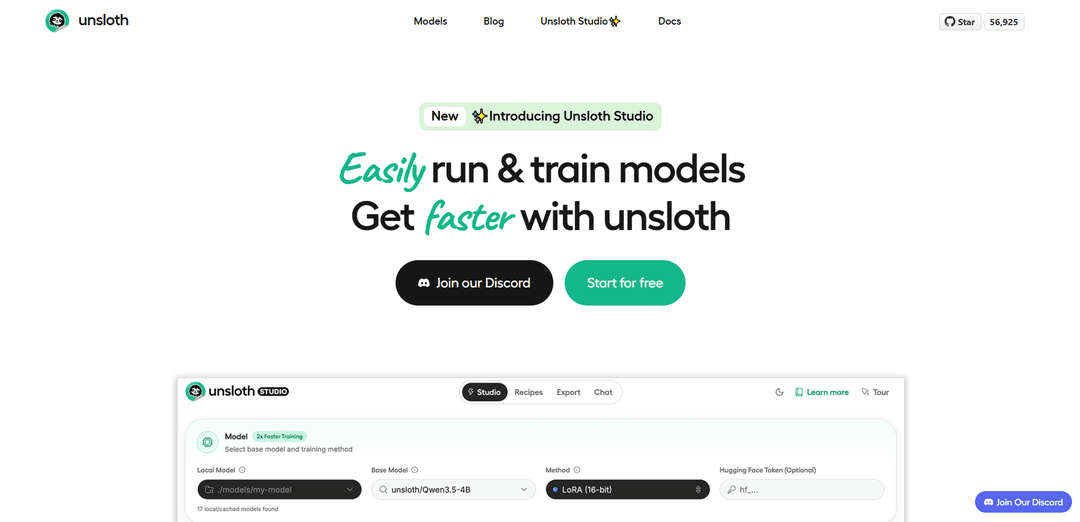
Unsloth is an open-source platform that lets users run and train AI models locally with up to 30x faster speed and 90% less memory usage through its web UI and code-based interfaces.
https://unsloth.ai/?ref=producthunt
Product Information
Updated:Apr 8, 2026
What is Unsloth
Unsloth is an innovative AI startup founded in 2023 by brothers Daniel and Michael Han that focuses on making AI more accessible to everyone. It provides a unified web interface called Unsloth Studio for training, running and exporting open AI models locally, supporting various types including text, audio, embedding and vision models. The platform works on Windows, Linux, WSL and macOS, offering both a no-code web UI (Unsloth Studio) and a code-based version (Unsloth Core) to cater to different user needs.
Key Features of Unsloth
Unsloth is an open-source platform that provides a unified web UI for training, running, and exporting AI models locally. It offers significant performance improvements with 30x faster training speeds and 90% less memory usage compared to traditional methods. The platform supports various model types including text, audio, vision, and embeddings, with compatibility for popular models like Mistral, Gemma, and Llama. It features both a no-code web interface (Unsloth Studio) and a code-based version (Unsloth Core), making AI model development more accessible across Windows, Linux, WSL and macOS.
Unified Web Interface: All-in-one local interface for training, running, and exporting models with no-code options through Unsloth Studio
Optimized Performance: Achieves 30x faster training speeds and uses 90% less memory through custom kernels and GPU optimizations
Model Compatibility: Supports 500+ models including text, vision, audio and embeddings, with formats like GGUF and Safetensors
Data Recipe System: Automated dataset creation from various file formats (PDF, CSV, JSON) with customizable workflow options
Use Cases of Unsloth
Custom Chatbot Development: Fine-tune models for specialized customer support and product-specific question handling
Research and Development: Enable AI researchers and developers to experiment with model training and optimization with reduced computational resources
Enterprise AI Deployment: Help businesses create and deploy custom AI models with faster training times and lower infrastructure costs
Pros
Significant performance improvements in speed and memory usage
User-friendly interface with both code and no-code options
Comprehensive support for multiple model types and formats
Cons
Limited portability of workflows built on Unsloth
Beta status with ongoing development and potential stability issues
Requires local hardware resources for operation
How to Use Unsloth
Install Unsloth: Run 'pip install --upgrade pip && pip install uv && pip install unsloth --torch-backend=auto'. For Windows users, ensure PyTorch is installed first.
Launch Unsloth Studio: Run 'unsloth studio setup' followed by 'unsloth studio -H 0.0.0.0 -p 8888' to start the web UI interface. Alternatively, use their Docker image: unsloth/unsloth.
Load Models: In Unsloth Studio, you can load GGUF or Safetensors models either from Hugging Face or from your local files. The interface works on MacOS, Windows, Linux and WSL setups.
Compare Models (Optional): Use the Model Arena feature to load two different models (e.g., base and fine-tuned versions) to compare their outputs side by side.
Prepare Training Data: Use Data Recipes to transform your documents (PDFs, CSV, JSON) into useable datasets through the graph-node workflow interface.
Fine-tune Model: Configure training parameters like learning rate, LoRA settings, and other hyperparameters. Monitor training progress with real-time loss, gradient norms, and GPU utilization tracking.
Export Model: After training, export your fine-tuned model to safetensors or GGUF format for use with llama.cpp, vLLM, Ollama, and other platforms.
Run Inference: Use the trained model for inference with support for tool-calling, web search, and OpenAI compatible API. You can upload various file types including images, audio, PDFs, and code for interaction.
Unsloth FAQs
Unsloth is an open-source, no-code web UI platform that allows users to train, run and export AI models locally. It works on Windows, Linux, WSL and macOS.
Unsloth Video
Popular Articles

Atoms: A Multi-Agent AI Platform That Transforms Ideas into Launch-Ready Products
May 22, 2026

Nano Banana SBTI: What It Is, How It Works, and How to Use It in 2026
Apr 15, 2026

Atoms Review — The AI Product Builder Redefining Digital Creation in 2026
Apr 10, 2026

Kilo Claw: How to Deploy and Use a True "Do‑It‑For‑You" AI Agent(2026 Update)
Apr 3, 2026
Latest AI Tools Similar to Unsloth

Hapticlabs
Hapticlabs is a no-code toolkit that enables designers, developers and researchers to easily design, prototype and deploy immersive haptic interactions across devices without coding.

Monyble
Monyble is a no-code AI platform that enables users to launch AI tools and projects within 60 seconds without requiring technical expertise.
Abyss
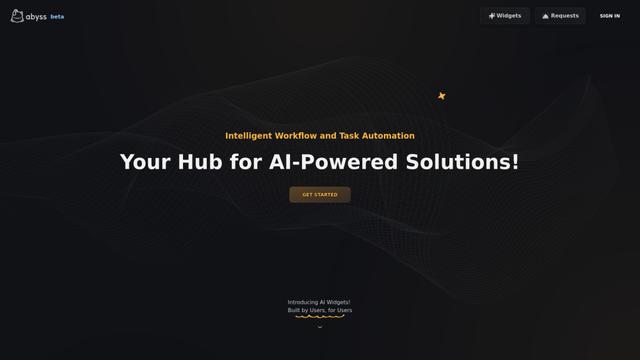
Abyss is an AI-powered platform that enables users to create, share and run automated task-specific Widgets without requiring technical expertise.
AppScape
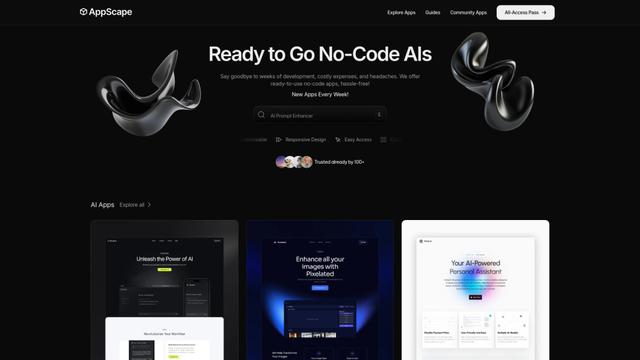
AppScape is a no-code platform offering ready-to-use AI-powered apps and customizable SaaS solutions, enabling quick deployment without traditional development costs and technical expertise.
Popular AI Tools Like Unsloth
GitHub MCP Server
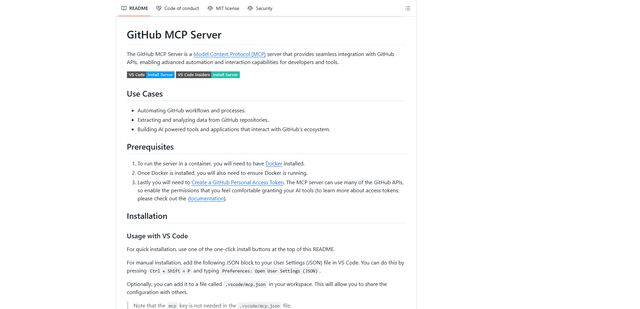
GitHub MCP Server is a Model Context Protocol server that enables seamless integration between AI models and GitHub APIs, providing standardized tools for repository management, issue tracking, and code operations.

GoCodeo SaaS Builder
GoCodeo SaaS Builder is an AI-native framework that automatically generates production-ready full-stack SaaS applications using autonomous AI agents, complete with authentication, real-time features, and TypeScript integration.

iBrowsy
iBrowsy is a modern, AI-powered web browser for macOS that combines intelligent features, privacy-first design, and seamless user experience with built-in GPT-4 assistance.
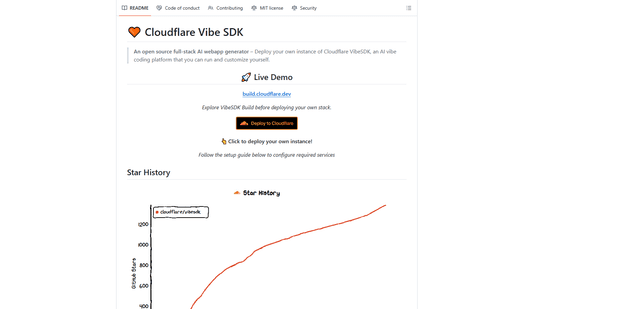
VibeSDK by CloudFlare
VibeSDK is an open-source AI-powered platform by Cloudflare that enables developers to deploy their own full-stack vibe coding environment with one click, allowing users to generate and deploy applications through natural language descriptions.