
TypMo
TypMo is a clarification layer tool that helps transform ideas into structured IA wireframes and generates production-ready prompts for AI design tools like Figma Make and Claude/Cursor.
https://typmo.com/?ref=producthunt
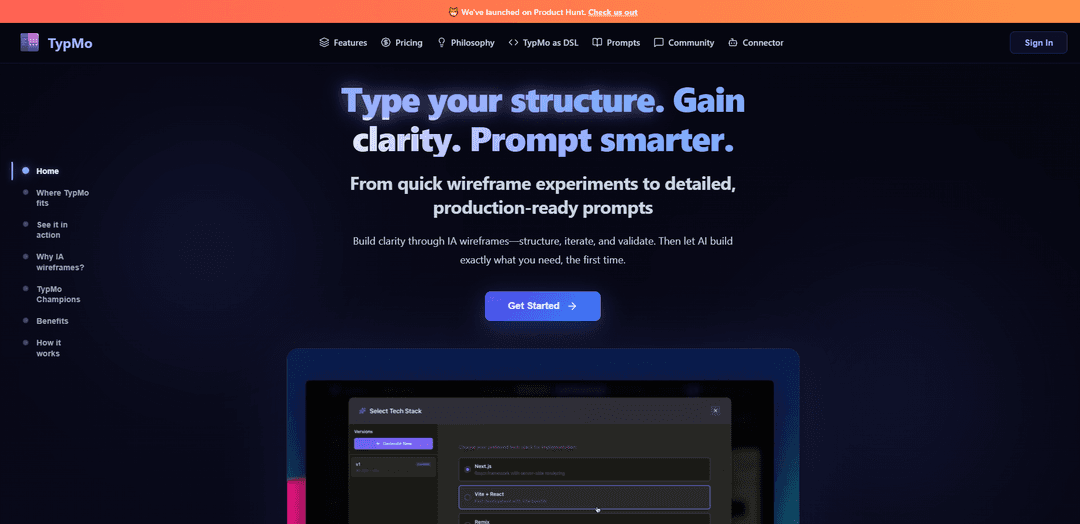
Product Information
Updated:Dec 8, 2025
What is TypMo
TypMo serves as the missing layer between understanding and execution in the AI age, helping designers and product thinkers transform messy ideas into organized, structured information architecture (IA) wireframes. It's designed to provide clarity and validation before investing in AI-generated designs or code, making it an essential tool for the early stages of product development and design thinking.
Key Features of TypMo
TypMo is a clarification layer tool that helps users structure their ideas through IA wireframes before executing them with AI tools. It allows users to create wireframes through typing, AI generation, or visual clicking, validate their structure through AI audits, and generate production-ready prompts for tools like Figma Make and Claude/Cursor. The tool focuses on helping users achieve clarity in their thinking and structure before investing in AI-generated designs or code.
Text-to-Wireframe Creation: Users can type simple syntax to generate wireframes in real-time, allowing for quick experimentation and iteration at the speed of thought
AI-Powered Validation: Built-in AI audits help check hierarchy, flows, and usability issues before moving to production stage
Automated Prompt Generation: One-click export of detailed, context-rich prompts optimized for AI design tools based on validated wireframe structure
Multi-screen Flow Design: Ability to create and connect multiple screens with clickable connections, making it easy to visualize user journeys
Use Cases of TypMo
UX Design Planning: Designers can quickly prototype and validate user interfaces before committing to high-fidelity designs
Team Collaboration: Teams can share prototypes and gather feedback on structure and flows before starting development
AI Prompt Engineering: Product teams can create better-structured, more effective prompts for AI design tools by first clarifying their requirements
Pros
Fast iteration and experimentation without design skills required
Cost-effective by reducing wasted AI credits on bad generations
Improves team alignment and communication through clear structure visualization
Cons
Limited to wireframe-level design (no high-fidelity capabilities)
Requires learning new syntax for text-based wireframe creation
How to Use TypMo
Start with idea description: Enter your initial idea or concept into TypMo. The AI will generate a basic wireframe instantly based on your description.
Create wireframe structure: Use either typing simple syntax, AI generation, or Alt+Click visual adding to create screens, components and flows in your wireframe. The structure renders in real-time as you work.
Iterate and refine: Experiment with different layouts and structures. Reorganize screens, restructure flows, and test various hierarchies until the structure is clear.
Validate with AI audit: Run AI audits on your wireframe structure to check for potential issues with hierarchy, flows, and usability. Fix any structural problems identified.
Create multi-screen flows: Build clickable connections between screens to establish user flows and navigation paths through your product.
Use AI modes for enhancement: Switch between AI Think Mode for brainstorming ideas and AI Build Mode for co-creating wireframes with AI assistance.
Export prompts: Once structure is finalized, export production-ready prompts automatically optimized for AI design tools like Figma Make and Claude/Cursor.
TypMo FAQs
TypMo is a tool that helps transform ideas into structured IA (Information Architecture) wireframes. It serves as a clarification layer between understanding and execution, helping users create clear structures before using AI design tools.
TypMo Video
Popular Articles

Vosko AI: Localize and Dub Videos for Global Audiences
Oct 15, 2026

Atoms: A Multi-Agent AI Platform That Transforms Ideas into Launch-Ready Products
Oct 13, 2026

Nano Banana SBTI: What It Is, How It Works, and How to Use It in 2026
Apr 15, 2026

Atoms Review — The AI Product Builder Redefining Digital Creation in 2026
Apr 10, 2026
Latest AI Tools Similar to TypMo
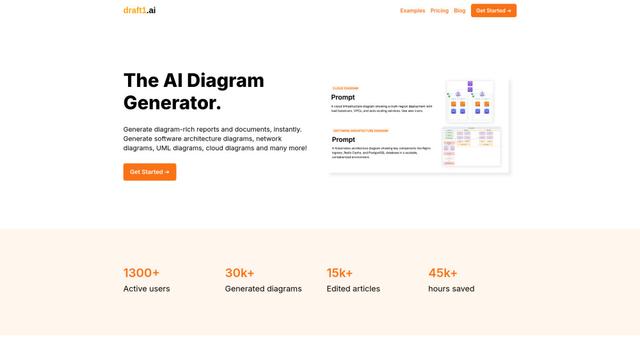
draft1.ai
Draft1.ai is an AI-powered diagram generator that transforms text inputs into professional visual diagrams and documentation for various technical architectures, infrastructures, and systems.
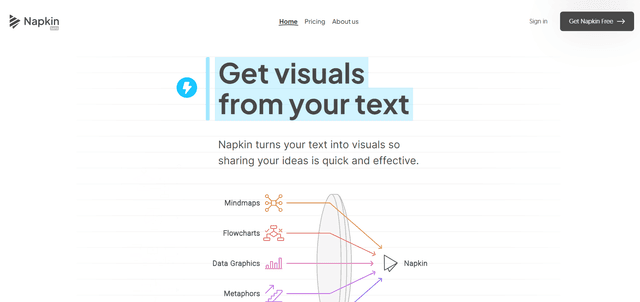
Napkin
Napkin AI is an innovative AI-powered tool that automatically transforms text into visually appealing graphics, diagrams, and illustrations to enhance business communication and storytelling.

SuperStudentAI
SuperStudentAI is a free AI-powered study assistant that helps students organize materials, generate quizzes, create diagrams, and chat with AI about their subjects.
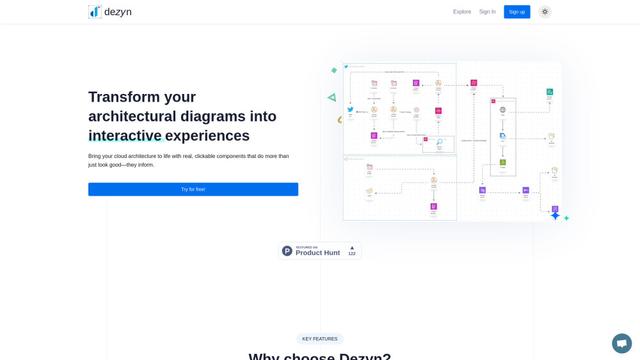
Dezyn
Dezyn is an innovative tool that transforms architectural diagrams into interactive experiences with real, clickable components for cloud architecture visualization.
Popular AI Tools Like TypMo
Napkin
Napkin AI is an innovative AI-powered tool that automatically transforms text into visually appealing graphics, diagrams, and illustrations to enhance business communication and storytelling.
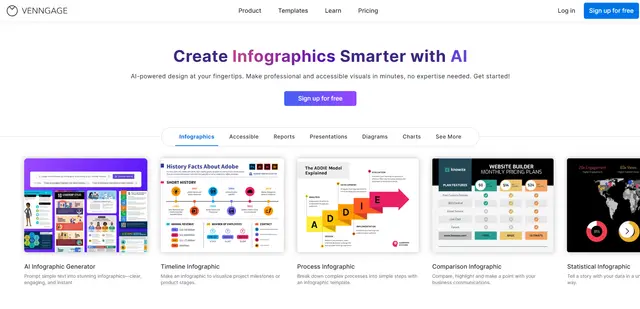
Venngage
Venngage is an AI-powered design platform that enables users to create professional infographics, reports, presentations and visual content through customizable templates and intuitive tools, requiring no design expertise.
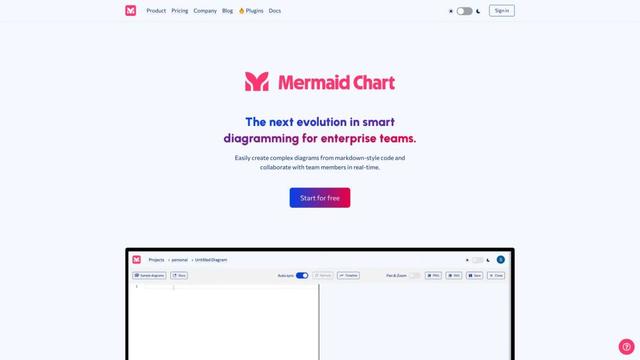
Mermaid Chart
Mermaid Chart is a web-based diagramming and charting tool that allows users to create complex diagrams from markdown-style code and collaborate with team members in real-time.
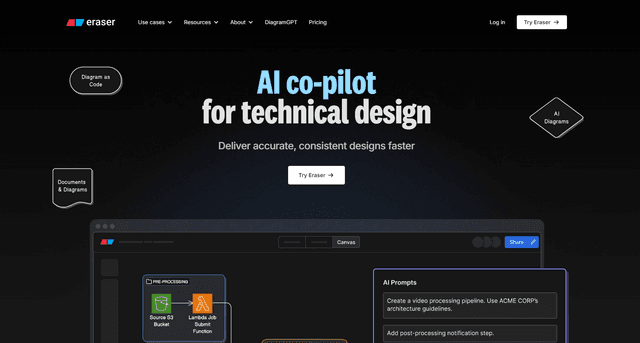
Eraser
Eraser is an AI-powered docs and diagrams platform that enables engineering teams to create beautiful technical documentation and diagrams through an intuitive interface, keyboard-driven flows, markdown support, and diagram-as-code capabilities.