
Trend Seeker
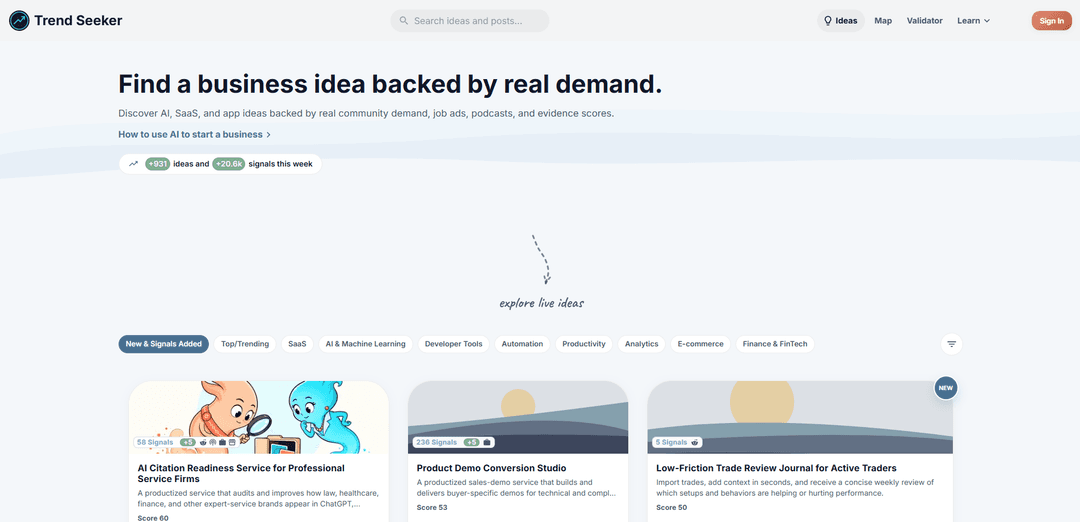
Trend Seeker is a market-intelligence platform that turns real-world demand signals from Reddit, job ads, podcasts, and online communities into validated business ideas with evidence scores and source links.
https://trend-seeker.app/?ref=producthunt
Product Information
Updated:Aug 8, 2026
What is Trend Seeker
Trend Seeker is a product discovery and validation tool built to help entrepreneurs and builders find what to create next by grounding ideas in actual user demand. Created and maintained by software engineer Tonis Tiganik, the platform aggregates large volumes of “unmet need” signals—like people asking for apps, tools, or services that don’t exist yet—and organizes them into clear, explorable business ideas. Instead of relying on gut feel or isolated trends, Trend Seeker surfaces ideas alongside their supporting evidence, making it easier to evaluate opportunities across categories such as SaaS, AI, developer tools, automation, mobile apps, and more.
Key Features of Trend Seeker
Trend Seeker is a market-intelligence and idea-discovery platform that surfaces validated business and product opportunities by analyzing real-world demand signals from online communities (e.g., Reddit), job ads, and podcasts. It organizes opportunities into an “Ideas” feed with evidence/strength scoring, provides an interactive Demand Map to visualize clusters and whitespace, includes an idea validator to test concepts against a large signal corpus, and offers an API (with key-based access and subscription-tier limits) so teams can integrate signals into their own workflows.
Validated idea discovery feed: Browse continuously updated business ideas across categories (SaaS, mobile apps, automation, developer tools, etc.) backed by real signals and summarized into clear opportunity statements.
Evidence strength & scoring: Ideas are accompanied by evidence indicators (e.g., signal counts and scores) to help prioritize opportunities supported by stronger, recurring market demand.
Demand Map visualization: An interactive map that clusters related problems/ideas so you can quickly spot crowded regions, adjacent opportunities, and unmet “open space” in the market.
Idea Validator: A validation tool that tests a specific concept against a large matched set of market signals to quickly gauge whether real demand exists before building.
API access with API keys: Use API keys to access Trend Seeker programmatically; keys inherit subscription-tier rate limits and data access so you can integrate signals into internal dashboards, CRMs, or research pipelines.
Research content & playbooks: Blog/news/learn sections that explain how the system finds demand, how to validate ideas, and how to use the platform effectively.
Use Cases of Trend Seeker
Startup & micro-SaaS opportunity sourcing: Founders use the Ideas feed and evidence scores to shortlist problems with repeated user complaints/requests, then validate a concept before committing to an MVP.
Product management & roadmap discovery: PM teams monitor emerging needs in target communities and translate recurring pain points into roadmap hypotheses, prioritizing by signal strength.
Developer tools & API-first product ideation: Devtool builders identify repeated workflow friction (e.g., security, reliability, deployment, uploads) and use the Demand Map to find underserved niches.
Marketing & growth positioning research: Marketers extract language and themes from community demand signals to refine messaging, landing pages, and content strategy around what users actually ask for.
Agency/consulting service packaging: Consultancies use high-signal problem clusters to define productized services (fixed-scope sprints, audits, implementation studios) aligned with current market pull.
Internal analytics and tooling via API: Data/ops teams integrate Trend Seeker signals into internal BI tools to track categories, competitors, or problem regions over time and route insights to stakeholders.
Pros
Evidence-backed ideation: focuses on real demand signals rather than purely speculative brainstorming.
Fast prioritization: scores/signal counts and the validator reduce time spent on weak ideas.
Market whitespace visibility: the Demand Map helps reveal clusters and gaps at a glance.
Integrations: API key access enables programmatic workflows and internal tooling.
Cons
Access limits depend on subscription tier: API rate limits and data availability vary by plan.
Signal sources may skew: insights reflect the communities and channels being analyzed, which may not represent every market segment.
Not a full execution suite: it identifies and validates opportunities but doesn’t replace customer interviews, competitive diligence, or go-to-market testing.
How to Use Trend Seeker
1) Open Trend Seeker and start from the Ideas feed: Go to https://trend-seeker.app/ and click “Ideas”. Browse the live stream of validated business ideas generated from real market signals (e.g., Reddit discussions, job ads, podcasts).
2) Filter ideas by category to match your build lane: Use the category shortcuts (e.g., SaaS, AI & Machine Learning, Developer Tools, Automation, Productivity, Analytics, E-commerce, Finance/FinTech) to narrow the feed to the types of products you want to build.
3) Open an idea to review the core summary fields: Click any idea card to view its detail page. Review the title and tagline, then note the categories and confidence tier (some ideas are marked “premium”).
4) Use the evidence and scoring to prioritize what to pursue: On the idea page, use the displayed score/evidence indicators (e.g., evidence strength and related metrics) to compare opportunities. Prefer ideas with stronger evidence and clearer demand signals.
5) Inspect the underlying sources behind an idea: Drill into the linked source signals (e.g., Reddit/forum posts) that contributed to the idea’s evidence score. Use these to confirm the problem is real, recurring, and described in users’ own words.
6) Compare nearby opportunities with the Demand Map: Open “Map” to explore where problems cluster. Larger circles indicate stronger evidence; nearby ideas share similar demand patterns. Use this to spot crowded regions vs. open space.
7) Validate your own concept with the Idea Validator: Open “Validator” (Idea Validator) and submit your startup/micro-SaaS idea to check it against matching user requests and market signals. Use the output to refine positioning and scope.
8) Learn the methodology to interpret signals correctly: Open “Learn” → Blog to read validation playbooks and research notes. Use these guides to avoid common traps (e.g., confusing curiosity spikes with buying intent) and to understand how evidence is evaluated.
9) Subscribe to the newsletter for ongoing trend discovery: Open “Newsletter” and subscribe to receive weekly trend insights, emerging opportunities, and market analysis so you can keep a steady pipeline of ideas.
10) Use the API to integrate Trend Seeker into your workflow: Open “API” (docs) and call the REST endpoints to fetch ideas programmatically. Example: GET https://api.trend-seeker.app/v1/ideas with an API key in the Authorization header (Bearer token) or X-API-Key header. Responses are JSON and include pagination metadata (total, limit, offset, has_more).
11) Fetch a single idea and handle tier-based redactions: Request an idea by ID (e.g., GET https://api.trend-seeker.app/v1/ideas/idea_abc123). Note: free users may see fields like solution_approach and why_now redacted for premium-tier ideas.
12) Use keyword search (and semantic search if available on your tier): Use the ideas endpoint with search parameters to find ideas by keyword across titles, taglines, and problem descriptions. Pro tiers may also support semantic (embedding-based) search for meaning-based matching.
Trend Seeker FAQs
Trend Seeker is an advanced market intelligence platform that helps entrepreneurs discover AI, SaaS, and app business ideas backed by real market demand signals and evidence scores.
Trend Seeker Video
Popular Articles

How to Create Viral Talking Baby Podcast Videos with AI: Step-by-Step Guide (2025)
Nov 2, 2026

Vosko AI: Localize and Dub Videos for Global Audiences
Oct 15, 2026

Atoms: A Multi-Agent AI Platform That Transforms Ideas into Launch-Ready Products
Oct 13, 2026

Nano Banana SBTI: What It Is, How It Works, and How to Use It in 2026
Apr 15, 2026
Latest AI Tools Similar to Trend Seeker
StatAI
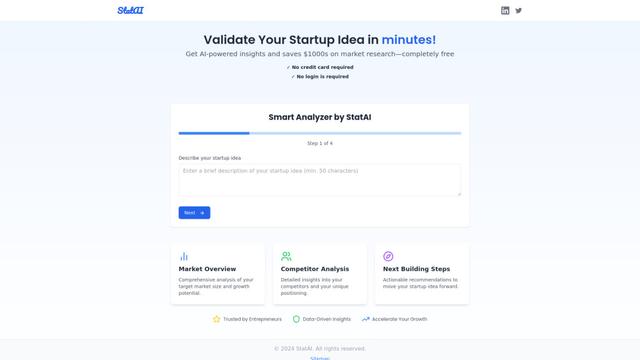
StatAI is an AI-powered platform that helps entrepreneurs validate startup ideas quickly by providing instant market research and analysis.
MyHustleAI
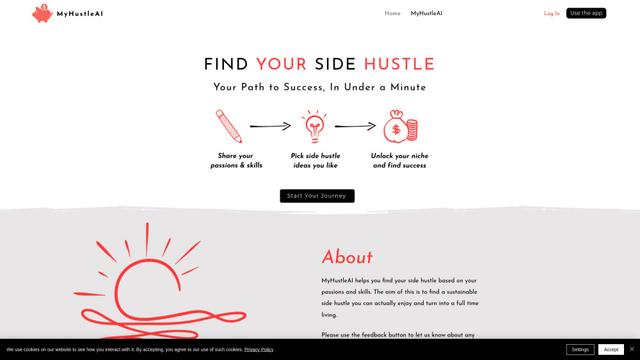
MyHustleAI is an AI-powered platform that helps users discover personalized side hustle opportunities by analyzing their passions and skills in seconds.
Micro SaaS Ideas
Micro SaaS Ideas are small-scale, niche-focused software solutions that target specific problems or markets, offering entrepreneurs a way to build profitable businesses with minimal resources and complexity.
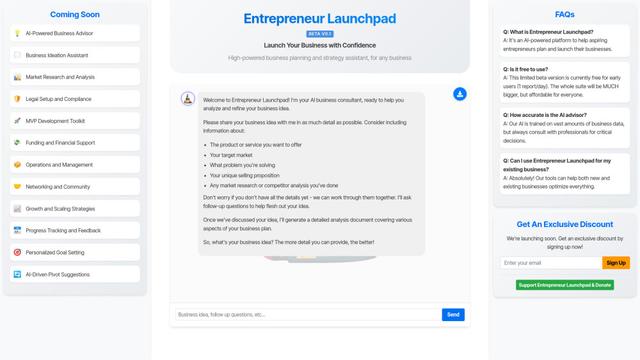
Entrepreneur Launchpad
Entrepreneur Launchpad is a comprehensive business support platform that provides free resources, mentorship, and community to help entrepreneurs start, grow and scale their businesses through training, consulting and networking opportunities.
Popular AI Tools Like Trend Seeker
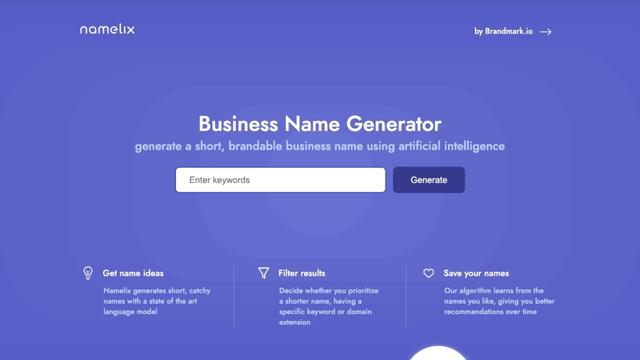
Namelix
Namelix is an AI-powered business name generator that creates short, catchy, and brandable names using advanced language models and machine learning.
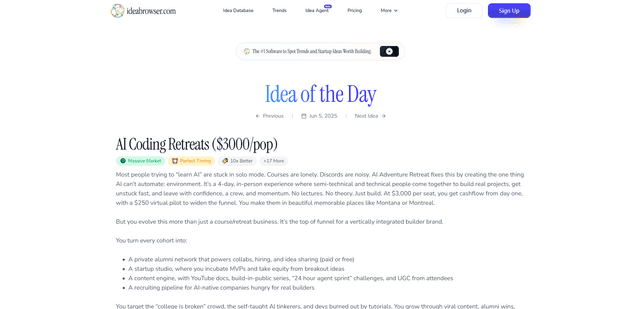
Ideabrowser.com
Ideabrowser.com is a data-driven SaaS platform that helps entrepreneurs discover profitable startup ideas, analyze market trends, and develop go-to-market strategies through AI-powered insights and comprehensive business idea validation tools.
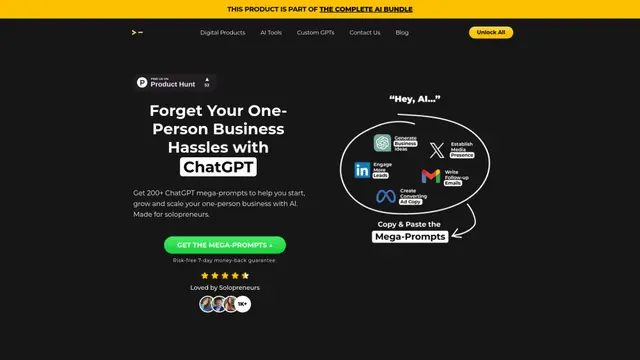
200+ ChatGPT Mega-Prompts for Solopreneurs
A curated collection of 200+ powerful ChatGPT mega-prompts designed to help solopreneurs streamline their business operations, boost productivity, and scale their ventures efficiently.
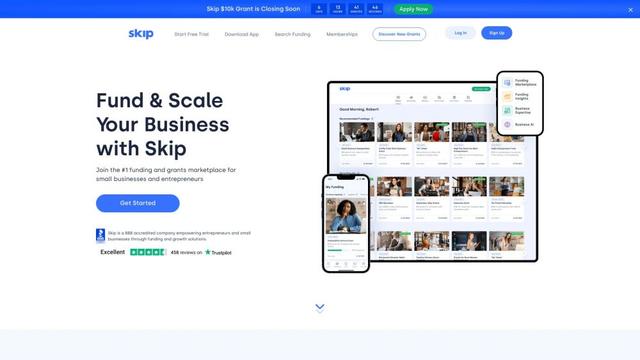
Skip
FreemiumBusiness Ideas Generator
Skip is the #1 platform in the US helping entrepreneurs and small business owners discover funding opportunities, apply for grants and financing, and grow their businesses.