
TrakMac
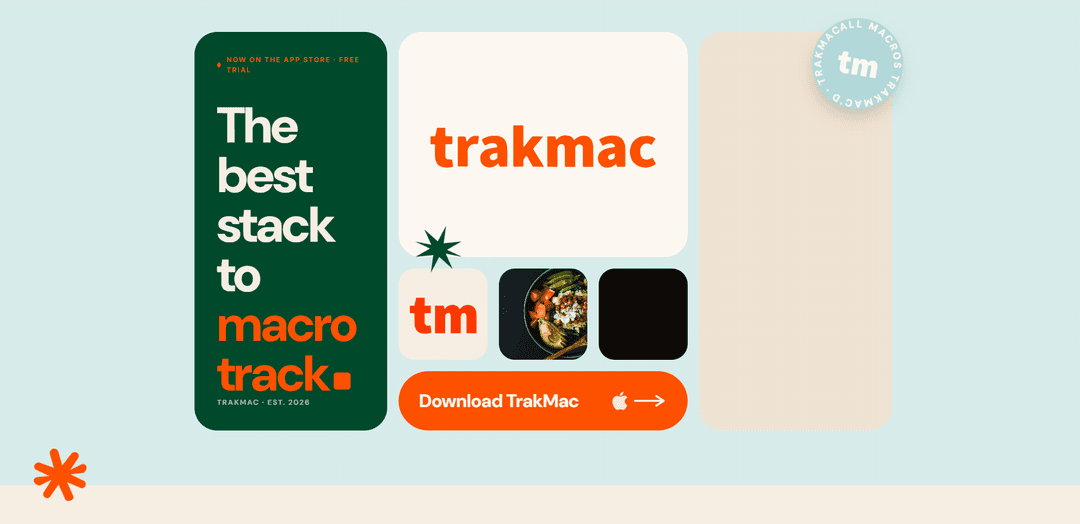
TrakMac is a voice-first macro tracking app that turns plain-language meal descriptions into macro estimates and personalized targets based on your training—not one-size-fits-all formulas.
https://www.trakmac.com/?ref=producthunt
Product Information
Updated:Jun 15, 2026
What is TrakMac
TrakMac is an AI-powered fitness fuel app designed to make macro tracking fast and practical for people who train. Built by a husband-and-wife team in Los Angeles, it focuses on removing the “spreadsheet energy” of traditional nutrition apps—no barcode scanning, no database scrolling, and no obsessing over perfect measurements. Instead, TrakMac helps you get close-enough numbers to support better habits, stronger training, and healthier outcomes, with a free trial available on the App Store.
Key Features of TrakMac
TrakMac is a voice-first, AI-powered macro tracking app designed to remove the “search-every-meal” friction common in traditional nutrition trackers. You describe what you ate in plain language (or type it), confirm the estimate, and TrakMac returns “close-enough” macro calculations geared toward improving body composition habits without spreadsheet-level effort. It also aims to set nutrition targets that better reflect what you actually do in training—rather than relying on one-size-fits-all formulas—making it especially appealing to lifters and fitness-focused users.
Voice-first food logging: Tap the mic, describe your meal naturally (e.g., portions and ingredients), then confirm—no barcode scanning or database scrolling required.
AI macro estimation from plain language: Converts meal descriptions into macro outputs using typical portion assumptions to deliver fast, practical estimates.
Reduced tracking friction vs. traditional apps: Avoids the MyFitnessPal-style workflow of searching and selecting exact food entries for every ingredient and brand.
Training-aware target setting: Positions its macro targets as better suited for lifters by asking what you actually do (training/activity) rather than relying only on generic height/weight formulas.
Beginner-friendly workflow: Designed so users don’t need deep nutrition knowledge; you can simply say/type what you ate and get usable macro guidance.
App Store availability with free trial: Available on the App Store with a 7-day free trial and no credit card required to start.
Use Cases of TrakMac
Lifters optimizing body composition: Strength trainees can quickly log meals and stay aligned with macro targets intended to reflect real training demands.
Busy professionals who won’t track with spreadsheets: People with limited time can maintain consistent nutrition tracking by speaking meals instead of manually searching databases.
Post-workout meal and shake tracking: Users can rapidly capture common fitness routines (protein shakes, standard meals) without weighing or scanning items.
Habit-building for macro tracking beginners: Newcomers can build consistency by focusing on “good enough” logging and learning macro patterns without getting overwhelmed.
Coaches and clients (lightweight adherence support): In coaching scenarios, clients can log more consistently due to low friction, improving adherence and check-in quality (with the understanding numbers are estimates).
Pros
Very low-friction logging via voice and plain-language input (less searching/scanning).
Targets positioned as more relevant to lifters by incorporating what you do in training.
Beginner-friendly: useful macro outputs without needing detailed nutrition knowledge.
Fast, practical “close-enough” estimates that support consistency and habit formation.
Cons
Estimates are explicitly approximate; not suitable when exact nutritional precision is required.
Not medical or dietary advice; users with health conditions, allergies, or eating disorders need professional guidance.
Voice/description-based logging can be less accurate when portions or ingredients are vague.
How to Use TrakMac
1. Download TrakMac: Go to the App Store and install TrakMac.
2. Start the free trial: Open the app and begin the 7-day free trial (the site states no credit card is required).
3. Set up your targets by describing your training: When prompted, answer questions about what you actually do in training so TrakMac can set macro targets that match (instead of using a generic height/weight formula).
4. Log a meal using voice-first input: Tap the mic and say what you ate in plain language (e.g., “Grilled chicken, maybe six ounces. Cup of jasmine rice. Broccoli, olive oil, a little soy.”).
5. Confirm the entry: Review what TrakMac captured from your description and hit confirm.
6. Get macro estimates instantly: TrakMac converts your description into close-enough macro estimates (“numbers in, macros out”) without needing a scale, barcode scanning, or database searching.
7. Repeat for snacks and supplements: Log additional items the same way (e.g., “Plus a protein shake after lift.”) to keep your day’s intake updated.
8. Use the results to support your training plan: Use TrakMac’s estimates to optimize training-focused nutrition (the site emphasizes it’s for practical tracking, not exact nutritional/medical analysis).
TrakMac FAQs
TrakMac is a voice-first, AI-powered macro tracking app designed to estimate macros from plain-language food descriptions, aiming to make tracking easier and better suited to people who train (especially lifters).
TrakMac Video
Popular Articles

Atoms: A Multi-Agent AI Platform That Transforms Ideas into Launch-Ready Products
May 22, 2026

Nano Banana SBTI: What It Is, How It Works, and How to Use It in 2026
Apr 15, 2026

Atoms Review — The AI Product Builder Redefining Digital Creation in 2026
Apr 10, 2026

Kilo Claw: How to Deploy and Use a True "Do‑It‑For‑You" AI Agent(2026 Update)
Apr 3, 2026
Latest AI Tools Similar to TrakMac
Fit Aura
Fit Aura is an AI-powered diet and nutrition platform that creates personalized meal plans, generates recipes, and helps track fitness progress for achieving health goals.
QuazaAI
QuazaAI is an innovative fitness platform that combines artificial intelligence, motion tracking technology, and gaming elements to transform traditional workouts into engaging, interactive adventures.
Xaslar Bet
Xaslar Bet is an AI-powered sports betting platform offering tips and predictions for NBA player props and football matches.
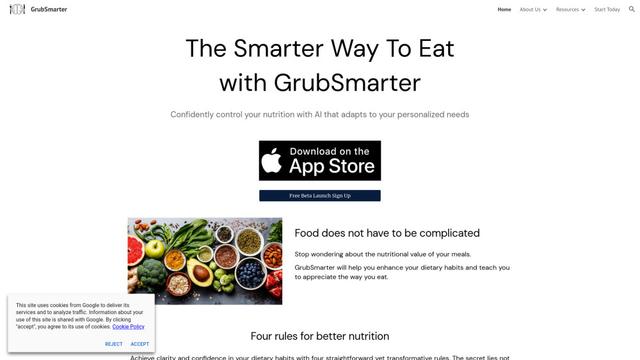
GrubSmarter
GrubSmarter is an AI-powered nutrition app that helps users confidently control their diet by adapting to personalized needs and teaching better eating habits.
Popular AI Tools Like TrakMac
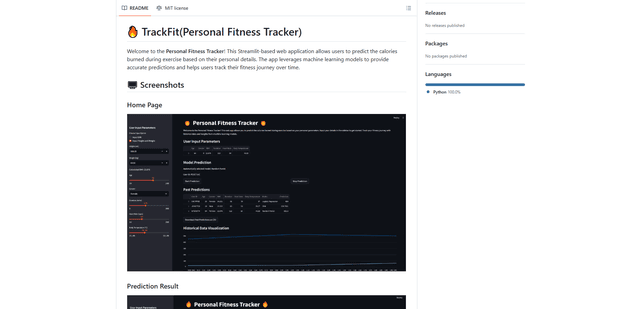
TrackFit
TrackFit is a comprehensive AI-powered fitness tracking system that combines smartwatch sensor data, machine learning models, and personalized analytics to help users monitor workouts, track progress, and improve exercise form in real-time.
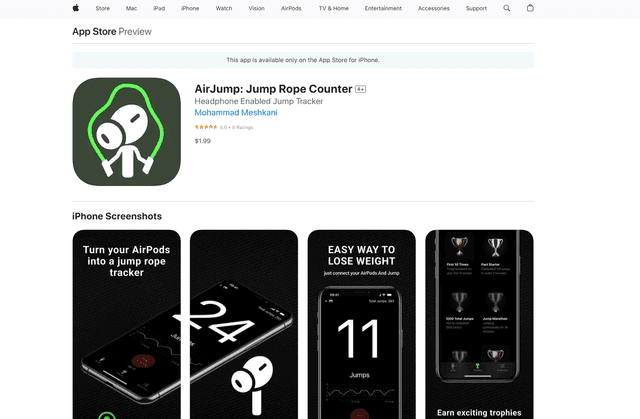
AirJump
AirJump is an innovative fitness app that uses AirPods' motion sensors to automatically track and count jump rope workouts while providing real-time statistics and achievement-based motivation.
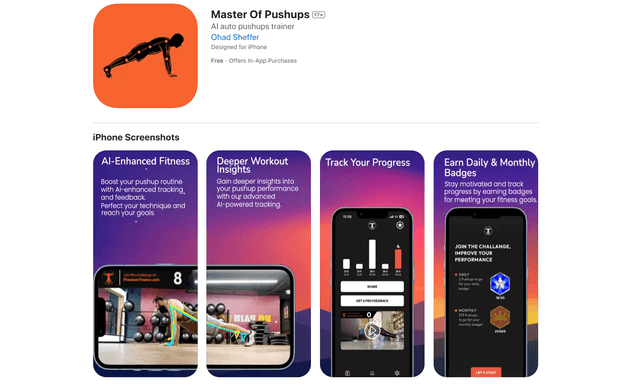
Master of Pushups
FreemiumSports & Fitness
Master of Pushups is an AI-powered fitness app that helps users perfect their pushup technique, track progress, and build strength through automated form detection and personalized training programs.

Shredder
Shredder is a versatile app offering both a powerful chess program for players of all levels and a skiing/snowboarding companion that tracks performance and connects riders with similar skill levels.