
TinyCommand
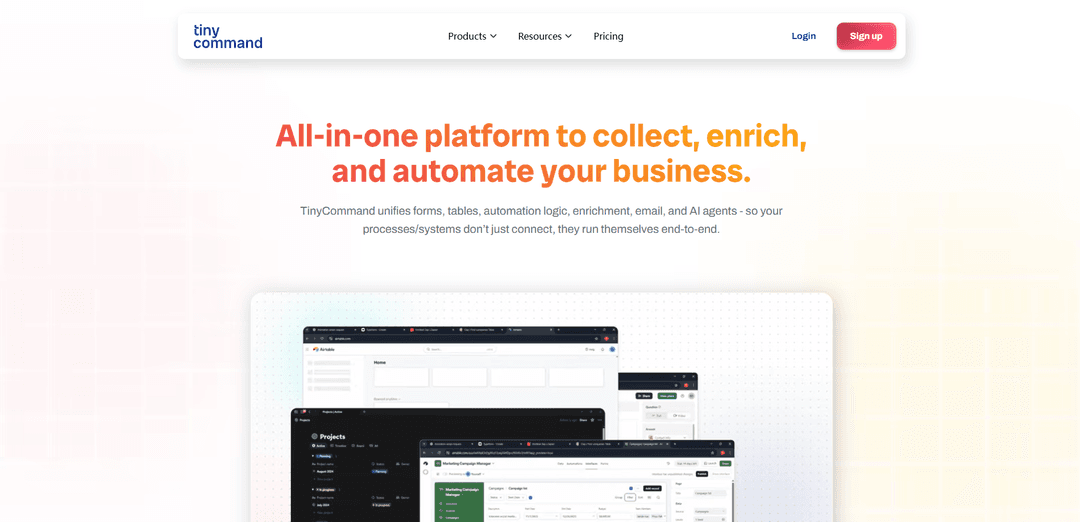
TinyCommand is an all-in-one no-code platform that unifies forms, tables, automation logic, enrichment, email, and AI agents to help businesses streamline their workflows without switching between multiple tools.
https://www.tinycommand.com/?ref=producthunt
Product Information
Updated:Dec 8, 2025
What is TinyCommand
TinyCommand is a comprehensive automation platform designed to simplify business processes by combining multiple functionalities into a single connected workspace. It eliminates the need for juggling between different tools like Typeform, Airtable, Zapier, and Google Sheets by providing an integrated solution for data collection, workflow automation, and process management. The platform is built to be intuitive and requires no coding skills, making it accessible to businesses of all sizes.
Key Features of TinyCommand
TinyCommand is an all-in-one automation platform that unifies forms, tables, workflows, email management, and AI agents into a single connected workspace. It allows users to build smart forms, automate tasks, and manage data without coding through a drag-and-drop interface. The platform combines AI precision with no-code simplicity to transform everyday tasks into automated workflows, enabling businesses to streamline their operations and reduce tool fragmentation.
TinyForms with Dynamic Logic: Create customizable forms with real-time conditional logic, API integration, and workflow triggers that automatically initiate actions upon submission
AI-Powered Automation: Built-in AI agents that can handle tasks like data enrichment, lead qualification, and content generation without human intervention
Integrated Communication System: Native email functionality with AI-crafted messages, perfect timing delivery, and seamless integration with other workflow components
Visual Workflow Builder: Drag-and-drop interface for creating complex automation workflows with human checkpoints and multiple trigger options
Use Cases of TinyCommand
Lead Management Automation: Automatically capture leads through forms, enrich their data using AI, and sync information to CRM systems while triggering personalized follow-up emails
Recruitment Process Automation: Streamline hiring by automating application collection, AI-powered resume screening, candidate communication, and onboarding workflows
Community Management: Automate member onboarding, approvals, and communication in community platforms like Telegram, handling everything from verification to automated messaging
Content Marketing Automation: Automatically track industry updates, generate content, and schedule social media posts using AI-powered workflows
Pros
All-in-one platform reducing the need for multiple tools
No-code interface making it accessible to non-technical users
Strong AI integration for automated task handling
Flexible and scalable for businesses of all sizes
Cons
Some features require paid plans beyond the free tier
Learning curve for utilizing all platform capabilities
Limited customization options in certain areas
How to Use TinyCommand
Sign up for TinyCommand: Visit platform.tinycommand.com and create a free account to get started. No credit card required for unlimited forms.
Create a Form with TinyForms: Use TinyForms to build your data collection form with conditional logic, custom branding, and API integrations. Forms will be the entry point for your automation workflow.
Set up Data Storage with TinyTables: Configure TinyTables to store and organize the form submissions. Enable auto-enrichment features to automatically fill missing data using AI.
Build Your Workflow in TinyWorkflows: Use the visual drag-and-drop builder to create your automation flow. Connect your form, table, and add logic steps for routing and processing data.
Add AI Agents (Optional): Integrate TinyAgents into your workflow to handle tasks like lead qualification, resume screening, or data enrichment automatically.
Configure Email Communications: Set up automated email responses and notifications using TinyEmails. Customize templates and timing for different workflow scenarios.
Test Your Workflow: Submit test data through your form to verify the entire automation flow works as expected, from data capture to final actions.
Monitor and Optimize: Use TinyCommand's dashboard to track workflow performance and make adjustments as needed to improve efficiency.
TinyCommand FAQs
TinyCommand is an all-in-one automation platform that unifies forms, tables, automation logic, enrichment, email, and AI agents. It allows businesses to automate their processes end-to-end in one connected platform without juggling multiple tools.
TinyCommand Video
Popular Articles

Vosko AI: Localize and Dub Videos for Global Audiences
Oct 15, 2026

Atoms: A Multi-Agent AI Platform That Transforms Ideas into Launch-Ready Products
Oct 13, 2026

Nano Banana SBTI: What It Is, How It Works, and How to Use It in 2026
Apr 15, 2026

Atoms Review — The AI Product Builder Redefining Digital Creation in 2026
Apr 10, 2026
Latest AI Tools Similar to TinyCommand

Hapticlabs
Hapticlabs is a no-code toolkit that enables designers, developers and researchers to easily design, prototype and deploy immersive haptic interactions across devices without coding.

Monyble
Monyble is a no-code AI platform that enables users to launch AI tools and projects within 60 seconds without requiring technical expertise.
Abyss
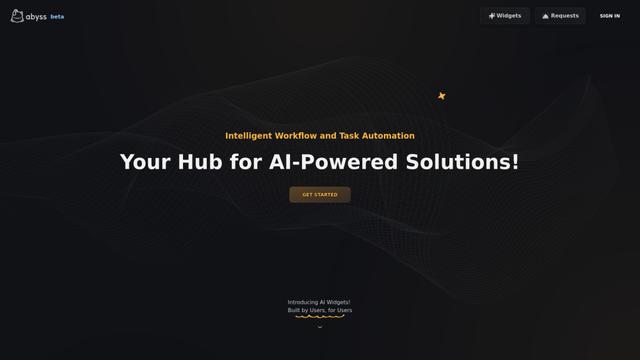
Abyss is an AI-powered platform that enables users to create, share and run automated task-specific Widgets without requiring technical expertise.
AppScape
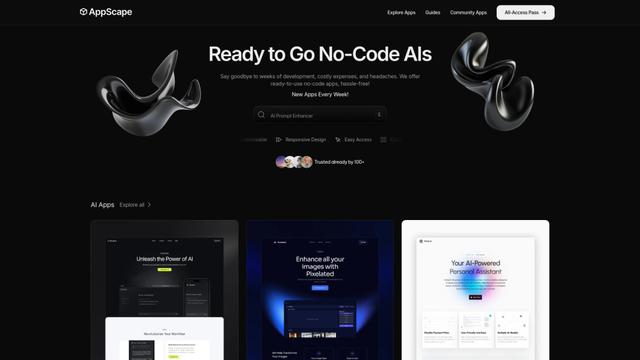
AppScape is a no-code platform offering ready-to-use AI-powered apps and customizable SaaS solutions, enabling quick deployment without traditional development costs and technical expertise.
Popular AI Tools Like TinyCommand
GitHub MCP Server
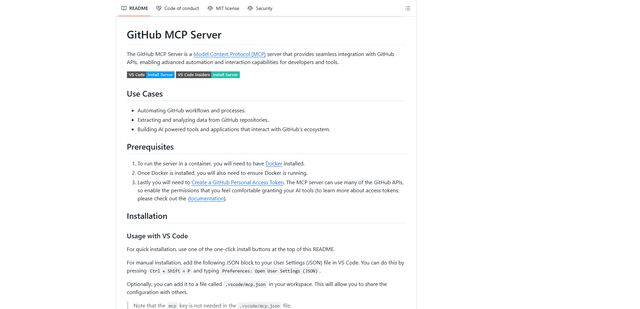
GitHub MCP Server is a Model Context Protocol server that enables seamless integration between AI models and GitHub APIs, providing standardized tools for repository management, issue tracking, and code operations.

GoCodeo SaaS Builder
GoCodeo SaaS Builder is an AI-native framework that automatically generates production-ready full-stack SaaS applications using autonomous AI agents, complete with authentication, real-time features, and TypeScript integration.

iBrowsy
iBrowsy is a modern, AI-powered web browser for macOS that combines intelligent features, privacy-first design, and seamless user experience with built-in GPT-4 assistance.
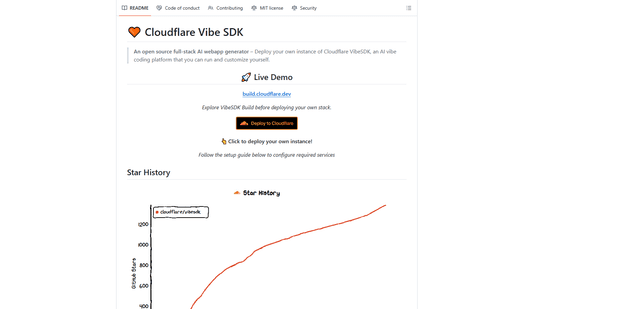
VibeSDK by CloudFlare
VibeSDK is an open-source AI-powered platform by Cloudflare that enables developers to deploy their own full-stack vibe coding environment with one click, allowing users to generate and deploy applications through natural language descriptions.