Tiny CV
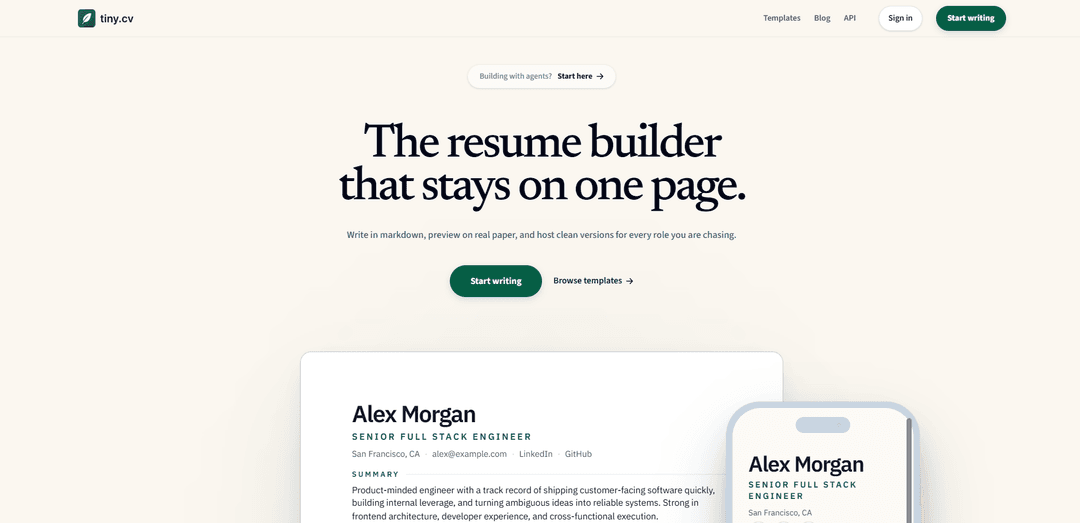
Tiny CV is a markdown-first resume builder that keeps your resume on one page with a real paper preview, clean hosted tiny.cv links for different roles, and polished PDF export—plus agent support to draft and publish for you.
https://tiny.cv/?ref=producthunt
Product Information
Updated:Jun 8, 2026
What is Tiny CV
Tiny CV is a one-page resume builder designed for speed, clarity, and shareability. Instead of filling out rigid form fields, you write and edit your resume directly in Markdown, keeping the source readable and easy to version. The product focuses on print-ready output and clean public hosting, letting you publish focused resume links on a tiny.cv URL for each role you’re targeting. Tiny CV also offers templates tailored to common career paths (e.g., engineer, designer, sales, founder) and is open source on GitHub.
Key Features of Tiny CV
Tiny CV is a markdown-first resume builder that renders your content into a strict one-page, print-ready layout with a live “paper” preview, and lets you publish clean, shareable tiny.cv links for different roles. It’s designed to keep the source readable (a document, not a form), make PDF/export output predictable, and support focused templates (e.g., engineer, designer, sales, founder). It also supports agent-driven drafting and publishing so an AI agent can ask questions, generate the CV, publish the link, and export a polished PDF.
Markdown-first editing: Write and maintain your resume as readable markdown instead of filling out rigid form fields—keeping a clean “source of truth” you can version and reuse.
Live one-page paper preview: Preview the resume as a real printable page while you edit, reducing layout guesswork and helping ensure it stays on a single page.
Clean hosted public links: Publish a focused, shareable tiny.cv URL that’s easier to send than a builder UI link or a cluttered personal site.
Role-focused templates: Start from proven one-page structures tailored to common paths (Engineer, Designer, Sales, Founder) and customize from there.
Print/PDF-ready output: Designed for reliable printing/export so the resume looks right when saved or sent as a PDF.
Agent-assisted drafting & publishing: Supports workflows where an agent can ask for details, draft the CV, publish a Tiny CV link, and export a finished PDF.
Use Cases of Tiny CV
Software engineering applications: Engineers can present impact-focused bullets, tech stacks, and projects in a tight one-page format with consistent PDF output and a clean link for recruiters.
Product/UX design portfolios: Designers can pair a concise resume with a portfolio link and highlight design systems, research, and cross-functional work using a template tuned for portfolio-driven roles.
Sales and GTM recruiting: Account executives and sales leaders can emphasize quotas, pipeline, and wins with a structure optimized for numbers and momentum, then share a simple public URL.
Founders and operators: Generalists can summarize cross-functional ownership (product, engineering, GTM, fundraising) and publish multiple tailored versions for different conversations.
Multi-role job hunts: Candidates can maintain one markdown source and publish separate, role-specific variants (e.g., engineering vs. product) as distinct clean links.
Pros
Markdown-based workflow keeps content portable, readable, and easy to iterate on.
Live paper preview helps enforce a true one-page, print-ready layout.
Hosted tiny.cv links make sharing simpler and more polished than sending builder pages.
Cons
Markdown-first editing may feel less intuitive for users who prefer traditional form-based resume builders.
One-page constraint can be limiting for candidates who need longer, multi-page CVs (e.g., some academic contexts).
Some publishing/presentation features are tied to paid plans (e.g., premium themes/cleaner pages/higher export limits).
How to Use Tiny CV
1) Start a new Tiny CV from a template: Open https://tiny.cv/ and choose a role-appropriate template (Engineer, Designer, Sales, Founder). Each template link takes you to a pre-shaped one-page layout you can edit in markdown.
2) Edit your CV in markdown (source of truth): In the editor, write and revise your resume content directly as markdown (not a form). Keep the document readable and structured with clear sections (summary, experience, projects, education, skills).
3) Use the live one-page paper preview while you write: Rely on the built-in paper preview (markdown on the left, a real printable page on the right) to ensure everything fits on one page and prints cleanly—no guessing about layout.
4) Tune styling without turning it into a design project: Apply small style/layout adjustments using Tiny CV’s “enough style control” approach—aim for clarity and consistency while keeping the resume one-page and print-ready.
5) Create focused versions for different roles: Duplicate or tailor your markdown content to produce clean, role-specific versions (e.g., one for backend roles, one for full-stack), keeping each version focused and one page.
6) Publish a clean public link: Host your resume as a shareable Tiny CV link (a clean public page instead of a builder UI). Use this link when applying or sharing with recruiters.
7) Export a print-ready PDF (after final review): Once the one-page preview looks correct, export a PDF designed to match the paper layout for sending as an attachment or printing.
8) (Optional) Use an agent to draft and iterate: If you use an AI agent, instruct it to ask for missing facts, draft in markdown, and only publish/export after you approve the final draft (per Tiny CV’s agent workflow guidance).
Tiny CV FAQs
Tiny CV is a resume builder designed to keep your resume on one page. You write your resume in markdown, preview it on a real paper-sized layout, and publish a clean hosted link for sharing.
Tiny CV Video
Popular Articles

How to Create Viral Talking Baby Podcast Videos with AI: Step-by-Step Guide
Nov 2, 2026

Proferex: A Cloud-Based Ad Tracking and Campaign Optimization Platform
Nov 2, 2026

Vosko AI: Localize and Dub Videos for Global Audiences
Oct 15, 2026

Atoms: A Multi-Agent AI Platform That Transforms Ideas into Launch-Ready Products
Oct 13, 2026
Latest AI Tools Similar to Tiny CV
Resumago
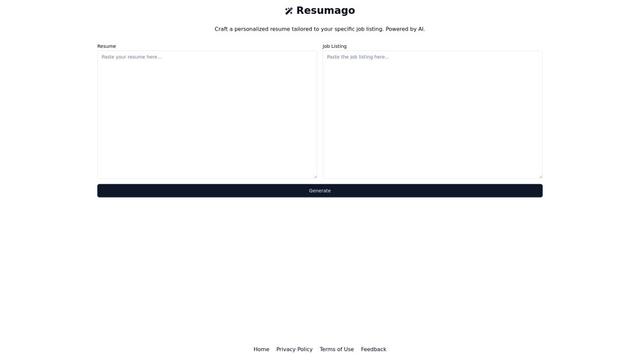
Resumago is an AI-powered resume creation platform that helps users craft personalized resumes tailored specifically to job listings.
Resume Workshop
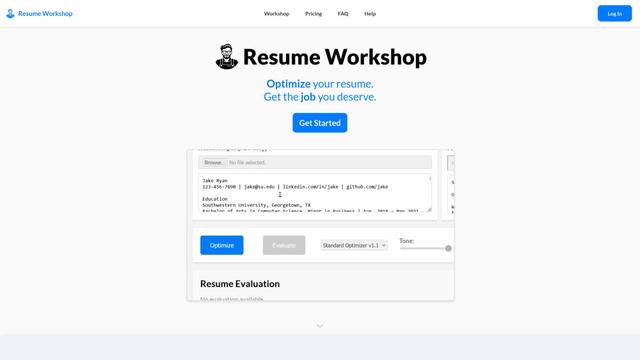
Resume Workshop is an AI-powered resume optimization platform that helps job seekers tailor their resumes with relevant keywords and phrases to match specific job postings.
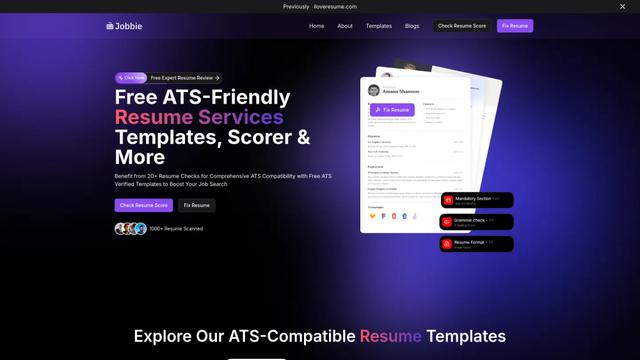
Jobbie
Jobbie is a comprehensive online platform offering free ATS-friendly resume services including resume checking, scoring, templates, and AI-powered optimization tools to help job seekers create professional resumes that pass through Applicant Tracking Systems.
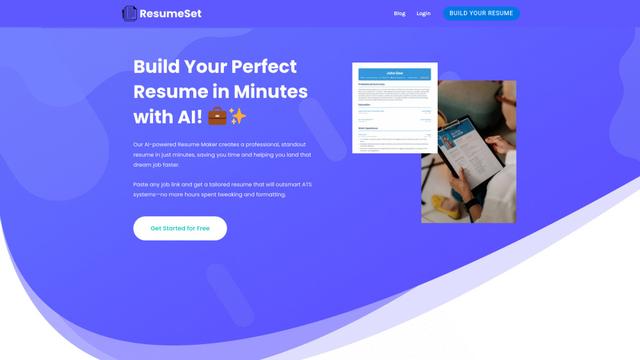
ResumeSet
ResumeSet is a free AI-powered resume builder that creates tailored, ATS-optimized resumes in minutes by transforming any job listing into a professionally formatted resume with no credit card required.
Popular AI Tools Like Tiny CV
Resume Worded
Resume Worded is an AI-powered platform that provides instant feedback and optimization for resumes and LinkedIn profiles to help users land more job interviews and opportunities.
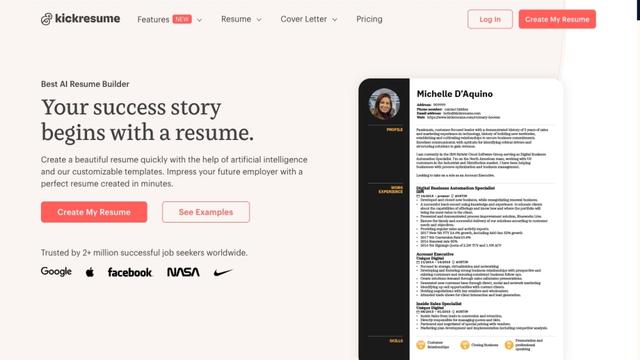
Kickresume
FreemiumResume & Cover Letter
Kickresume is an AI-powered online resume and cover letter builder used by over 5 million job seekers worldwide to create professional, ATS-friendly career documents.
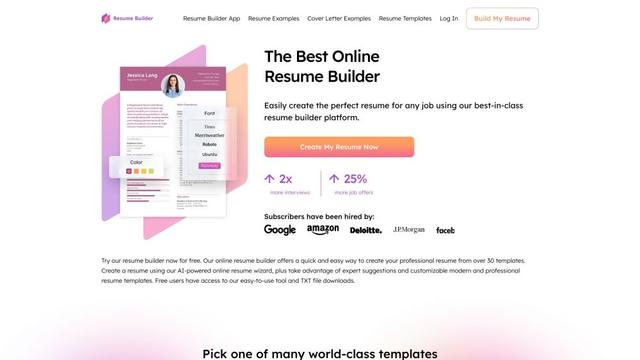
ResumeBuilder.com
ResumeBuilder.com is a free online resume builder with AI-powered tools, professional templates, and expert guidance to help job seekers create winning resumes and cover letters.
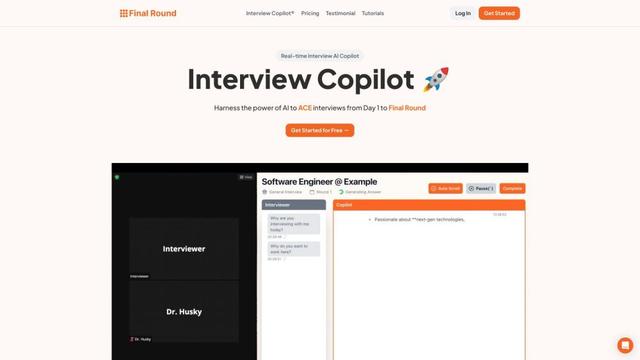
Final Round AI
Final Round AI is an AI-powered interview copilot that provides real-time guidance, transcription, and personalized assistance to help job seekers excel in interviews from initial stages to final rounds.