
Tines
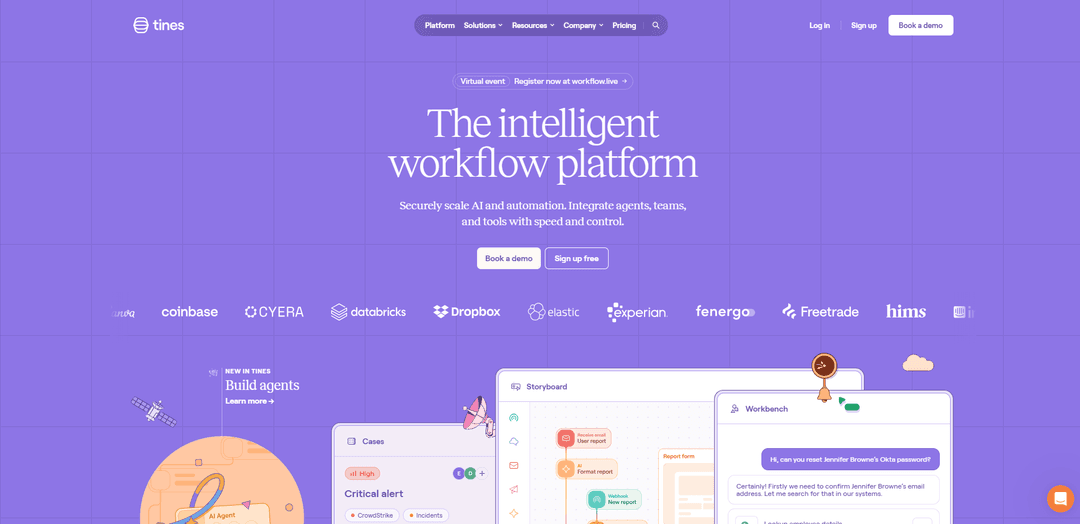
Tines is an intelligent workflow platform that enables teams to automate workflows and processes without coding through a secure, flexible integration layer connecting teams, tools, and data.
https://tines.com/?ref=producthunt
Product Information
Updated:Feb 15, 2026
What is Tines
Tines is an enterprise-grade workflow automation platform designed to help organizations streamline their operations by connecting various tools and systems. It provides a no-code environment where teams can build automated workflows (called 'Stories') to handle repetitive tasks, integrate different applications, and orchestrate complex processes. The platform was born in security but has expanded to serve IT operations, infrastructure, engineering, and product teams with its vendor-agnostic approach and intuitive interface.
Key Features of Tines
Tines is an intelligent workflow automation platform that enables organizations to streamline operations through no-code automation, secure integration across tools, and AI capabilities. It allows teams to create automated sequences of actions for tasks like threat detection, alert triage, and data collection, while providing powerful case management features and intuitive workflow building tools that can connect with any API.
No-Code Workflow Builder: Intuitive storyboard interface that allows teams to create complex automation workflows without coding knowledge, using simple building blocks and visual tools
Universal Integration Capabilities: Vendor-agnostic platform that can connect with any tool offering an API, including LLMs, MCPs, security tools, and internal systems
AI-Powered Workbench: Built-in AI capabilities that enable natural language processing in workflows and secure access to data in real-time through an AI chat interface
Advanced Case Management: Powerful system for tracking, managing and collaborating on incidents and workflows with built-in monitoring and notification features
Use Cases of Tines
Security Operations: Automate threat detection, incident response, and alert triage processes to improve security team efficiency and response times
IT Operations Automation: Streamline routine IT tasks, password resets, access management, and system maintenance workflows
Data Processing and Integration: Connect different tools and systems to automate data collection, transformation, and analysis across the organization
Cross-Team Collaboration: Enable different teams to work together through automated workflows, shared cases, and integrated communication channels
Pros
Extremely user-friendly interface with quick learning curve
Highly flexible and customizable to meet specific needs
Strong security features and governance controls
Extensive integration capabilities with any API
Cons
Learning curve for complex workflow creation
Limited script editor functionality for advanced users
May require significant setup time for complex integrations
How to Use Tines
Sign up for a Tines account: Visit login.tines.com/signup to create a new tenant account. You'll need this to access the Tines platform.
Complete initial setup: Configure your workflow environment and connect Tines to your tech stack by setting up credentials and authentication for the tools you want to integrate.
Create a new Story: Stories are the main workflows in Tines. Start by creating a new Story from the Storyboard interface where you'll build your automation workflow.
Add Actions to your Story: Add and configure Actions (like HTTP Requests, Event Transforms, etc.) that will make up the steps of your workflow. Connect the Actions together by linking their inputs and outputs.
Configure Triggers: Set up Triggers to determine when and how your Story should run - this could be on a schedule, via webhook, or based on other conditions.
Test the workflow: Use the testing features to validate each Action and the complete workflow. Debug any issues using the event logs and payload information.
Utilize resources and support: Take advantage of the Story Library for pre-built workflows, University for learning paths, and Community Slack for troubleshooting help.
Monitor and optimize: Use Cases feature to track workflow performance, set up notifications, and continuously improve your automation based on metrics and feedback.
Tines FAQs
Tines is an intelligent workflow platform that allows teams to automate processes and integrate different tools and systems. It's particularly focused on security automation but can be used for IT operations, infrastructure, engineering and product teams.
Tines Video
Popular Articles

Vosko AI: Localize and Dub Videos for Global Audiences
Oct 15, 2026

Atoms: A Multi-Agent AI Platform That Transforms Ideas into Launch-Ready Products
Oct 13, 2026

Nano Banana SBTI: What It Is, How It Works, and How to Use It in 2026
Apr 15, 2026

Atoms Review — The AI Product Builder Redefining Digital Creation in 2026
Apr 10, 2026
Latest AI Tools Similar to Tines

Hapticlabs
Hapticlabs is a no-code toolkit that enables designers, developers and researchers to easily design, prototype and deploy immersive haptic interactions across devices without coding.

Monyble
Monyble is a no-code AI platform that enables users to launch AI tools and projects within 60 seconds without requiring technical expertise.
Abyss
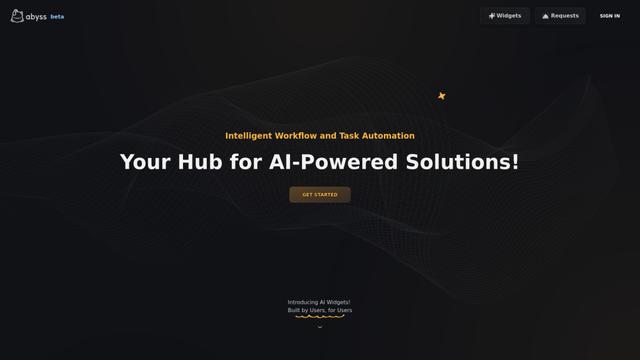
Abyss is an AI-powered platform that enables users to create, share and run automated task-specific Widgets without requiring technical expertise.
AppScape
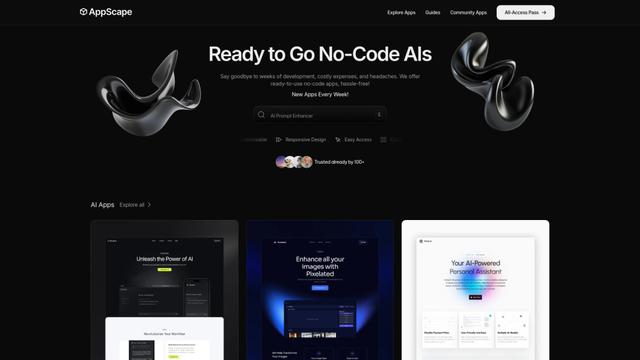
AppScape is a no-code platform offering ready-to-use AI-powered apps and customizable SaaS solutions, enabling quick deployment without traditional development costs and technical expertise.
Popular AI Tools Like Tines
GitHub MCP Server
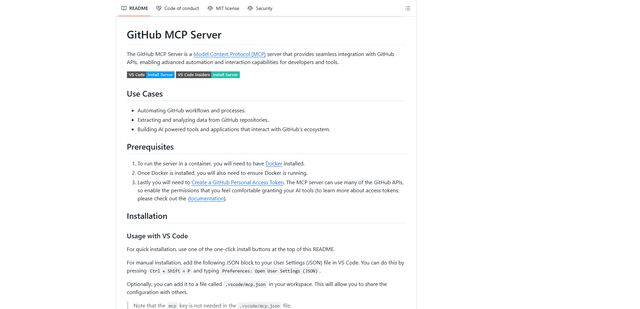
GitHub MCP Server is a Model Context Protocol server that enables seamless integration between AI models and GitHub APIs, providing standardized tools for repository management, issue tracking, and code operations.

GoCodeo SaaS Builder
GoCodeo SaaS Builder is an AI-native framework that automatically generates production-ready full-stack SaaS applications using autonomous AI agents, complete with authentication, real-time features, and TypeScript integration.

iBrowsy
iBrowsy is a modern, AI-powered web browser for macOS that combines intelligent features, privacy-first design, and seamless user experience with built-in GPT-4 assistance.
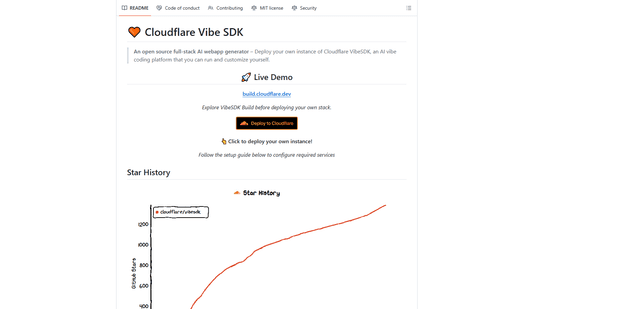
VibeSDK by CloudFlare
VibeSDK is an open-source AI-powered platform by Cloudflare that enables developers to deploy their own full-stack vibe coding environment with one click, allowing users to generate and deploy applications through natural language descriptions.