TapVid
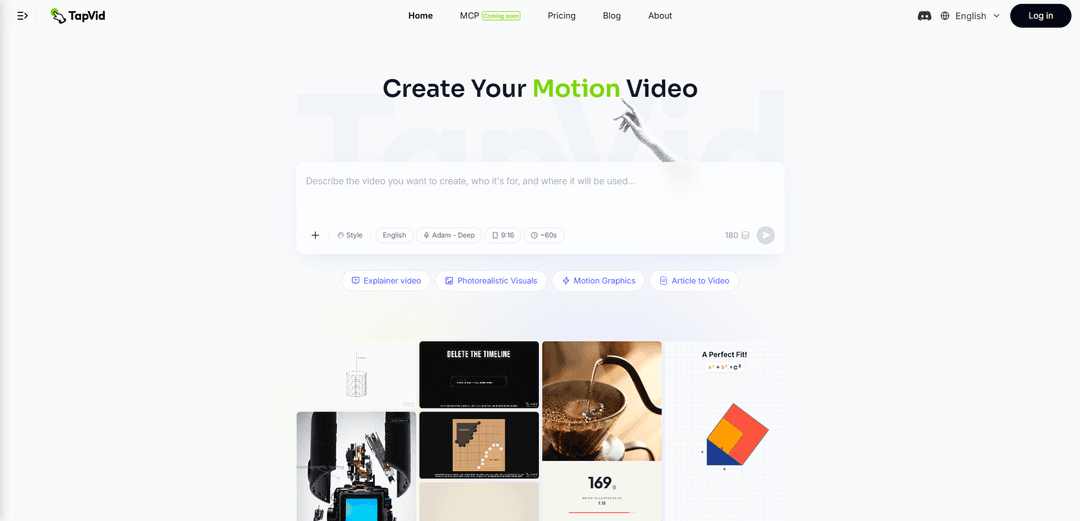
TapVid is an AI tool that turns your script into a fully animated explainer video. Describe what you want to explain, and the Agent breaks it into a script, storyboard, and motion — producing a polished explainer video in minutes. No After Effects. No starting from a blank timeline.
https://tapvid.ai/?utm_source=aipure
Product Information
Updated:Jul 17, 2026
What is TapVid
TapVid is a code-generated visual Explainer Video Engine that turns existing content into visualized, interactive explainer videos. Instead of generating random realistic footage from a prompt, TapVid starts with content you already have, such as a paragraph, article, PDF, script, product copy, PRD, or voiceover script, and turns it into a structured, motion-driven explainer video in minutes.TapVid is not another AI video generator or a text-to-video tool for diffusion-style realistic footage. It focuses on code-generated visuals, motion logic, and clear explanation. It helps creators explain ideas, products, trends, news, brand stories, and educational concepts without starting from a blank timeline or relying on After Effects-style workflows.
Key Features of TapVid
TapVid is an AI explainer video generator focused on creating structured, production-ready motion-graphics videos from a prompt, PDF, script, or URL. It automates the pipeline from outline and script to visuals, voiceover, and final export, aiming to remove the need for timeline editing or motion design skills. TapVid also supports natural-language refinement (“intelligent edit”) and a remix workflow to reuse pacing/structure while keeping content unique, with export options like 1080p and watermark-free output depending on plan.
Prompt/PDF/Link-to-video generation: Turn prompts, PDFs, and web links into complete explainer videos with motion graphics, reducing manual content adaptation and production steps.
One-shot, end-to-end production: Generates a publish-ready video in one pass—from outline and script to the final rendered clip—so creators can focus on the message rather than editing workflows.
Natural-language “Intelligent Edit”: Refine and iterate on videos using plain English instructions, enabling non-editors to adjust content and presentation without specialized tools.
Motion-graphics-first (not diffusion footage): Emphasizes code-generated visuals, motion logic, and clarity of explanation rather than relying on diffusion-style realistic video generation.
Voiceover-ready explainer format: Designed to produce videos with narration-style structure and supporting visuals (and commonly positioned for voiceover/subtitle workflows).
Export and scaling options via credits: Credit-based rendering with plan tiers that include 1080p exports, watermark-free output, longer clip limits on higher tiers, and priority rendering/support.
Use Cases of TapVid
Product marketing & launches: Convert product docs/PRDs and positioning copy into short launch or feature announcement videos without an agency or motion design team.
SaaS onboarding & help center content: Create onboarding explainers, API/docs walkthroughs, and support videos from existing documentation to improve user activation and reduce tickets.
Education & course creation: Turn course slides, PDFs, or lesson scripts into engaging motion-graphics explainers to improve learner attention and completion.
Content repurposing (articles/newsletters/web pages): Transform written content from links or articles into short-form motion videos for social distribution and content scaling.
Investor/pitch storytelling: Generate concise pitch or narrative explainer videos from decks and written materials for fundraising, internal alignment, or stakeholder updates.
Brand storytelling & trend explainers: Produce structured, visually clear explainers for brand stories, trends, and educational concepts when timing and clarity matter more than photoreal footage.
Pros
Fast end-to-end workflow (prompt/doc to finished video) that reduces reliance on editors or agencies
Motion-graphics and explanation-first approach can yield clearer, more controlled explainer-style visuals than generic text-to-video footage
Natural-language editing lowers the skill barrier for iteration and refinement
Flexible inputs (prompt, PDF, URL, script) support repurposing existing materials
Cons
Credit-based pricing and clip-length limits can constrain heavy or long-form usage unless upgrading tiers
Best suited to motion-graphics explainers; may be less ideal if you need highly photoreal, cinematic, diffusion-style footage
As with AI-generated video, achieving precise brand-perfect output may still require iteration and critical review
How to Use TapVid
1) Create an account and log in: Go to https://tapvid.ai/ and click “Log in” (or “Join”). Sign in to access the creation workflow.
2) Start a new video: From the app, begin a new generation. TapVid is designed to turn a prompt, PDF, or link into a structured explainer video with motion graphics.
3) Choose your input type (Prompt / PDF / Link): Provide one of the supported sources: (a) write a prompt/idea, (b) upload a PDF (or other source material like slides/scripts if available in your workspace), or (c) paste a URL link to an article/page you want converted into a video.
4) Pick a video style and format: Select the style you want (e.g., explainer/motion-graphics oriented) and choose the format settings shown in the UI (commonly vertical 9:16 for short-form).
5) Configure audio/voiceover (if needed): Enable voiceover and choose a voice/language option if your project needs narration. TapVid supports producing videos with voice (and commonly subtitles/captions depending on your workflow).
6) Set the target length (and keep credits in mind): Decide how long the clip should be. TapVid uses credits; the pricing page notes an example conversion of “3 credits = 1 second,” and plans allow different maximum clip lengths (e.g., up to 3 minutes on Basic/Pro/Max, up to 5 minutes on Ultra).
7) Generate the video (One Shot): Run generation. TapVid’s “One Shot” flow produces a complete video from outline → script → final output, aiming for a publish-ready result without manual timeline editing.
8) Review the draft for clarity and pacing: Watch the generated video end-to-end and check that the explanation matches your intent, the pacing is clear, and the visuals support the message (not just decoration).
9) Refine using Intelligent Edit (natural-language edits): Use TapVid’s “Intelligent Edit” to request changes in plain language (e.g., shorten the intro, change wording, adjust emphasis, revise a scene). Iterate until the video matches your desired structure and tone.
10) Re-generate or polish as needed: If sections need improvement, continue iterating with additional natural-language edits and re-renders until the output is consistent and ready to publish.
11) Export the final video: Export the finished clip (the pricing page indicates 1080p exports and watermark-free output on paid plans). Save the file for distribution.
12) Share or publish: Post the exported video to your target channels (e.g., landing pages, social media, onboarding/help center, product launch pages) based on your use case.
13) Manage your plan and credits: If you need more output volume or longer clips, upgrade your plan (Basic/Pro/Max/Ultra) or use add-on top-ups where available. Cancel anytime if you’re on a subscription.
TapVid FAQs
TapVid is an AI explainer video generator that turns a prompt, PDF, or link into a finished explainer video with motion graphics, designed to require no editing or design skills.
Official Posts
Loading...Popular Articles

Vosko AI: Localize and Dub Videos for Global Audiences
Oct 15, 2026

Atoms: A Multi-Agent AI Platform That Transforms Ideas into Launch-Ready Products
Oct 13, 2026

Nano Banana SBTI: What It Is, How It Works, and How to Use It in 2026
Apr 15, 2026

Atoms Review — The AI Product Builder Redefining Digital Creation in 2026
Apr 10, 2026
Latest AI Tools Similar to TapVid

Loud Fame
Loud Fame is an AI-powered video transformation tool that allows users to convert regular videos into anime-style animations and create AI-generated celebrity talking videos.
BizBoom.ai
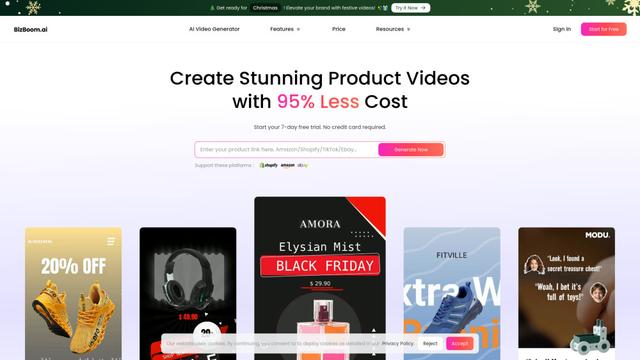
BizBoom.ai is an AI-powered platform that automatically generates professional product videos from product links and images with 95% less cost.

EzVideos
EzVideos is an all-in-one video creation tool that helps users generate viral videos for social media platforms like Instagram, TikTok, and YouTube with automated editing features and built-in resources.
Illuminix
Illuminix is an AI-powered platform that empowers businesses with autonomous hyper-experts and specialized tools for automated business processes, data management, and video content creation.
Popular AI Tools Like TapVid
HunyuanVideo-I2V
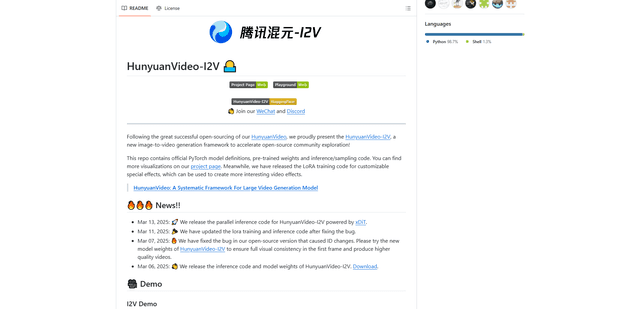
HunyuanVideo-I2V is an open-source AI framework developed by Tencent that transforms static images into high-quality, dynamic videos with customizable motion effects and exceptional visual consistency.
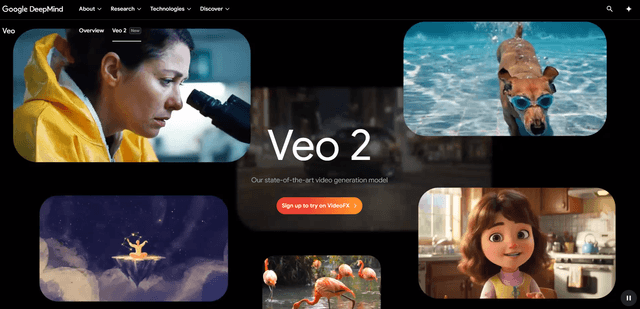
Google Veo 2
Veo 2 is Google DeepMind's state-of-the-art AI video generation model that can create high-quality videos up to 4K resolution with realistic motion, extensive camera controls, and improved physics simulation from text prompts.

Vibing
Vibing is an AI-powered dating app that helps users share authentic moments through video stories and make genuine connections based on personality matching and interactive features.
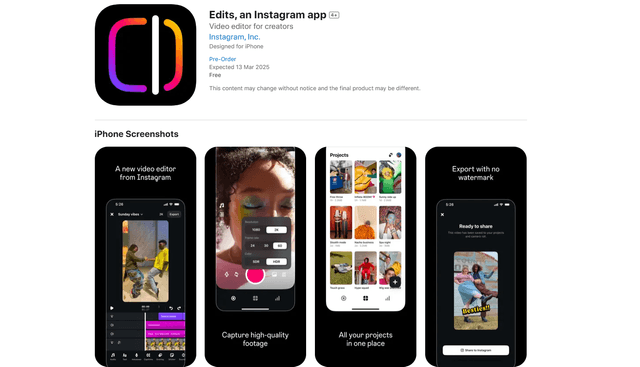
Edits, an Instagram app
Edits is Instagram's free video creation app that provides creators with professional editing tools, AI features, and analytics capabilities to create high-quality videos directly from their phones.