talat
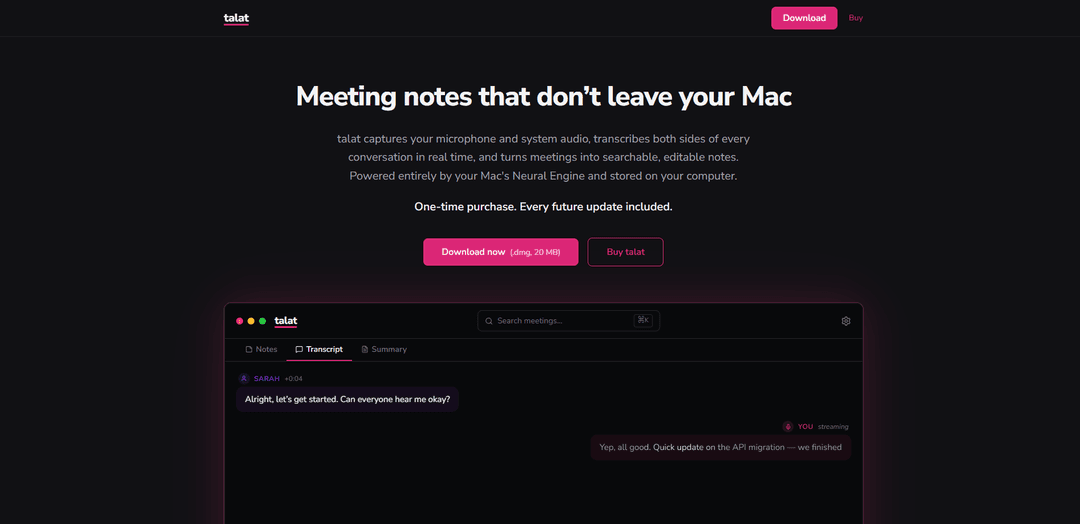
Talat is a privacy-focused meeting assistant that records, transcribes, and summarizes your meetings locally on your Mac using on-device AI, ensuring your data never leaves your computer.
https://talat.app/?ref=producthunt
Product Information
Updated:Apr 8, 2026
What is talat
Talat is a powerful meeting productivity tool designed for Mac users who value privacy and data control. It's a standalone application that works alongside your existing meeting platforms like Zoom, Teams, or Google Meet, offering automatic recording, real-time transcription, and AI-powered summarization capabilities - all processed locally on your device. The app is available as a one-time purchase with a free trial offering 10 hours of recording time, requiring no account creation or credit card details.
Key Features of talat
Talat is a Mac-based meeting recording and transcription tool that operates locally using on-device AI. It automatically detects when conferencing apps are in use, records and transcribes conversations in real-time, generates meeting summaries using local LLM, and stores all data securely on your device. The app offers extensive customization options, integrates with various meeting platforms, and provides searchable, editable notes without requiring cloud storage or monthly subscriptions.
Local Processing & Storage: Uses Mac's Neural Engine for transcription and local LLM for summaries, ensuring all data stays on your device
Automatic Meeting Detection: Seamlessly integrates with Zoom, Teams, Google Meet, and other conferencing apps by detecting microphone usage
Customizable Configuration: Offers extensive control over settings, including LLM choice, summary prompts, and integration with various storage solutions
Real-time Editing: Allows users to edit, delete, or split transcript segments and reassign speakers during the meeting
Use Cases of talat
Business Meetings: Capture and organize important discussions, decisions, and action items from team meetings and client calls
Educational Sessions: Record and transcribe lectures, seminars, and study group discussions for later reference and review
Project Documentation: Maintain detailed records of project meetings and discussions with searchable transcripts and summaries
Pros
Complete privacy with local processing and storage
One-time purchase with no subscription fees
Highly customizable and flexible integration options
Cons
Only available for Mac users
Limited to 10 hours in free version
Local LLM summaries may not be as good as cloud-based alternatives
How to Use talat
Download and Install: Download talat (.dmg, 20MB) from the official website and install it on your Mac with Apple M1 chip or later running macOS 11.0 or later
Join Your Meeting: Open your regular conferencing app (Zoom, Teams, Google Meet, etc.). talat will automatically detect when the app uses your microphone and start recording in the background
Participate in Meeting: Continue with your meeting as normal. talat will transcribe conversations in real-time, identifying different speakers and creating searchable text
Review and Edit Transcripts: During the meeting, you can edit, delete, or split transcript segments in real-time and reassign speakers as needed
Get Meeting Summary: When the meeting ends, talat automatically generates a summary with key points, decisions, and action items using either local LLM or your chosen cloud LLM provider
Access Your Notes: Access your meeting notes, summaries and transcripts anytime - they are searchable and exportable. You can also click any line in the transcript to listen to that specific moment
Configure Settings (Optional): Customize your experience by configuring LLM preferences, summary prompts, and automatic saving to Obsidian, iCloud, or Dropbox
talat FAQs
talat is a Mac application that captures, transcribes, and summarizes your online meetings. It works alongside your existing meeting tools like Zoom, Teams, or Google Meet, running quietly in the background.
talat Video
Popular Articles

Atoms: A Multi-Agent AI Platform That Transforms Ideas into Launch-Ready Products
May 22, 2026

Nano Banana SBTI: What It Is, How It Works, and How to Use It in 2026
Apr 15, 2026

Atoms Review — The AI Product Builder Redefining Digital Creation in 2026
Apr 10, 2026

Kilo Claw: How to Deploy and Use a True "Do‑It‑For‑You" AI Agent(2026 Update)
Apr 3, 2026
Latest AI Tools Similar to talat
Noiz
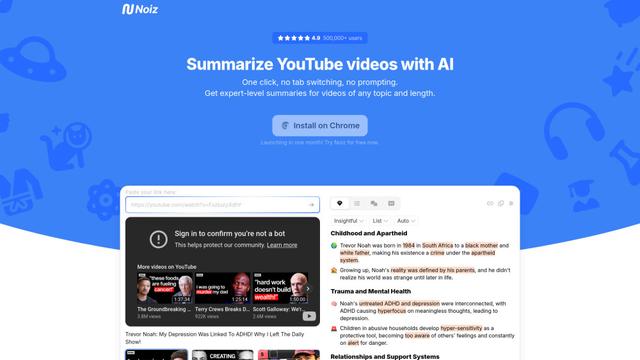
Noiz is an AI-powered video summarizer tool that transforms YouTube videos into concise summaries, transcripts, and key insights in 41 languages with just one click.
RollSummary
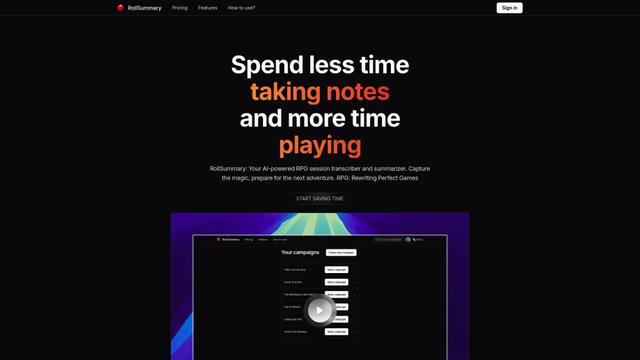
RollSummary is an AI-powered RPG session transcriber and summarizer that helps players and GMs capture, track and prepare their tabletop gaming sessions through automated transcription and smart summaries.
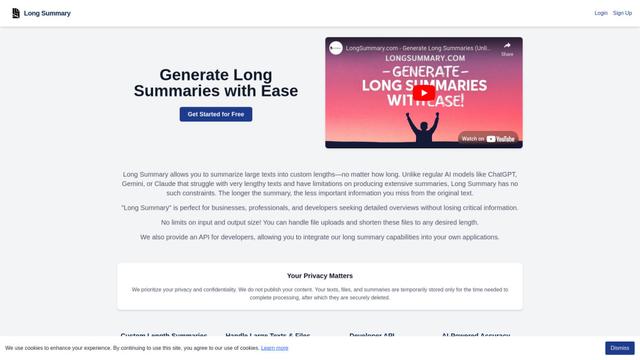
Long Summary
Long Summary is an AI-powered text summarization tool that enables users to generate summaries of any length without input or output limitations, offering custom-length summaries for various content types while maintaining information accuracy.
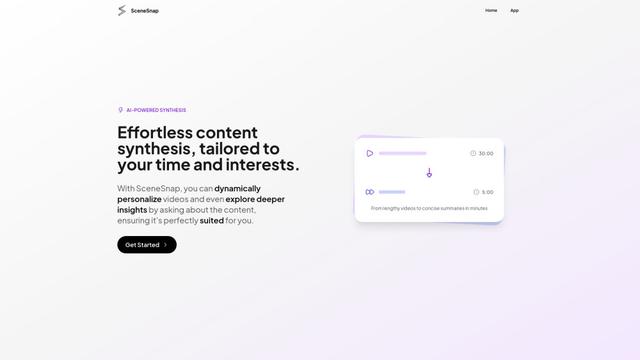
SceneSnap
SceneSnap is an AI-powered content synthesis platform that transforms lengthy videos into personalized, interactive summaries tailored to users' specific interests and time constraints.
Popular AI Tools Like talat
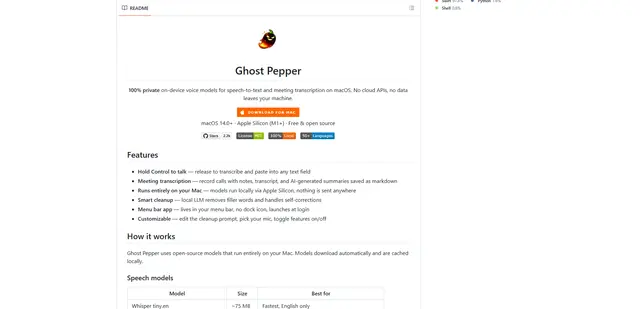
Ghost Pepper 🌶️
Ghost Pepper is a 100% local, privacy-focused speech-to-text and meeting transcription app for macOS that runs entirely on your Mac using open-source AI models, featuring hold-to-talk recording, intelligent text cleanup, and multi-language support without sending any data to the cloud.
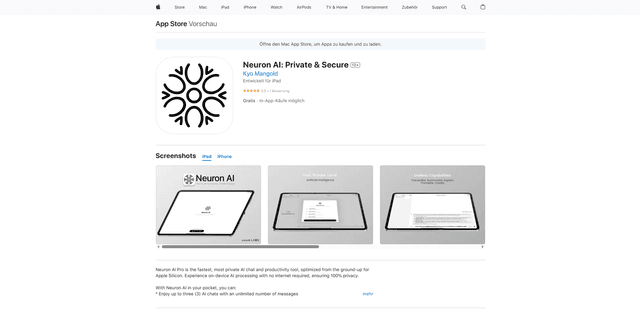
Neuron AI
Neuron AI is a private and secure AI chat and productivity tool optimized for Apple Silicon that runs completely on-device without requiring internet connection, ensuring 100% data privacy.
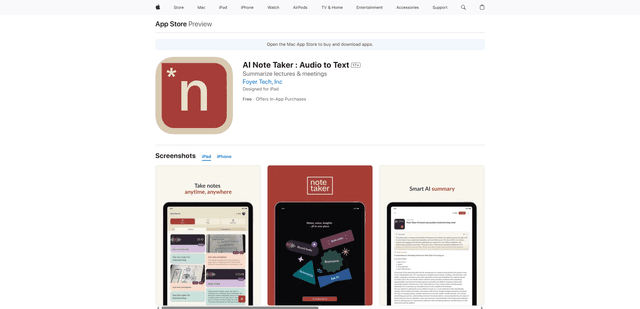
AI Note Taker : Audio to Text
AI Note Taker is an intelligent note-taking assistant that automatically converts audio/voice recordings into text transcriptions while providing AI-powered summaries and organization features for lectures, meetings, and conversations.
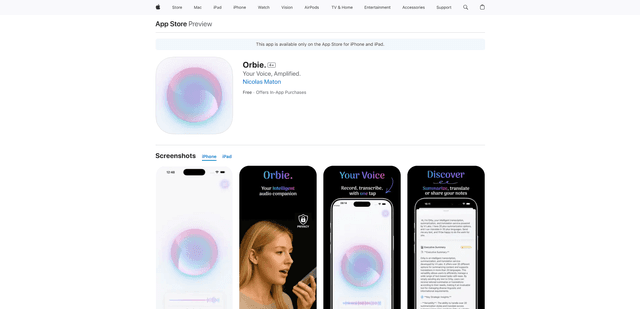
Orbie.
Orbie. is an intelligent audio companion app that transforms voice recordings into clear, shareable text with AI-powered transcription, summarization, and translation capabilities.