
Sourclip
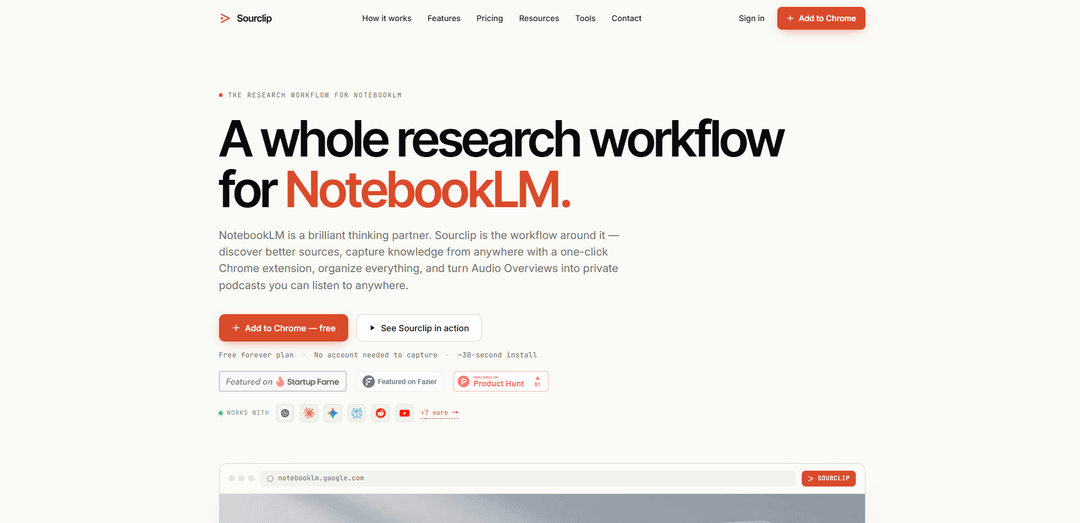
Sourclip is a Chrome extension that adds a complete workflow layer to Google NotebookLM—one‑click source capture (web, YouTube, PDFs, AI chats), folders and reusable prompts, private podcast publishing for Audio Overviews, and clean exports (Markdown/HTML/PDF).
https://www.sourclip.com/?ref=producthunt
Product Information
Updated:Jul 16, 2026
What is Sourclip
Sourclip is a productivity and research workflow companion built specifically for people who use Google NotebookLM heavily. While NotebookLM excels at reasoning over the sources you provide, Sourclip focuses on everything around that process: discovering quality research sources, capturing material from across the web without copy‑paste, organizing notebooks and artifacts into a real workspace, and exporting or listening to outputs in formats NotebookLM doesn’t streamline. It’s designed for students, researchers, creators, founders, and power users who want to move from “collect and summarize” to a repeatable, end‑to‑end research system.
Key Features of Sourclip
Sourclip is a Chrome extension and workspace layer built around Google NotebookLM that streamlines the full research workflow: discovering high-quality sources, capturing content from across the web into the right notebook in one click, organizing notebooks and artifacts with folders, reusing saved prompts, turning NotebookLM Audio Overviews into a private podcast feed, and exporting NotebookLM outputs (including artifacts Google doesn’t let you download) into clean formats like Markdown, HTML, PDF, and media files—while keeping capture processing local in the browser for privacy.
One-click capture into NotebookLM: Send content directly into the correct NotebookLM notebook without manual copy-paste—supports webpages (with readability cleanup), YouTube transcripts, PDFs (web URLs or open tabs), Reddit/X posts, and full AI chat threads from tools like ChatGPT, Claude, Gemini, Perplexity, Grok, and more.
Bulk import + YouTube at scale: Queue dozens of sources at once and go beyond single videos by importing YouTube playlists, entire channels, or search results (Pro), automatically organizing transcripts into your notebook.
Workspace organization NotebookLM lacks: Add structure with notebook folders, artifact folders, a workspace dashboard, capture history, and management tools like duplicate detection and cross-notebook source import/moves.
Reusable prompt library: Save frequently used prompts with names and shortcuts, then insert them into NotebookLM in one click—reducing repetitive prompt writing and standardizing outputs across projects.
Private podcast feed for Audio Overviews: Automatically publishes NotebookLM Audio Overviews as episodes in a personal RSS podcast feed, playable in Spotify, Apple Podcasts, Pocket Casts, YouTube Music, and other RSS apps (minutes vary by plan).
Export everything (notes + artifacts) in clean formats: Exports NotebookLM outputs to Markdown/HTML/PDF and enables downloading artifacts that aren’t natively exportable in NotebookLM (e.g., flashcards/quizzes as interactive HTML, timelines in Markdown, Audio Overviews as mp3/m4a, videos as mp4, slides as PDF), with optional branding/watermark on Pro.
Use Cases of Sourclip
Academic study & exam prep: Students can capture readings, papers, and lecture YouTube content into course notebooks, reuse study prompts, generate study guides/flashcards, and export materials to PDF/Markdown for submission or offline review.
Literature reviews & research synthesis: Researchers can bulk-import PDFs and web sources, keep multi-topic projects organized via folders, run consistent comparison prompts across sources, and export structured artifacts (briefings, timelines, FAQs) for reports.
Content creation from web + YouTube research: Creators can import playlists/channels/search results, extract key claims and outlines with saved prompts, then export drafts in Markdown/HTML and listen to Audio Overviews as a “research podcast” while on the go.
Founder/market & competitor intelligence: Founders can capture competitor pages, discussions (Reddit/X), and AI-assisted research chats into deal/market notebooks, then export branded client/investor-style briefs quickly.
Client deliverables for consultants/analysts: Consultants can standardize deliverables using a prompt library, keep each client’s notebooks in folders, and export clean, optionally branded PDFs/HTML/Markdown for easy sharing.
Pros
Significant workflow speedup around NotebookLM: one-click capture, bulk import, folders, and reusable prompts reduce copy-paste and rework.
Broad source coverage: captures webpages, PDFs, YouTube (including bulk), and full AI chat conversations from many assistants.
Strong export capability: downloads artifacts and formats that NotebookLM doesn’t natively provide (media files, interactive HTML, Markdown timelines, etc.).
Privacy-forward capture: processing runs locally in the browser and Sourclip claims it doesn’t see/store research content.
Cons
Best value depends on heavy NotebookLM usage: many advanced features (unlimited limits, full YouTube import, cloud sync, branding) are gated behind Pro/Lifetime.
Chrome-centric workflow: positioned as a Chrome extension with sync across Chrome, which may be limiting for non-Chrome users.
Audio podcast minutes are capped by plan (e.g., free monthly limit; higher but still limited on Pro).
How to Use Sourclip
1) Install Sourclip (Chrome extension): Open the Sourclip site or Chrome Web Store listing and click “Add to Chrome.” Pin the extension to your toolbar for quick access. Sourclip can start capturing immediately—no account required for capture on the Free plan.
2) (Optional) Sign in to enable workspace features and sync: Use Sourclip without an account for basic capture. Sign in when you want workspace organization features (folders, prompt library management) and, on Pro, cloud sync across devices.
3) Create or choose your target NotebookLM notebook: In NotebookLM, create a notebook for your project (or open an existing one). Sourclip’s core workflow is sending sources directly into the specific notebook you choose.
4) Discover sources using Sourclip’s Research Library: Open Sourclip and browse/search the curated directory of 230+ research sources (organized by subject/content type/access level). Click a source to open it, then capture it into your NotebookLM notebook without manual copy-paste.
5) Capture a web page into NotebookLM (one click): While viewing any web page, click the Sourclip extension, select the destination NotebookLM notebook, and capture the page. Sourclip can apply readability cleanup to make the saved source cleaner for research.
6) Capture a PDF (from a URL or an open tab): Open a PDF in Chrome (or navigate to a PDF URL). Use the Sourclip extension to capture the PDF directly into the chosen NotebookLM notebook—useful for papers, reports, and documents.
7) Capture YouTube content (single video): Go to any public YouTube video and use Sourclip to import the transcript into your selected NotebookLM notebook. On the Free plan, you can import individual videos (up to the plan’s limit).
8) Capture YouTube in bulk (playlist, channel, or search results — Pro): For larger research pulls, use Sourclip’s YouTube import to capture entire playlists, a creator’s full channel library, or YouTube search results in bulk. This is a Pro feature for playlists/channels/search captures.
9) Capture Reddit and X (Twitter) posts: Open a Reddit post or an X (Twitter) post and use the Sourclip extension to capture it into the right NotebookLM notebook, keeping social sources alongside your other research.
10) Capture full AI chat conversations: Open a conversation in supported AI tools (e.g., ChatGPT, Claude, Gemini, Perplexity, Grok, DeepSeek, and others). Use Sourclip to capture the full chat thread into NotebookLM as a source.
11) Capture only an excerpt via right-click (context capture): Highlight any text on a page, right-click, and use Sourclip’s context-menu capture to send just that selection (instead of the whole page) into your NotebookLM notebook.
12) Use bulk import and cross-notebook import when consolidating research: Queue multiple sources for capture when you’re collecting many items at once (bulk import). If you already have sources in another NotebookLM notebook, use Sourclip’s cross-notebook import to pull sources between notebooks in one move.
13) Avoid duplicates with duplicate detection: When capturing repeatedly during a project, rely on Sourclip’s duplicate detection to prevent saving the same source twice.
14) Organize your work in Sourclip’s workspace dashboard: Open Sourclip’s workspace dashboard to manage your NotebookLM workflow: group notebooks into folders, organize artifacts, rename/archive items, and keep projects structured (Free includes limited folders; Pro unlocks unlimited).
15) Build a reusable prompt library: In Sourclip, save the prompts you use repeatedly (research framings, briefs, outlines, scripts). Apply any saved prompt to a NotebookLM notebook with one click instead of re-typing or copy-pasting. Free supports a small number of saved prompts; Pro supports unlimited and sync.
16) Generate NotebookLM Audio Overviews, then publish them as a private podcast feed: In NotebookLM, create an Audio Overview for your notebook. Sourclip can automatically publish each Audio Overview as an episode in your personal podcast RSS feed so you can listen in Spotify, Apple Podcasts, Pocket Casts, YouTube Music, or any RSS-compatible app (Free includes limited minutes/month; Pro increases the monthly allowance).
17) Export your research (Markdown, HTML, PDF): Use Sourclip’s export tools to export notebooks, artifacts, and chat history into Markdown, HTML, or PDF. Free includes limited exports/day; Pro removes daily limits and can add custom branding/watermarking.
18) (Pro) Enable cloud sync across devices: If you upgrade to Pro, sign in on each Chrome instance to sync folders, prompt library, branding/settings, and organization state across devices (e.g., laptop and desktop). Free users keep everything local in the browser.
19) Manage limits and upgrades: On the Free plan, stay within daily capture/export limits (which reset the next day) and folder/prompt limits. Upgrade to Pro for unlimited captures/exports and expanded features; choose Lifetime if you prefer a one-time payment for ongoing access to Pro features.
Sourclip FAQs
Sourclip is a Chrome extension and workflow layer built around Google NotebookLM. It helps you discover sources, capture content into the right NotebookLM notebook in one click, organize notebooks with folders, reuse saved prompts, export outputs (Markdown/HTML/PDF), and turn NotebookLM Audio Overviews into a private podcast feed.
Popular Articles

Vosko AI: Localize and Dub Videos for Global Audiences
Oct 15, 2026

Atoms: A Multi-Agent AI Platform That Transforms Ideas into Launch-Ready Products
Oct 13, 2026

Nano Banana SBTI: What It Is, How It Works, and How to Use It in 2026
Apr 15, 2026

Atoms Review — The AI Product Builder Redefining Digital Creation in 2026
Apr 10, 2026
Latest AI Tools Similar to Sourclip
MarketYap!
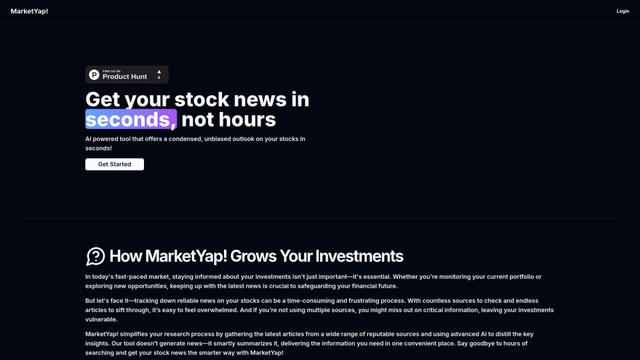
MarketYap! is an AI-powered investment news aggregation platform that simplifies stock research by gathering and summarizing articles from multiple reputable sources.
ArXiv Pulse
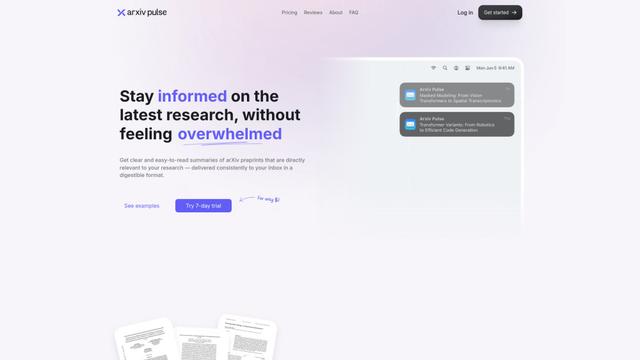
ArXiv Pulse is a platform that helps researchers stay updated with the latest research papers by providing personalized, easy-to-read summaries of arXiv preprints delivered directly to their inbox.
Zeli.app
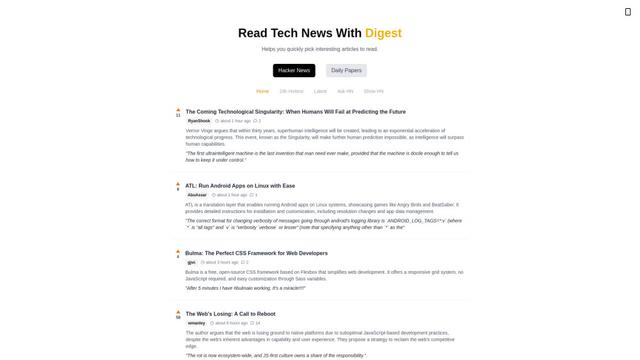
Zeli is an English-language platform that aggregates and provides digests of Hacker News articles and latest AI research papers to help tech enthusiasts stay updated with cutting-edge technology.
Gene
Gene is an AI-powered research and web assistant tool that helps users analyze, summarize and extract key information from articles and documents.
Popular AI Tools Like Sourclip
Hierarchical Reasoning Model
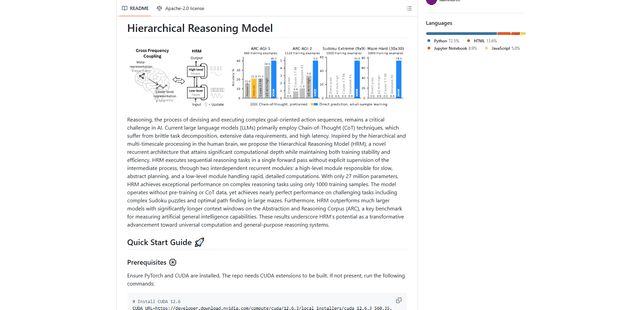
The Hierarchical Reasoning Model (HRM) is a brain-inspired AI architecture that achieves exceptional reasoning capabilities with only 27 million parameters, using two interdependent recurrent modules for abstract planning and detailed computations.
Web Researcher MCP
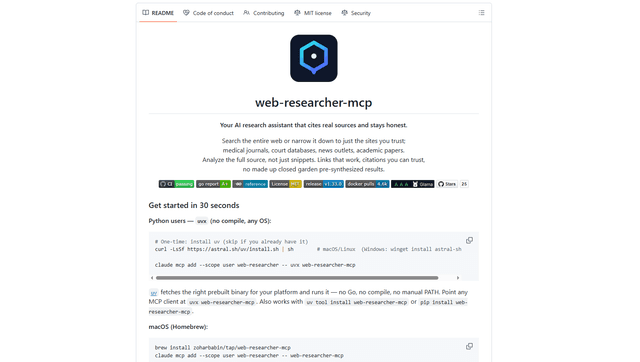
Web Researcher MCP is a local, production-grade MCP server that lets AI assistants search the web (optionally restricted to trusted “search lenses”), read full sources (including JS-rendered pages, PDFs, and YouTube transcripts), and return verifiable citations with multi-provider failover. [Source: https://github.com/zoharbabin/web-researcher-mcp?ref=producthunt]
Open AI o3
OpenAI o3 is a next-generation AI reasoning model with enhanced capabilities in coding, mathematics, and problem-solving that achieves breakthrough performance on advanced benchmarks while prioritizing safety through deliberative alignment.

NextGenAI by OpenAI
NextGenAI is a first-of-its-kind consortium launched by OpenAI that unites 15 leading research institutions with $50M in funding and tools to advance AI research and education.