SocraDraft
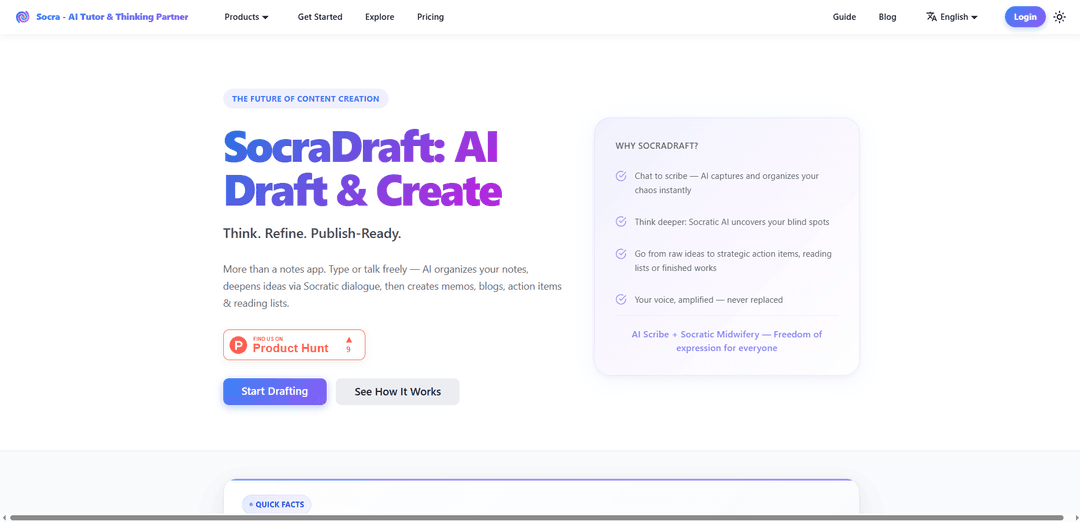
SocraDraft is a voice-first, “typeless” AI drafting workspace that captures messy thoughts, refines them through Socratic dialogue, and turns them into structured, publish-ready outputs like memos, blogs, and scripts.
https://hisocra.com/socradraft?ref=producthunt
Product Information
Updated:Jun 8, 2026
What is SocraDraft
SocraDraft is a standalone drafting and creation workspace in the Socra family designed to move you from a raw idea to a polished draft without blank-page paralysis. Rather than acting like a passive notes app or an AI add-on inside a document editor, it functions as an AI-native “Foundry” for the thinking that happens before a document exists. You can type or speak naturally, and SocraDraft organizes your input, challenges your reasoning, and then generates practical artifacts such as strategic memos, blog posts, podcast scripts, action items, and reading lists. It’s free to start (no credit card required) and is built for creators, strategists, and anyone who wants clearer thinking and faster drafting.
Key Features of SocraDraft
SocraDraft is an AI-native drafting workspace that turns messy input—typed notes, voice memos, or even captured text—into structured, publish-ready content. It works as a “thinking partner” rather than a passive notes app: it organizes ideas in real time, deepens reasoning through Socratic dialogue (asking probing questions and surfacing blind spots), and then converts refined thinking into concrete outputs like memos, blog posts, podcast scripts, action-item plans, and reading lists—helping users move from raw thought to execution without blank-page paralysis.
Frictionless capture (type or talk): Capture half-formed thoughts via casual typing or natural speech; SocraDraft transcribes and ingests raw input without requiring polished sentences or formatting.
Real-time AI structuring: As you speak or type, it identifies themes and organizes content into logical sections and bullet points, transforming scattered ideas into a clean starting draft.
Socratic refinement (thinking coach): Uses Socratic dialogue to challenge assumptions, ask “why/how,” surface blind spots, and strengthen logic—so the output reflects clearer reasoning, not just nicer wording.
Follow-up suggestions to break writer’s block: When you pause, it proposes targeted prompts (e.g., add an example, counterargument, or supporting evidence) to deepen and expand the draft in the moment.
Multi-mode analysis tools: Supports analytical modes like critical analysis, devil’s advocate, and multi-perspective screening to pressure-test ideas before finalizing a piece.
One-click knowledge artifacts & multi-format output: Converts refined sessions into specific deliverables—strategy memos, blog drafts, podcast scripts, action items, and reading lists—with support for custom skills to generate additional formats.
Use Cases of SocraDraft
Content marketing & SEO blogging: Turn voice notes or rough outlines into structured, publish-ready blog posts, with Socratic prompts to add examples, counterpoints, and clearer positioning.
Product management & strategy memos: Convert brainstorms and meeting reflections into structured strategy docs and action-item plans, then pressure-test assumptions via devil’s-advocate questioning.
Consulting & client deliverables: Transform messy discovery notes into coherent memos, recommendations, and execution blueprints, while using Socratic dialogue to tighten logic and narrative.
Podcasting & media scripting: Develop a brainstorm into a full podcast script with narrative flow, talking points, and supporting arguments—without manual outlining.
Education, coaching & curriculum design: Turn reflections and expertise dumps into lesson plans, coaching frameworks, and student resources, plus generate reading lists to extend learning.
Team documentation from whiteboards/notes: Capture brainstorming artifacts (e.g., photos of notes/whiteboards) and organize them into structured documentation and follow-ups for collaboration and execution.
Pros
Strong at turning unstructured voice/rough notes into structured drafts quickly, reducing blank-page friction.
Socratic questioning improves reasoning quality (not just grammar), helping surface gaps and blind spots.
Flexible outputs (memos, blogs, scripts, action items, reading lists) and supports custom generation skills.
Cons
Socratic, probing workflow may feel slower or overly challenging for users who only want fast, compliant text generation.
Voice-first benefits depend on input clarity and environment; noisy settings can reduce transcription/structure quality.
“Typeless” conversational approach may not suit users who prefer precise manual editing in a traditional document editor.
How to Use SocraDraft
1) Open SocraDraft (Draftly) and start a new drafting session: Go to SocraDraft and enter the Draftly workspace (hisocra.com/draftly). Create a new session so Socra can capture, refine, and generate outputs from a single conversation thread.
2) Choose your input mode: type or talk: Begin by either typing freely or speaking naturally (voice-first). Don’t worry about formatting, perfect wording, or structure—SocraDraft is designed to handle messy, half-formed thoughts.
3) Do a frictionless “brain dump” (Capture Without Friction): Pour in your raw ideas: bullets, fragments, meeting reflections, strategy thoughts, or pasted notes from other apps. SocraDraft acts as an AI scribe, organizing your input into a clean, structured starting point.
4) Let SocraDraft organize your notes in real time: As you capture, allow the system to polish and structure what you said/wrote—turning scattered thoughts into clearer sections, headings, and logical groupings without manual editing.
5) Enter Socratic Refinement (Refine via Socratic Dialogue): Continue the conversation as SocraDraft asks guided questions to probe your reasoning, surface blind spots, and clarify assumptions—so your argument becomes stronger before you draft the final piece.
6) Use follow-up suggestions to deepen the draft: When you pause, review SocraDraft’s AI-generated follow-up suggestions (often 3 prompts). Use them to add supporting arguments, real-world examples, or counterpoints to break through writer’s block and strengthen the content.
7) Apply analysis skills when you need a different angle: Invoke built-in thinking modes (e.g., critical analysis, devil’s advocate, multi-perspective screening). Then respond to the resulting questions to refine logic, completeness, and clarity.
8) Convert refined thinking into action or knowledge artifacts: Before producing a polished draft, generate practical outputs like strategic action items or deep reading lists to “close the loop” from thinking to execution and learning.
9) Generate your final deliverable in one click: Transform the refined dialogue into a publish-ready format such as a memo, blog draft, or podcast script. SocraDraft turns the conversation into structured writing that reflects your voice and reasoning.
10) Iterate through dialogue instead of manual editing (typeless workflow): Rather than cursor-based edits, continue refining by telling SocraDraft what to change (tone, structure, missing sections, stronger claims). The system handles restructuring and polishing through conversation.
11) Create custom generation skills (optional): If you repeatedly produce specific formats (e.g., research briefs, lesson plans, strategy docs), create custom skills so SocraDraft learns your preferred style, audience, and structure and can generate those outputs consistently.
12) Reuse and sync your work across the Socra suite: Keep your drafts and thinking synchronized within your Socra account. You can also paste new source notes anytime and repeat the capture → refine → generate workflow for new projects.
SocraDraft FAQs
SocraDraft is a specialized workspace for creators and strategists that helps turn raw, scattered thoughts into polished, structured drafts (e.g., essays, reports, strategy memos) by refining your ideas through Socratic, guided dialogue.
SocraDraft Video
Popular Articles

How to Create Viral Talking Baby Podcast Videos with AI: Step-by-Step Guide
Nov 2, 2026

Proferex: A Cloud-Based Ad Tracking and Campaign Optimization Platform
Nov 2, 2026

Vosko AI: Localize and Dub Videos for Global Audiences
Oct 15, 2026

Atoms: A Multi-Agent AI Platform That Transforms Ideas into Launch-Ready Products
Oct 13, 2026
Latest AI Tools Similar to SocraDraft
Sai
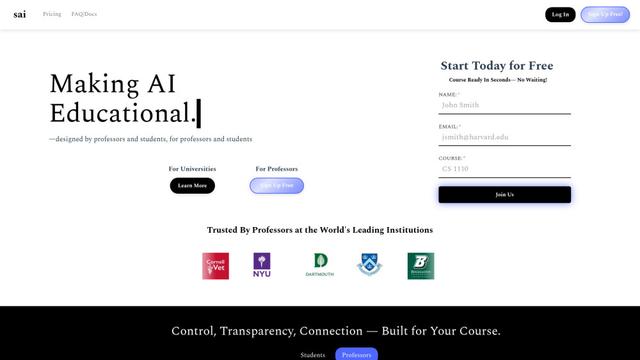
Sai is a specialized AI platform designed by and for professors and students that provides controlled, transparent, and educational AI capabilities for academic courses.
Examful.ai: Free AP, IB, and A-Level Past Papers and Tutoring
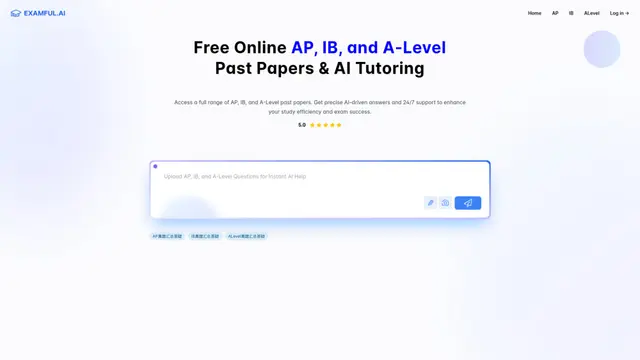
ExamFul.ai is a free online platform offering comprehensive access to AP, IB, and A-Level past papers alongside 24/7 AI-powered tutoring and detailed explanations for exam preparation.
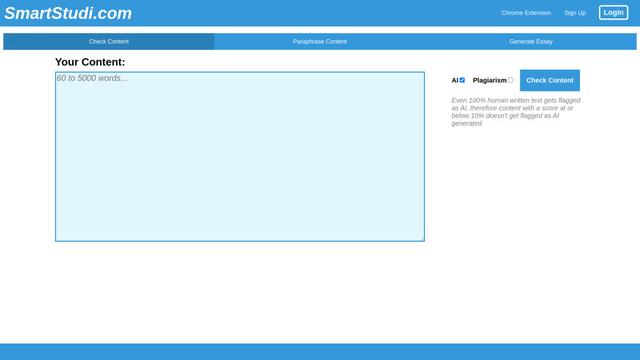
SmartStudi.com
SmartStudi.com is an intelligent learning platform offering AI-powered tools for content checking, paraphrasing, essay generation, and academic assistance.

Yanbi AI
Yanbi AI is a free AI-powered writing tool that generates high-quality content for various writing scenarios with one click.
Popular AI Tools Like SocraDraft
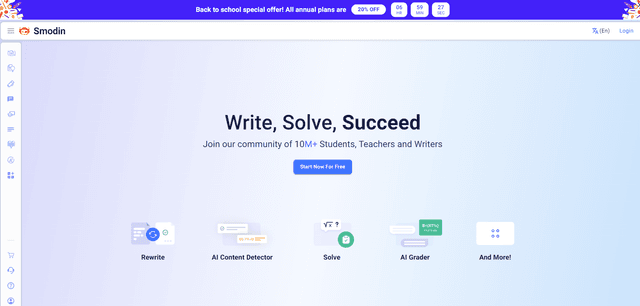
Smodin
Smodin is a comprehensive AI-powered writing assistant platform that offers multiple tools including text rewriting, plagiarism checking, translation, and content generation to help students, writers, and professionals enhance their writing process.
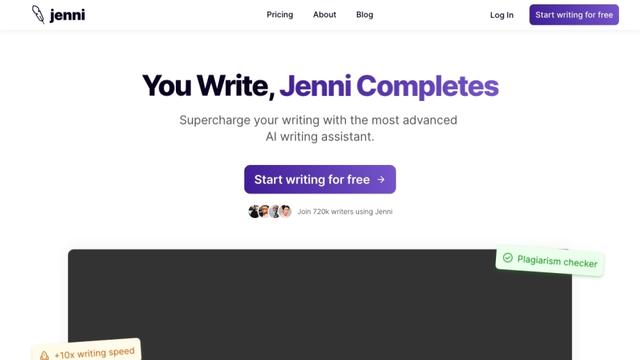
Jenni
Jenni is an AI-powered writing assistant that helps students and researchers write, edit, and cite academic papers more efficiently.
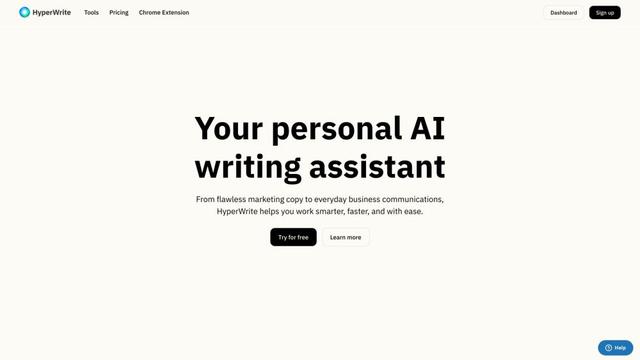
HyperWrite
HyperWrite is an AI-powered writing assistant that uses advanced artificial intelligence to help users generate high-quality content, improve their writing, and boost productivity across various writing tasks.
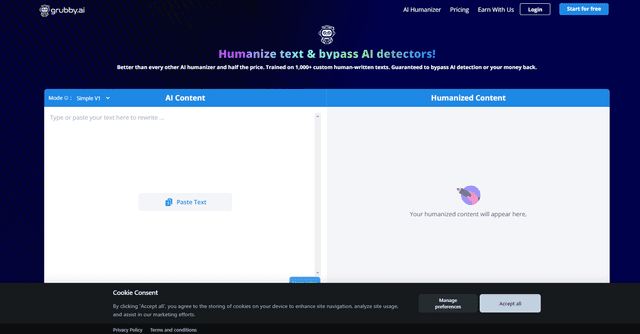
grubby.ai
Grubby.AI is an AI text humanizer tool that transforms AI-generated content into undetectable, human-like text using advanced algorithms while bypassing major AI detection systems.