
Runway Agent
Runway Agent is an agentic creative partner that turns a single conversation into a concept, story beats, visual direction, and a ready-to-publish video—built for fast, on-brand production at scale.
https://app.runwayml.com/agent?ref=producthunt
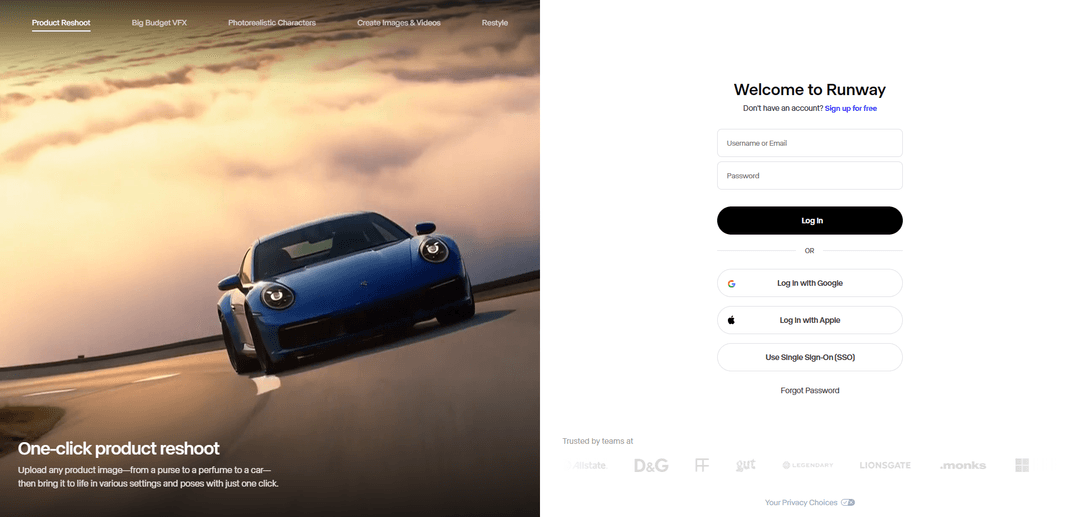
Product Information
Updated:Jun 8, 2026
What is Runway Agent
Runway Agent is Runway’s conversational, end-to-end video creation experience designed to take you from an initial idea to a finished, publishable video within one guided chat. Instead of managing a traditional production workflow, you describe what you need and the agent helps shape the creative: proposing concepts, outlining story beats, and defining a cohesive visual direction aligned to your context and goals. It’s positioned for the high volume and variety of modern video needs—such as brand campaigns, product launches, social content, and even short film scenes—compressing the time and complexity between ideation and delivery.
Key Features of Runway Agent
Runway Agent is an agentic creative partner inside Runway that helps you go from an initial idea to a ready-to-publish video through a single conversational workflow. It can propose concepts, develop story beats, and lay out visual direction aligned to your goals and context, then leverage Runway’s generative and editing capabilities (video, image, and audio) to produce assets quickly for marketing, social, and filmmaking needs—compressing traditional production timelines while keeping outputs on-brand and iterative.
Conversation-to-video workflow: Create a finished video in one guided chat: describe what you need and the agent helps shape the concept through to production outputs.
Concept + story beat generation: Automatically proposes creative concepts, structures story beats, and suggests a coherent visual direction based on your objectives and constraints.
On-brand creative direction: Adapts recommendations and outputs around your context (e.g., campaign goal, audience, format), supporting consistent style and messaging across variations.
Rapid iteration for high-volume content: Designed to produce and iterate quickly—useful when you need many versions (hooks, cuts, formats) faster than traditional production cycles.
Integrated generative + editing toolkit: Works within Runway’s broader suite of AI media tools (image/video generation and editing) to help generate assets and refine them into publishable clips.
Use Cases of Runway Agent
Brand campaigns and product launches: Generate campaign concepts, storyboards/story beats, and promotional videos for launches, ads, and landing-page hero content with fast iteration.
Always-on social content: Produce frequent, platform-specific short-form videos (TikTok/Reels/Shorts) and quickly spin multiple variants to match social cadence.
Creative agencies and marketing teams: Accelerate ideation-to-deliverable workflows for client pitches, creative exploration, and rapid production of multiple ad concepts.
Independent film and short-form storytelling: Turn rough ideas into fully realized scenes or short pieces without needing a full crew or budget, shortening the path from concept to cut.
Internal communications and training content: Draft and produce explainer-style videos for internal updates, enablement, and training materials where speed and clarity matter.
Pros
Compresses the idea-to-video process into a single conversational workflow, enabling faster production.
Supports high-volume creation and iteration for marketing and social teams.
Helps structure creative direction (concepts, beats, visual approach), reducing blank-page time.
Cons
Still depends on user-provided creative direction and prompt quality; not fully autonomous end-to-end filmmaking.
Output quality and controllability can vary by model/tooling and may require multiple iterations to match a specific vision.
May not replace specialized post-production workflows for teams needing highly precise, traditional editing pipelines.
How to Use Runway Agent
1) Open Runway Agent: Go to https://app.runwayml.com/agent and sign in (or create a free account).
2) Start a new Agent conversation: Once you’re in the Agent interface, begin a new chat/thread and describe what you want to make (e.g., a product video, social clip, short scene, or multi-shot story).
3) Provide your goal and constraints: Tell the agent the purpose (ad, launch, always-on social, film scene), target platform/aspect ratio, approximate duration, tone, and any brand/style constraints you want followed.
4) Add context and references (optional but recommended): Upload or link reference images/assets and describe what you want preserved (character/product identity, color palette, typography, mood). The agent can shape the visual direction around your inputs.
5) Review the agent’s proposed concept and story beats: The agent will propose a concept and outline story beats/scene plan. Confirm what you like and request changes (pacing, shot types, setting, style, messaging).
6) Ask the agent to generate the video: Instruct the agent to produce the video based on the approved plan. It can generate multiple scenes/shots and assemble them into a finished draft.
7) Add voiceover, dialogue, and music (as needed): Provide a script (or ask the agent to draft one), then request voiceover/dialogue and background music. Iterate on voice style, delivery, and mix preferences.
8) Iterate quickly with targeted feedback: Give specific notes (replace shot 2, change background, adjust camera motion, tighten edit, swap music mood). Repeat until the cut matches your intent.
9) Export/publish your final output: When satisfied, export the finished video in the format you need for publishing (e.g., social-ready versions).
10) (Optional) Connect Runway to a coding agent via Skills: If you want programmatic generation or integration, install Runway Skills in your coding agent environment. After installing/updating plugins, run /reload-plugins if skills don’t appear. You’ll need a Runway developer account with prepaid credits ($10 minimum). For generation skills, set RUNWAYML_API_SECRET and have uv available; for integration skills, use a server-side project (Node.js 18+ or Python 3.8+).
11) (Optional) Build with the Runway API (uploads + tasks + polling): For API workflows, use the Runway API hostname api.dev.runwayml.com. Typical flow: upload media (if needed), create a generation task, poll until completion, then download/save the output.
12) (Optional) Use real-time Characters (avatars) in an app: Create a Character (avatar) in the Developer Portal or via API, then create a realtime session (model: gwm1_avatars), poll until status is READY, and use the returned sessionKey to connect from your client (commonly via WebRTC).
Runway Agent FAQs
Runway Agent is a real-time video agent API for building fully custom conversational characters. It supports characters with any appearance and visual style, with control over voice, personality, knowledge, and actions.
Popular Articles

How to Create Viral Talking Baby Podcast Videos with AI: Step-by-Step Guide
Nov 2, 2026

Proferex: A Cloud-Based Ad Tracking and Campaign Optimization Platform
Nov 2, 2026

Vosko AI: Localize and Dub Videos for Global Audiences
Oct 15, 2026

Atoms: A Multi-Agent AI Platform That Transforms Ideas into Launch-Ready Products
Oct 13, 2026
Latest AI Tools Similar to Runway Agent
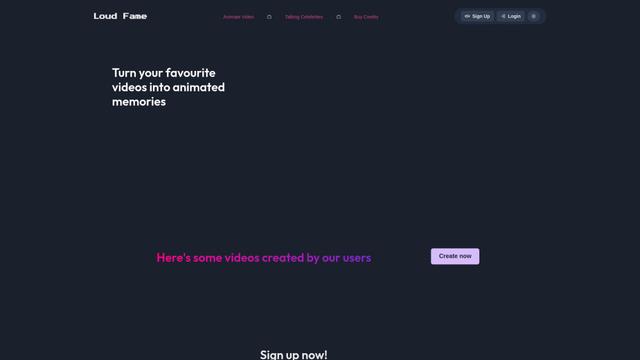
Loud Fame
Loud Fame is an AI-powered video transformation tool that allows users to convert regular videos into anime-style animations and create AI-generated celebrity talking videos.
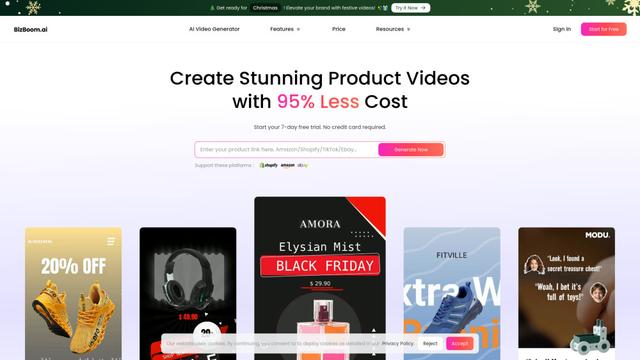
BizBoom.ai
BizBoom.ai is an AI-powered platform that automatically generates professional product videos from product links and images with 95% less cost.

EzVideos
EzVideos is an all-in-one video creation tool that helps users generate viral videos for social media platforms like Instagram, TikTok, and YouTube with automated editing features and built-in resources.
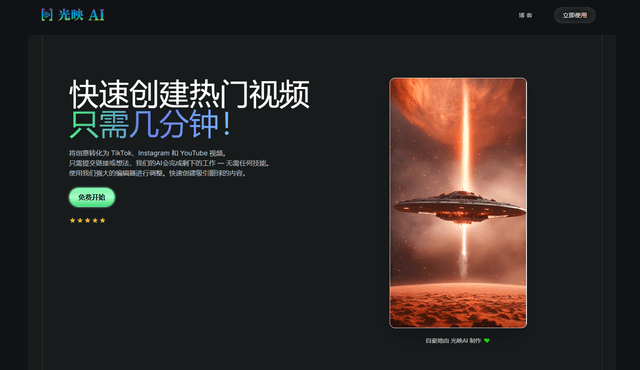
Illuminix
Illuminix is an AI-powered platform that empowers businesses with autonomous hyper-experts and specialized tools for automated business processes, data management, and video content creation.
Popular AI Tools Like Runway Agent
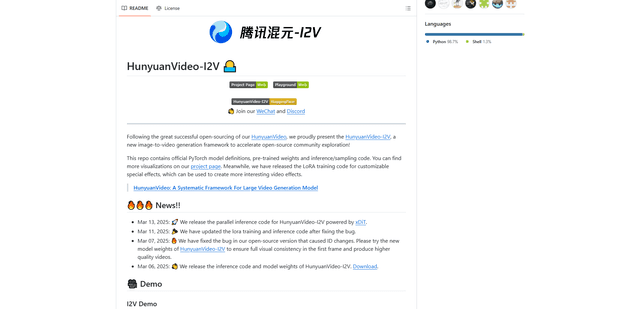
HunyuanVideo-I2V
HunyuanVideo-I2V is an open-source AI framework developed by Tencent that transforms static images into high-quality, dynamic videos with customizable motion effects and exceptional visual consistency.
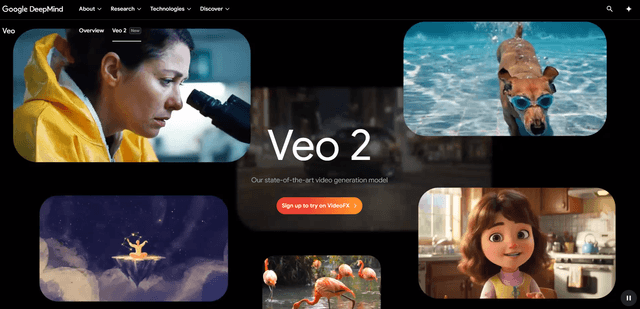
Google Veo 2
Veo 2 is Google DeepMind's state-of-the-art AI video generation model that can create high-quality videos up to 4K resolution with realistic motion, extensive camera controls, and improved physics simulation from text prompts.

Vibing
Vibing is an AI-powered dating app that helps users share authentic moments through video stories and make genuine connections based on personality matching and interactive features.
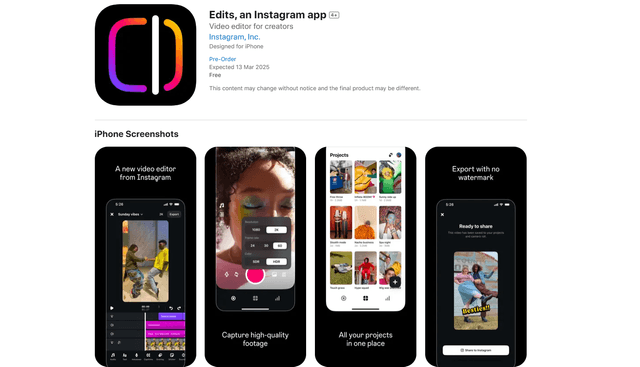
Edits, an Instagram app
Edits is Instagram's free video creation app that provides creators with professional editing tools, AI features, and analytics capabilities to create high-quality videos directly from their phones.