
Riffly
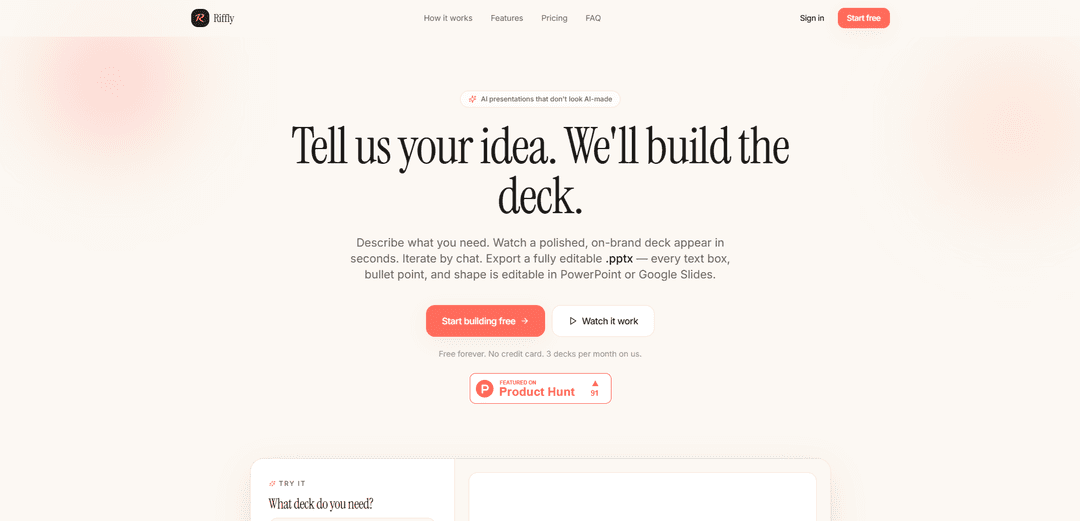
Riffly is a chat-driven AI presentation builder that generates polished, on-brand slide decks in seconds and exports a fully editable .pptx for PowerPoint or Google Slides.
https://tryriffly.app/?ref=producthunt
Product Information
Updated:May 18, 2026
What is Riffly
Riffly (TryRiffly) is an AI presentation tool designed to replace template-clicking with conversation: you describe the deck you want—such as “a 10-slide investor-ready pitch deck in a dark theme”—and it produces a complete, designed presentation quickly. It focuses on making decks look “handmade” rather than generic, and supports iterative refinement through chat so you can adjust tone, structure, and styling without rebuilding slides manually. Riffly offers a free tier (no credit card) with limited monthly decks and an upgrade for unlimited usage and additional features.
Key Features of Riffly
Riffly is an AI presentation builder that turns a text (or voice) prompt into a polished, on-brand slide deck in seconds, then lets you refine the deck through chat and export a fully editable PowerPoint (.pptx) (and PDF on Pro). It focuses on producing decks that don’t look “AI-made,” with smart layout variety, speaker notes, and high-quality animations, aiming to get users from blank page to investor/boardroom-ready output quickly without wrestling with templates.
Prompt-to-deck generation: Describe what you need (e.g., “10-slide pitch deck, dark theme, investor-ready”) and Riffly generates slide titles, bullet content, and structure within seconds.
Chat-based iteration: Refine the deck conversationally with instructions like “make slide 3 funnier” or “switch to a darker theme,” and the slides update accordingly.
Fully editable .pptx export: Export a real PowerPoint file where every text box, bullet, and shape remains editable in PowerPoint or Google Slides.
Smart layouts & slide rhythm: Uses guided structures (titles, bullets, quotes, section breaks, images) to keep slides from repeating the same pattern and to maintain a polished flow.
Speaker notes included: Generates what to say alongside what to show, helping presenters deliver coherent narratives without writing notes from scratch.
Pro enhancements: Upgrading adds unlimited decks/slides, removes watermark, enables AI-generated slide images, offers priority generation, supports PDF export, and includes voice input.
Use Cases of Riffly
Startup fundraising pitch decks: Founders can generate investor-ready decks quickly, iterate on messaging via chat, and export editable .pptx files for final polishing.
Sales and marketing presentations: Teams can produce product overviews, proposals, and campaign decks fast, then adjust tone, theme, and slide emphasis through conversational edits.
Consulting and client updates: Consultants can turn meeting notes into structured status updates, strategy decks, and executive readouts with speaker notes to guide delivery.
Education and training materials: Educators and trainers can create lesson decks with clear structure and presenter notes, then export to PowerPoint/Google Slides for customization.
Internal business reviews: Operators and managers can draft QBRs/OKR reviews and leadership updates rapidly, ensuring consistent formatting and narrative flow.
Pros
Fast end-to-end workflow from prompt to boardroom-ready deck with chat refinement
Exports a truly editable .pptx compatible with PowerPoint and Google Slides
Includes speaker notes and smart layout variety to improve presentation quality
Cons
Free plan limits usage (3 decks/month, up to 8 slides) and includes a watermark
Some key capabilities (AI slide images, PDF export, voice input, unlimited decks) require the Pro subscription
How to Use Riffly
1) Open Riffly: Go to https://tryriffly.app/ and start a new deck (you can use the free plan: 3 decks/month, up to 8 slides per deck).
2) Describe the deck you want (prompt it): Type (or speak, if available on your plan) what you need, e.g., “10-slide pitch deck, dark theme, investor-ready” or “A 10-slide pitch for my Series A.” Include audience, tone, and any must-have sections.
3) Generate the presentation: Submit your prompt and let Riffly generate a polished deck in seconds, including slide titles, bullet points, and speaker notes.
4) Refine the deck via chat: Use chat instructions to iterate quickly, e.g., “Make slide 3 funnier,” “Darker theme,” “Add a section break,” or “Rewrite bullets to be more concise.” Riffly updates the deck based on your requests.
5) Edit slides directly (optional): Click any slide to edit content directly (text, bullets, shapes/layout elements) before exporting.
6) Export to PowerPoint / Google Slides: Download a real, fully editable .pptx file—each text box, bullet, and shape remains editable in PowerPoint or Google Slides.
7) Export to PDF (Pro plan, if needed): If you’re on Pro, export a PDF version in addition to .pptx for easy sharing or printing.
8) Manage plan limits and upgrades: If you hit free limits (3 decks/month, up to 8 slides, watermark), upgrade to Pro for unlimited decks/slides, no watermark, priority generation, AI-generated slide images, PDF export, and voice input.
Riffly FAQs
Riffly is an AI presentation tool that generates polished, on-brand slide decks from a description, lets you refine them via chat, and exports a fully editable .pptx.
Popular Articles

Atoms: A Multi-Agent AI Platform That Transforms Ideas into Launch-Ready Products
May 22, 2026

Nano Banana SBTI: What It Is, How It Works, and How to Use It in 2026
Apr 15, 2026

Atoms Review — The AI Product Builder Redefining Digital Creation in 2026
Apr 10, 2026

Kilo Claw: How to Deploy and Use a True "Do‑It‑For‑You" AI Agent(2026 Update)
Apr 3, 2026
Latest AI Tools Similar to Riffly
PPTalker
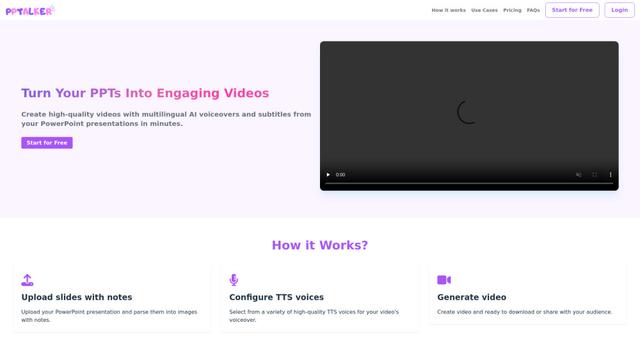
PPTalker is an online PowerPoint to video converter that transforms presentations into engaging videos with AI-powered multilingual voiceovers and subtitles.
Napkin
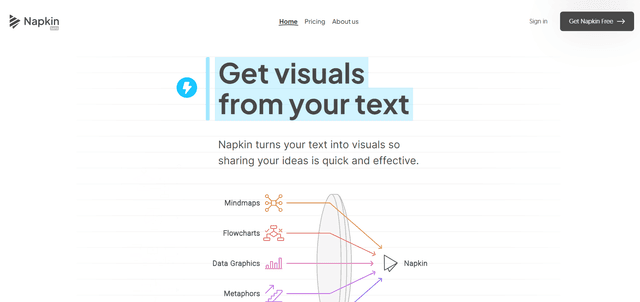
Napkin AI is an innovative AI-powered tool that automatically transforms text into visually appealing graphics, diagrams, and illustrations to enhance business communication and storytelling.
Aidocmaker.com
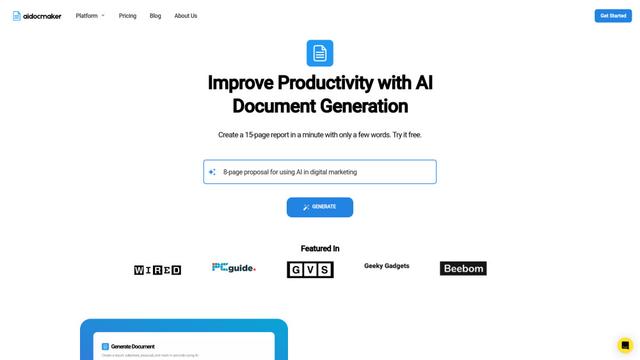
Aidocmaker.com is an AI-powered document creation platform that allows users to effortlessly generate professional documents, presentations, spreadsheets, and voiceovers in minutes.

Yanbi AI
Yanbi AI is a free AI-powered writing tool that generates high-quality content for various writing scenarios with one click.
Popular AI Tools Like Riffly

MulmoCast
MulmoCast is an AI-native multi-modal presentation tool that automatically generates videos, podcasts, slides, PDFs, and manga-style content from a single script using various AI technologies.
MulmoCast Vision
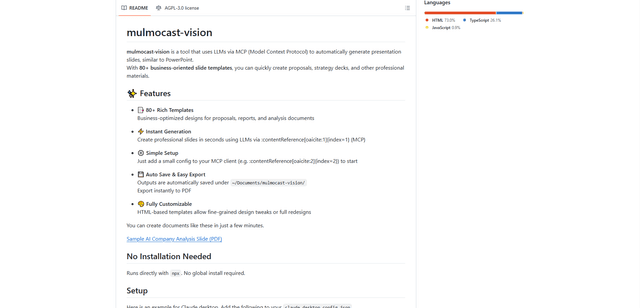
MulmoCast Vision is an AI-powered tool that automatically generates professional presentation slides through LLMs via Model Context Protocol (MCP), featuring 80+ business-oriented templates for various corporate needs.
Gamma
Free TrialAI Presentation Generator
Gamma App is an AI-powered tool for creating beautiful presentations, documents, and websites with no design or coding skills required.
SLIDESGO
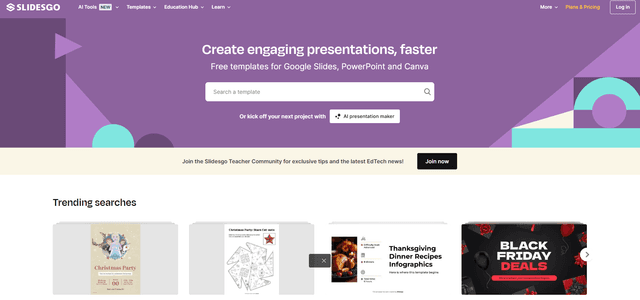
Slidesgo is a free online platform that provides professionally designed presentation templates for Google Slides and PowerPoint with customizable themes, infographics, and AI-powered tools to help create engaging presentations faster.