
Reword
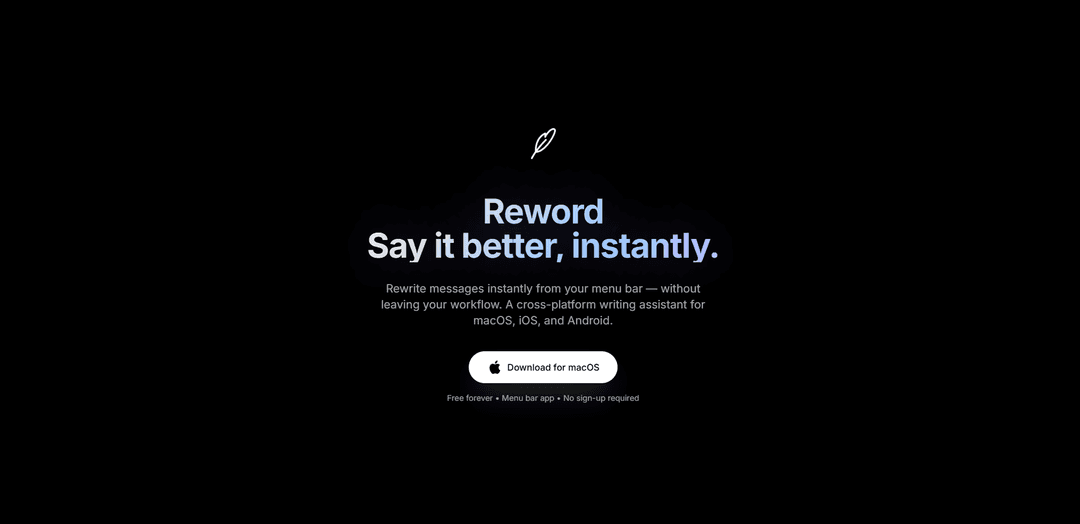
Reword is an AI-powered menu bar writing assistant that helps instantly rewrite and rephrase messages across platforms while maintaining your natural workflow.
https://reword.in/?ref=producthunt
Product Information
Updated:Jan 8, 2026
What is Reword
Reword is a cross-platform writing tool available for macOS, iOS and Android that lives in your menu bar, allowing you to quickly rewrite and improve your messages without switching between apps. As a free-to-use tool requiring no sign-up, it serves as an intelligent writing companion that helps users communicate more effectively across different contexts - from professional emails to casual chats.
Key Features of Reword
Reword is an AI-powered writing assistant accessible from the menu bar that helps users instantly rewrite and rephrase text while maintaining original meaning. It offers multiple tones and styles for different contexts, supports various languages, and can be used without leaving your current workflow. The tool provides features for rewording sentences, paragraphs, and entire documents with different intensity levels and ensures plagiarism-free content.
Menu Bar Integration: Access the tool directly from your menu bar without switching between applications, enabling seamless workflow integration
Tone-Based Rewording: Multiple preset tones including Professional, Casual, Friendly, Polite, and Confident to match different communication contexts
Multi-Platform Support: Available across macOS, iOS, and Android platforms with native experience
AI-Powered Accuracy: Advanced AI technology ensures natural and coherent results while maintaining the original meaning
Use Cases of Reword
Professional Communication: Improve workplace emails, business messages, and formal correspondence with appropriate tone and clarity
Academic Writing: Help students and researchers rephrase content for essays, papers, and research documents while avoiding plagiarism
Content Creation: Assist writers and content creators in generating unique variations of text for articles, blogs, and social media posts
Personal Messaging: Enhance casual communication by rewording messages to sound more friendly, clear, or polite
Pros
No sign-up required for basic usage
Seamless integration with workflow
Free daily usage available
Cons
Limited features in free version
May require internet connection for AI processing
How to Use Reword
Access the tool: Visit Reword.in or access the menu bar app on macOS, iOS, or Android devices. No sign-up or installation required for web version.
Input your text: Copy/paste or type your text into the input box. You can input sentences, paragraphs, or entire documents.
Select writing mode/tone: Choose from available tones like Professional, Casual, Friendly, Polite, Confident, Short & Crisp, Calm, Clear & Simple, or Follow-up to match your desired writing style.
Click rewrite button: Click the 'Reword' or 'Rewrite' button to generate alternative versions of your text while maintaining the original meaning.
Review results: Review the reworded text generated by the AI. Multiple variations may be provided depending on the selected mode.
Copy or export: Copy the reworded text to your clipboard or export it directly back to your document. For menu bar app users, paste directly back into your workflow.
Make adjustments: Use the built-in editor to make any final tweaks or adjustments to the reworded text if needed.
Reword FAQs
Reword is a cross-platform writing assistant available for macOS, iOS, and Android that helps you instantly rewrite messages from your menu bar. It works in three simple steps: 1) Paste your chat message, 2) Choose a tone, and 3) Rewrite & paste back.
Reword Video
Popular Articles

Vosko AI: Localize and Dub Videos for Global Audiences
Oct 15, 2026

Atoms: A Multi-Agent AI Platform That Transforms Ideas into Launch-Ready Products
Oct 13, 2026

Nano Banana SBTI: What It Is, How It Works, and How to Use It in 2026
Apr 15, 2026

Atoms Review — The AI Product Builder Redefining Digital Creation in 2026
Apr 10, 2026
Latest AI Tools Similar to Reword
WordLimit AI
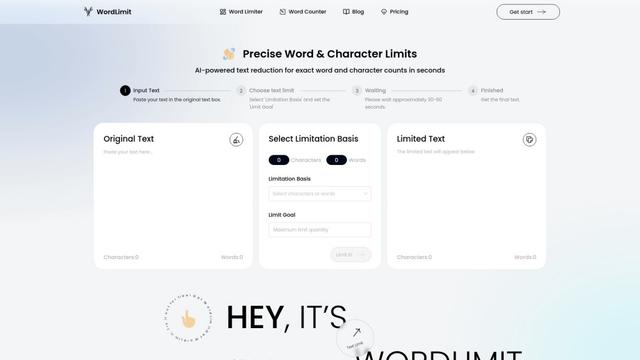
WordLimit is the world's first intelligent text reduction tool that precisely adjusts word and character counts while preserving essential information and the original human writing style.

ResumeSet
ResumeSet is a free AI-powered resume builder that creates tailored, ATS-optimized resumes in minutes by transforming any job listing into a professionally formatted resume with no credit card required.
Writers-Copilot
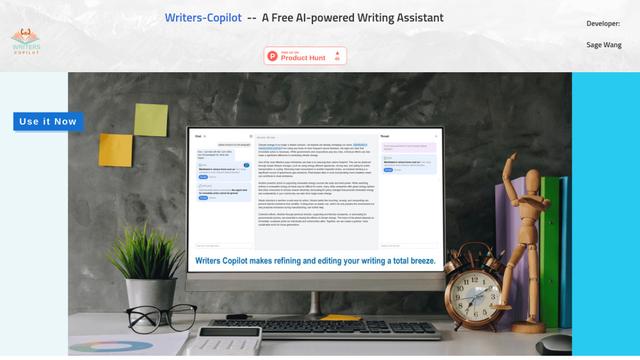
Writers-Copilot is a free AI-powered writing assistant that provides intelligent editing suggestions, real-time feedback, and content improvement capabilities to enhance writing quality and efficiency.
Humanize AI
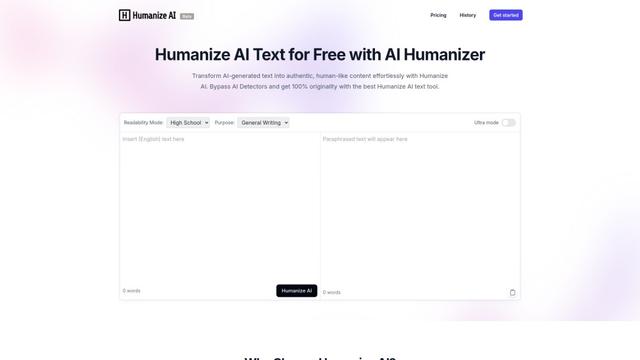
Humanize AI is a leading free online platform that transforms AI-generated text into natural, human-like content by eliminating robotic undertones while bypassing all AI detection tools.
Popular AI Tools Like Reword
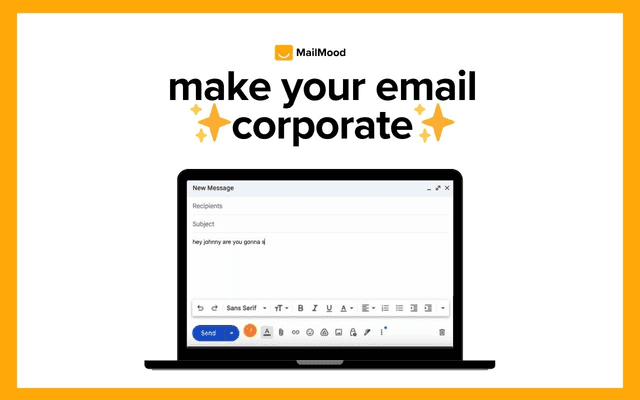
MailMood - AI Email Rewriter
MailMood is a Chrome extension that instantly transforms Gmail messages into professional, clean, and confident business language with three different tone options - corporate, casual, or assertive - all with just one click.
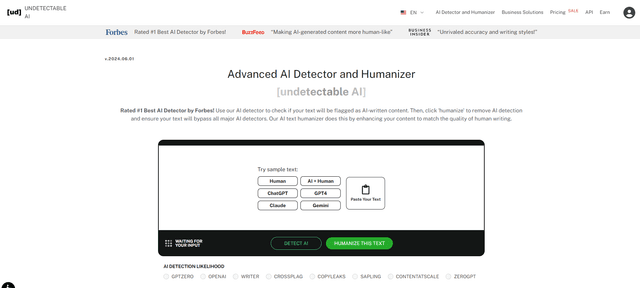
Undetectable AI
UndetectableAI.ai is an AI content detection and humanization tool that scans AI-generated text and rewrites it to be undetectable by AI detectors while maintaining quality and meaning.
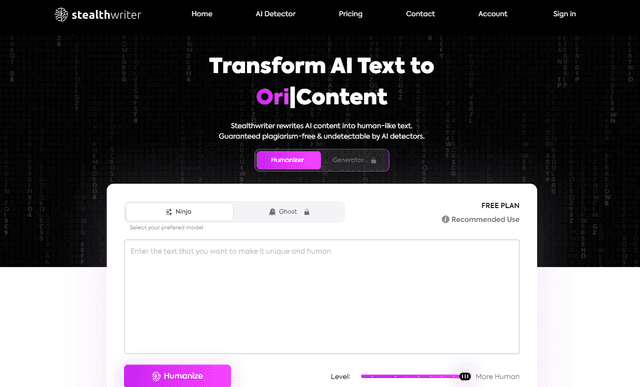
Stealthwriter
StealthWriter is an AI-powered tool that transforms AI-generated content into undetectable, human-like text while maintaining quality and bypassing AI detection.

AI Humanize
AI Humanize is a free online tool that converts AI-generated text into natural, human-like content to bypass AI detectors and improve readability.