Revise
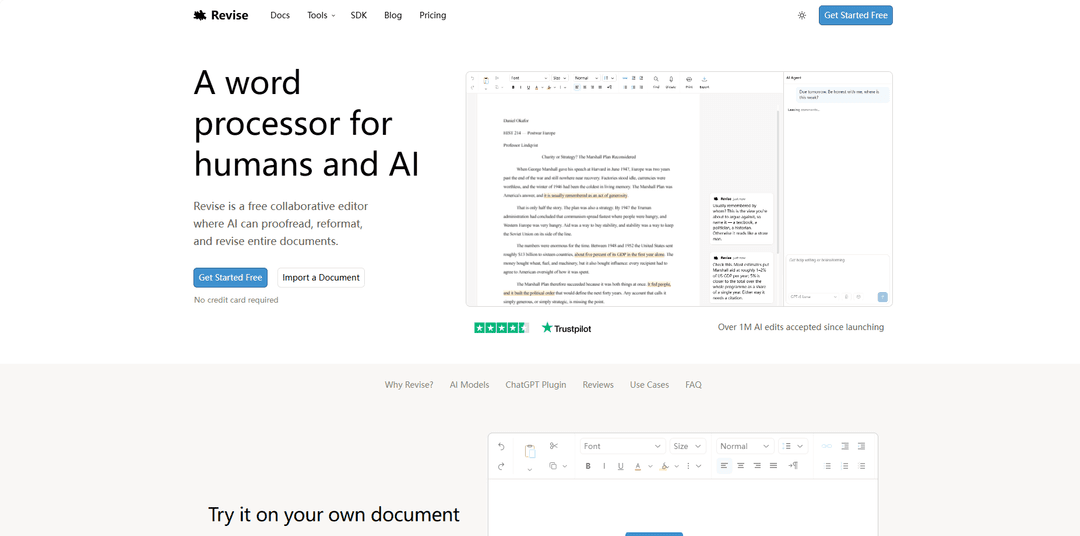
Revise is a free online document editor with a built-in AI agent. Write, edit, and format documents with the help of GPT, Claude, Gemini, and Grok. Every AI edit is shown as a reviewable suggestion, so you stay in control and can accept or reject each change.
https://revise.io/?utm_source=aipure
Product Information
Updated:Oct 6, 2026
What is Revise
Revise is an AI-powered word processor designed for working on real documents—not just generating text in a chat window. It runs in your browser and supports creating, importing, and exporting common formats like DOCX, PDF, Markdown, and plain text while preserving rich formatting (e.g., page layout, footnotes, comments, and tracked changes). Revise combines a full-featured editor with an integrated AI agent that can proofread, rewrite, reformat, translate, and help reconcile drafts, while keeping you in control of every change through an approval workflow and automatic versioning.
Key Features of Revise
Revise is a browser-based, DOCX-compatible word processor built around an integrated AI agent and strong revision controls. It lets you import and export common formats (DOCX, PDF, Markdown, and more), collaborate in real time, and use AI to proofread, rewrite, reformat, summarize, translate, and incorporate feedback—while keeping every AI change reviewable as tracked edits. Revise also provides visual revision history for comparing versions, supports multiple leading AI models (including via plugins and MCP connections), and includes tools like PDF extraction and document conversion to help users produce polished, finished documents without leaving the editor.
Full-featured, DOCX-compatible editor: Create and edit Word documents in the browser with rich formatting, page layout, footnotes, comments, and tracked changes preserved on import/export; also supports formats like PDF and Markdown.
AI agent that edits inside the document: Ask the built-in agent to brainstorm, draft, rewrite, research, reorganize, or reformat entire documents using natural-language instructions—without copying text into a separate chat workflow.
Reviewable AI edits as tracked changes: AI suggestions appear as inline, accept/reject edits (rather than overwriting your text), helping you stay in control and keep an audit trail of what changed and why.
Visual revision history and version comparison: Automatically saves versions and lets you scrub through time, compare any two points, and visualize differences (e.g., red/green change views) to understand document evolution.
Real-time collaboration and sharing: Invite others to edit simultaneously, see who made changes, and maintain a complete history—useful for teams producing long or complex documents.
Model choice + integrations (plugins/MCP): Switch between leading AI models from multiple providers and connect Revise to existing ChatGPT/Claude subscriptions via plugins; external agents can integrate through MCP.
Use Cases of Revise
Legal and compliance document editing: Review and revise contracts (e.g., adjust liability terms, add incident-notice clauses), generate redline-style tracked changes, and keep edits auditable for negotiation workflows.
Academic writing and student assignments: Draft and polish essays or research papers with AI critique on argument/structure plus grammar fixes as suggestions, while preserving formatting and citations in DOCX.
Business reporting and executive communications: Turn messy drafts into leadership-ready memos and quarterly updates by reorganizing sections, incorporating reviewer feedback, and ensuring clarity and consistency.
Technical documentation and specs: Maintain long technical docs with consistent style, fast editing performance, and features like in-document diagram support (e.g., Mermaid rendering) for engineering teams.
Multilingual publishing and localization: Translate documents while keeping formatting intact (headings, lists, emphasis), enabling faster localization of policies, manuals, and customer-facing materials.
Operations workflows: reconcile drafts and feedback: Merge competing versions from different stakeholders into one document, flag conflicts, and apply reviewer notes into concrete, reviewable edits.
Pros
Strong control and auditability: AI edits are presented as tracked changes you can accept/reject, with robust revision history.
Practical document workflow coverage: import/export across common formats plus conversion and PDF extraction reduces tool switching.
Collaboration-friendly: real-time co-editing with version tracking supports teams and long-form documents.
Flexible AI options: supports multiple model providers and can integrate with existing ChatGPT/Claude subscriptions via plugins.
Cons
AI usage is metered/limited on the free tier; heavier usage may require paid plans.
Web-based workflow may not fit users who require offline-first desktop editing or environments with strict network constraints.
Model selection and agent-driven editing can introduce complexity for users who want a simpler, single-button proofreader experience.
How to Use Revise
1) Open Revise: Go to https://revise.io/editor in your browser to launch the editor (no credit card required).
2) Start from a new doc or import an existing file: Create a new document or import one by pasting text or uploading a file. Revise supports DOCX, PDF, Markdown, and plain text (and can open other formats like RTF/ODT).
3) Edit like a normal word processor: Use the standard toolbar to format text (fonts, size, bold/italic/underline), search, and manage layout. Revise is a full word processor designed to produce finished documents.
4) Use the AI Agent to make sweeping changes: In the right-side Agent chat, describe what you want (e.g., “Proofread for clarity and grammar,” “Reformat headings,” or “Update this contract to add a 24-hour incident notice”). The agent can revise the whole document based on your instructions.
5) Review AI edits as tracked changes: When the agent edits, changes appear inline as tracked changes (highlighted additions/deletions). Review them directly in the document.
6) Accept or reject changes: Apply edits one-by-one by clicking each change, or use bulk controls like “Accept All” / “Reject All” to apply decisions quickly.
7) Ask for feedback via comments (document review): Use the document review workflow to request critique on argument, structure, evidence, grammar, and clarity. Revise will add comments/notes you can respond to and iterate on.
8) Incorporate reviewer feedback automatically: If you have reviewer notes (e.g., an email or margin comments), use the “Incorporate Feedback” tool to turn that feedback into suggested edits in the document, with changes still reviewable.
9) Highlight sections to guide the agent (optional, for long docs): Select text and highlight it, then tell the agent which highlights to focus on (even by color). This helps the agent work on specific passages and can reduce unnecessary context.
10) Save and reuse prompts (optional): Right-click a prompt you’ve already sent and choose “Save.” Re-run it later from the Saved Prompts menu; saved prompts can retain attachments like style guides or reference docs.
11) Dictate instead of typing (optional): Turn on voice dictation from the toolbar to speak into the document. Revise uses your OS dictation and then runs an LLM cleanup pass to produce cleaner prose.
12) Switch AI models when needed (optional): Choose different supported models (from providers like OpenAI, Anthropic, Google, and xAI) to balance speed, quality, and cost for different tasks.
13) Convert or translate documents (optional tools): Use Revise’s tools to convert between formats (DOCX, PDF, Markdown, HTML, plain text) or translate a document while keeping formatting intact.
14) Collaborate and share (optional): Invite collaborators for real-time editing. Documents are private by default; you control whether to invite specific people or make a link public. (Sharing requires an account; otherwise docs are stored in your browser.)
15) Export your finished document: Export anytime to Word (.docx), PDF, or plain text. If you’re returning to Word, you can keep formatting and (when applicable) tracked changes/comments.
16) (Advanced) Use Revise from other AI tools via plugins or MCP: If you already use ChatGPT or Claude, install the free Revise plugin/connector to edit documents with your existing subscriptions. For custom agents, connect via Revise’s MCP server (https://mcp.revise.io/mcp) to create/read/edit/share documents programmatically.
Revise FAQs
Revise is a free AI document editor that runs in your browser. You can open and edit documents (including DOCX, PDF, Markdown, and text files) and use an AI agent to make changes you can review inline.
Popular Articles

Vosko AI: Localize and Dub Videos for Global Audiences
Oct 15, 2026

Atoms: A Multi-Agent AI Platform That Transforms Ideas into Launch-Ready Products
Oct 13, 2026

Nano Banana SBTI: What It Is, How It Works, and How to Use It in 2026
Apr 15, 2026

Atoms Review — The AI Product Builder Redefining Digital Creation in 2026
Apr 10, 2026
Latest AI Tools Similar to Revise
AI Summarizer
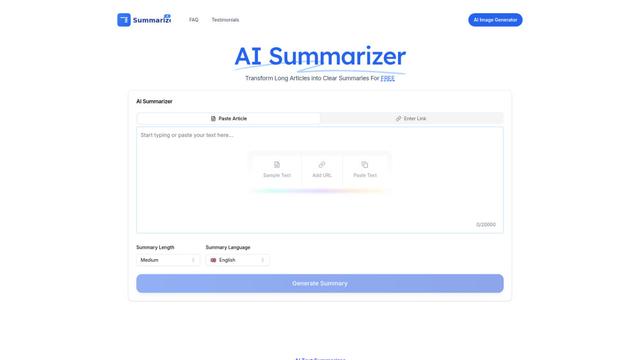
AI Summarizer is a free online tool that uses advanced AI algorithms to instantly summarize any text, article, or document while maintaining context and key information across multiple languages.
Aidocmaker.com
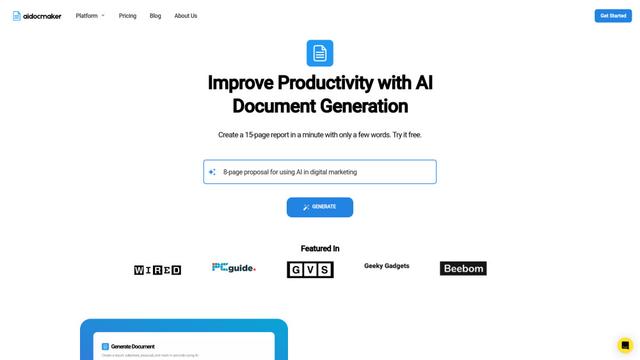
Aidocmaker.com is an AI-powered document creation platform that allows users to effortlessly generate professional documents, presentations, spreadsheets, and voiceovers in minutes.
AiAssistWorks - AI for Sheets
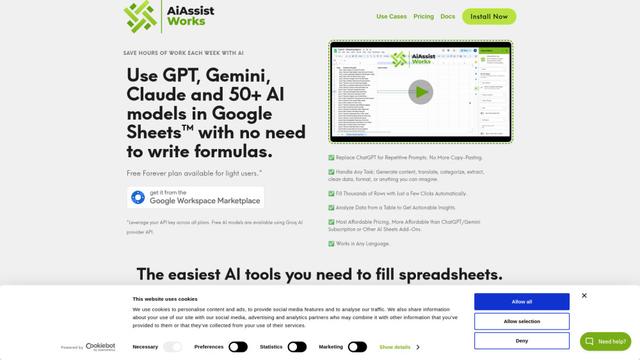
AiAssistWorks is an AI-powered Google Sheets add-on that allows users to leverage 50+ AI models like GPT, Claude, and Gemini to automate tasks without writing complex formulas.
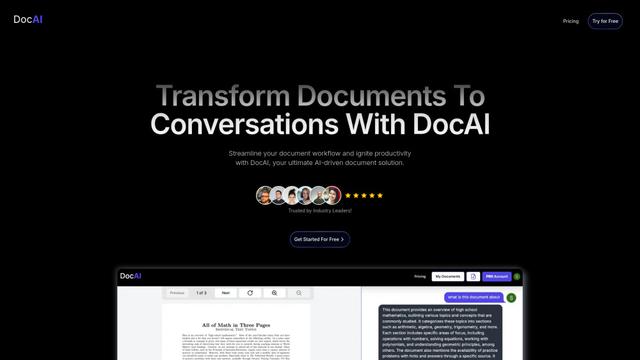
DocAI
DocAI is an AI-powered document processing platform that transforms static documents into interactive conversations, enabling users to extract insights, analyze content, and streamline workflows.
Popular AI Tools Like Revise
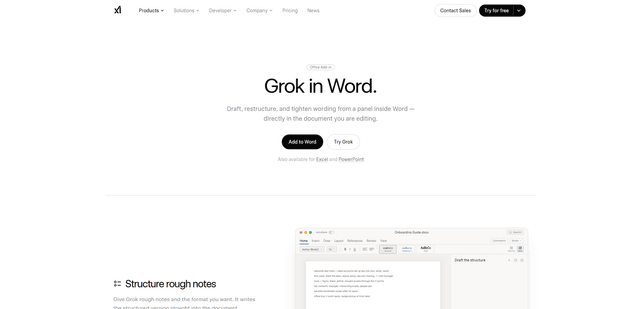
Grok by SpaceXAI for Word
Grok by SpaceXAI for Word is a free Microsoft 365 add-in that docks an AI side panel inside Word to draft, restructure, and apply undoable in-document edits while helping keep long documents stylistically consistent.
Aidocmaker.com
Aidocmaker.com is an AI-powered document creation platform that allows users to effortlessly generate professional documents, presentations, spreadsheets, and voiceovers in minutes.
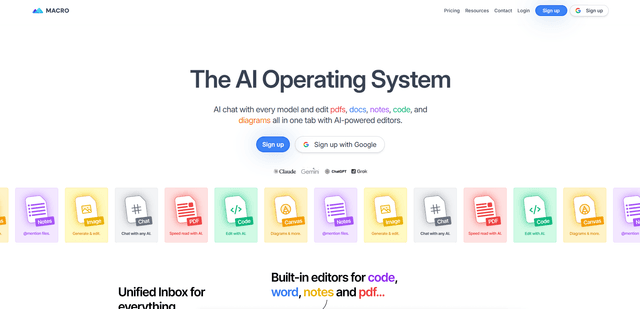
Macro PDF Editor
Macro PDF Editor is a fully-featured AI-powered document workspace that enables users to edit, interact with, and manage PDFs and Word documents with features like AI chat, cross-reference previews, and tabbed navigation.
AI Summarizer
AI Summarizer is a free online tool that uses advanced AI algorithms to instantly summarize any text, article, or document while maintaining context and key information across multiple languages.