RenderPop
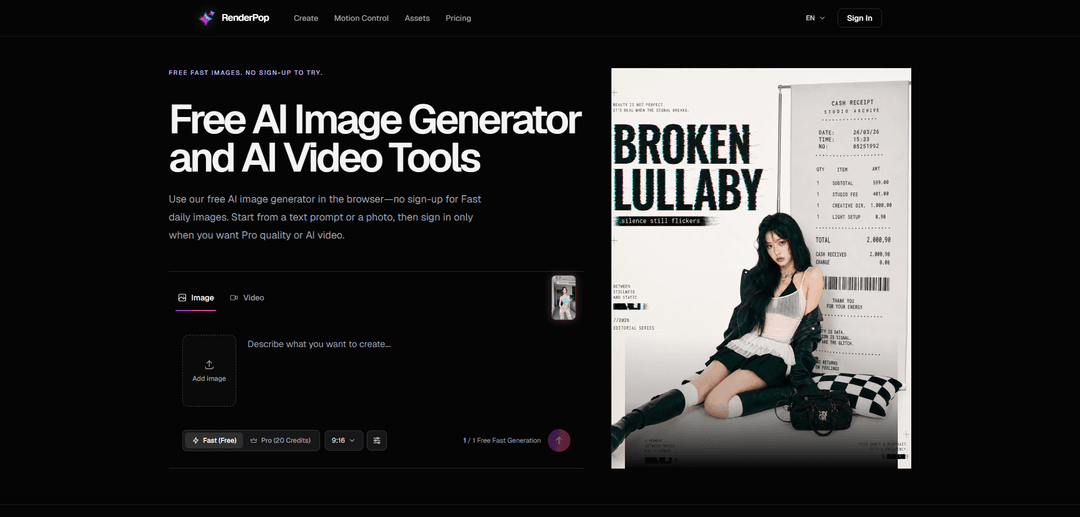
RenderPop is an all-in-one browser-based workspace for AI image and video creation. Try fast image generation for free without signing up, or unlock powerful text-to-video, image-to-video, and dynamic dance motion control tools—all powered by industry-leading AI models.
https://www.renderpop.app/?utm_source=aipure
Product Information
Updated:Oct 10, 2026
What is RenderPop
RenderPop is a web-based creation suite for making AI images and videos from either text prompts or source media. It’s designed to be friction-free for first-time use: you can try Fast image generation directly in your browser without creating an account, then sign in when you want Pro-quality image options, AI video generation, or reference-based tools. The platform keeps image, video, and motion workflows in one place, so you can move from quick ideation to more production-ready outputs without switching tools.
Key Features of RenderPop
RenderPop is a browser-based AI creation workspace that lets you generate realistic images and dynamic videos from text prompts or source media. It offers a friction-free “Fast” image mode you can try without signing up (with a limited daily allowance), and expands to Pro-quality, credit-based tools once you sign in—especially for video, image-to-video, and motion-controlled “Dance” clips using templates or authorized reference videos. The platform keeps image and video workflows in one place, shows credit requirements before you render, and supports a rotating set of image, video, and audio/voice models as availability updates over time.
Fast image generation (no sign-up trial): Try generating images directly in the browser without creating an account, designed for quick prompt testing and rapid ideation within the daily free Fast allowance.
All-in-one image + video workspace: Create AI images from text or photos, then move into video or image-to-video generation from the same interface instead of juggling multiple tools.
Credit-based Pro, video, and reference tools (sign-in required): When you need higher control/quality or video creation, you sign in to access Pro and credit-based features, with required credits displayed before you generate.
Dance motion control (templates or reference clip): Turn a still photo into a dance video by choosing a template or uploading an authorized motion reference video, aimed at making short, social-ready clips.
Multi-model support across media types: Includes a catalog of image, video, and audio/voice models (availability can change), enabling different looks, render characteristics, and output formats in one product.
Account-based saving and downloads: Signed-in users can keep track of generations and download results from their account, supporting iterative creative workflows.
Use Cases of RenderPop
Marketing and creative ideation: Rapidly explore visual directions (moods, lighting, compositions) with Fast images, then upgrade to Pro/credits for polished assets used in campaigns and pitch decks.
Film and pre-production storyboarding: Generate cinematic frames and concept shots from prompts to test camera angles, lighting styles, and scene blocking before committing to production resources.
Social content and short-form video: Create portrait-friendly dance and motion clips from a single photo using templates or reference video, suitable for TikTok/Instagram-style posts.
Corporate branding and executive portraits: Produce consistent, professional headshot-style images from prompts or source photos for LinkedIn, company profiles, resumes, and team pages.
Product and e-commerce visuals: Generate product-focused images and animations to test backgrounds, styling, and motion concepts for listings and ads without a full studio shoot.
Creator workflows (image-to-video refinement): Start with a still concept image and animate subtle movements (e.g., hair, camera push-ins) via image-to-video tools for more lifelike presentations.
Pros
No-sign-up Fast image trial lowers friction for first-time users and quick prompt testing.
Unified workspace for images, video, and motion control reduces tool-hopping and streamlines iteration.
Credit requirements are shown before generating, helping users understand cost/usage upfront.
Cons
Video, Dance, and reference-upload tools require sign-in and credits, so advanced workflows aren’t fully available in the no-account mode.
Free Fast usage is limited by a daily allowance, which may not suit high-volume needs.
Model availability can change over time, so specific model access may vary as the product updates.
How to Use RenderPop
1. Open RenderPop in your browser: Go to https://www.renderpop.app/ and choose the creation path (e.g., “Create an image” / the workspace).
2. Decide what you want to make (image or video): RenderPop supports AI images from text or photos, plus AI video tools (including image-to-video and Dance motion control). Pick the outcome first so you choose the right mode and inputs.
3. Start with a text prompt or a source image (when supported): In the creation workspace, either write a prompt to generate a new image/video concept, or add a source photo when you want to transform or animate an existing image (only upload media you own or have permission to use).
4. Choose the creation mode for images: Fast or Pro: Use Fast for quick ideation and a free daily try (no sign-up required). Use Pro when you want higher control/quality (sign-in may be required).
5. Try Fast image generation without signing in (optional): If you just want to test an idea quickly, generate using Fast mode in the browser without creating an account, subject to the daily allowance shown in the creator.
6. Sign in when you need video or credit-based tools: AI video creation, Dance tools, and reference-upload tools require a signed-in account and use credits.
7. Review credit requirements before generating (video/Dance/credit tools): Before starting a generation that uses credits, check the required credits shown on the creation screen so you know the cost upfront.
8. Generate and review your result: Run the generation, then review the output. Expect variation even with the same prompt because AI generation includes randomness.
9. Save or download from your account (when signed in): After generating, save or download your result. Signed-in accounts help you keep track of creations in the workspace.
10. Create an image-to-video (animate a still image): In the creation workspace, upload a still image as the starting point, select an image-to-video option/model, confirm credits, then generate the video (sign-in required).
11. Create a Dance motion-control video (template or your own reference): Open the Dance page, choose a dance template or upload an authorized motion reference video, add an authorized photo (clear, well-lit, one person with visible face and body), review credits, then generate the motion-controlled dance video.
12. Share responsibly: Before sharing results elsewhere, confirm you have the rights to any source material used and avoid non-consensual or otherwise prohibited content.
RenderPop FAQs
Yes. Visitors can try Fast image generation without signing in. Creating videos and using credit-based features requires a signed-in account.
Popular Articles

Vosko AI: Localize and Dub Videos for Global Audiences
Oct 15, 2026

Atoms: A Multi-Agent AI Platform That Transforms Ideas into Launch-Ready Products
Oct 13, 2026

Nano Banana SBTI: What It Is, How It Works, and How to Use It in 2026
Apr 15, 2026

Atoms Review — The AI Product Builder Redefining Digital Creation in 2026
Apr 10, 2026
Latest AI Tools Similar to RenderPop

Flux AI Lab
Flux AI Lab is a cutting-edge AI image generation platform powered by Black Forest Labs' FLUX.1 model series, offering state-of-the-art performance in creating high-quality, diverse images with exceptional prompt following capabilities.
PixelHaha
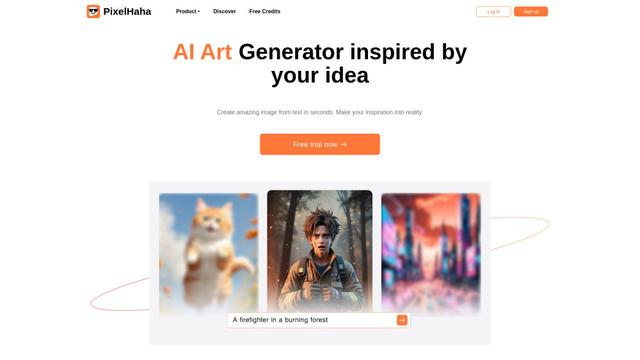
PixelHaha is an AI-powered art generation platform that transforms text prompts into high-quality digital artwork using advanced AI models.
BlogBud AI
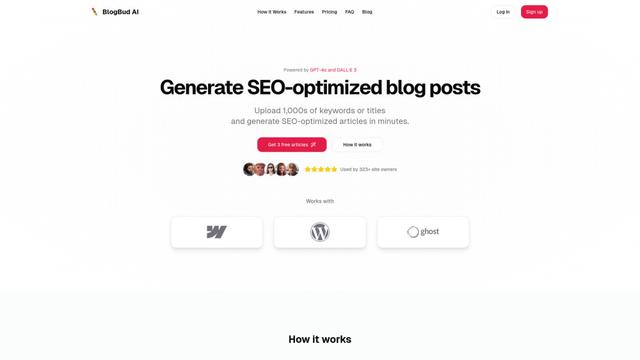
BlogBud AI is a powerful AI-powered content generation platform that helps users create thousands of SEO-optimized blog articles at scale using GPT-4o and DALL-E 3 technologies.
Flux 1.1 PRO
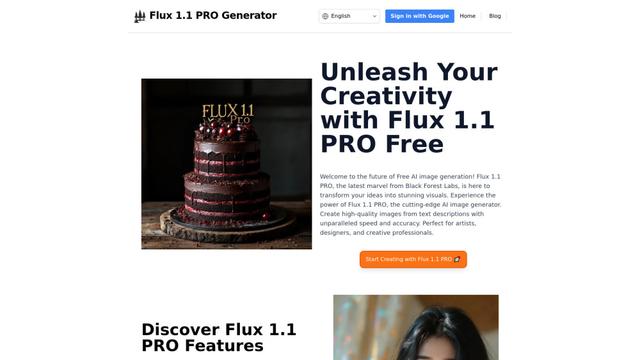
Flux 1.1 Pro is a state-of-the-art text-to-image AI model that offers six times faster generation than its predecessor while delivering superior image quality, prompt adherence, and output diversity, achieving the highest Elo score on the Artificial Analysis image arena.
Popular AI Tools Like RenderPop
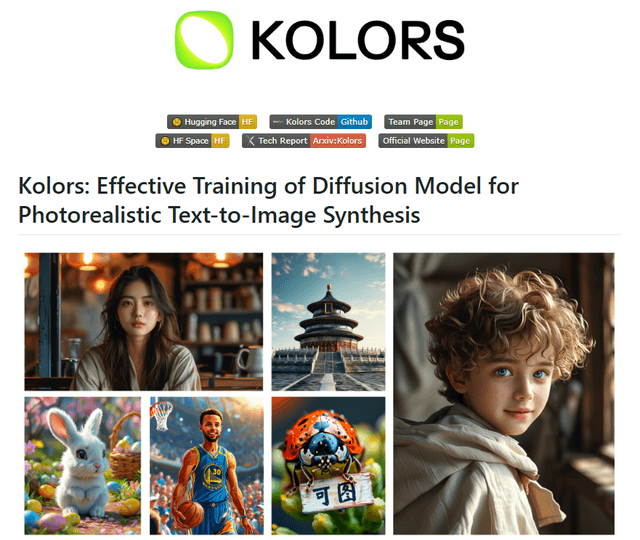
Kolors
Free TrialText to Image
Kolors is a large-scale bilingual text-to-image generation model developed by Kuaishou that excels in visual quality, complex semantic accuracy, and text rendering for both Chinese and English content.
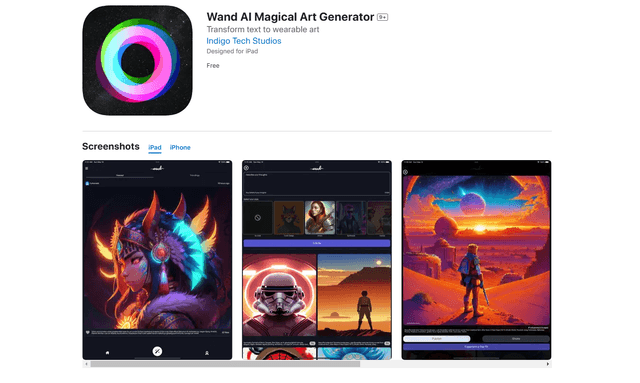
Wand AI
Wand AI is an innovative AI-powered creative tool that transforms text prompts and sketches into customizable digital artworks, designed specifically for artists and creative professionals on iPhone and iPad.
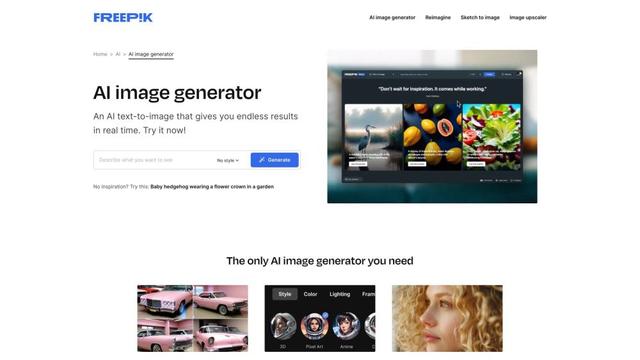
Freepik AI Image Generator
FreemiumText to Image
Freepik's AI Image Generator is a powerful text-to-image tool that creates high-quality, photorealistic images in real-time with customizable styles and infinite variations.
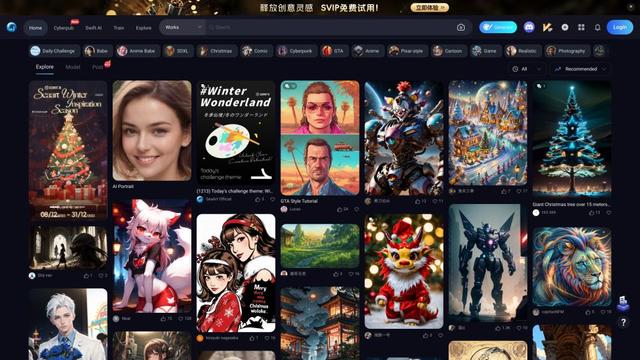
Seaart.ai
SeaArt.ai is a free AI art generator that offers text-to-image creation, AI character design, swift AI tools, and custom model training capabilities.