
Redesign by Nodewave
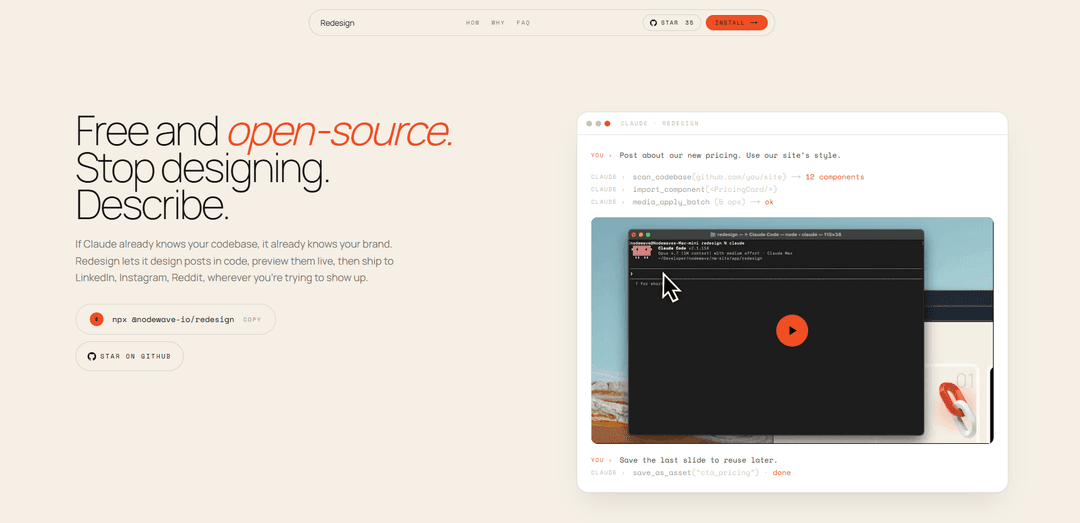
Redesign by Nodewave is a free, open-source local tool that lets Claude design and generate LinkedIn/Instagram carousel posts directly in code with live preview, editable layers, and no API key ever leaving your machine.
https://www.nodewave.io/redesign?ref=producthunt
Product Information
Updated:May 18, 2026
What is Redesign by Nodewave
Redesign by Nodewave is an MIT-licensed, local-first design tool built to help teams create branded social media carousels without starting from a blank canvas. Instead of designing in a separate graphics app, you describe what you want and Claude generates the slides using your existing codebase and brand components, which you can preview live and edit in a canvas editor. It’s designed for platforms like LinkedIn and Instagram, runs entirely on your computer, and works with Node.js 20+ and Claude Code—so your assets, posts, and API key remain under your control.
Key Features of Redesign by Nodewave
Redesign by Nodewave is a free, open-source, local design tool that lets you use Claude (via Claude Code + an MCP server) to generate and edit social media carousel posts (e.g., LinkedIn and Instagram) directly in code, preview them live in a browser canvas, and export/share them—leveraging your existing codebase and brand components so you don’t start from a blank canvas and your assets and API key stay on your machine.
Claude-driven carousel creation (MCP-powered): Describe the post you want and Claude builds the slides by manipulating the canvas as structured data (layers, alignment, copy changes) with validation before saving.
Local-first with no Nodewave backend: Runs entirely on your machine; posts, images, and credentials don’t upload to a vendor-controlled server, and Redesign never sees your API key.
One-command install + quick setup: Install with a single command (`npx @nodewave-io/redesign`) and open a local canvas app; includes a `connect` command to register/repair the MCP integration with Claude Code.
Live preview canvas editor: Work in a browser-based canvas (localhost) to preview and iterate on generated slides as if it were a real design tool, but backed by code.
Brand-aware output from your codebase: Instead of a blank canvas, Claude can design using what you already built—your components, styles, and organized assets—helping keep posts consistent with your brand.
Multi-format social exports: Supports square and portrait aspect ratios suitable for Instagram and LinkedIn carousel formats, enabling reuse across channels.
Use Cases of Redesign by Nodewave
Startup marketing carousels: Generate launch announcements, feature highlights, and product updates as branded LinkedIn/Instagram slides without relying on a dedicated designer.
Agency content production: Create repeatable, on-brand client carousels faster by using each client’s component/styling system and iterating via prompts plus live preview.
Developer-led social content: Engineering teams can produce polished carousels (release notes, changelogs, technical explainers) directly from a code workflow rather than switching to Photoshop/Figma.
Creator/educational threads into slides: Turn outlines or long-form notes into structured multi-slide explainers with consistent layout rules (alignment, spacing, typography) enforced by the tool.
Recruiting and employer branding: Design hiring posts, culture highlights, and event recaps as consistent carousel templates, then quickly customize copy and visuals per role or campaign.
Pros
Free and MIT-licensed; easy to fork and customize.
Local-first privacy model (no vendor backend; assets stay on your machine).
Uses your existing codebase/brand components, reducing brand drift and blank-canvas time.
Cons
Requires Node.js 20+ and Claude Code, which may not fit non-technical teams.
Setup/integration can require troubleshooting (e.g., restarting Claude Code or running the `connect` command).
Best results depend on having a usable codebase/design system; less helpful for teams without established components/styles.
How to Use Redesign by Nodewave
1) Confirm prerequisites: Install Node.js 20+ and Anthropic Claude Code on your machine. Redesign runs locally and uses your own Claude usage; it does not require a Nodewave API key.
2) Install Redesign: In a terminal, run: `npx @nodewave-io/redesign`. This sets up the local canvas app and auto-registers the MCP (Model Context Protocol) server with Claude Code.
3) Open the canvas app: Start/visit the local app in your browser: `http://localhost:3000` (e.g., run `open http://localhost:3000`). This is where slides are previewed and edited live.
4) Describe what you want Claude to design: In Claude Code, tell Claude what post/carousel you want (topic, tone, number of slides, layout ideas). Claude will generate slides by creating and editing canvas layers (copy, alignment, assets) with validation before saving.
5) Iterate with live preview: Review the generated slides in the local canvas preview. Ask Claude to refine: adjust spacing, alignment, typography, copy length, or reorder slides. Claude updates the structured canvas data and you see changes live.
6) Use your own brand/components: If Claude already knows your codebase, it can design using your existing brand and components instead of starting from a blank canvas—so the carousel matches your product/site styling.
7) Choose the right format (LinkedIn/Instagram): Set the canvas aspect ratio for your target platform. The tool supports square and portrait formats suitable for Instagram, and exports also work for LinkedIn carousels.
8) Export the carousel: Export the finished slides from the canvas for posting (e.g., as a carousel) to LinkedIn, Instagram, Reddit, or other channels.
9) Troubleshoot: tools not appearing in Claude Code: Restart Claude Code (it reads MCP config on start). If tools still don’t appear, run: `npx @nodewave-io/redesign connect` to register the MCP, verify the local stdio server responds, and surface concrete errors.
10) Troubleshoot with Claude diagnostics (optional): If you’re still stuck, ask Claude in any session: "try connecting to the redesign MCP and report what you see"—it can read its own diagnostics and help identify what’s misconfigured.
Redesign by Nodewave FAQs
Redesign is a free, open-source local tool that lets Claude design LinkedIn and Instagram carousel posts. You describe the post and Claude builds the slides in a canvas editor you control.
Redesign by Nodewave Video
Popular Articles

Atoms: A Multi-Agent AI Platform That Transforms Ideas into Launch-Ready Products
May 22, 2026

Nano Banana SBTI: What It Is, How It Works, and How to Use It in 2026
Apr 15, 2026

Atoms Review — The AI Product Builder Redefining Digital Creation in 2026
Apr 10, 2026

Kilo Claw: How to Deploy and Use a True "Do‑It‑For‑You" AI Agent(2026 Update)
Apr 3, 2026
Latest AI Tools Similar to Redesign by Nodewave
PPTalker
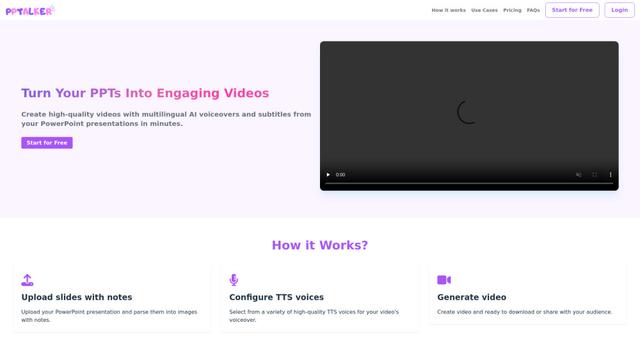
PPTalker is an online PowerPoint to video converter that transforms presentations into engaging videos with AI-powered multilingual voiceovers and subtitles.
Napkin
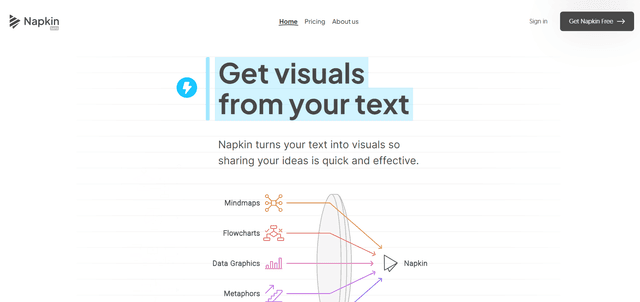
Napkin AI is an innovative AI-powered tool that automatically transforms text into visually appealing graphics, diagrams, and illustrations to enhance business communication and storytelling.
Aidocmaker.com
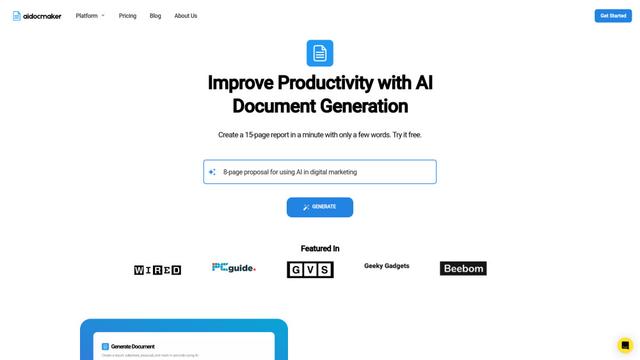
Aidocmaker.com is an AI-powered document creation platform that allows users to effortlessly generate professional documents, presentations, spreadsheets, and voiceovers in minutes.

Yanbi AI
Yanbi AI is a free AI-powered writing tool that generates high-quality content for various writing scenarios with one click.
Popular AI Tools Like Redesign by Nodewave

MulmoCast
MulmoCast is an AI-native multi-modal presentation tool that automatically generates videos, podcasts, slides, PDFs, and manga-style content from a single script using various AI technologies.
MulmoCast Vision
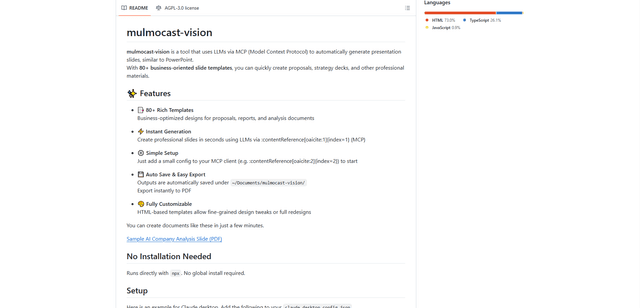
MulmoCast Vision is an AI-powered tool that automatically generates professional presentation slides through LLMs via Model Context Protocol (MCP), featuring 80+ business-oriented templates for various corporate needs.
Gamma
Free TrialAI Presentation Generator
Gamma App is an AI-powered tool for creating beautiful presentations, documents, and websites with no design or coding skills required.
SLIDESGO
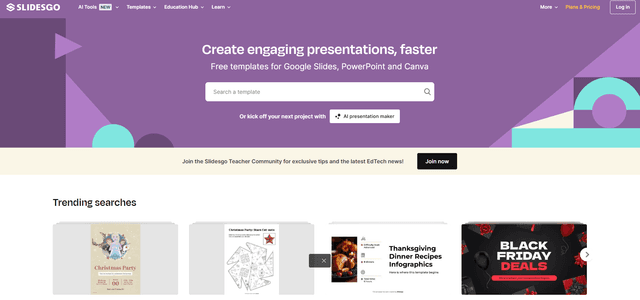
Slidesgo is a free online platform that provides professionally designed presentation templates for Google Slides and PowerPoint with customizable themes, infographics, and AI-powered tools to help create engaging presentations faster.